Working with the App
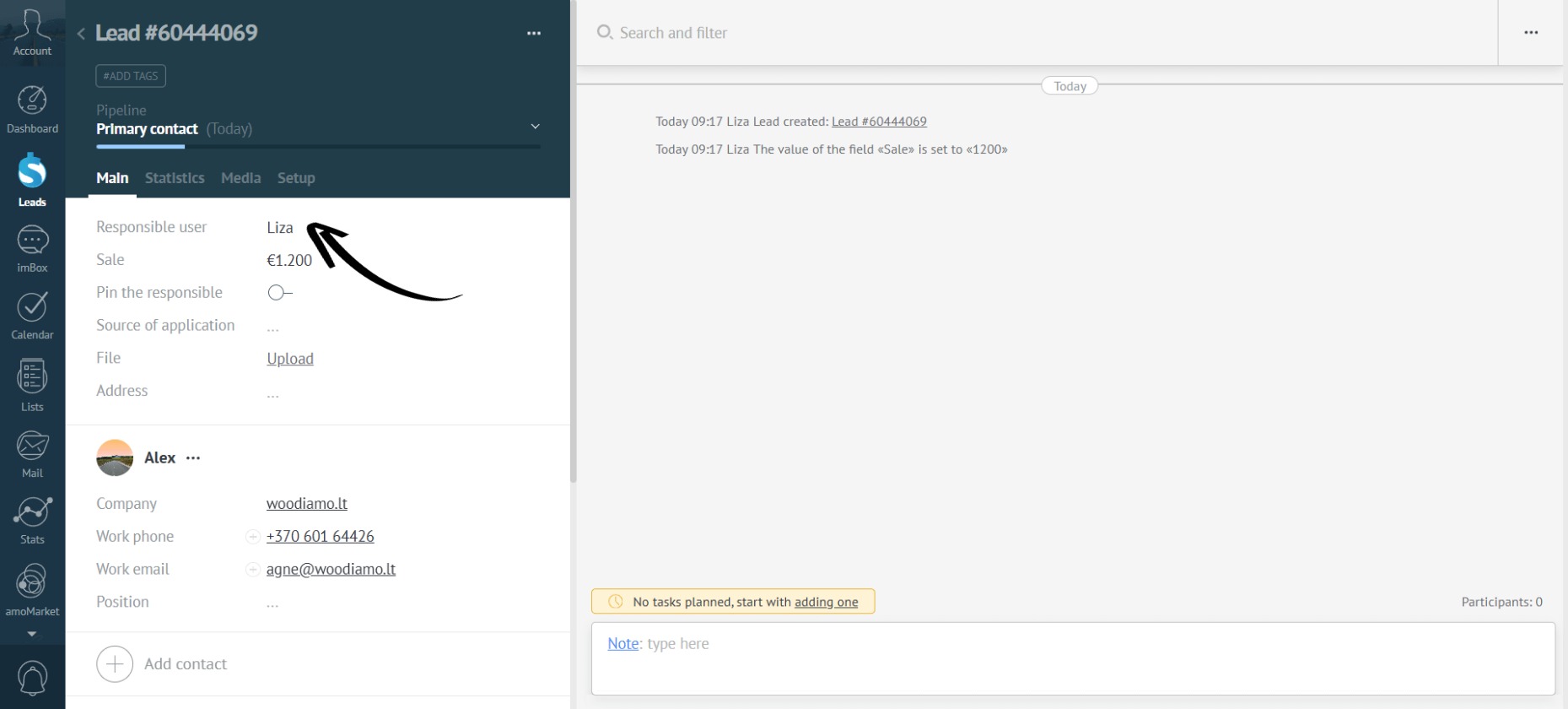
- Open any lead and look at the current responsible manager — in this example, it’s Liza:
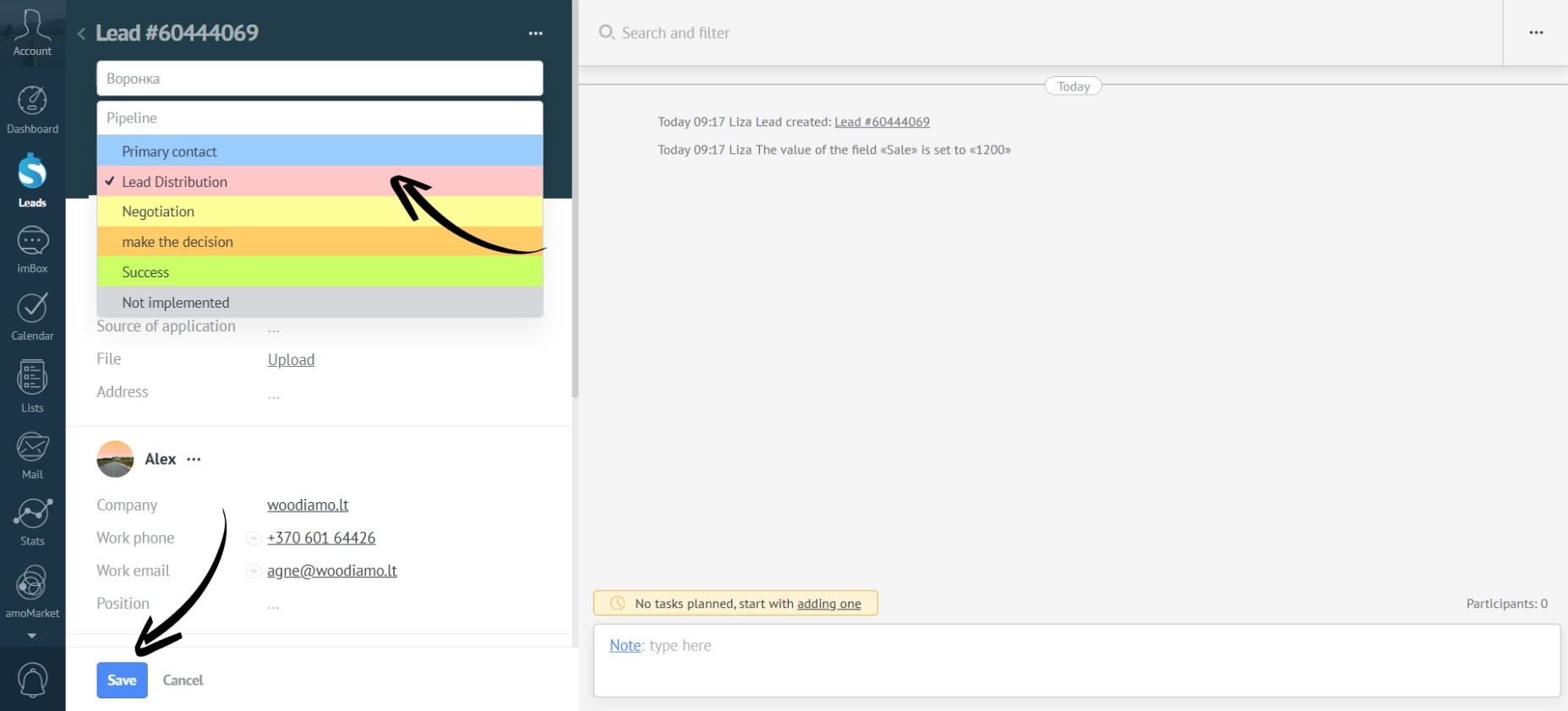
- Move the lead to the “Lead Distribution” stage and save:
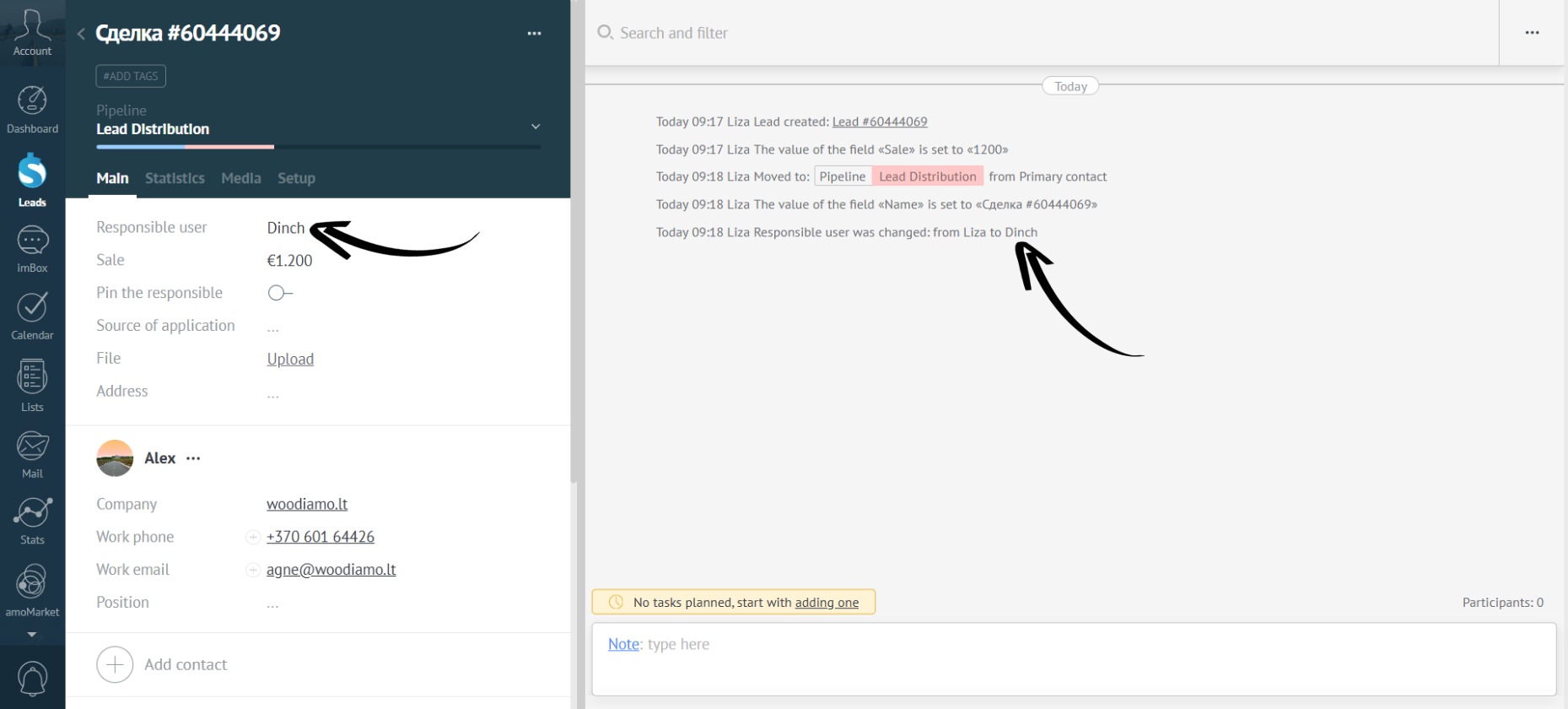
- The trigger will fire, and the lead owner will automatically change according to the settings. In this example, following the custom queue order, the next manager after Liza is Dinch:
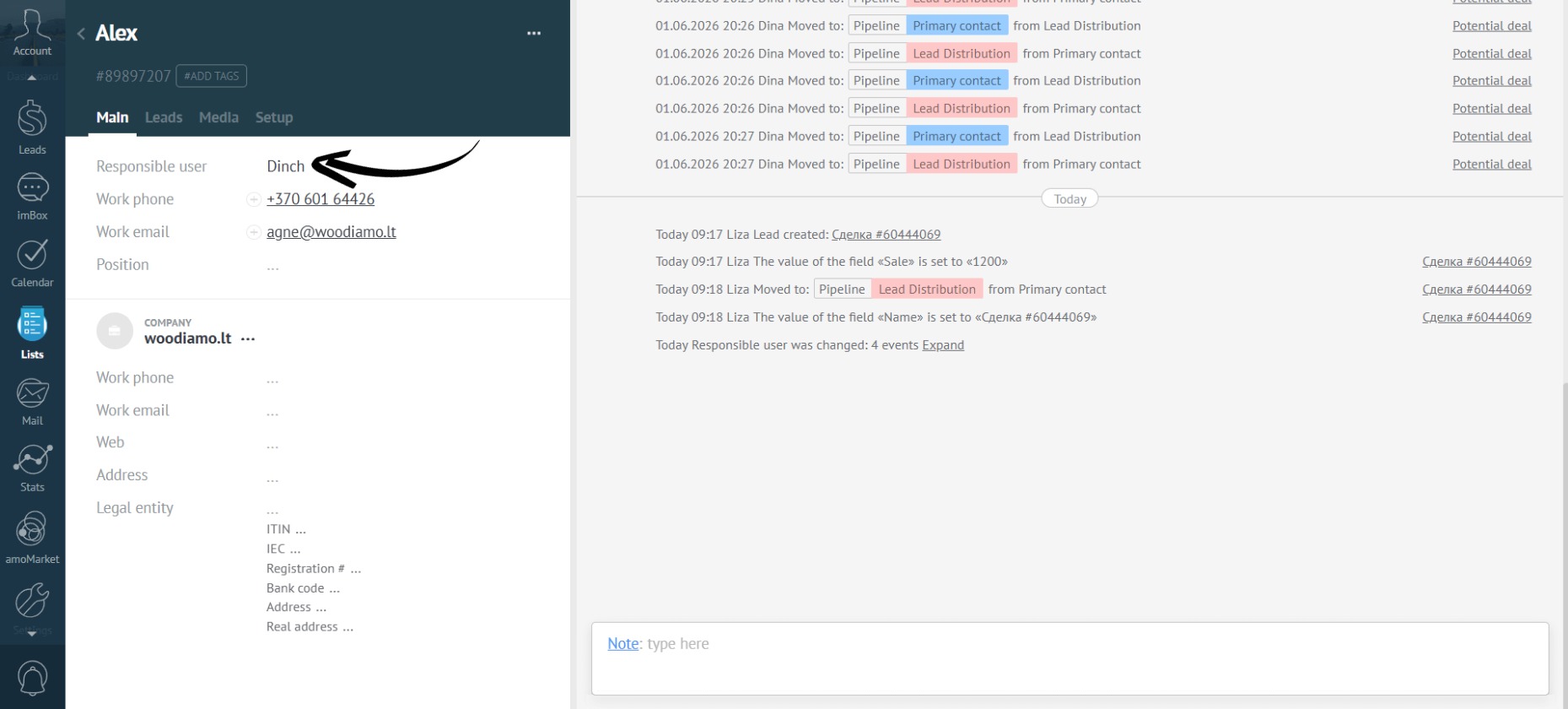
- The manager in the contact card has also been updated:
- In the app settings, you can enable the “Pin the responsible” option:
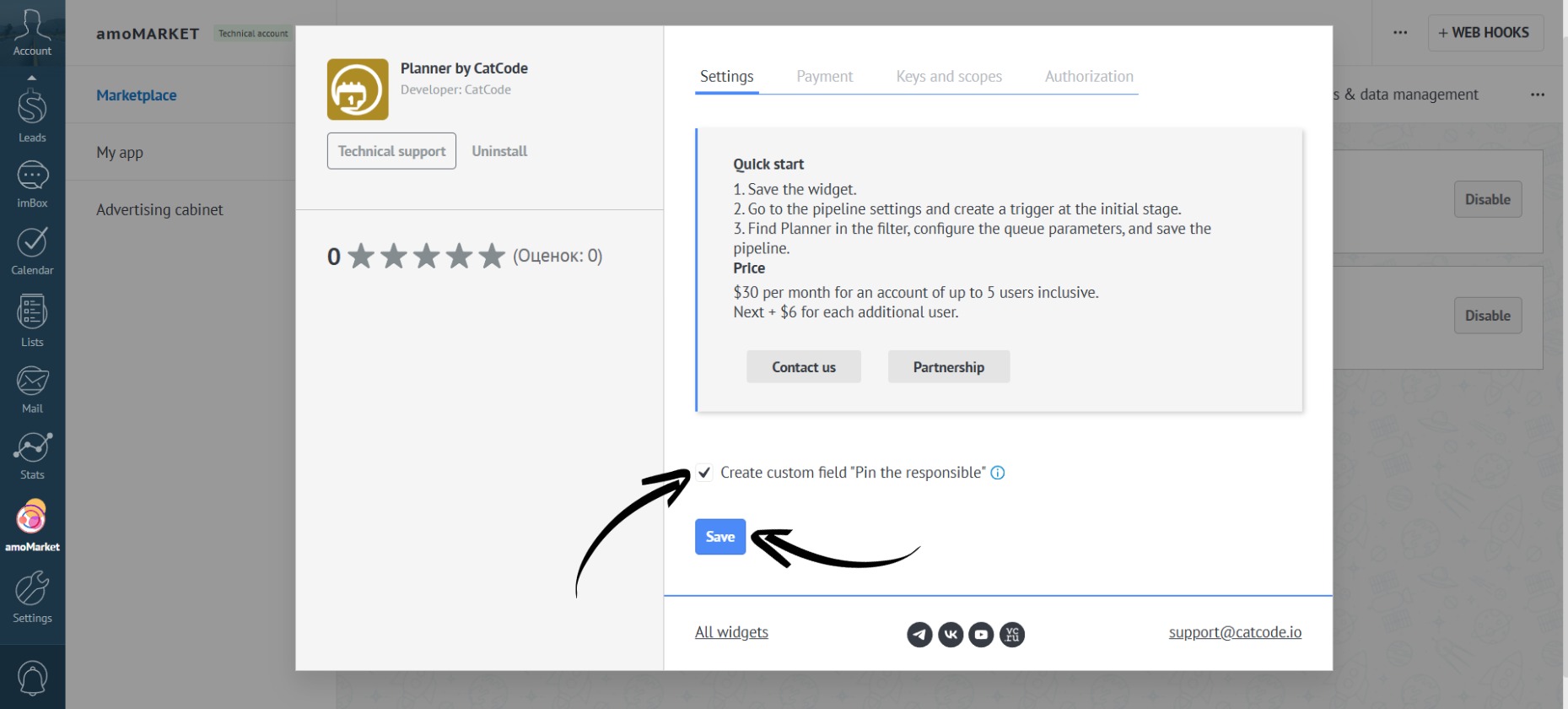
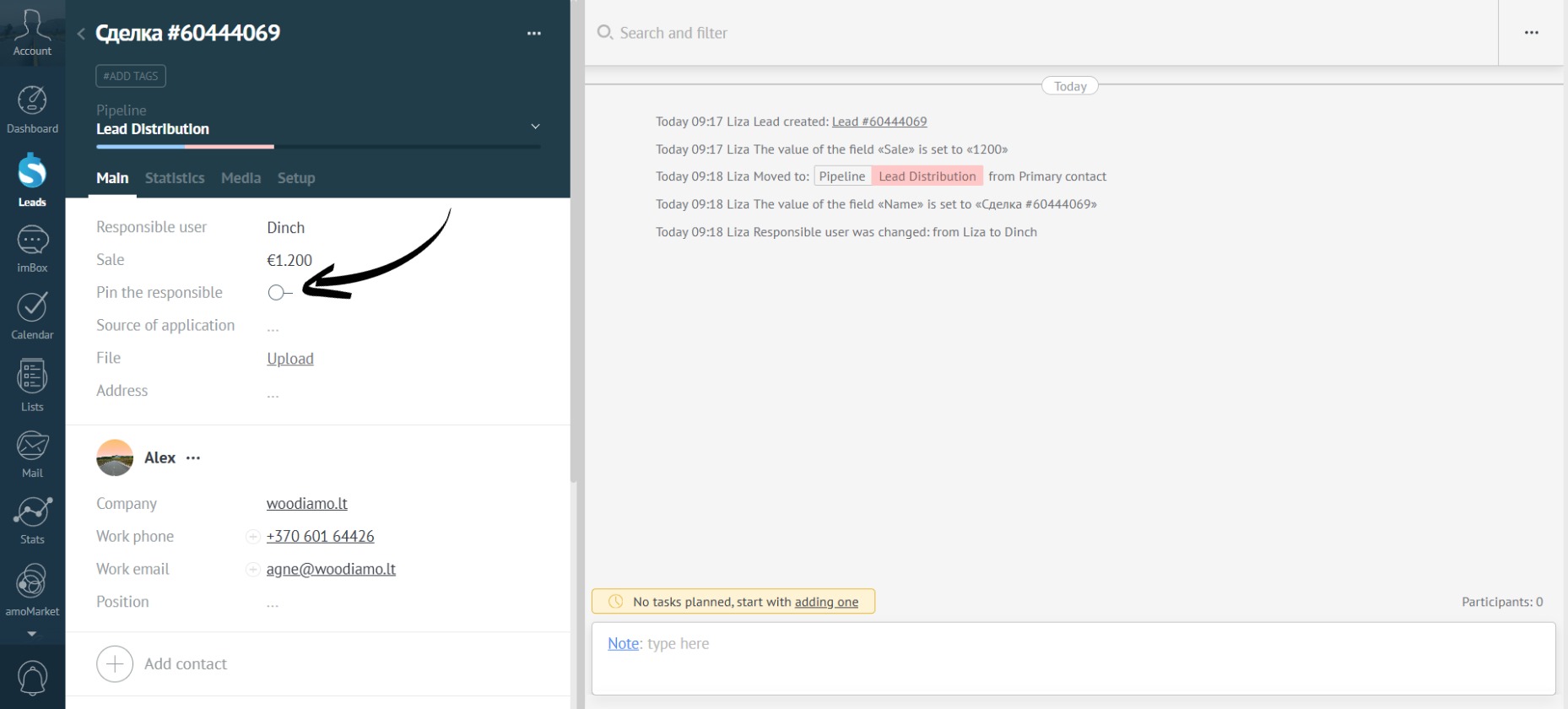
- When this option is active, a new field (checkbox) will appear in each lead card:
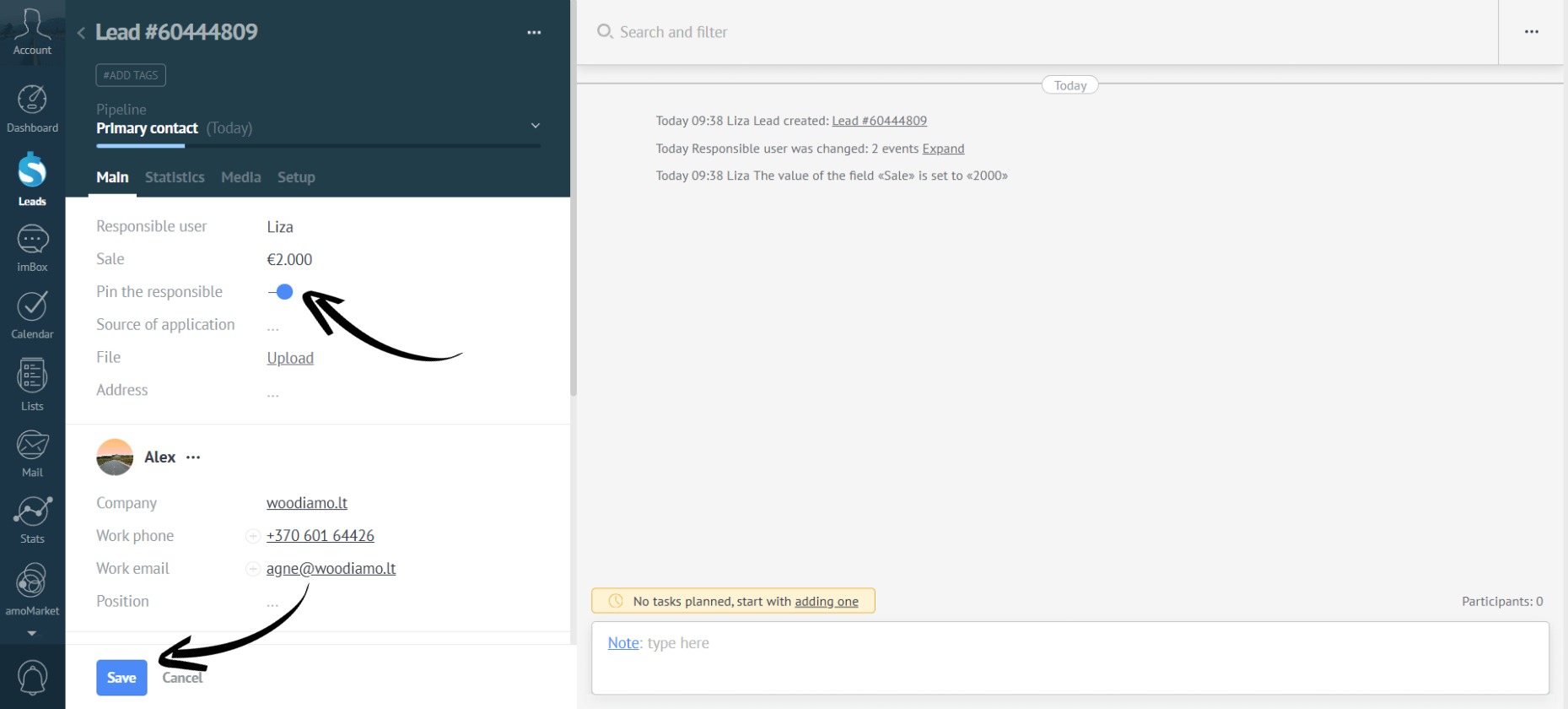
- If you check this box, the current responsible manager is locked to the lead, and no reassignment will occur:
- When moving to the “Lead Distribution” stage, the manager won’t change—the lead remains assigned to the current owner:
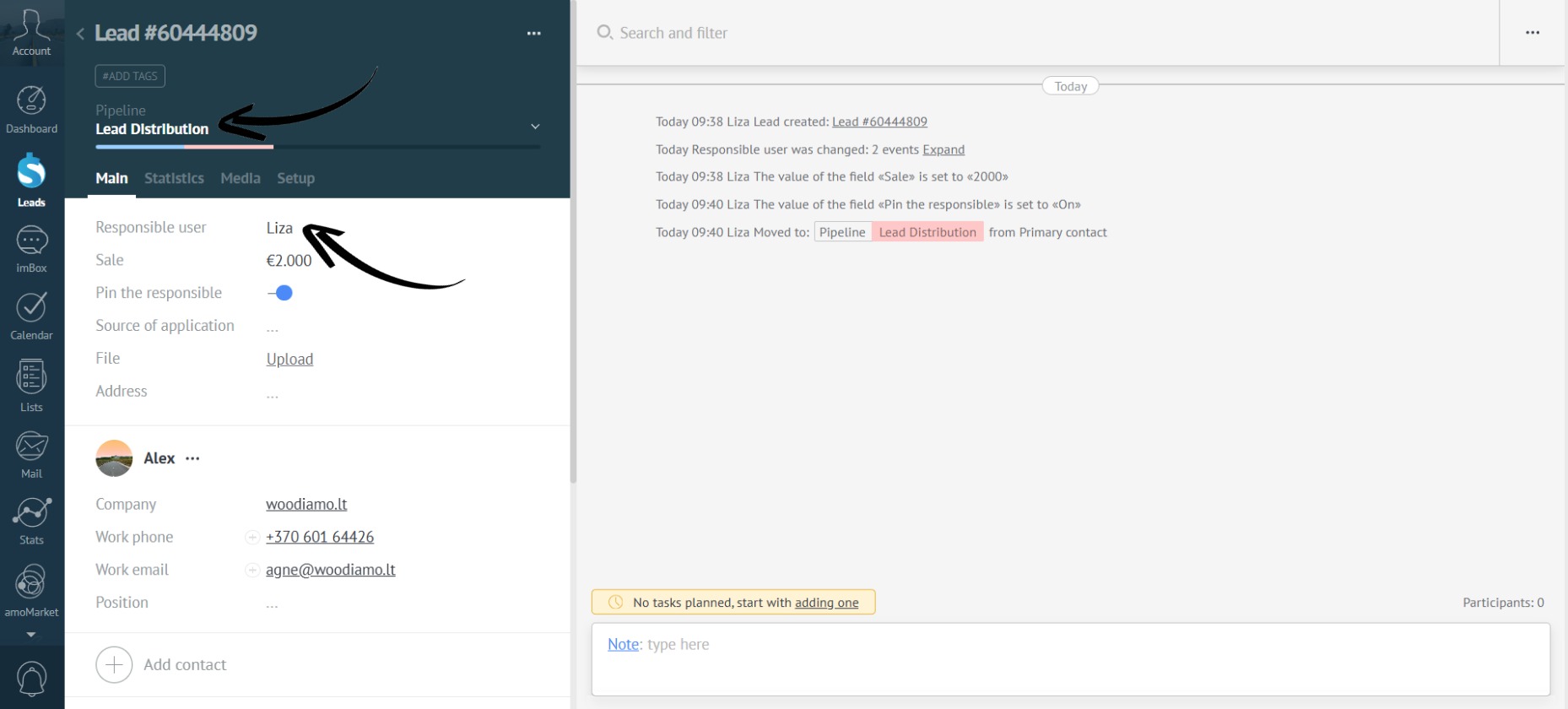
If the box is unchecked, the lead will be redistributed according to your trigger rules.