Restrict Payment Modification for Managers
Are managers changing payment amounts to improve performance metrics or marking payments as received when they haven’t been made? Control payment manipulation — employees without admin rights won’t be able to edit or delete payments.
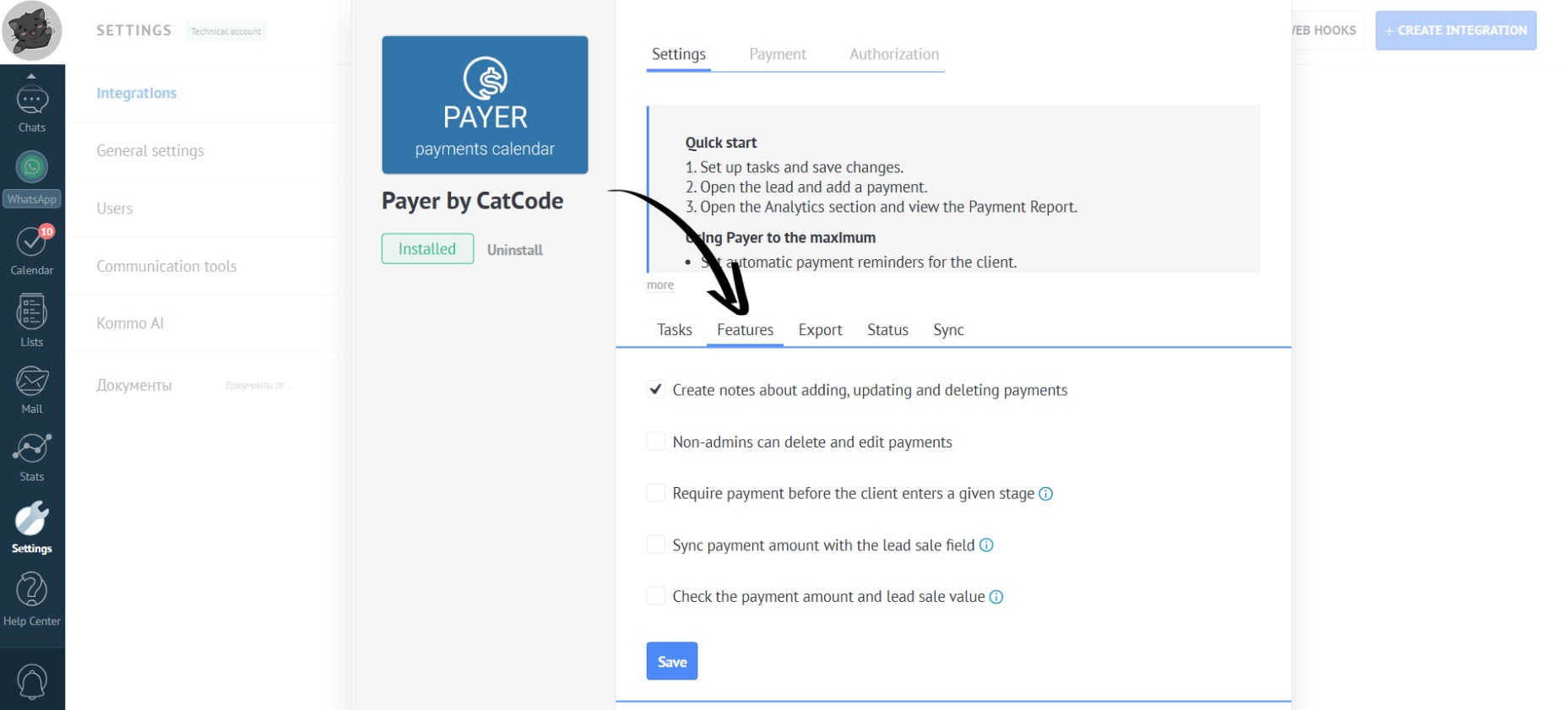
- In the app settings, go to the “Features” section:
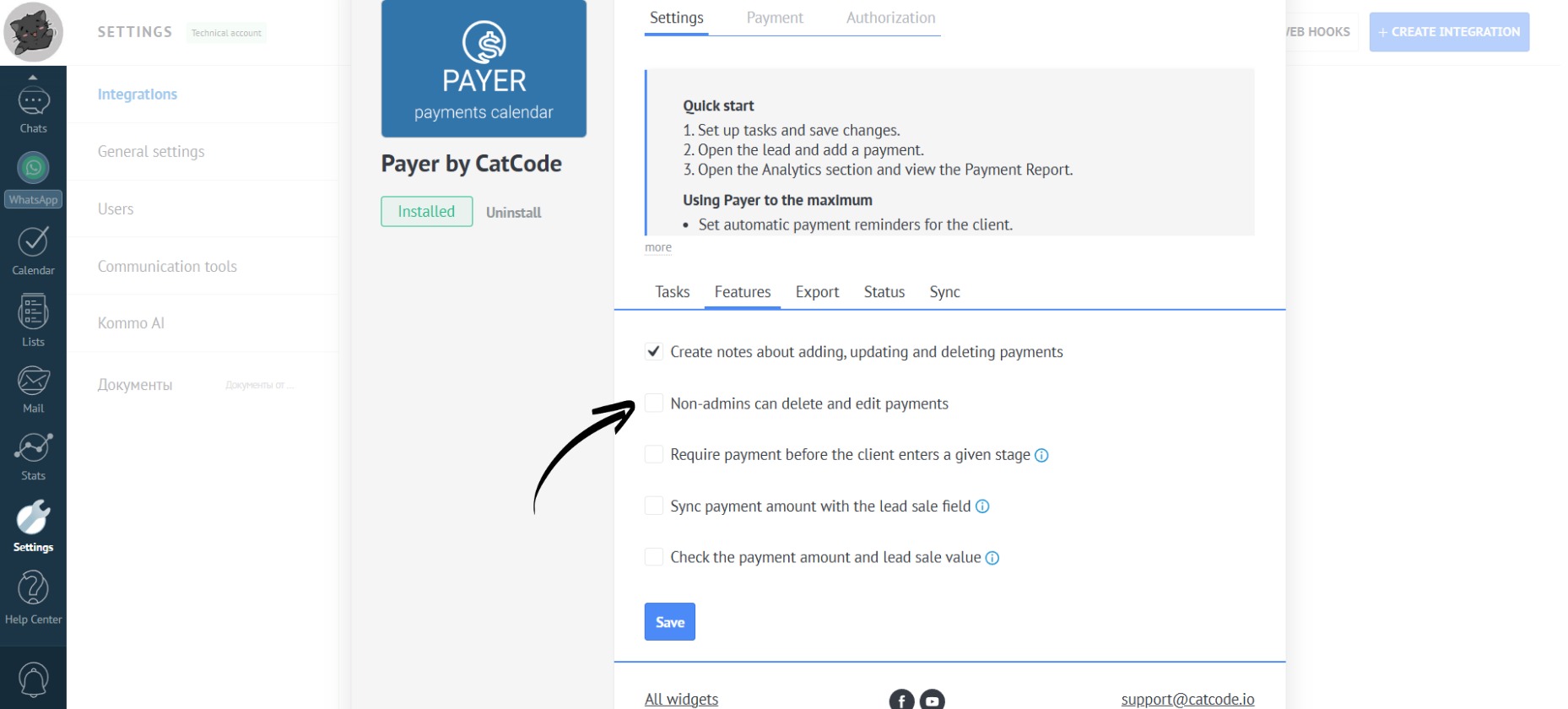
- Make sure this checkbox is unchecked so that managers can’t delete or edit payments:
- Click the “Save” button:
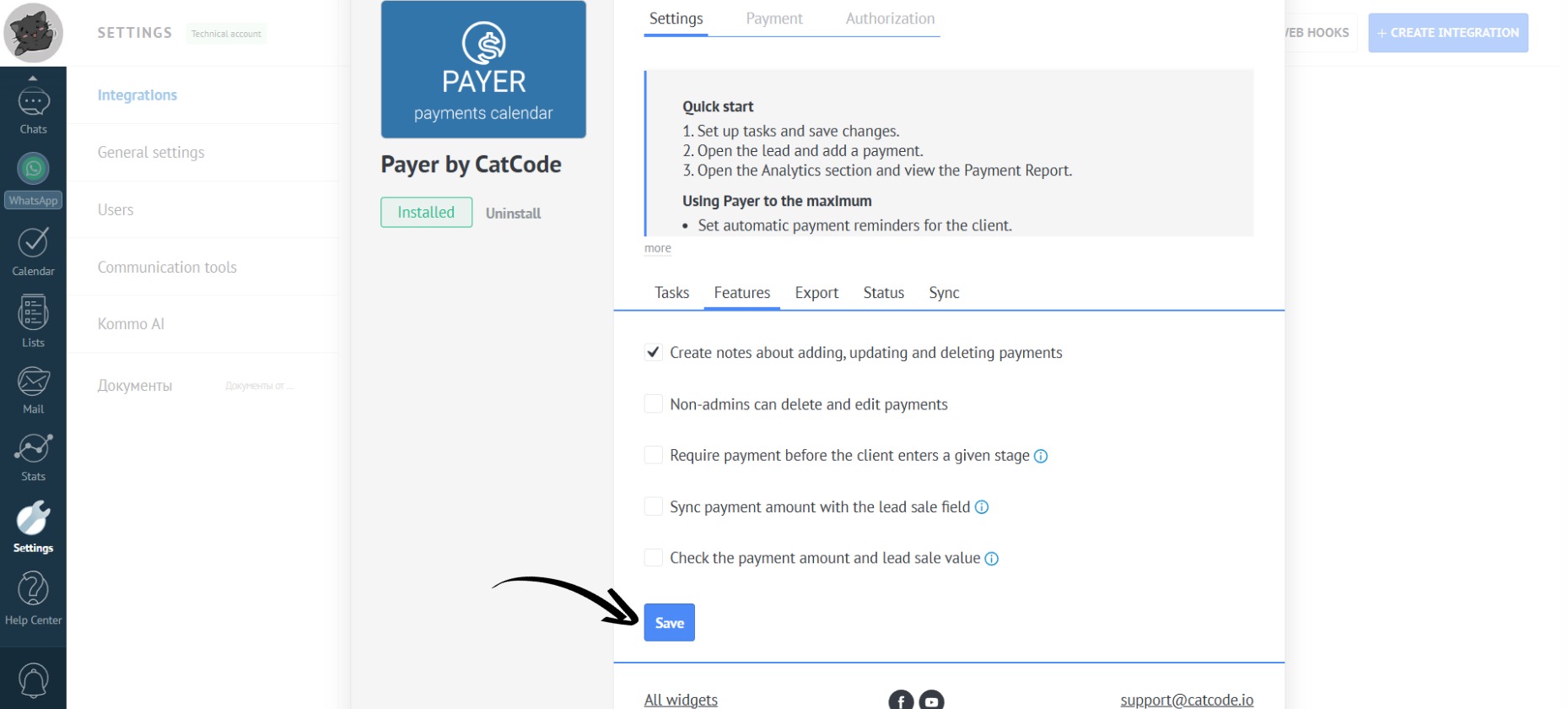
This setting is necessary to prevent managers from changing the payment amount (e.g., entering $1500 instead of $500) or marking a payment as received when no payment was actually made.
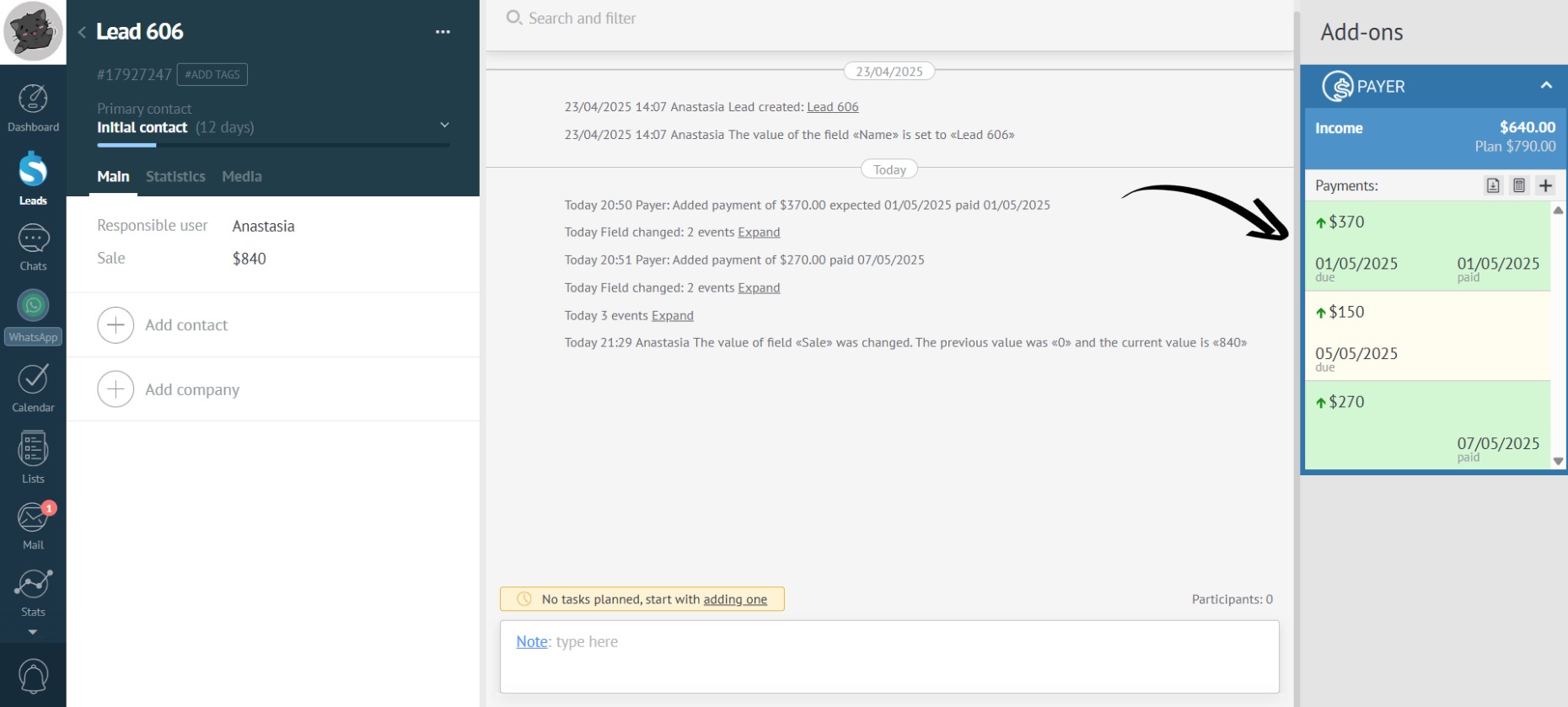
- A lead will appear as follows to a user without admin rights — they will not be able to edit or delete payments:
Some companies designate a specific person - a manager or accountant - who is responsible for marking payments. This person has admin rights and can edit payments.