Basic Configuration
Missing a lot of payments? Set up automated tasks to remind you about missed or upcoming payments.
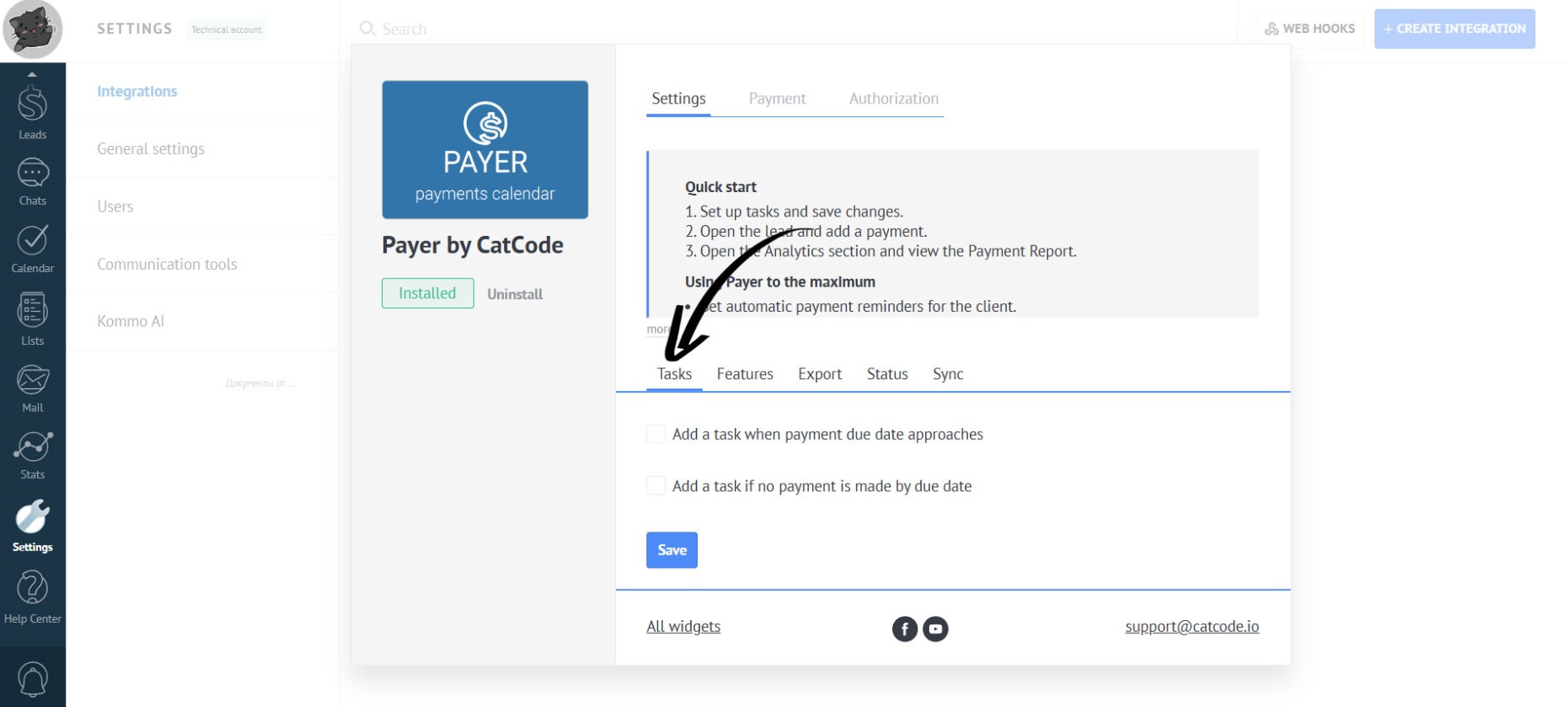
- In the app settings, open the “Tasks” tab:
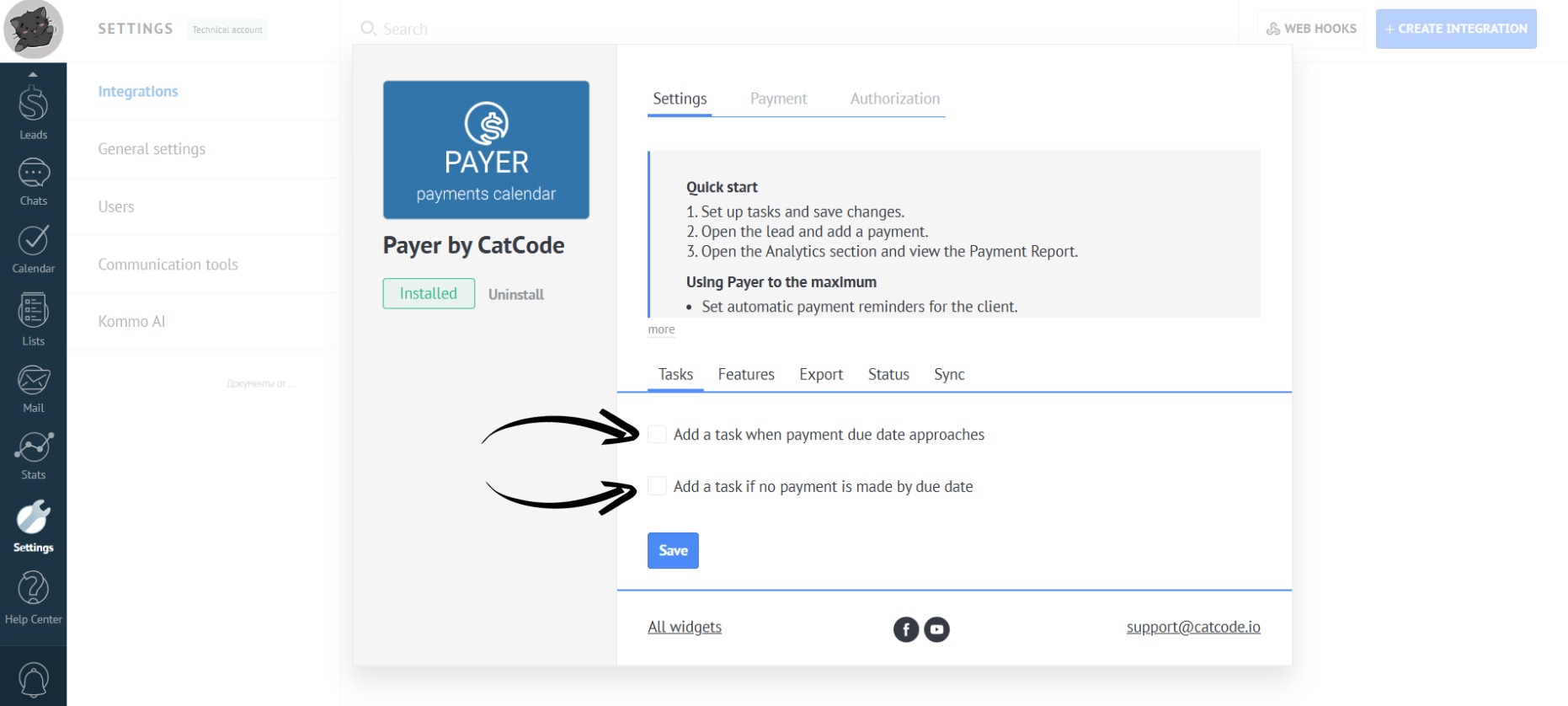
- Check the boxes in the highlighted areas:
Customize task creation to fit your business processes.
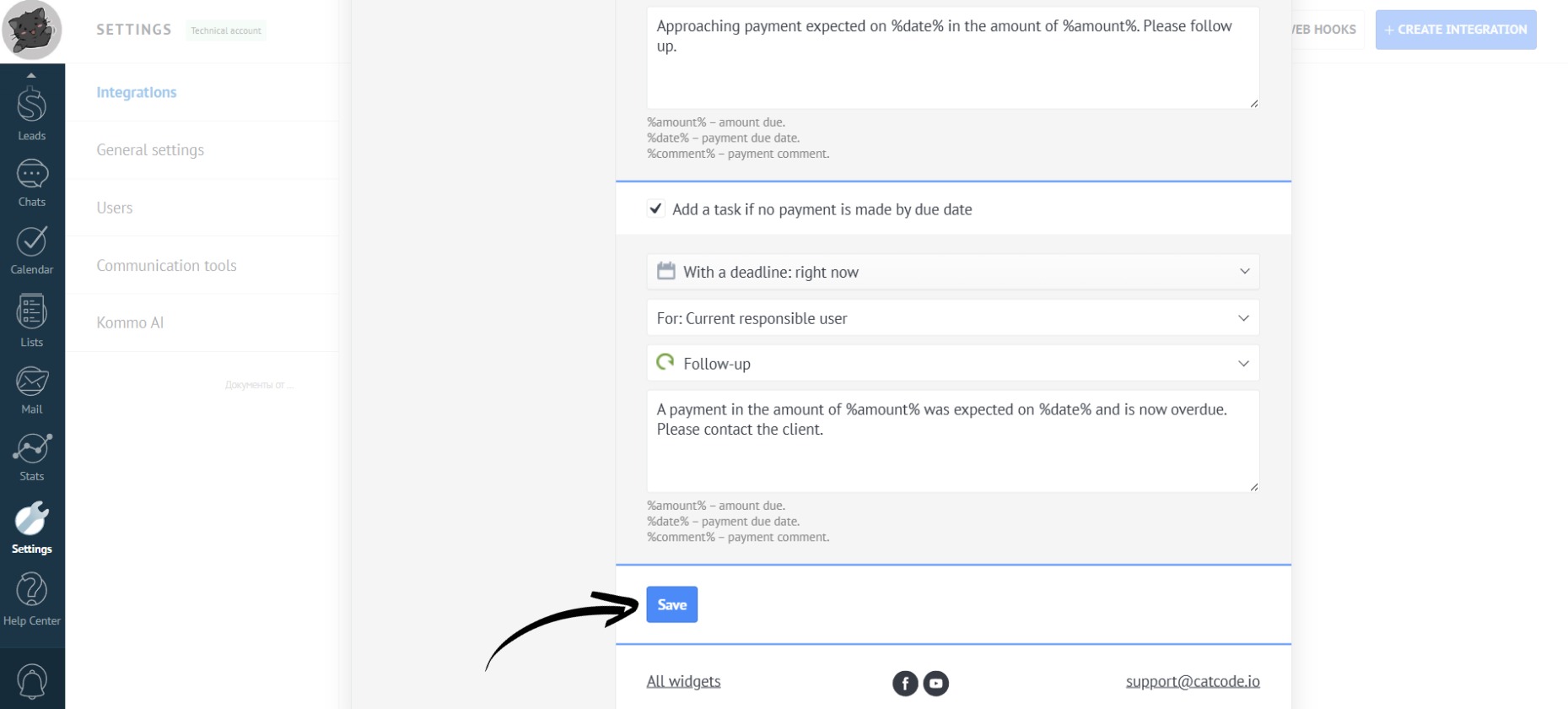
- Click the “Save” button:
Done! You’ve configured the basic Payer functionality and it’s ready to use.
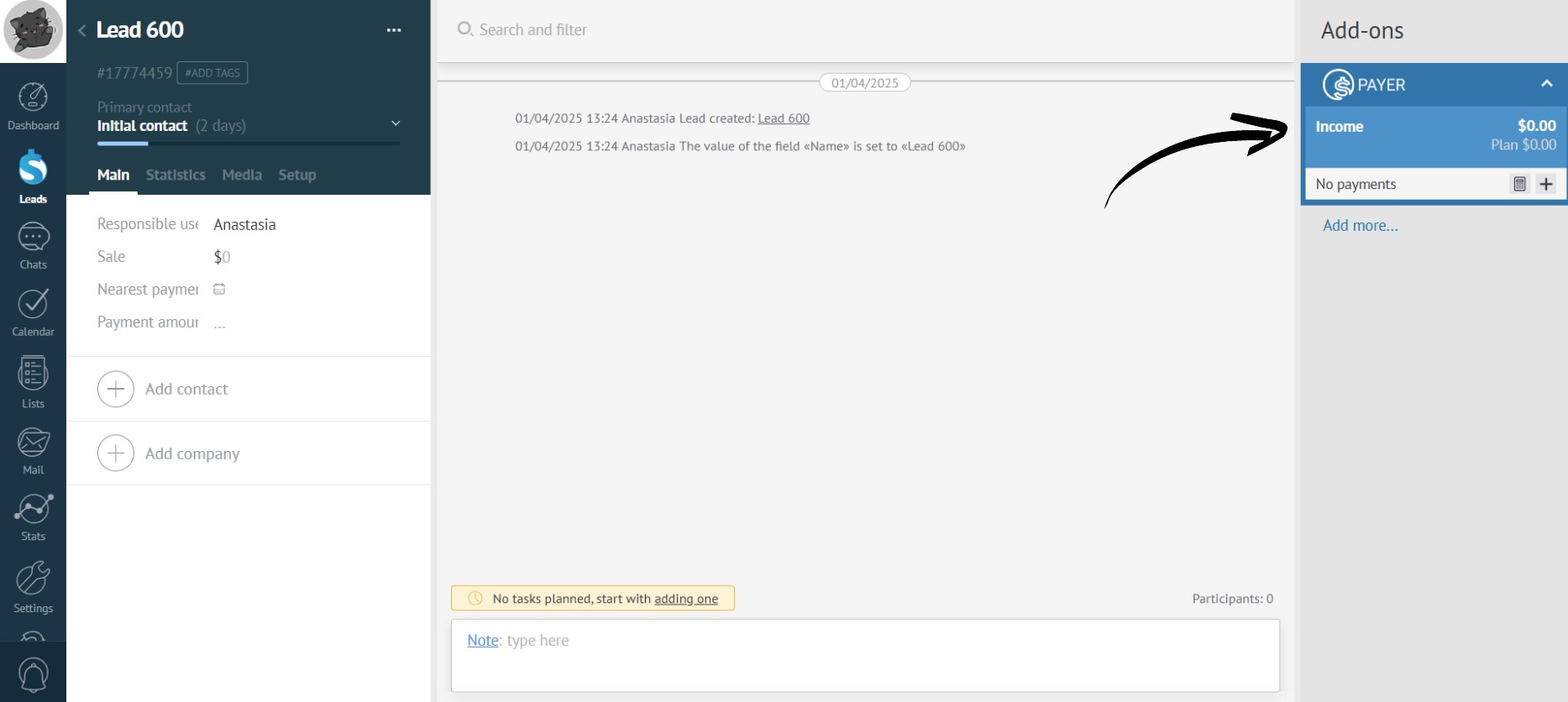
The app will be displayed on the right side of the lead. With it, you can add income, expenses, and installment plans: