App Configuration
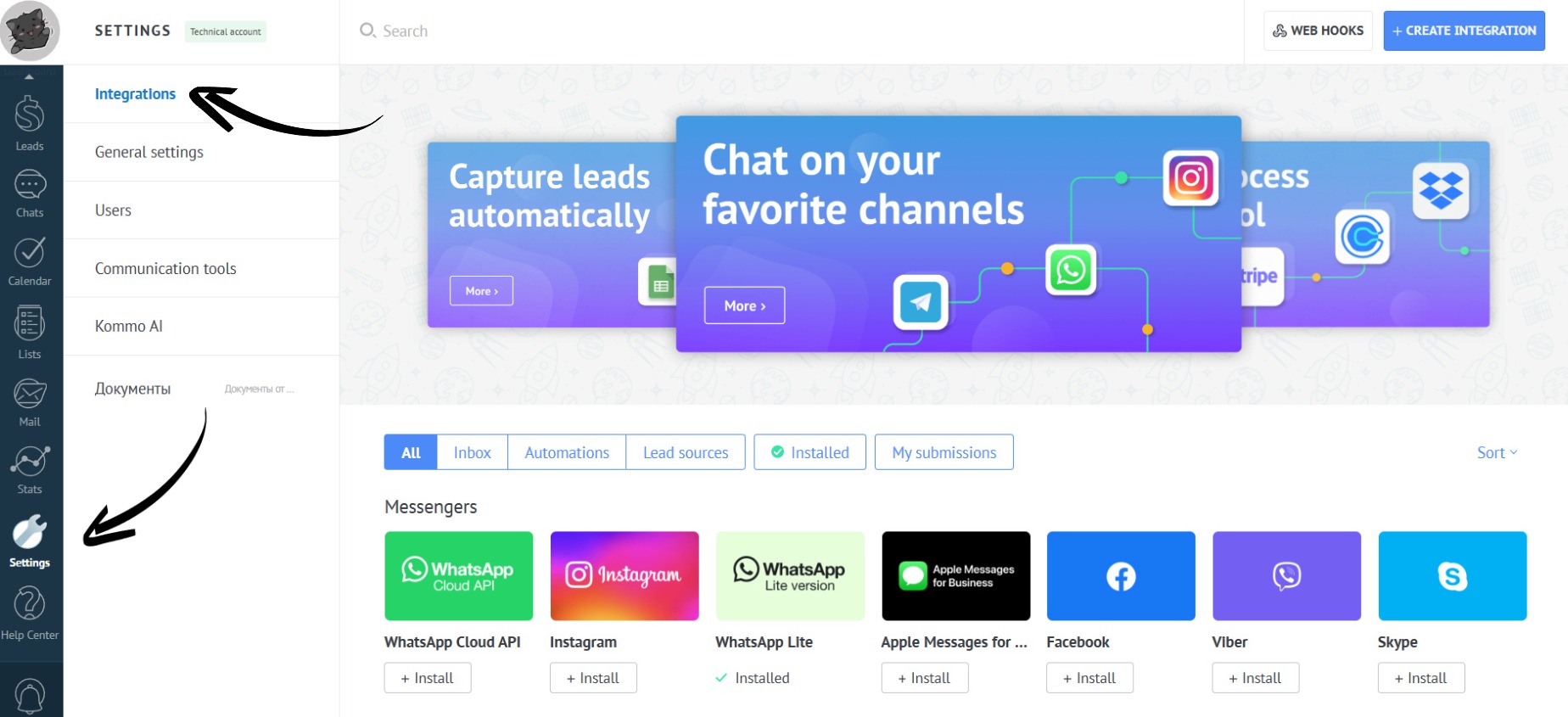
How to open the app settings:
- Go to the “Settings” section. Open the “Integrations” tab:
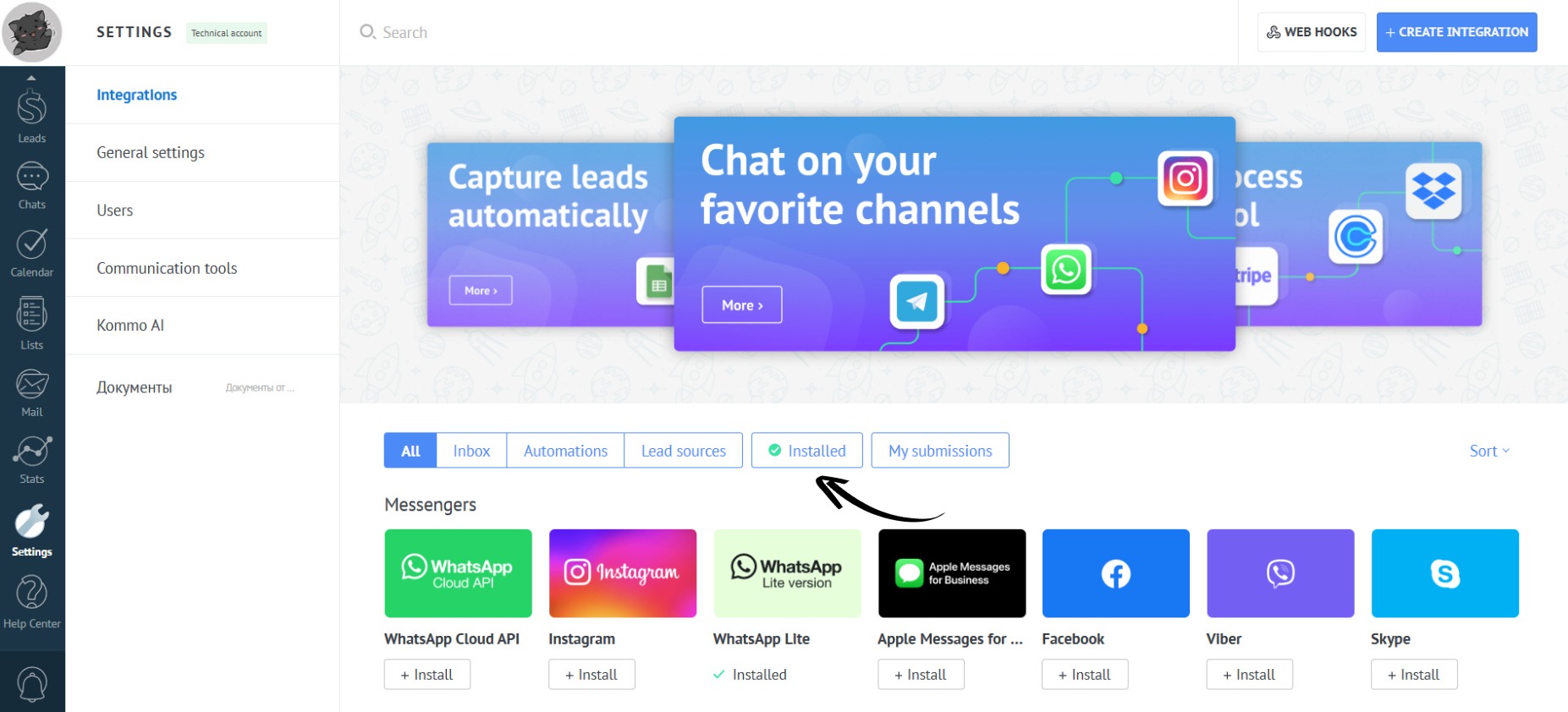
- Open the “Installed” section:
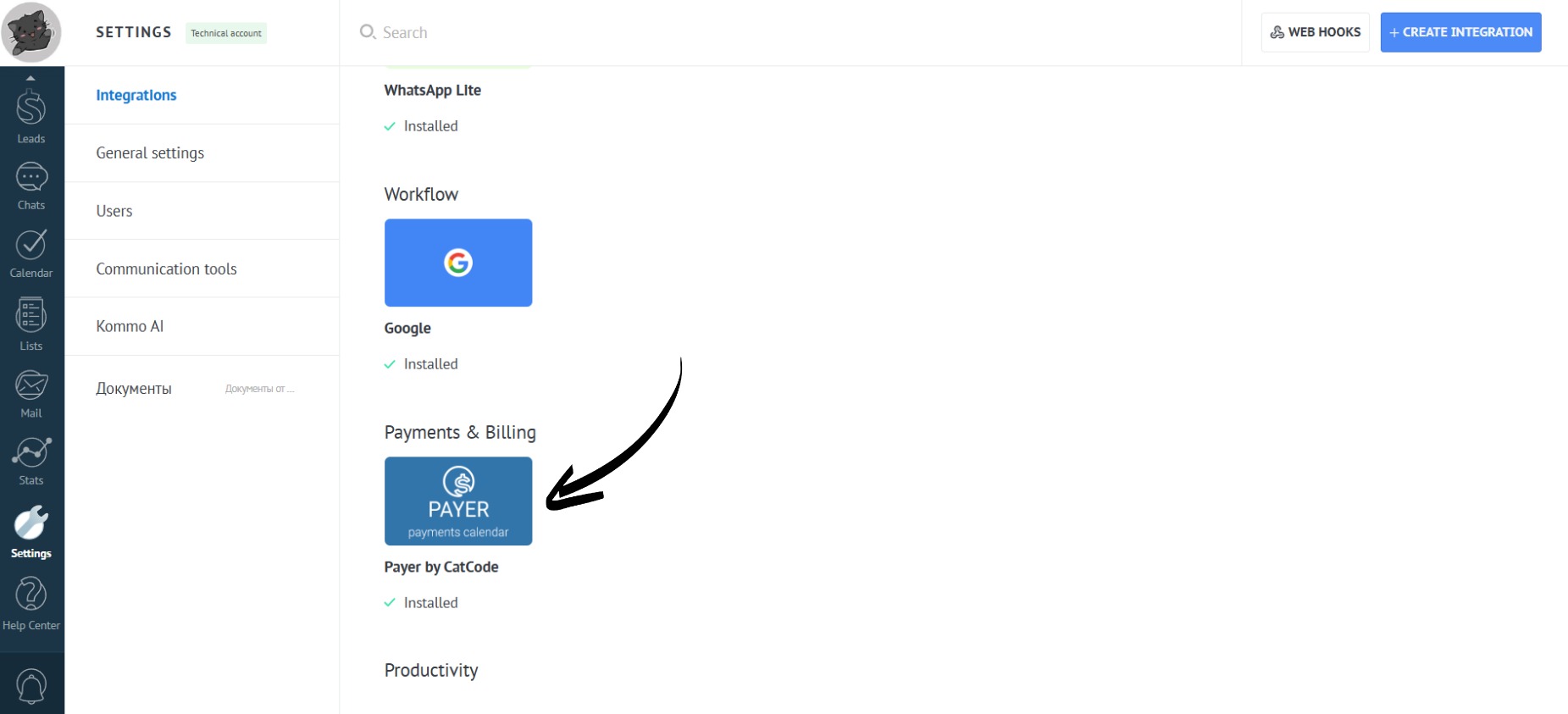
- Click on the app:
- Done! The settings are divided into five sections:
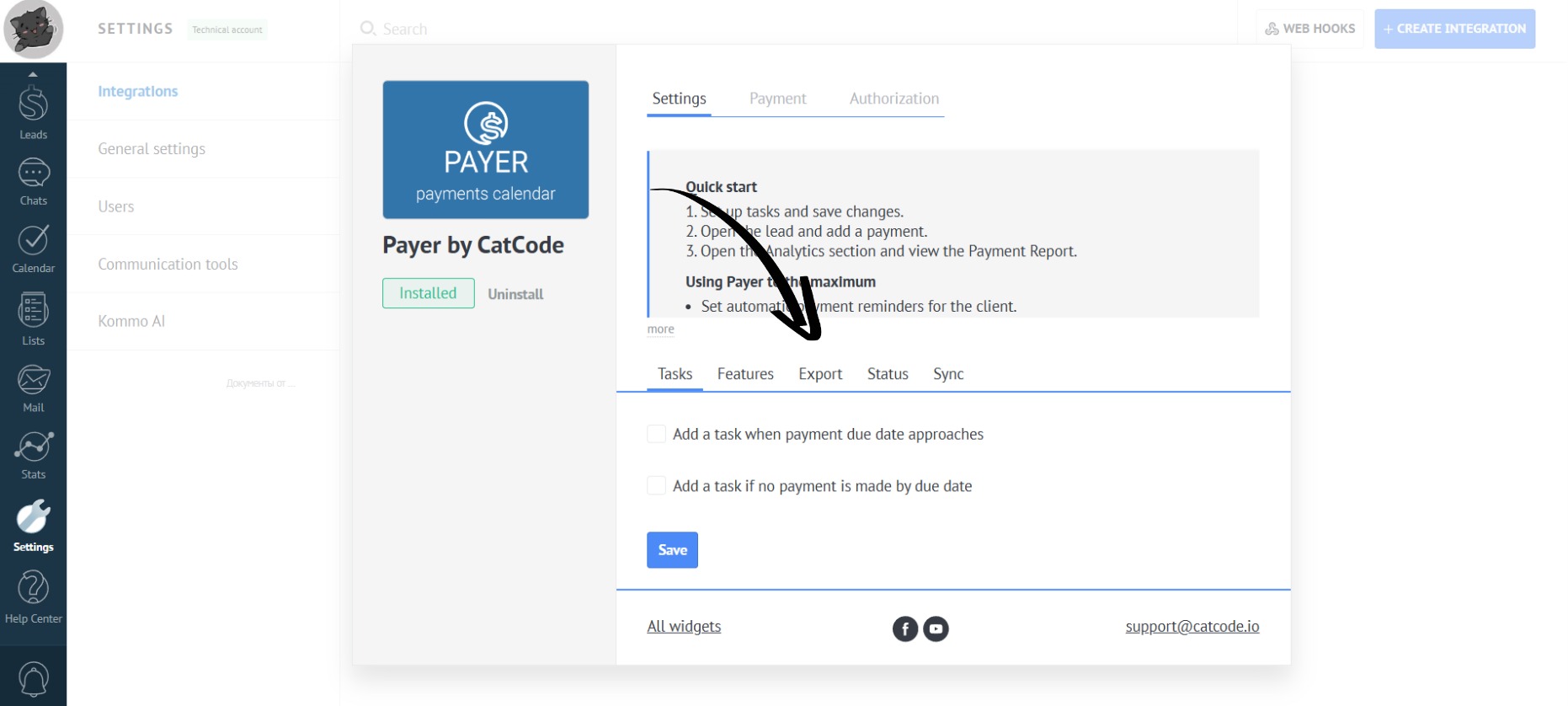
- “Tasks” — configuring tasks for planned or overdue payments,
- “Features” — additional settings for payment synchronization and checks,
- “Export” — configuring fields for export to an XLSX table from the lead card and analytics section,
- “Status” — creating custom payment statuses for labeling them in cards and analytics,
- “Sync” — setting up payment reminders for clients using Salesbot.