Deleting Multiple Payments in a Lead
Have outdated installments or unpaid/overdue payments in a lead? Delete them with a single click. Only paid payments will remain in the app.
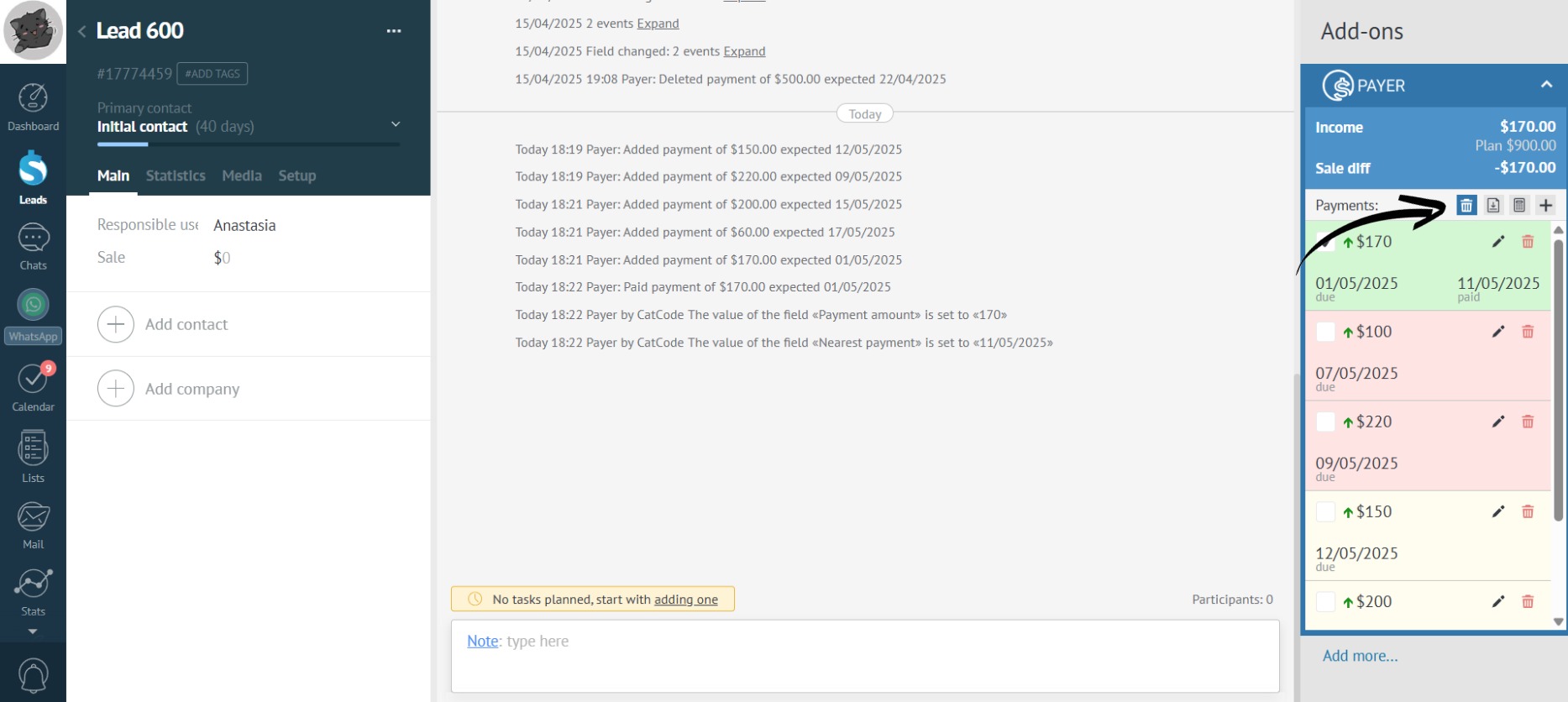
- Click the trash can icon:
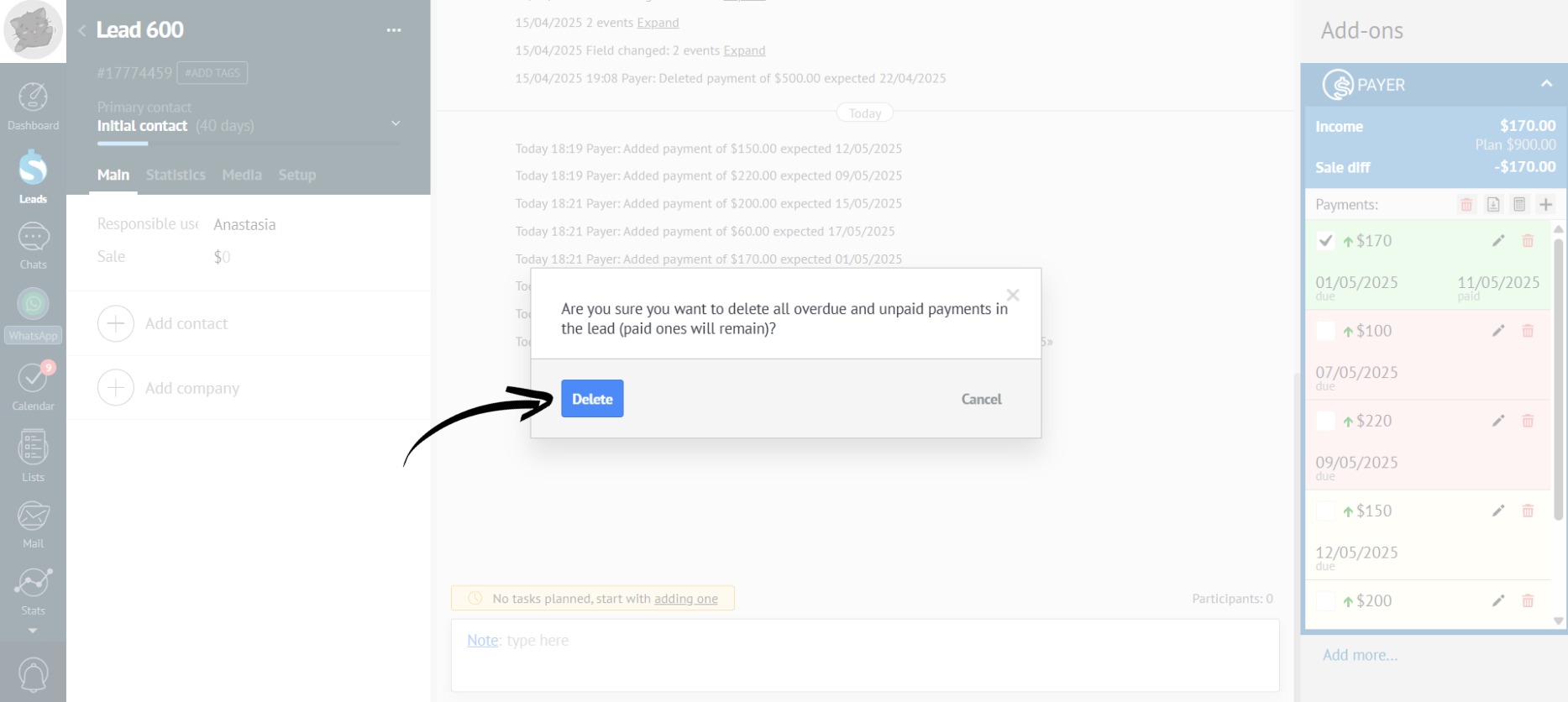
- Confirm the action by clicking the “Delete” button:
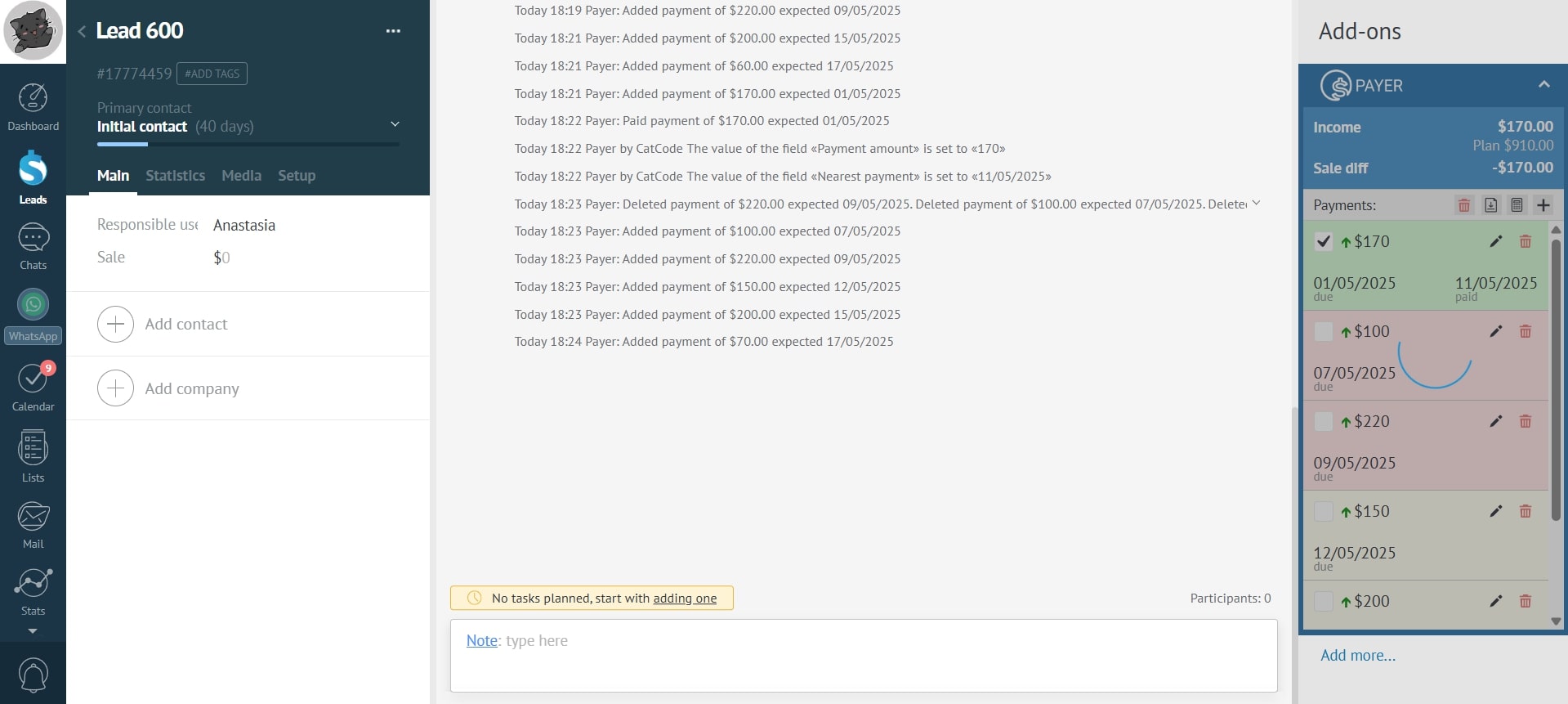
- Wait for the payments to be deleted:
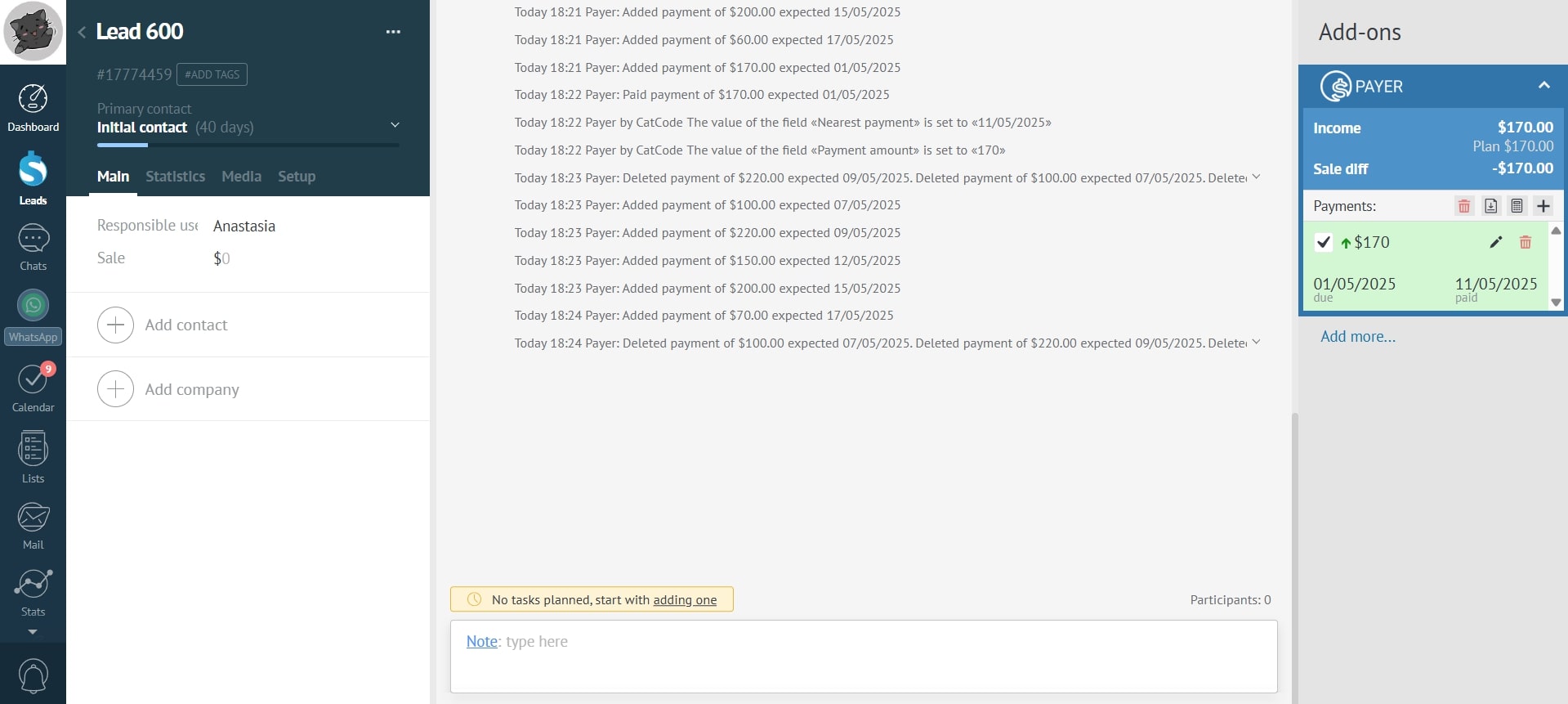
- Done! Only paid payments remain in the deal: