Add Installment
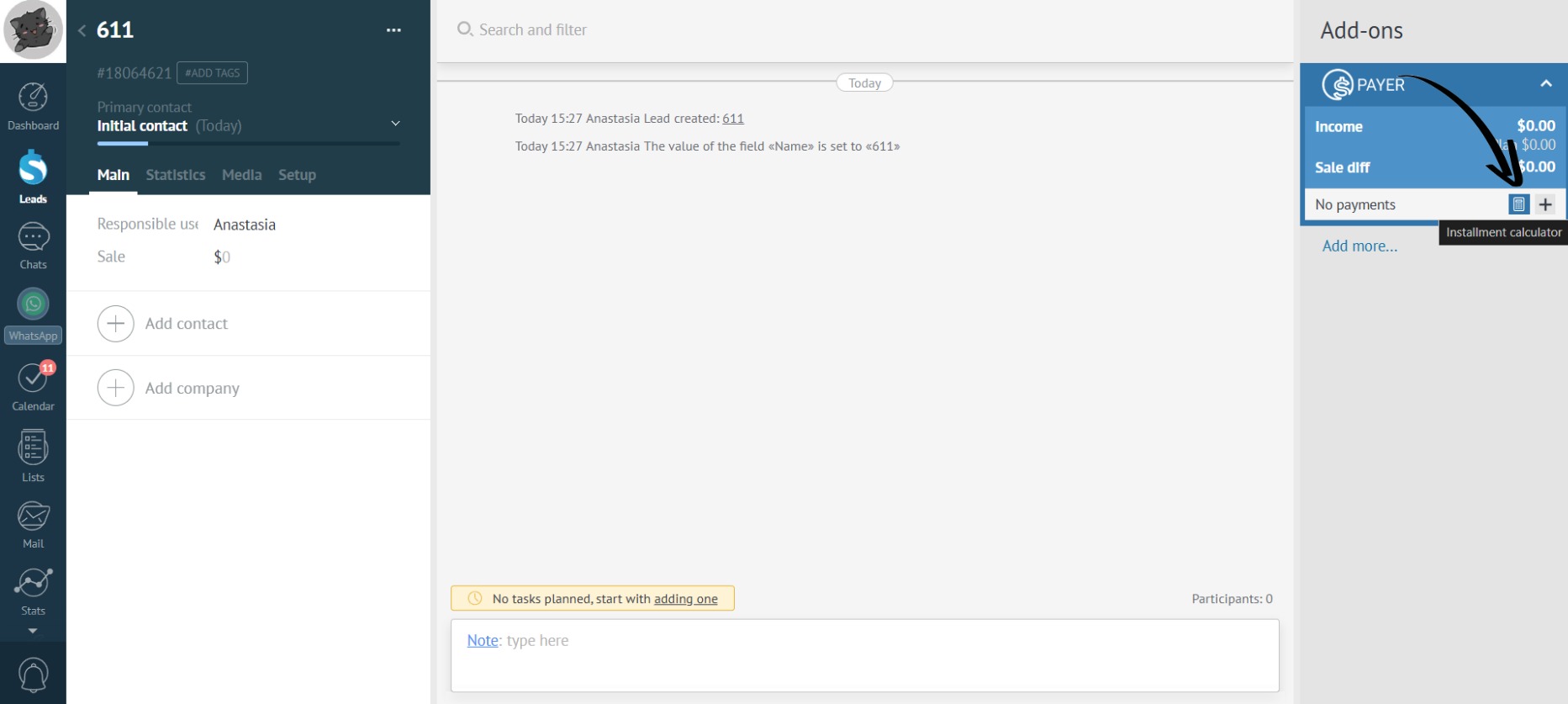
- Click on the calculator icon in the app:
- If the lead has a budget amount, it will automatically populate the “Amount” field in the calculator. Or, manually fill in the “Amount” field in the “Calculator”:
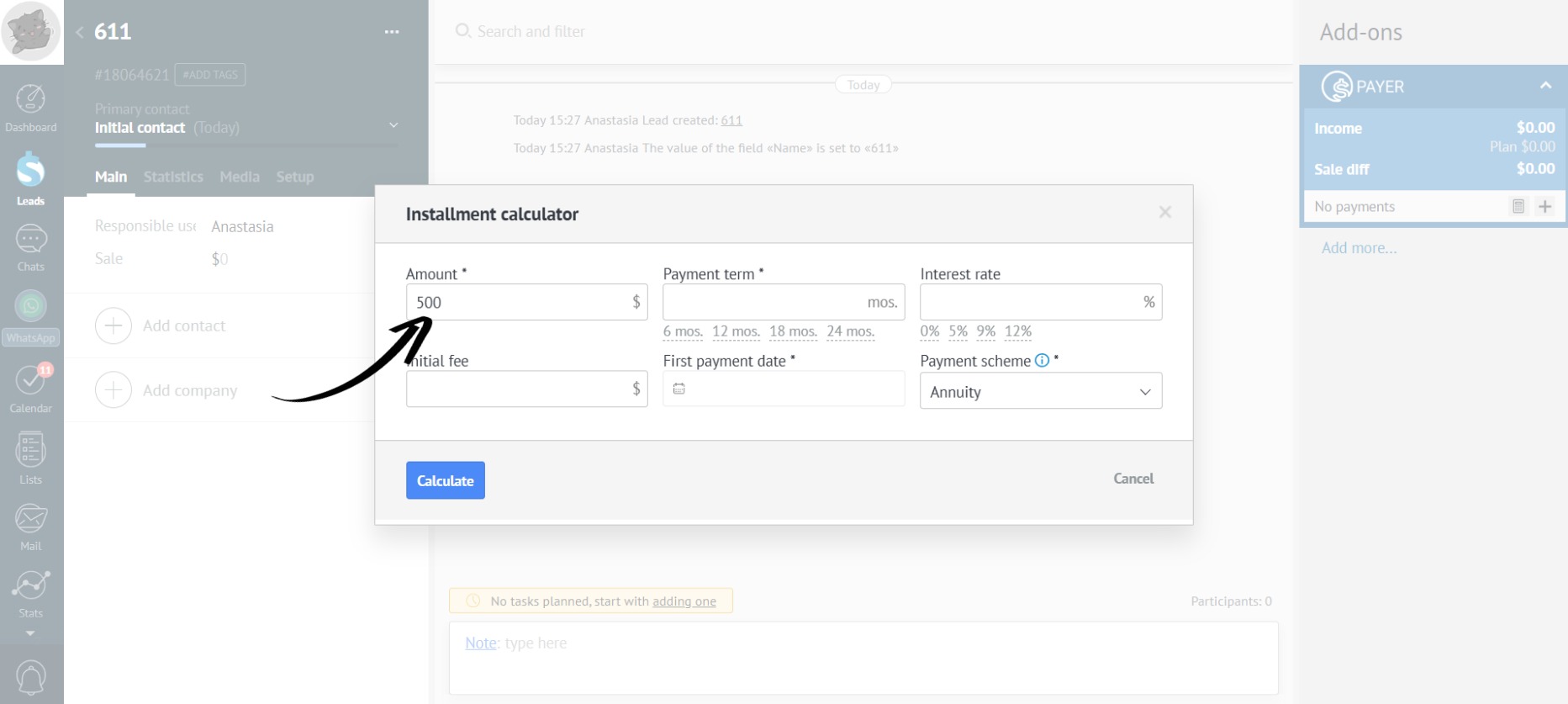
- Mandatory fields are marked with an asterisk; fill in the remaining fields as needed:
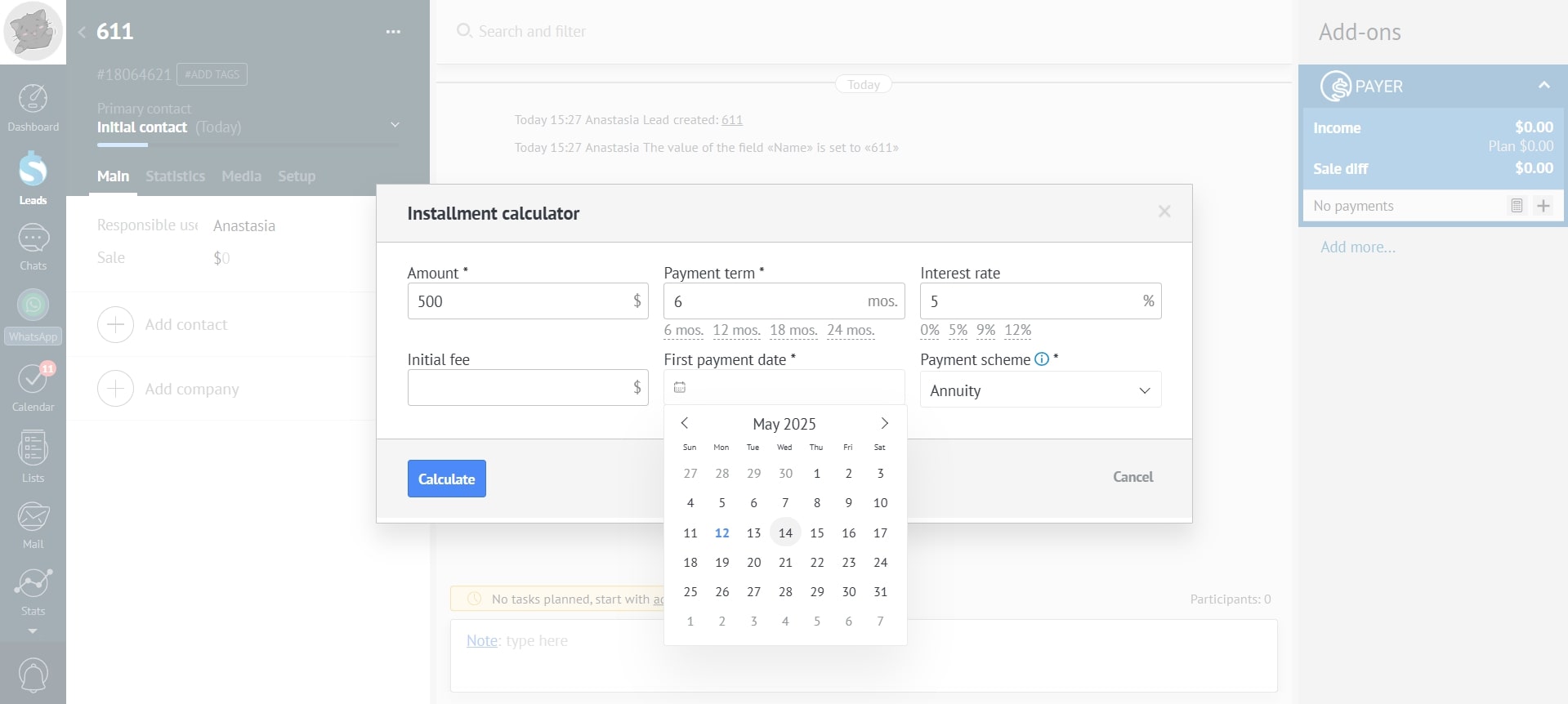
You can select the “Payment Term” and “Interest Rate” from the options offered in the calculator, or enter the required data manually.
- The “Calculator” offers two payment schemes to choose from: annuity and differentiated:
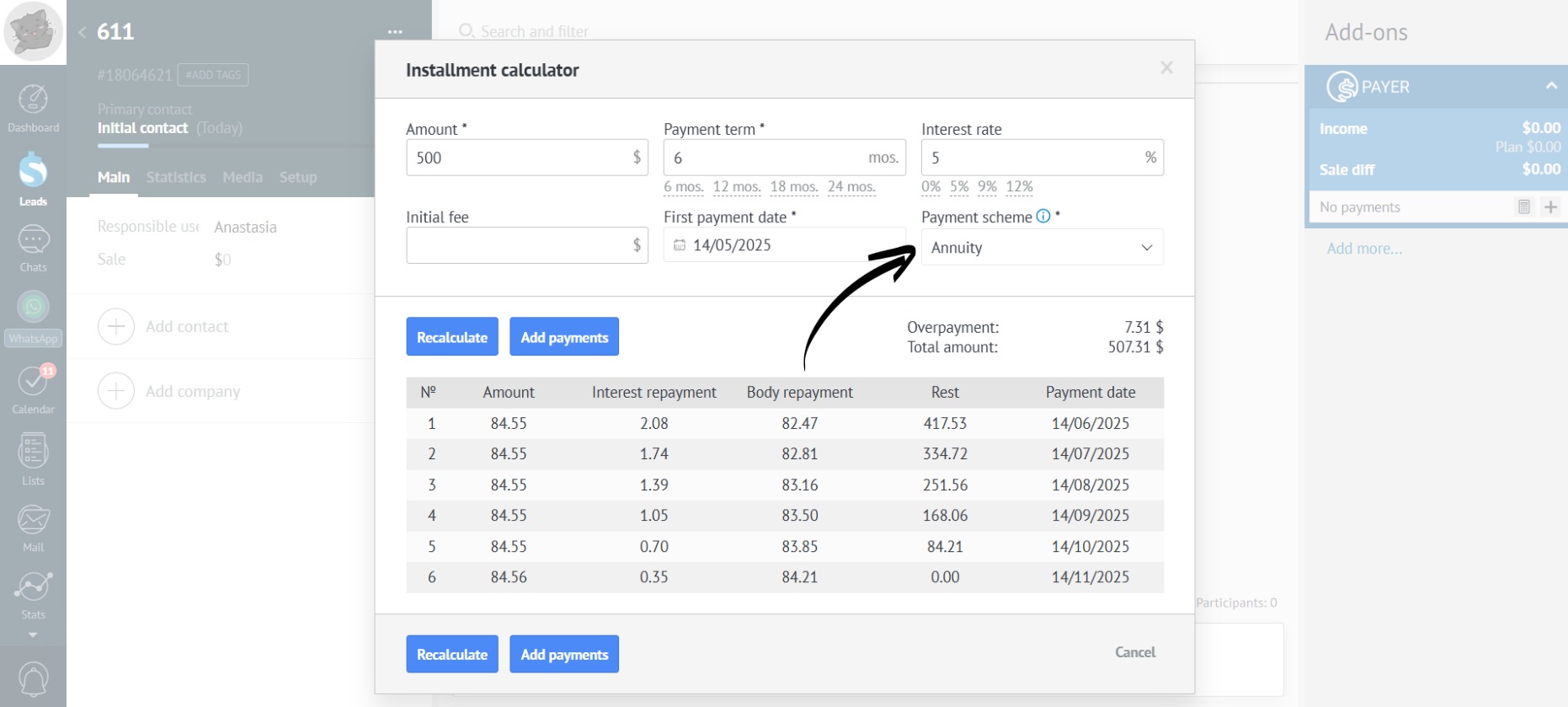
- If you need to recalculate the installment plan, enter the updated data and click the “Recalculate” button:
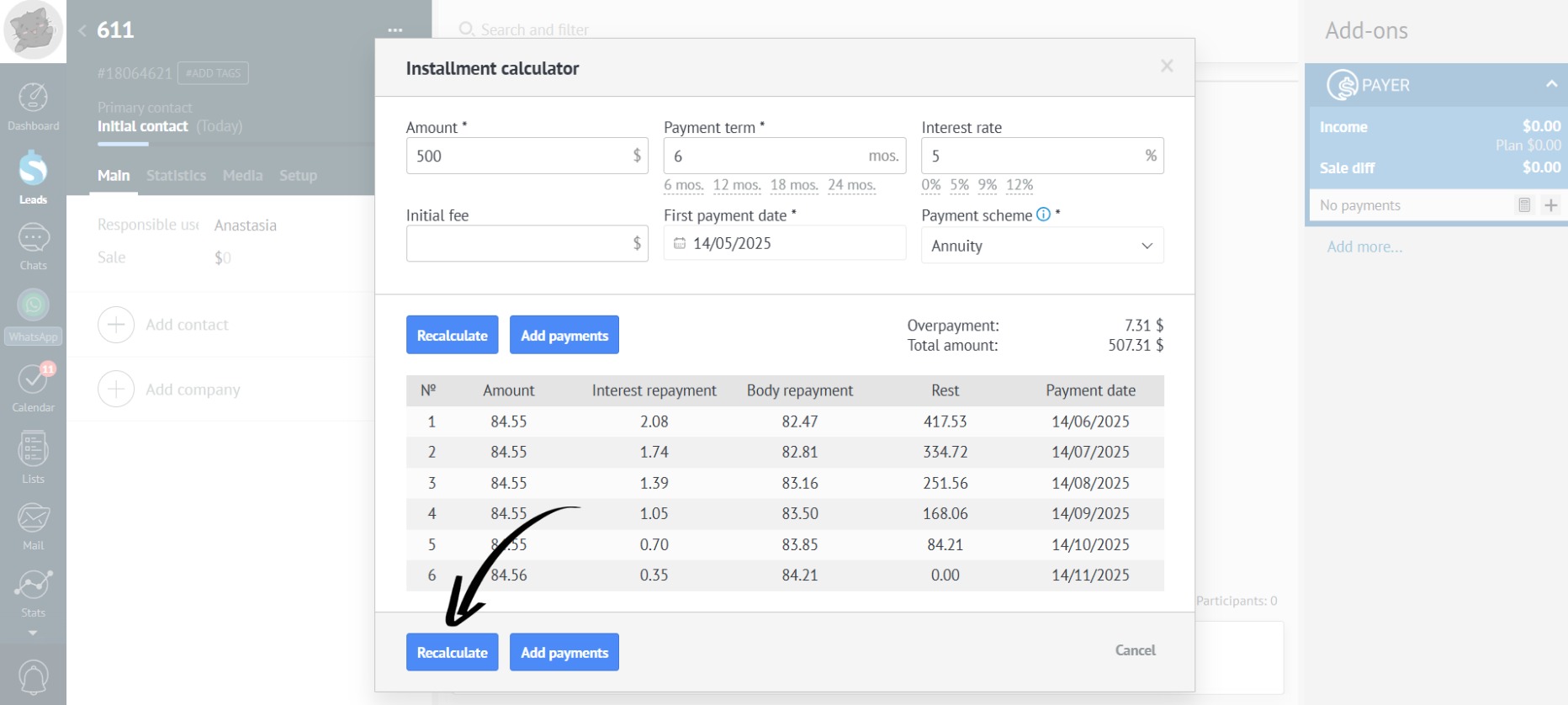
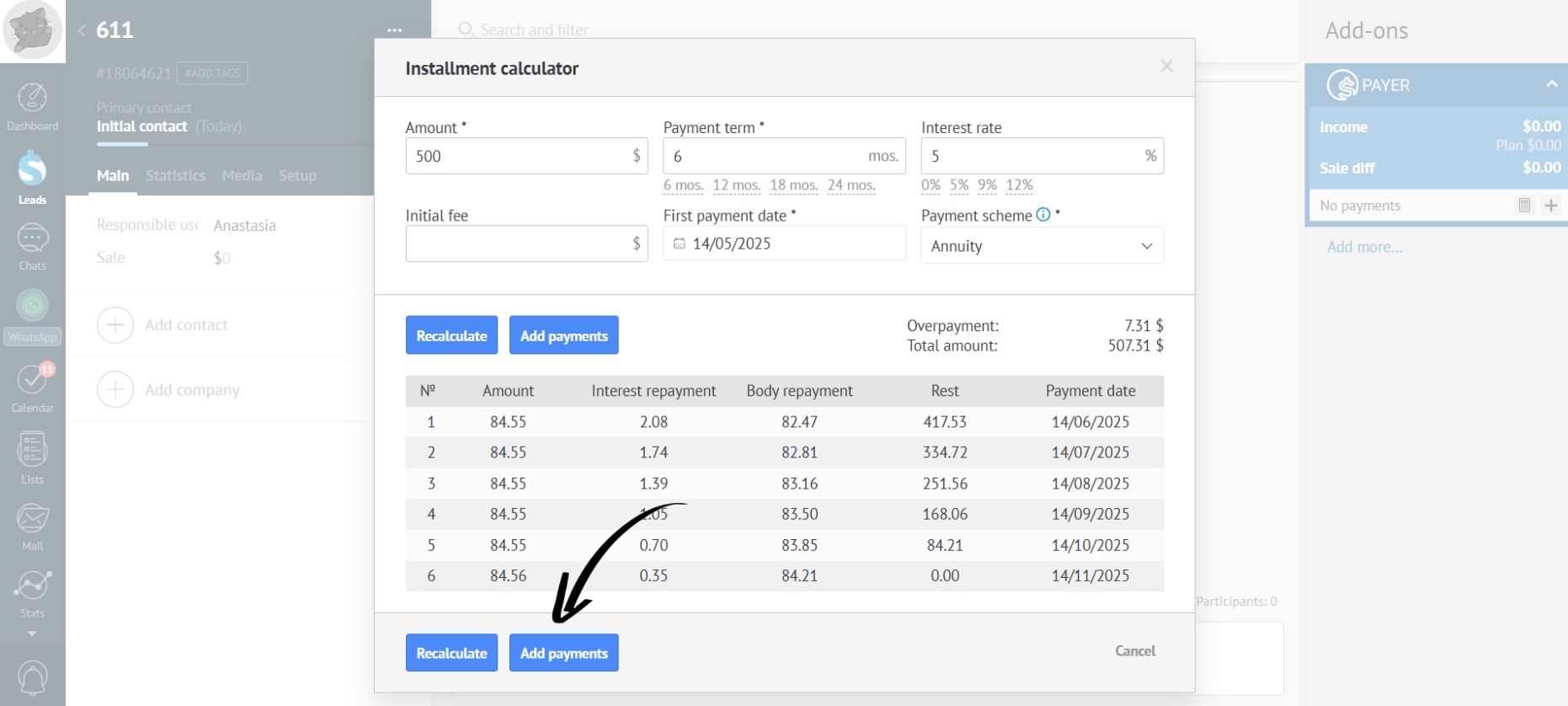
- If the customer confirms the installment plan, click the “Add Payments” button:
- After that, all installment payments will automatically appear in Payer:
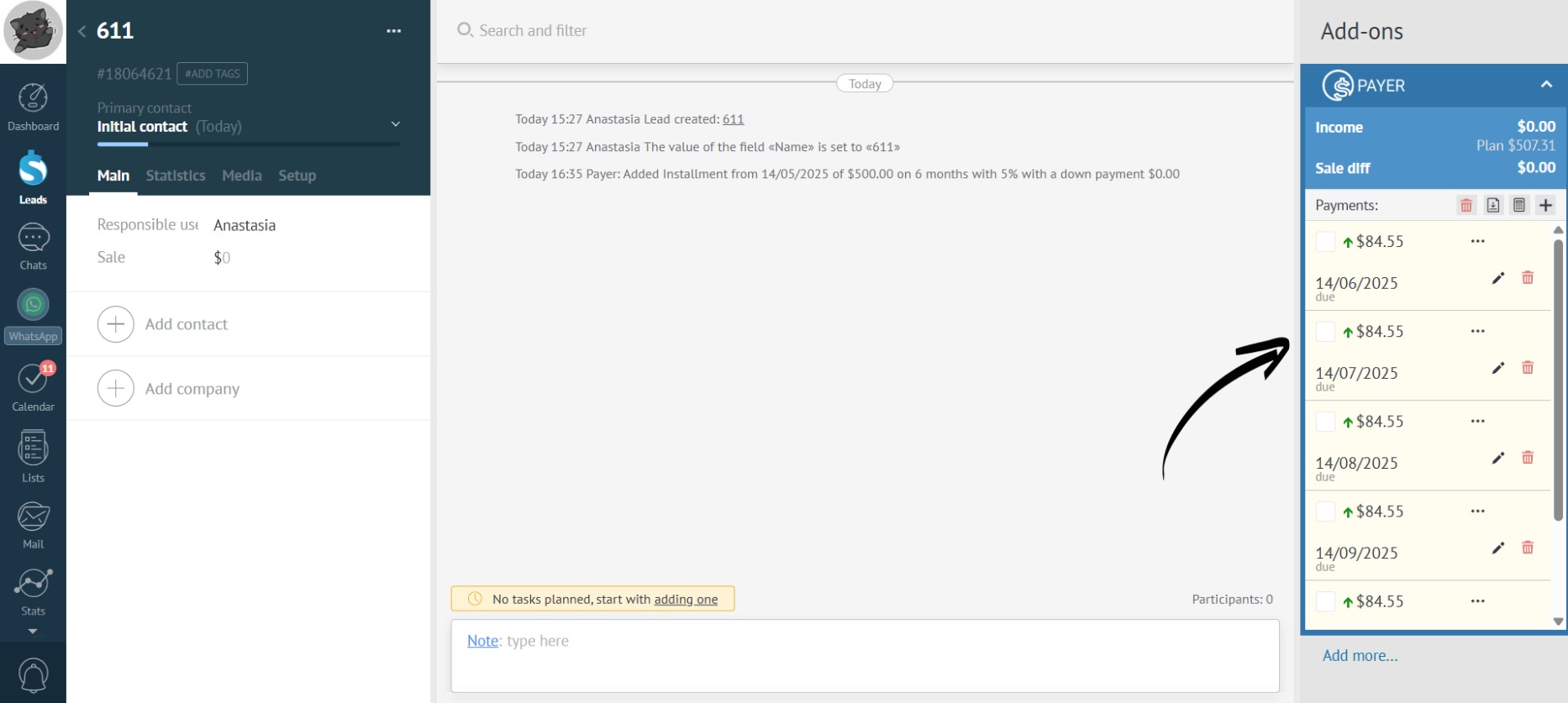
If the customer decides to pay installments for several months at once or repays the installment plan early, you’ll have to manually edit the payments. The app doesn’t automatically recalculate the remaining payments, you’ll need to change the amounts in the other payments.
For more convenient installment management, try our Creditor app with automatic payment recalculation and support for early payment processing.