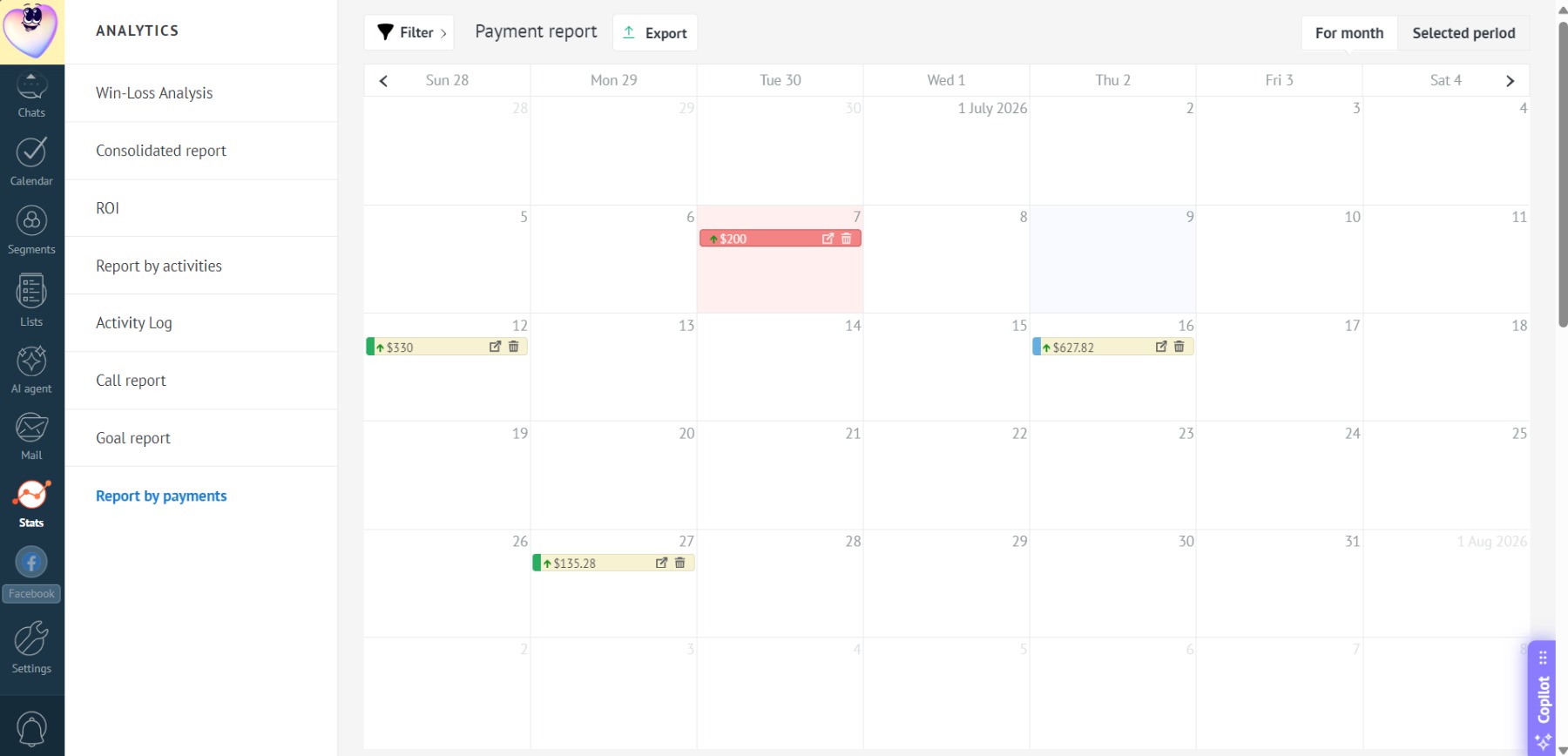
Payment Filtering
In the payment calendar, you can filter data by:
Exported reports will include only the filtered data.
Filtering by users
- Click the “Filter” button:
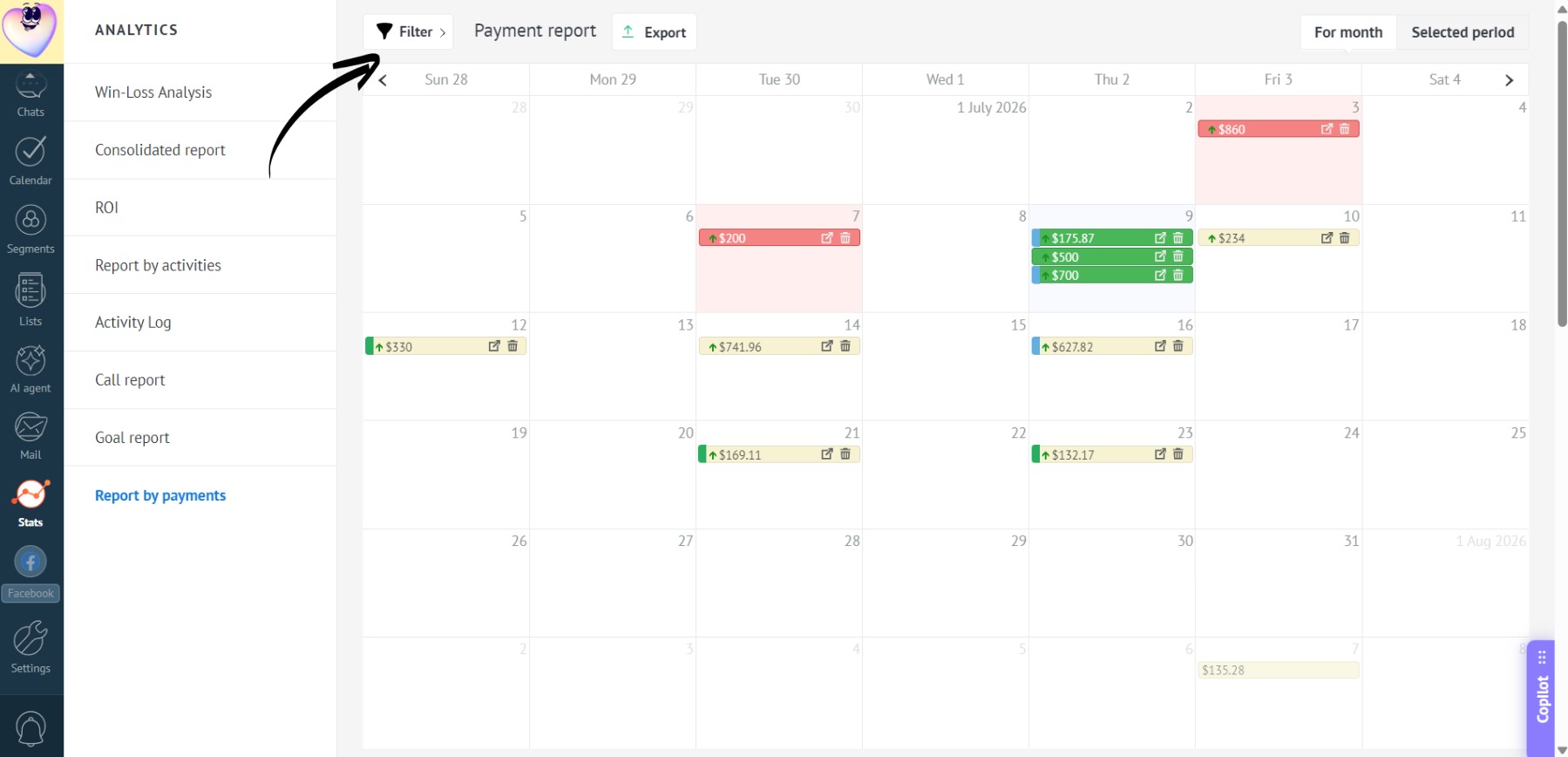
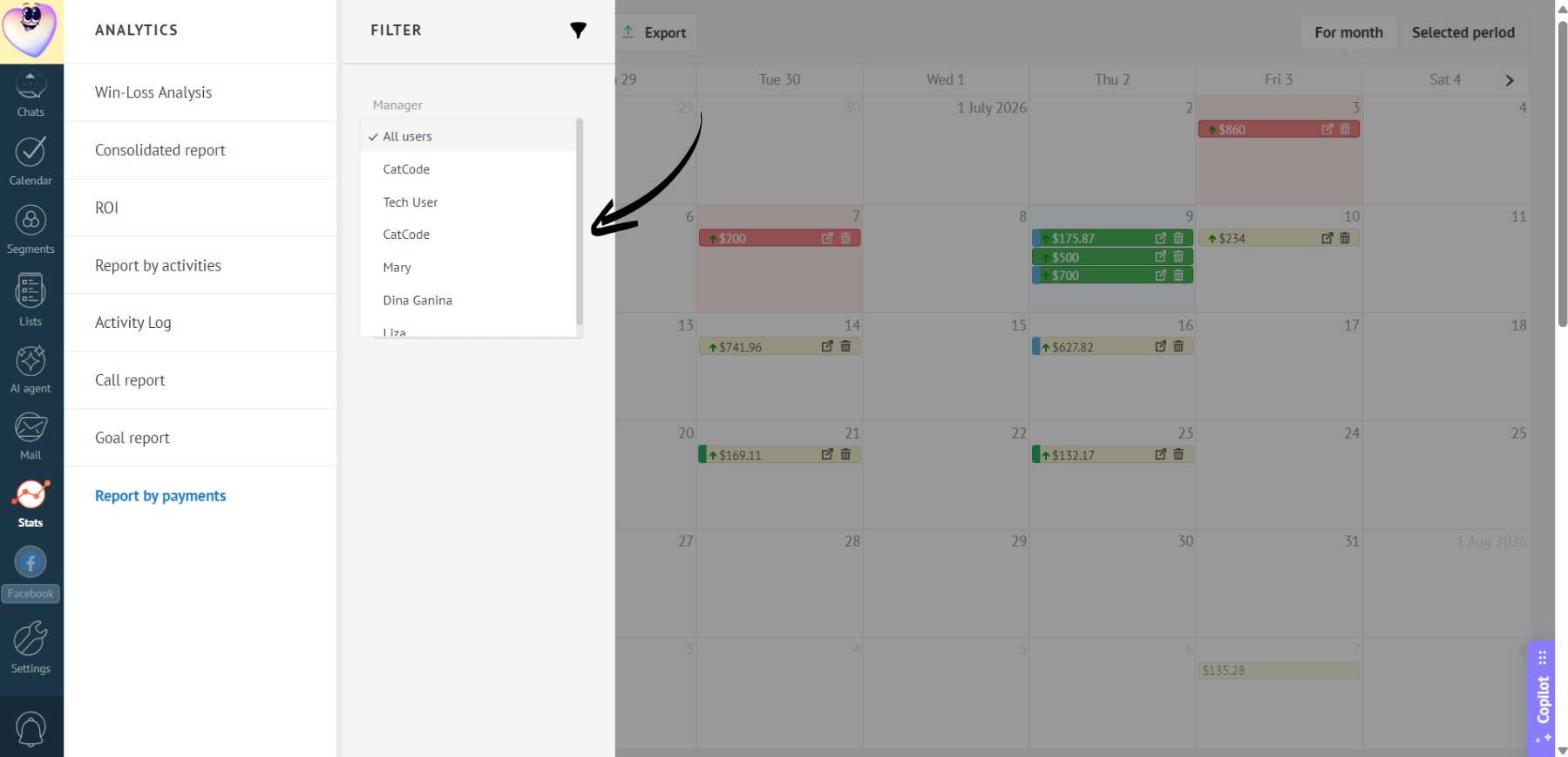
- In the opened window, select the desired employee from the dropdown list:
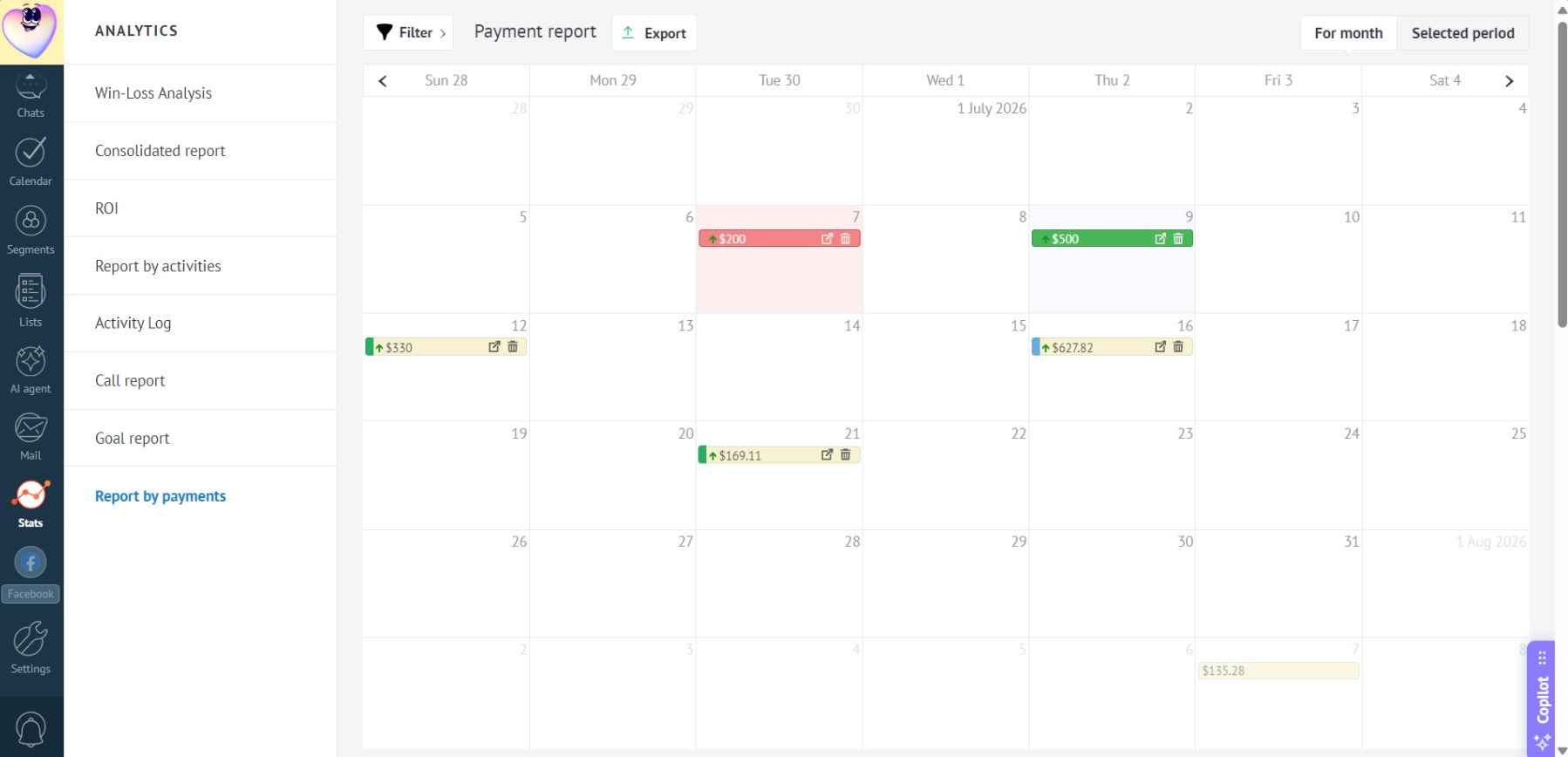
- Click “Apply” — the payment calendar will now display only the leads assigned to the selected manager:
Filtering by payment status
- In the filter, select the required status, e.g., “Waiting”:
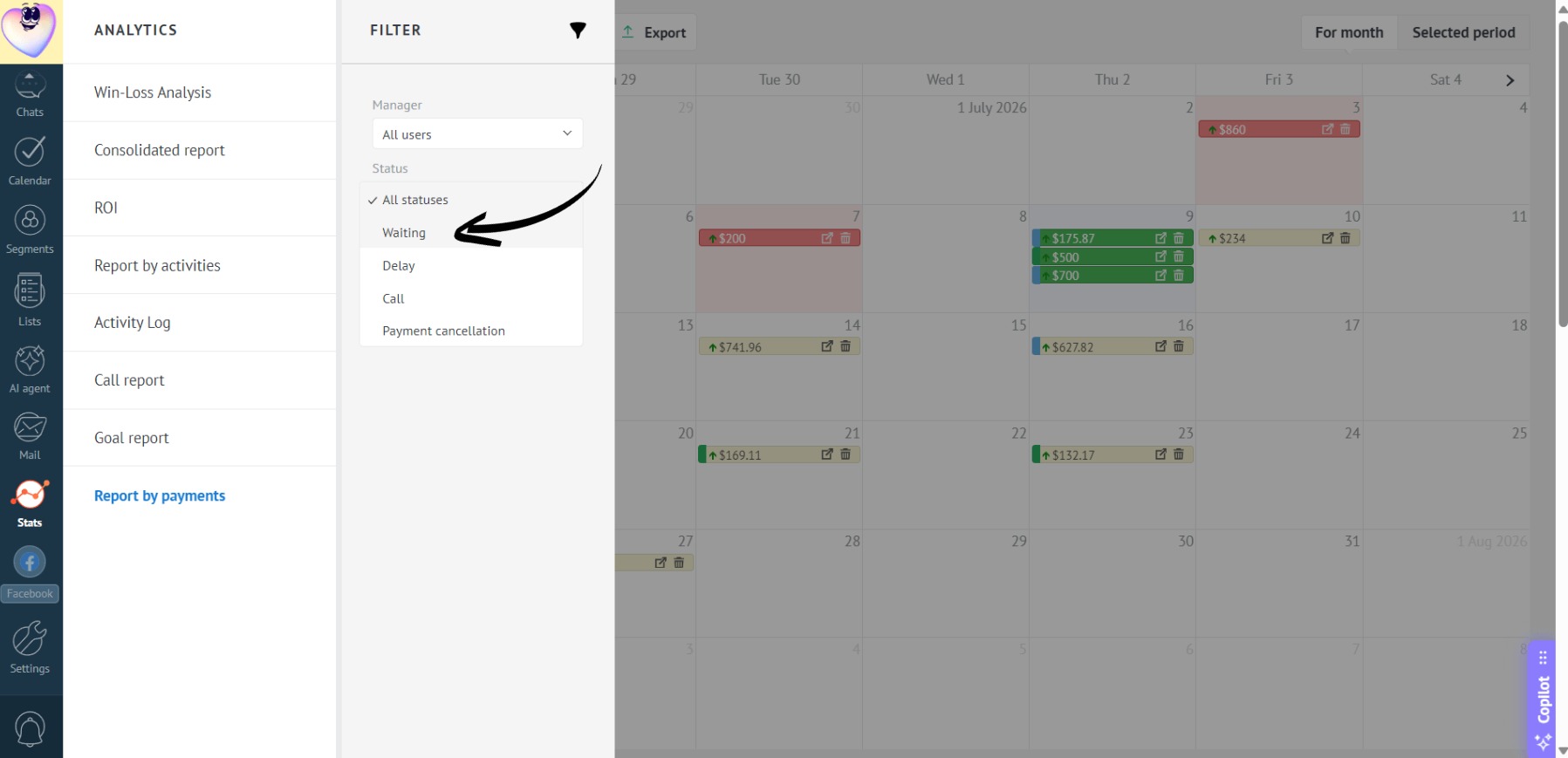
Learn how to set up custom payment statuses here.
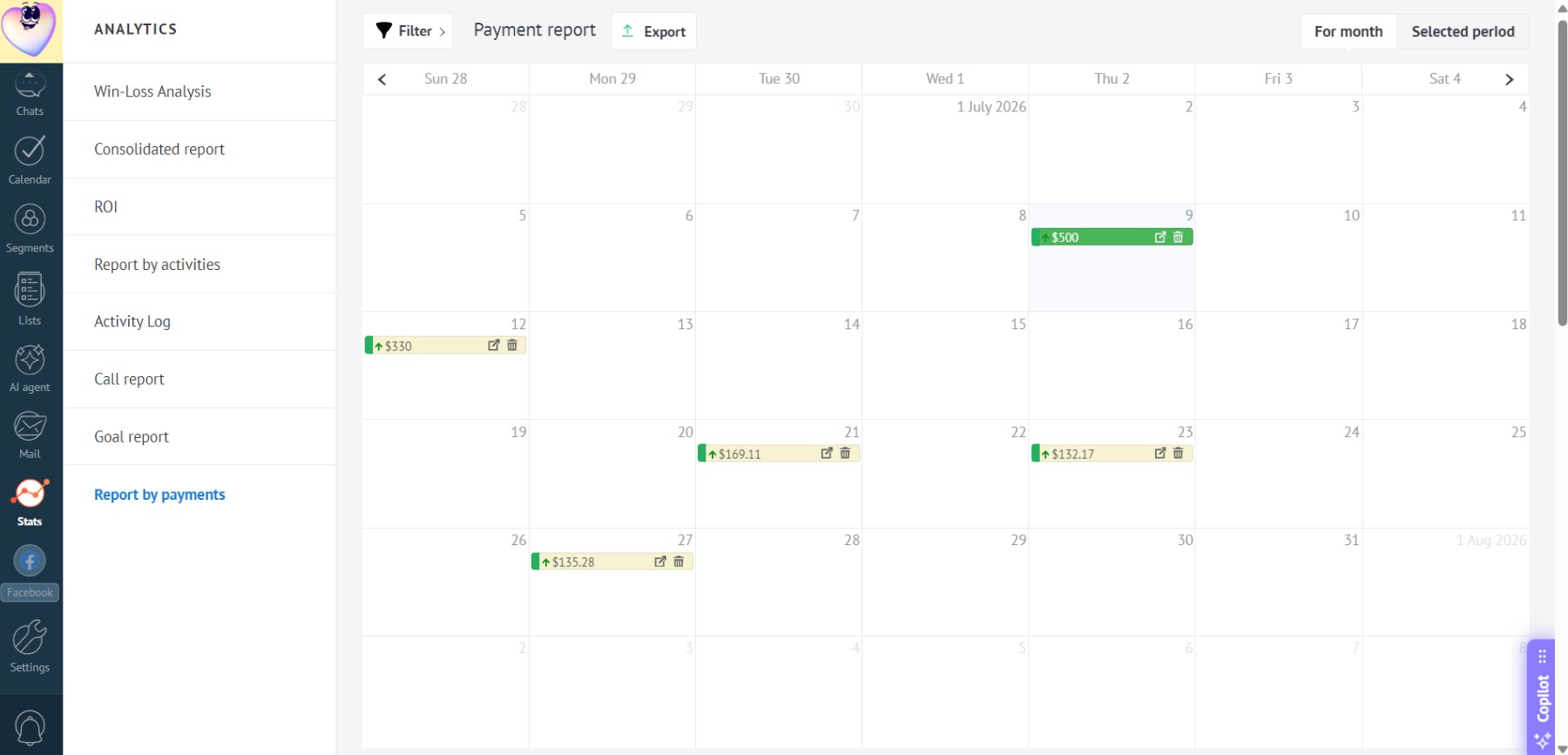
- Click “Apply” — the calendar will display only the payments with the selected status:
Filtering by custom fields of “List” type
- You can also filter payments by custom lead fields of the “List” type. For example, select the value “Invoice sent”:
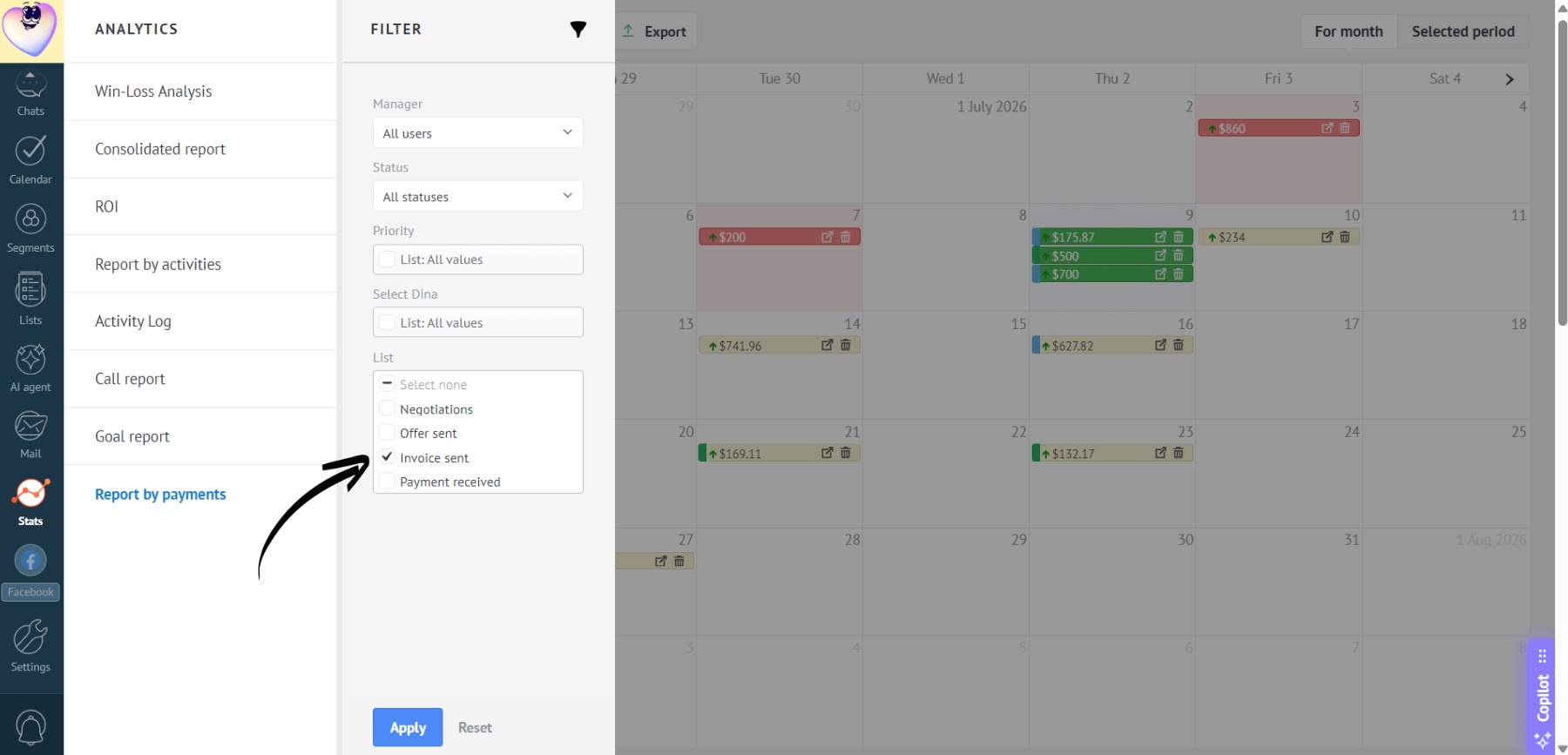
You can select multiple values.
- Now, the payment calendar will display only payments that match the selected custom field value: