Monthly Export
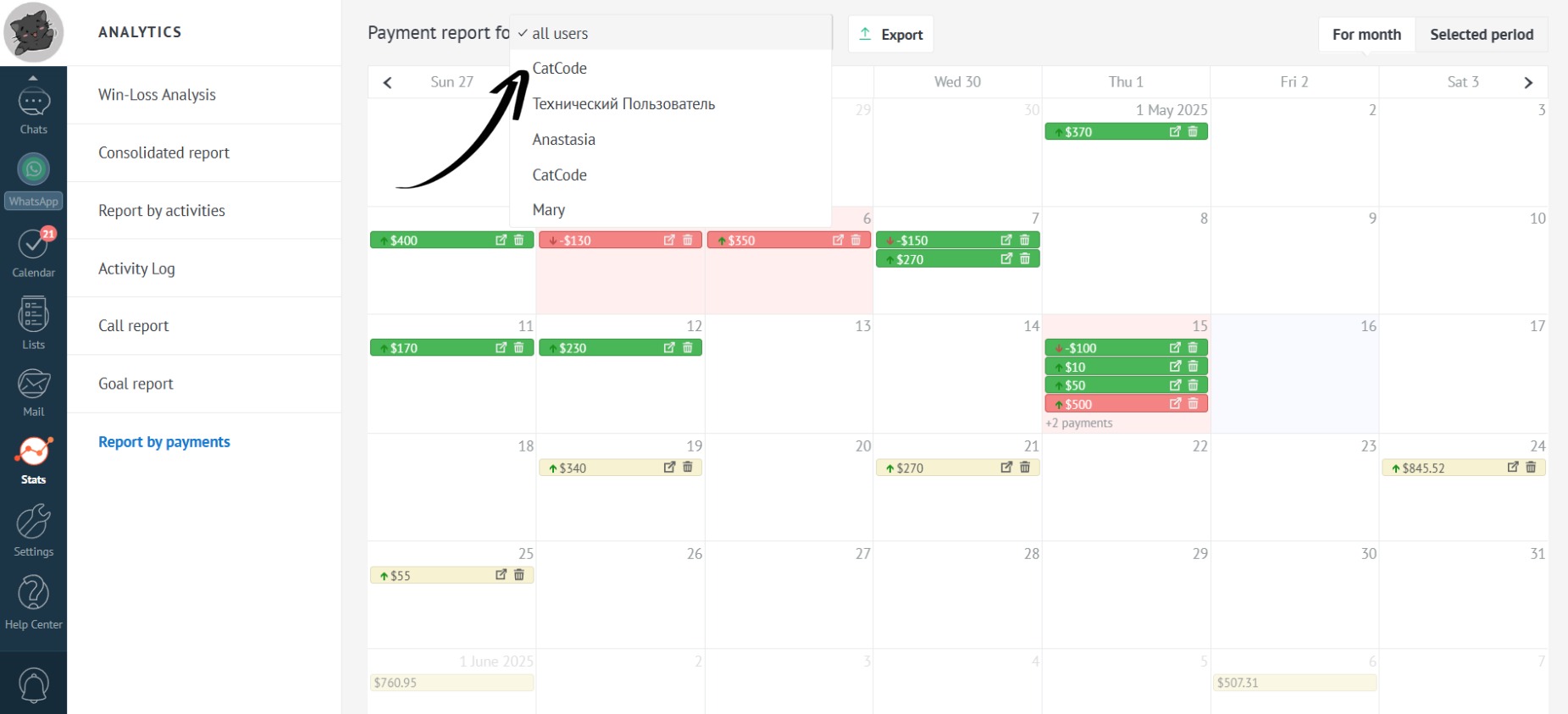
- Select the employees for whom you want to export the report:
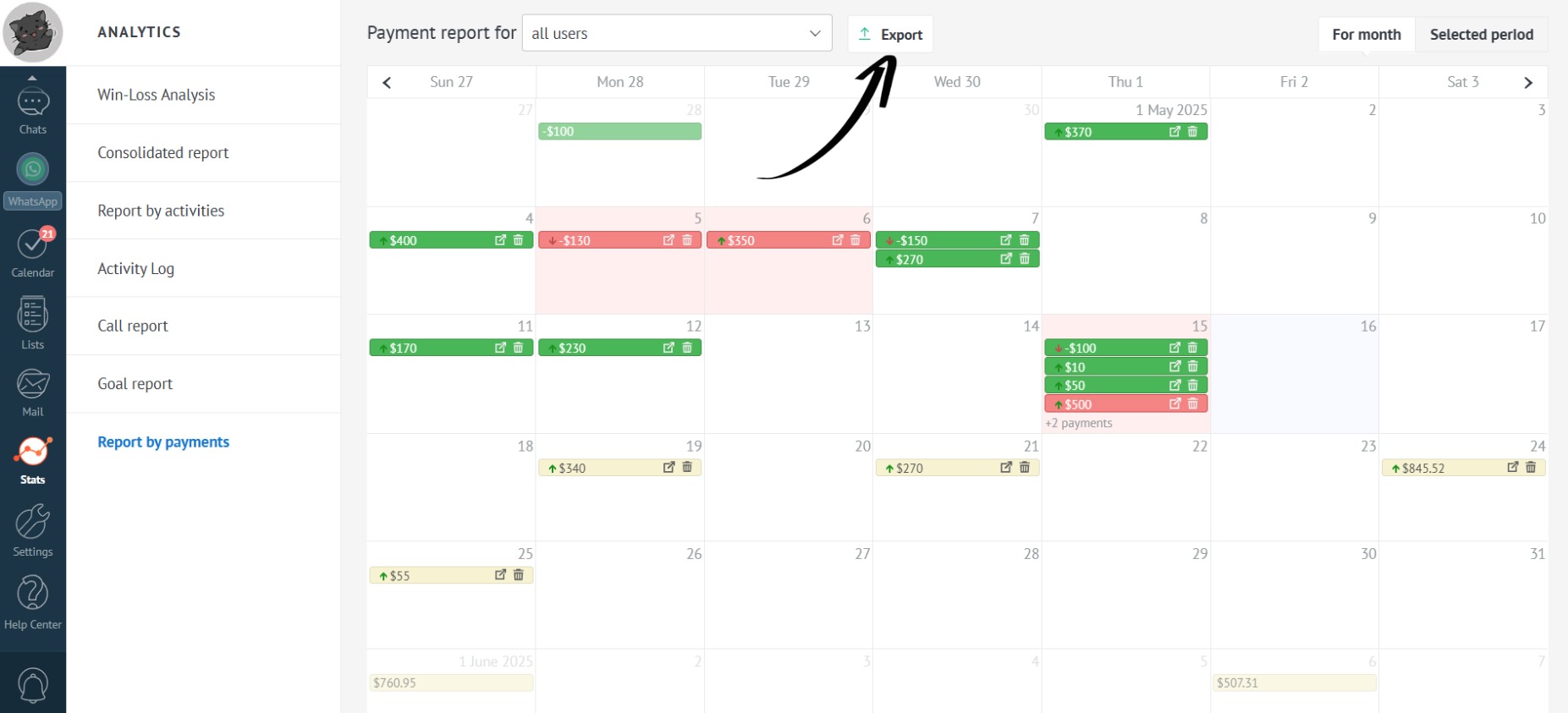
- Click the “Export” button:
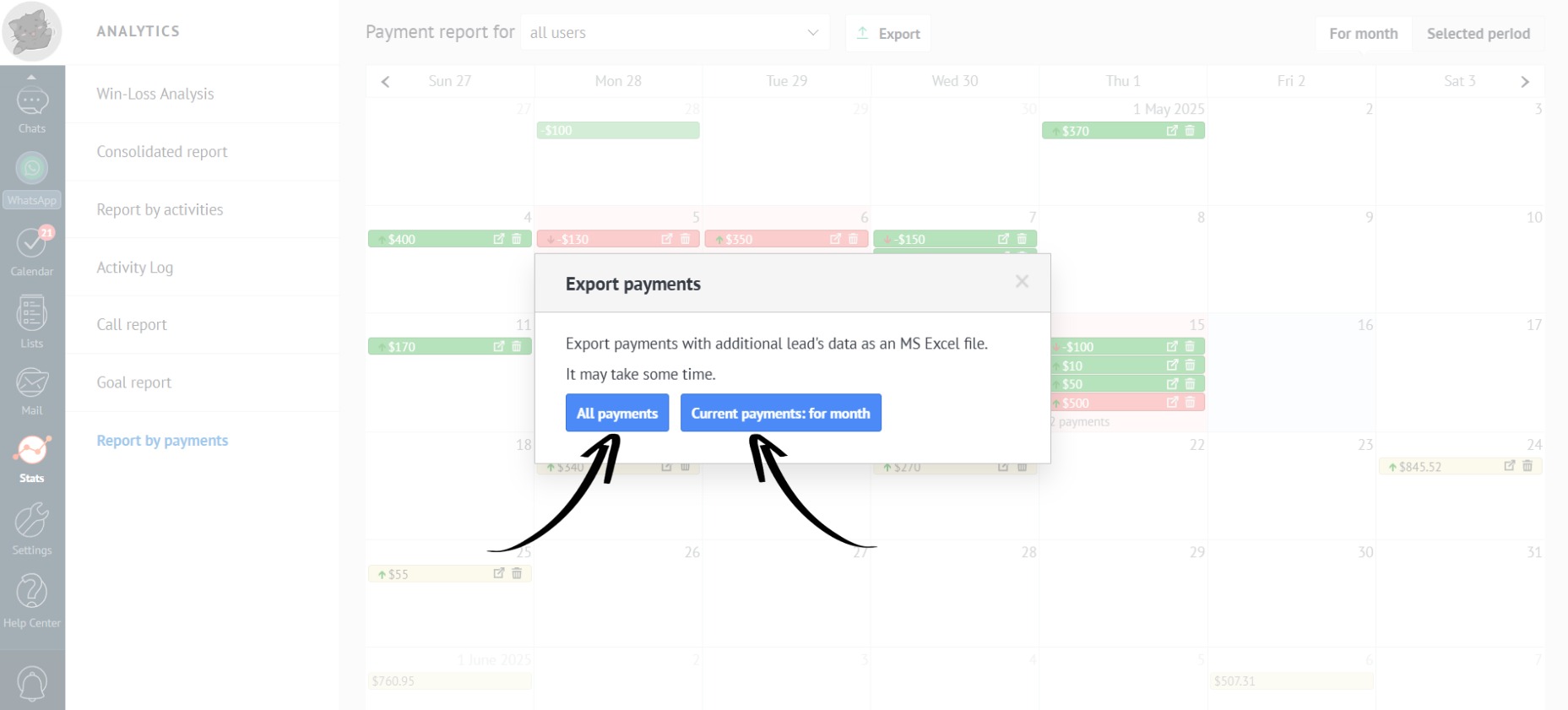
- Choose the desired period:
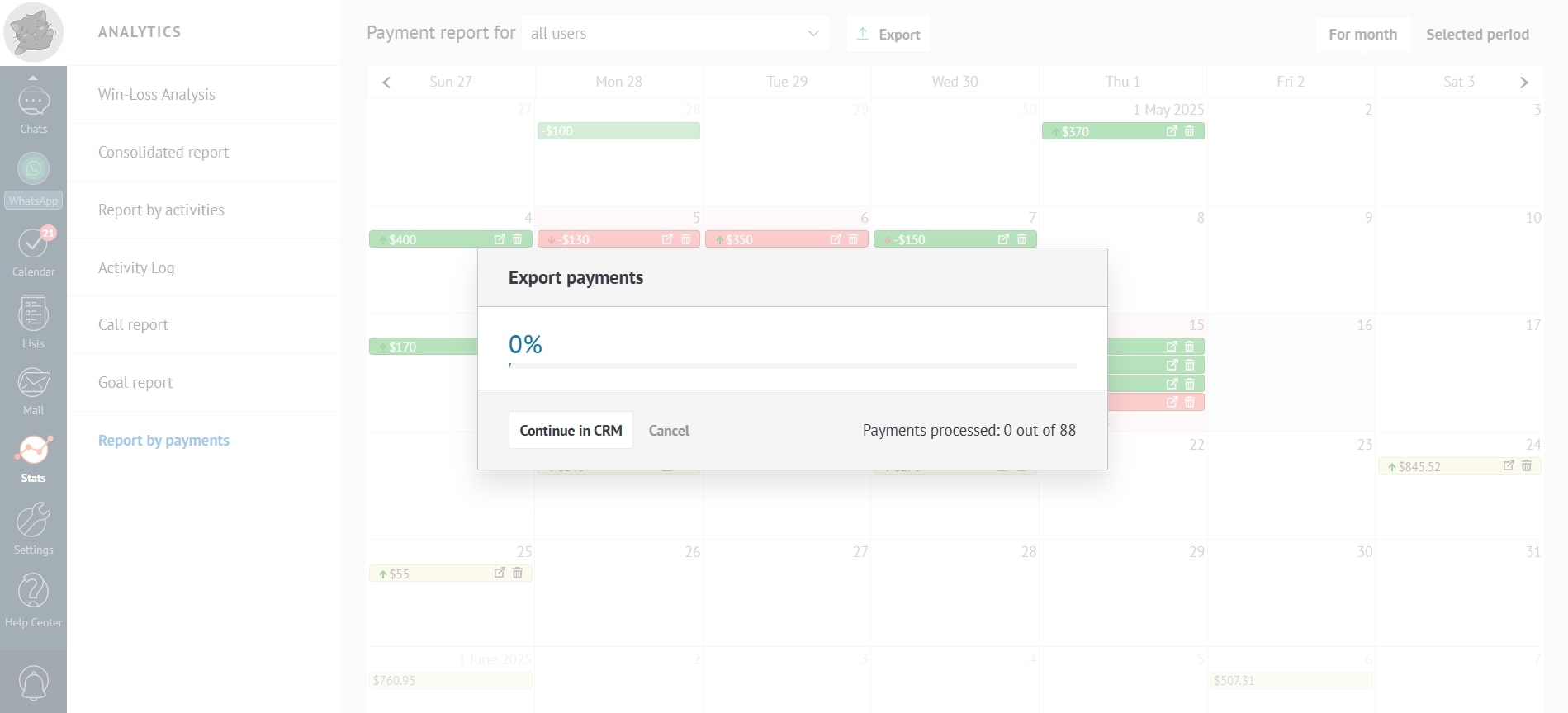
- Wait for the report to generate:
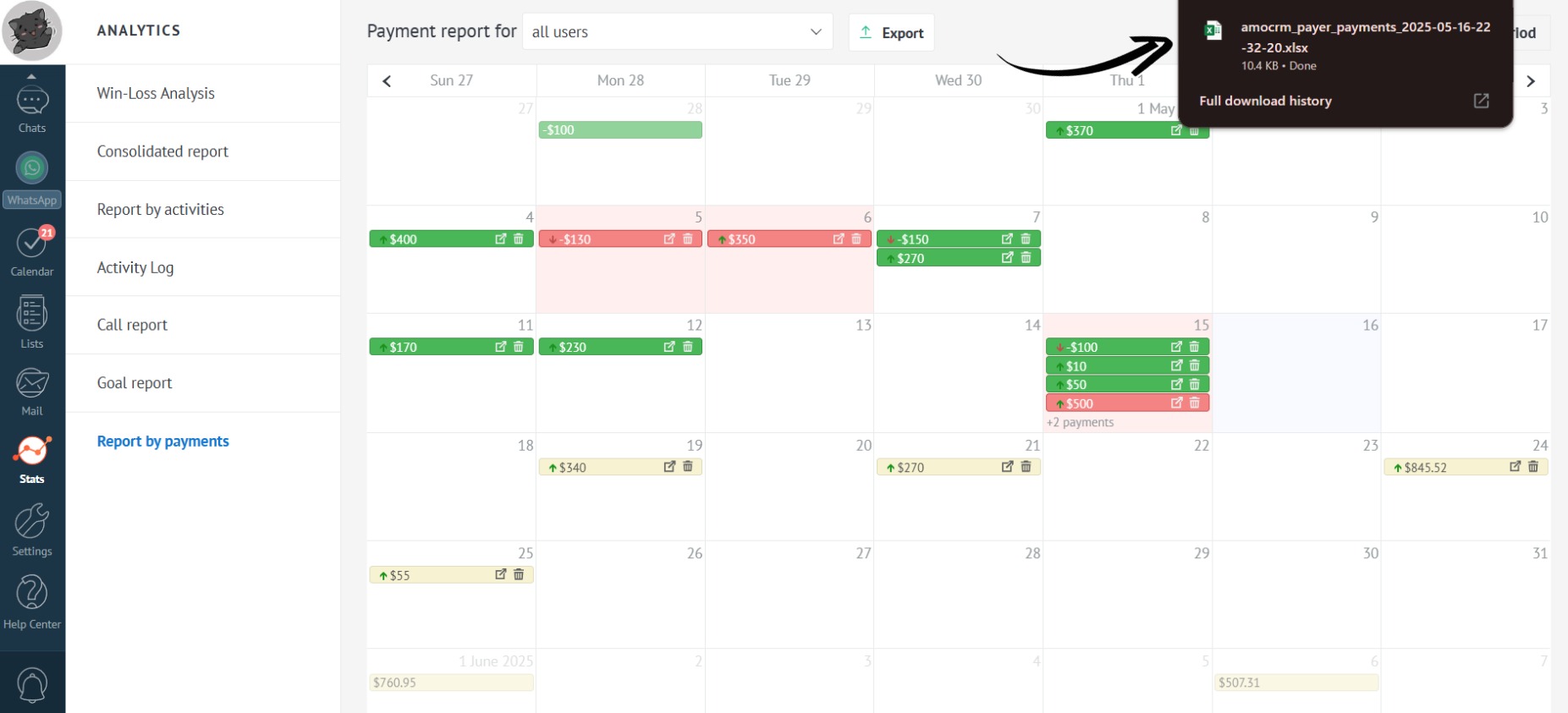
- Done! The exported report will appear in your browser’s downloads:
To edit the columns in the table, see “Export Fields Configuration”.