App Installation
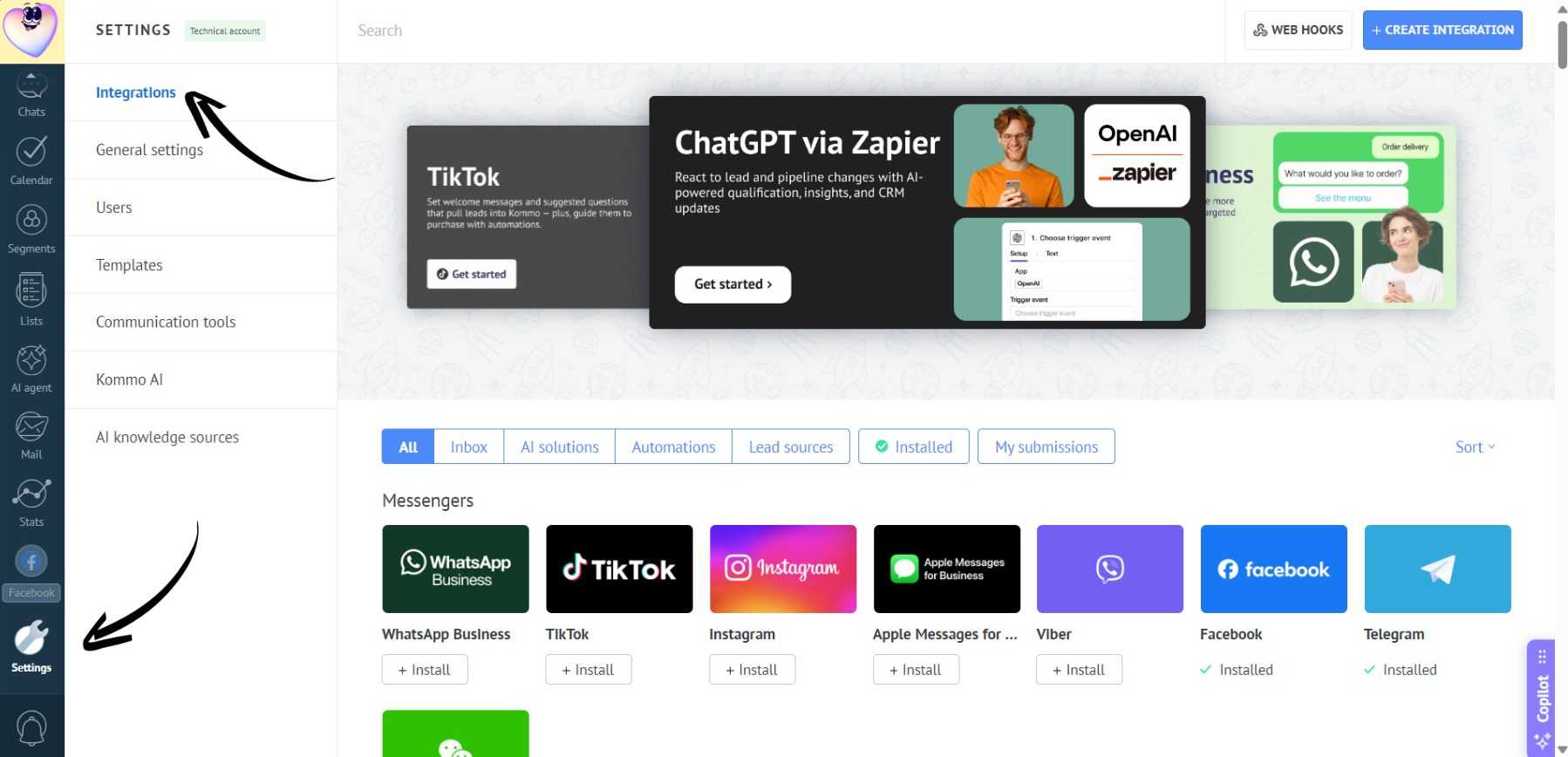
- Go to the “Settings” section. Open the “Integrations” tab:
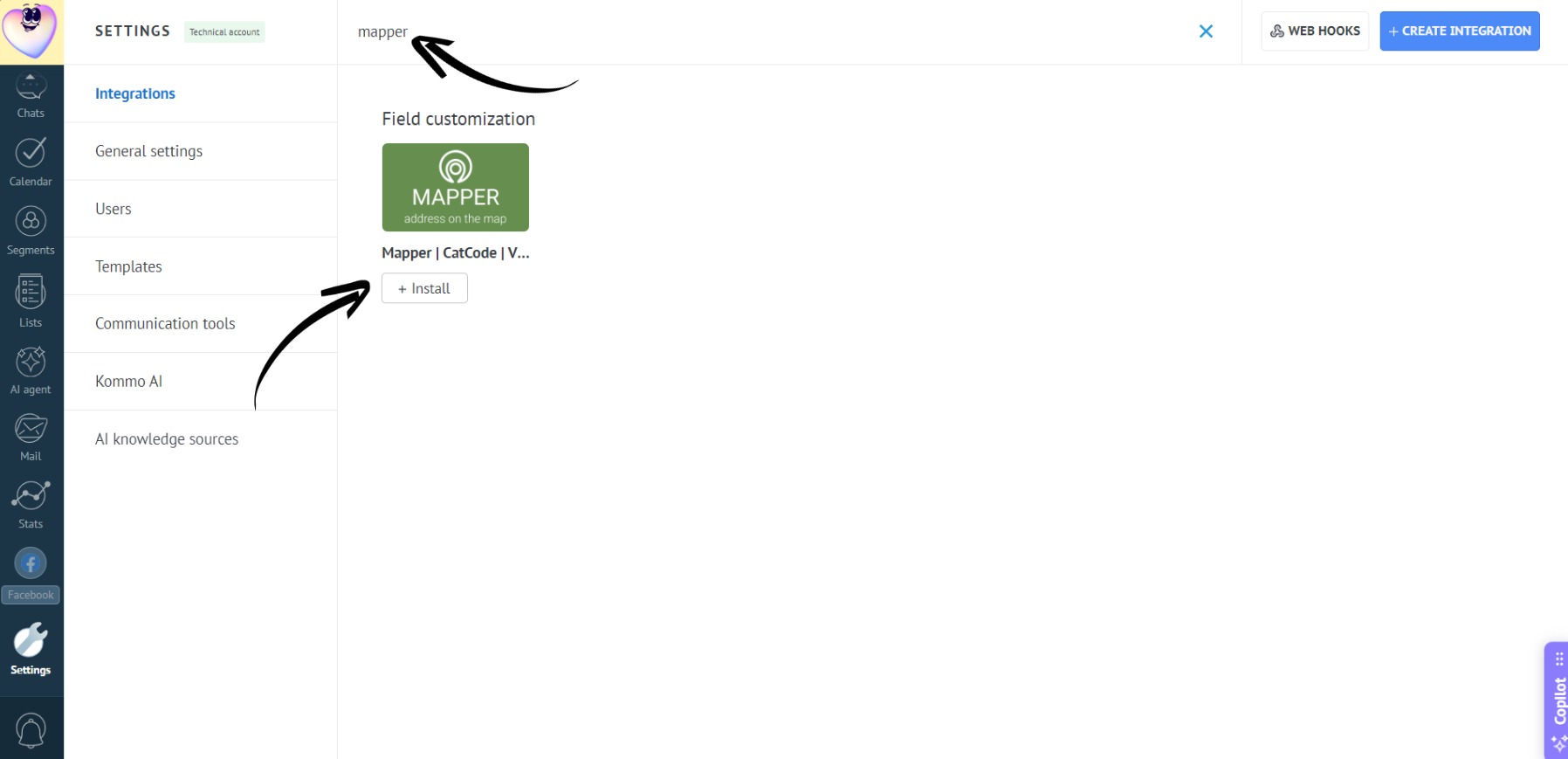
- In the search bar, type “Mapper”, select “Mapper by CatCode” and click on the “Install” button:
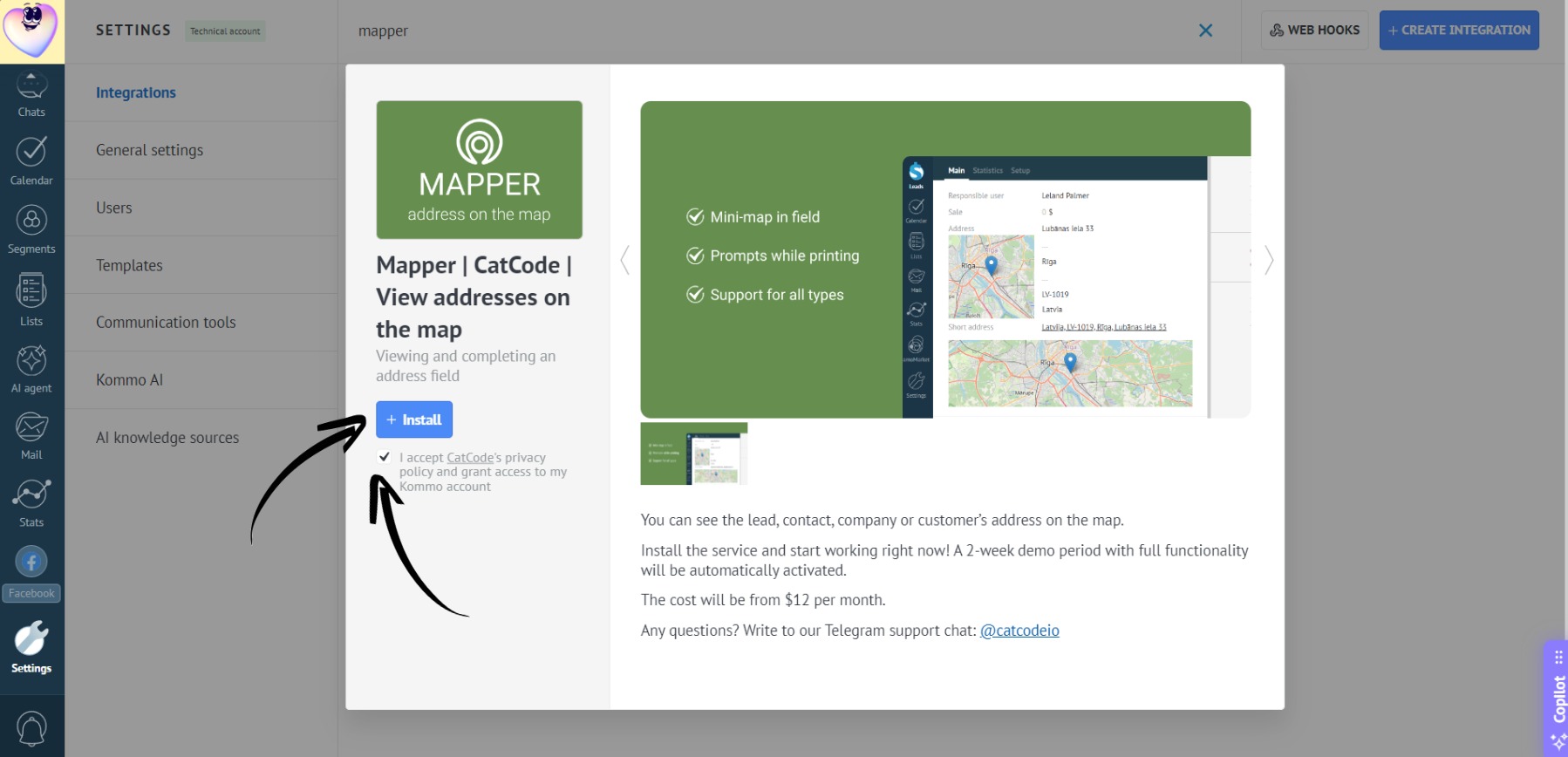
- Check the box to agree to the transfer of personal data and click the “Install” button:
- The app is installed! No extra setup required — it’s ready to use:
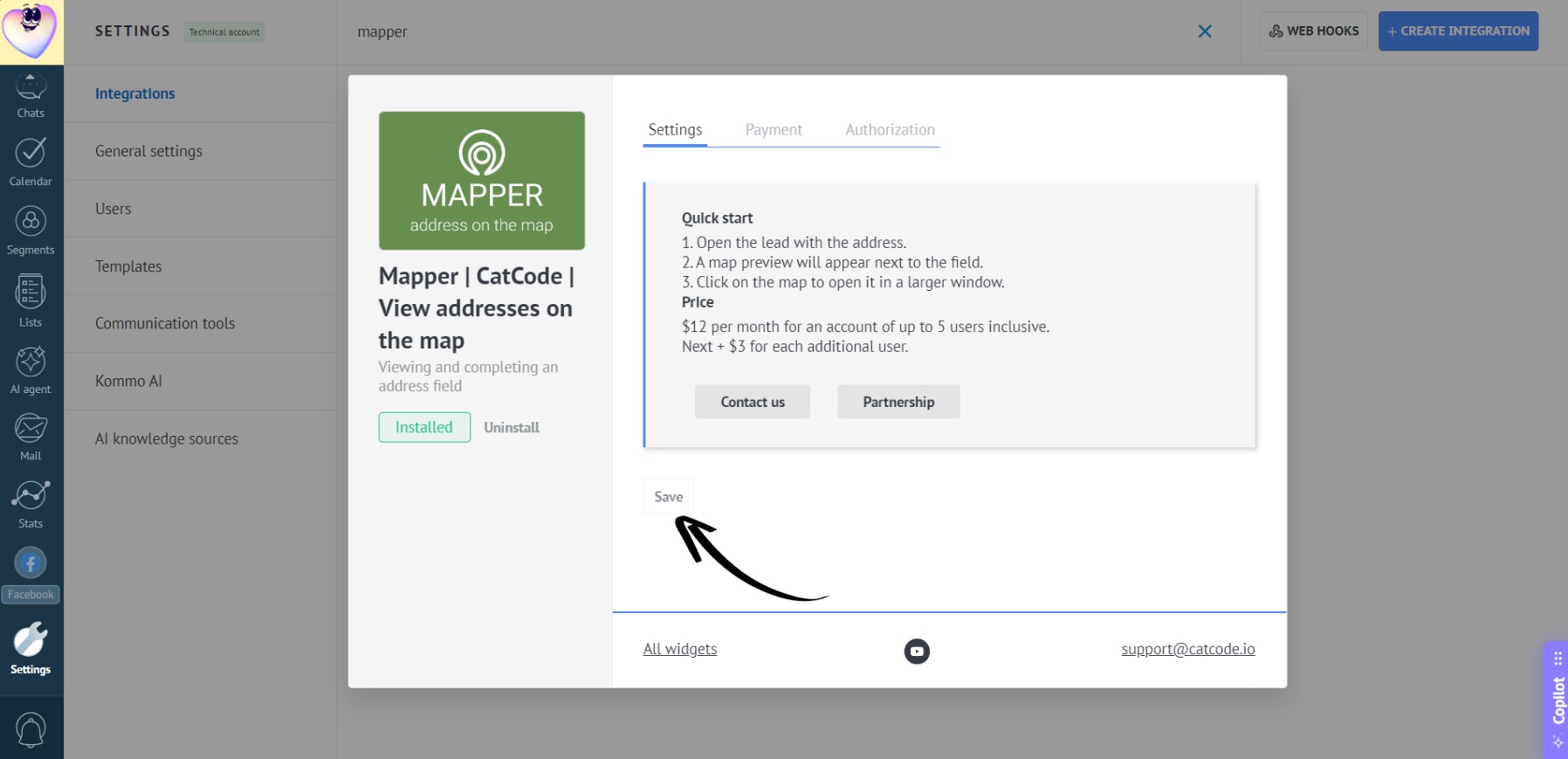
A two-week trial period will be automatically activated.