App Configuration
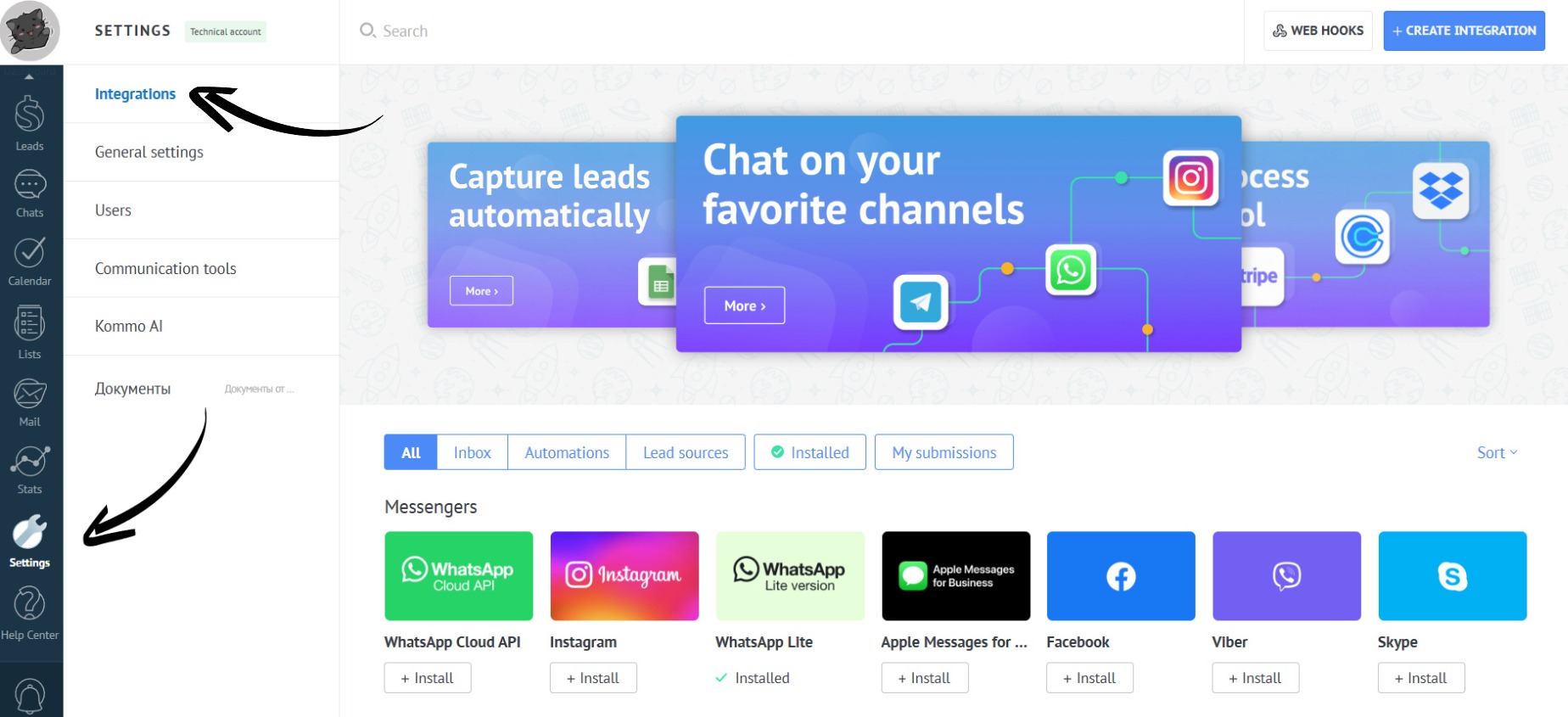
- Go to the “Settings” section. Open the “Integrations” tab:
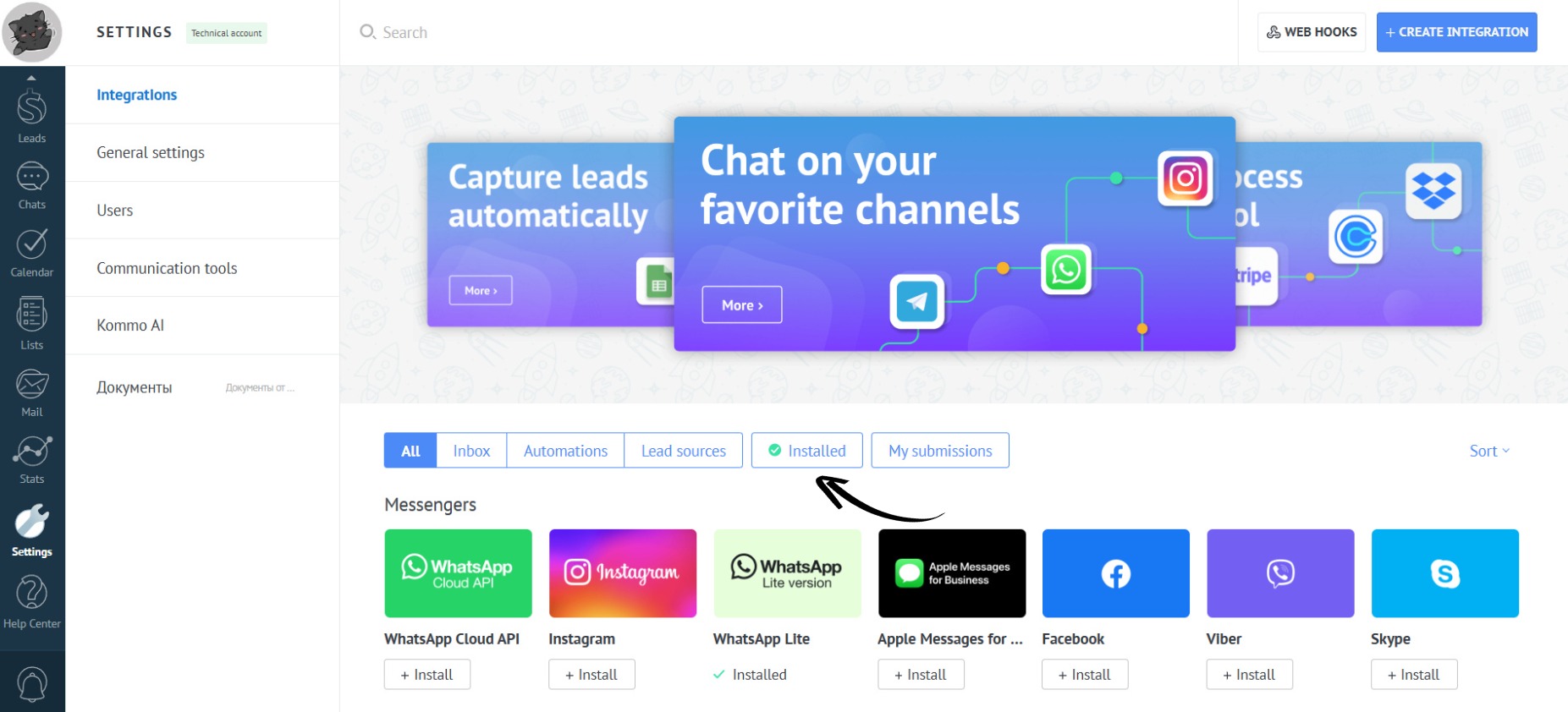
- Open the “Installed” section:
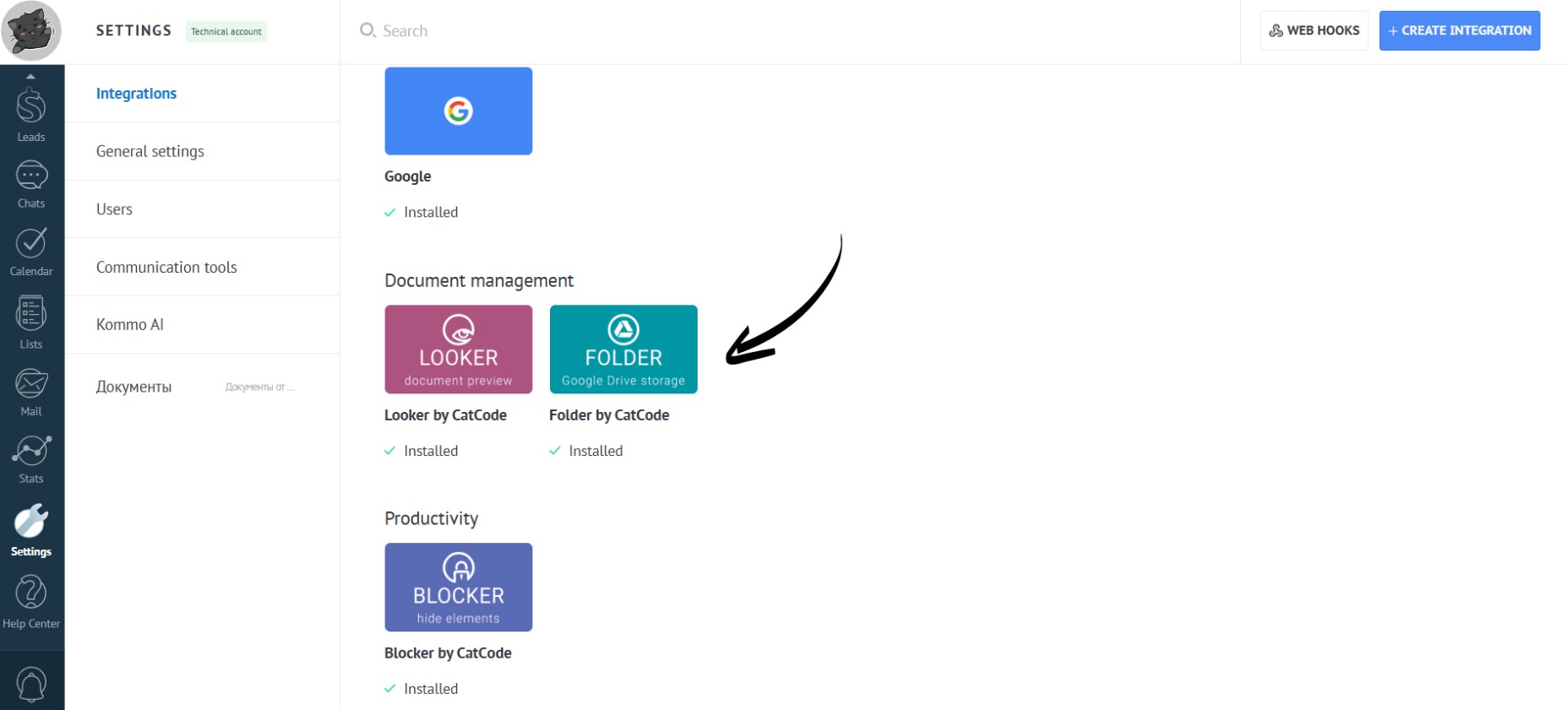
- Open the app:
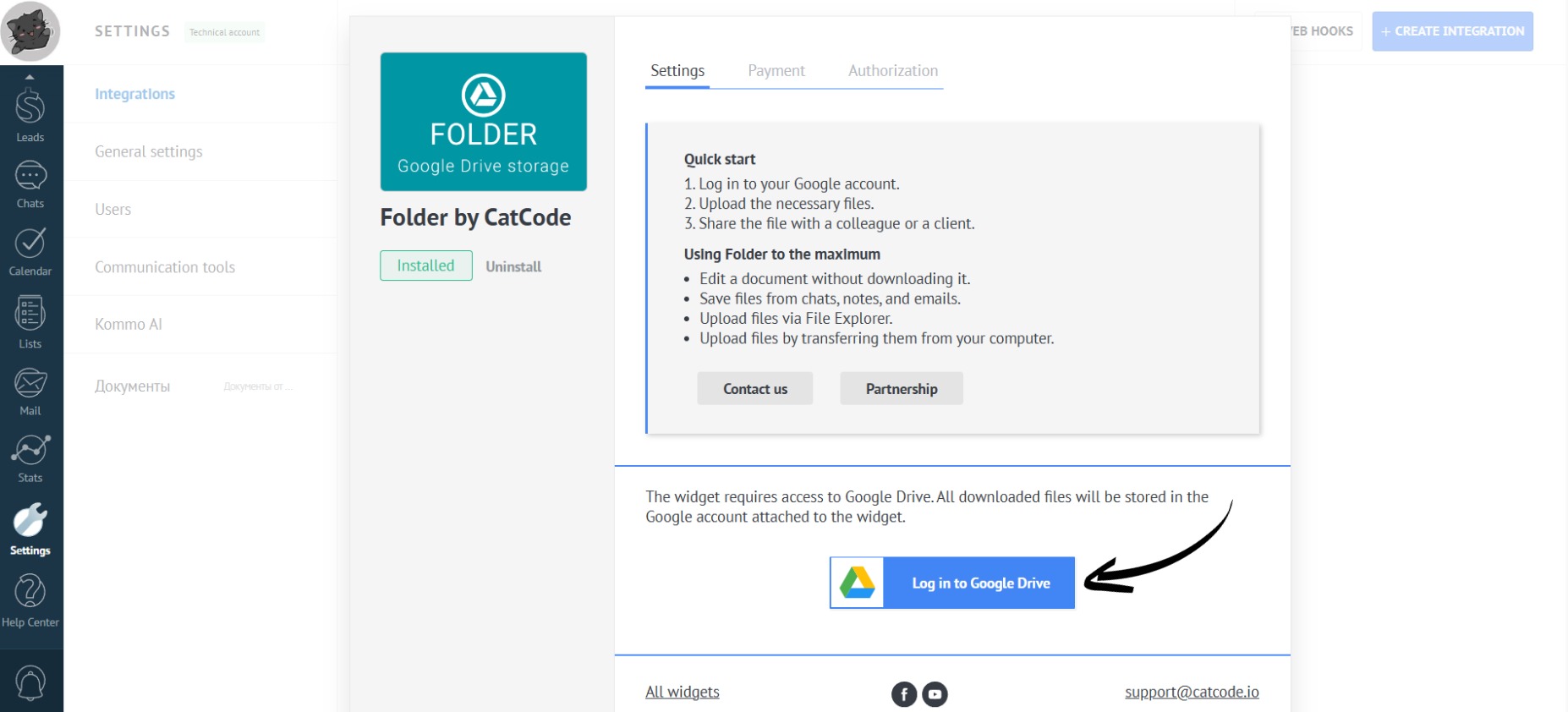
- Click on the “Log in to Google Drive” button:
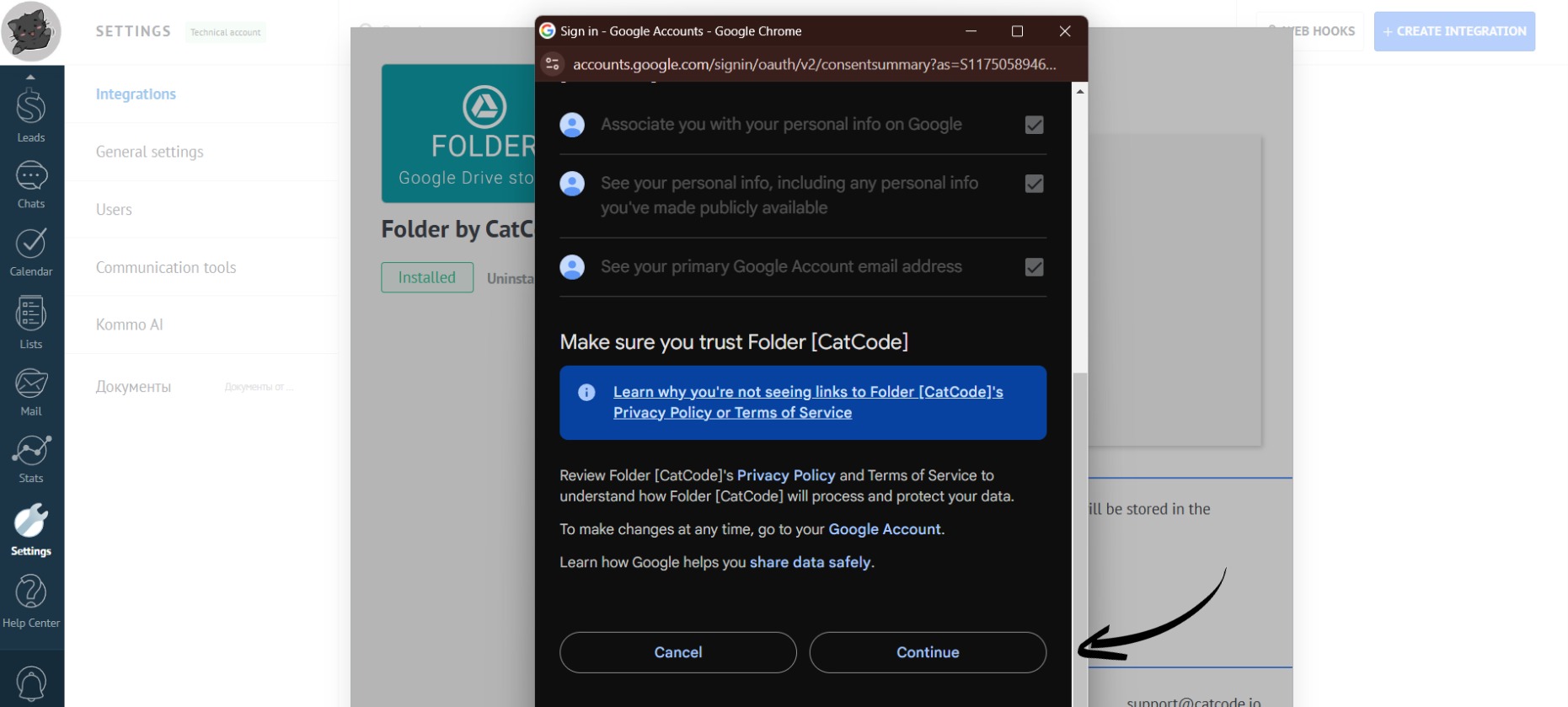
- Select the desired account and click the “Continue” button:
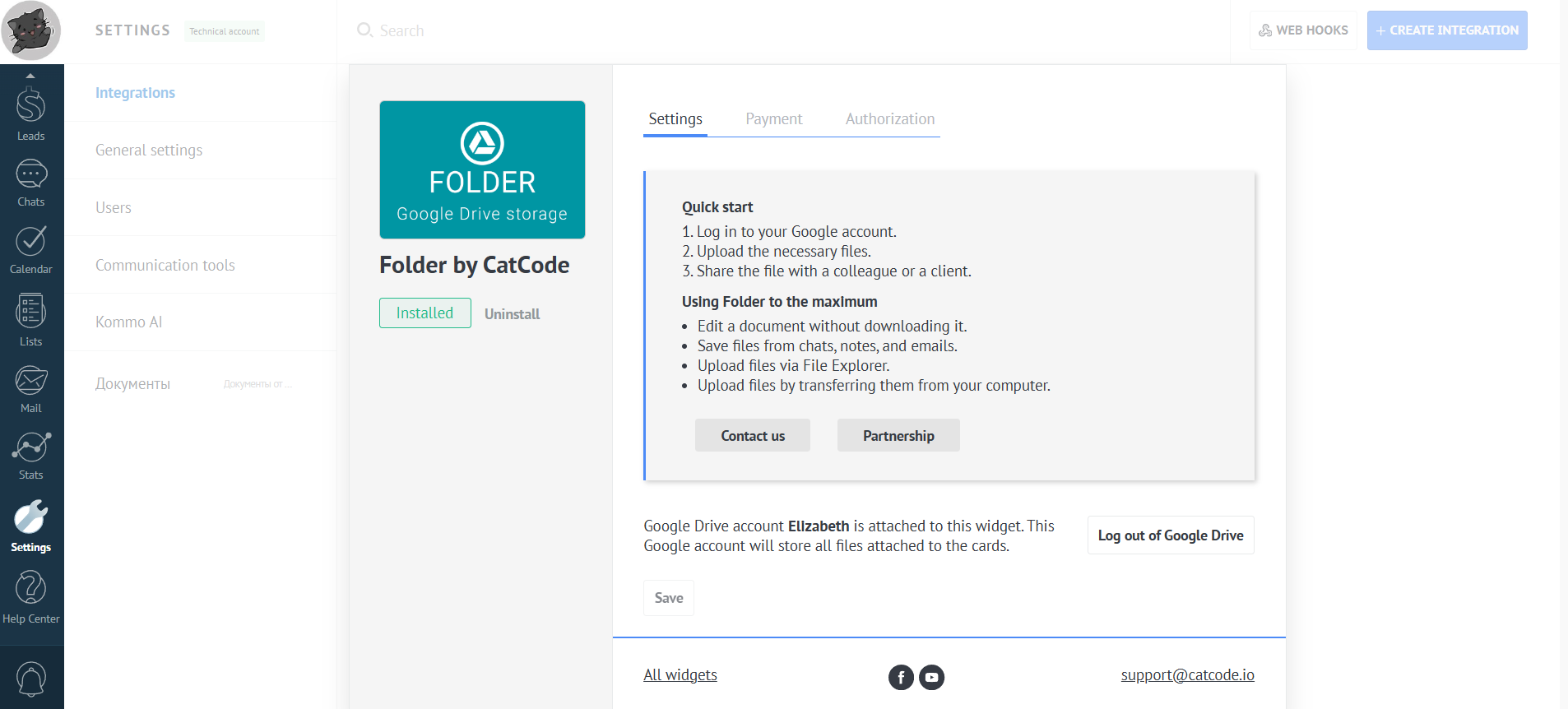
- An installed and ready-to-use app with an attached Google Drive looks like this:
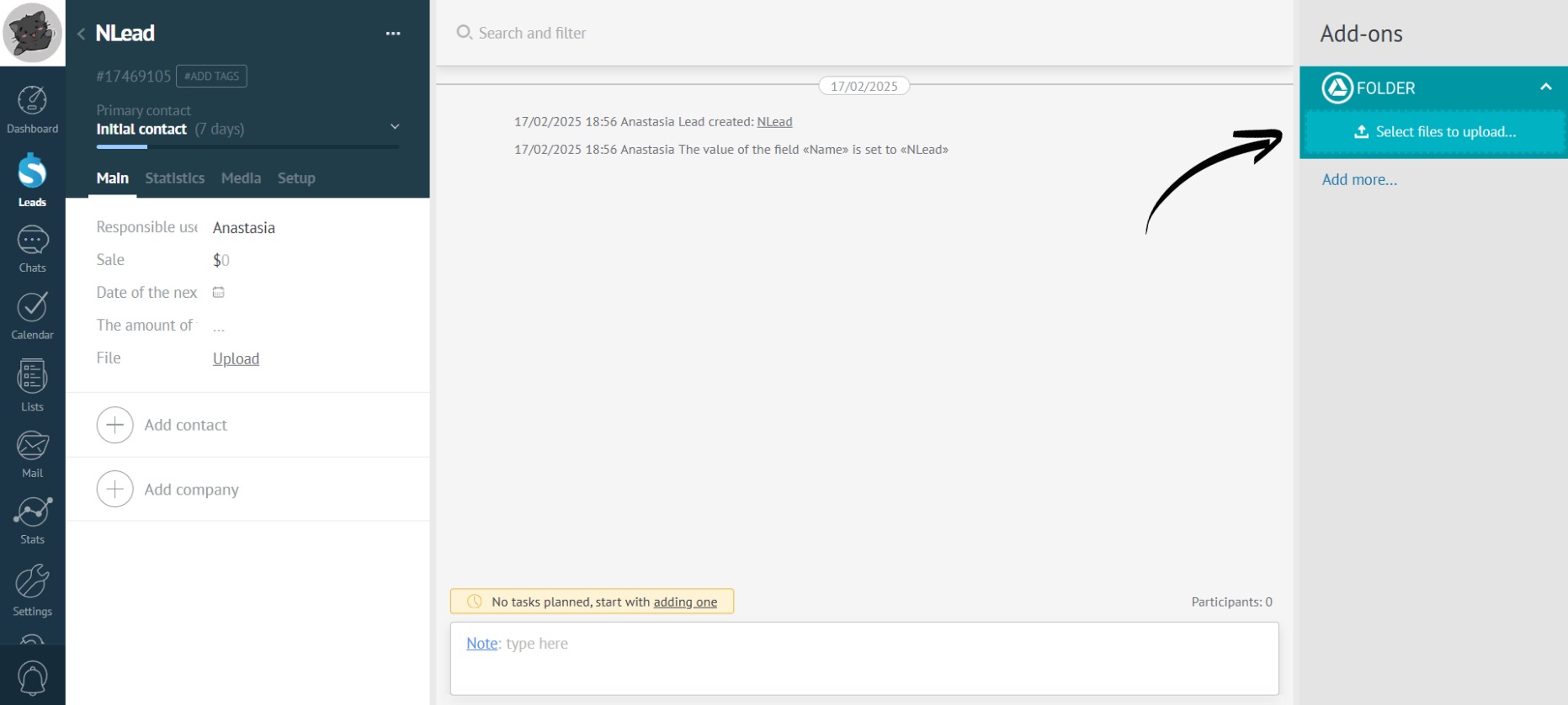
- After setting up the app, “Folder” will appear in the right panel of any lead, contact, or company card:
- The app is ready to use!