Uploading Files
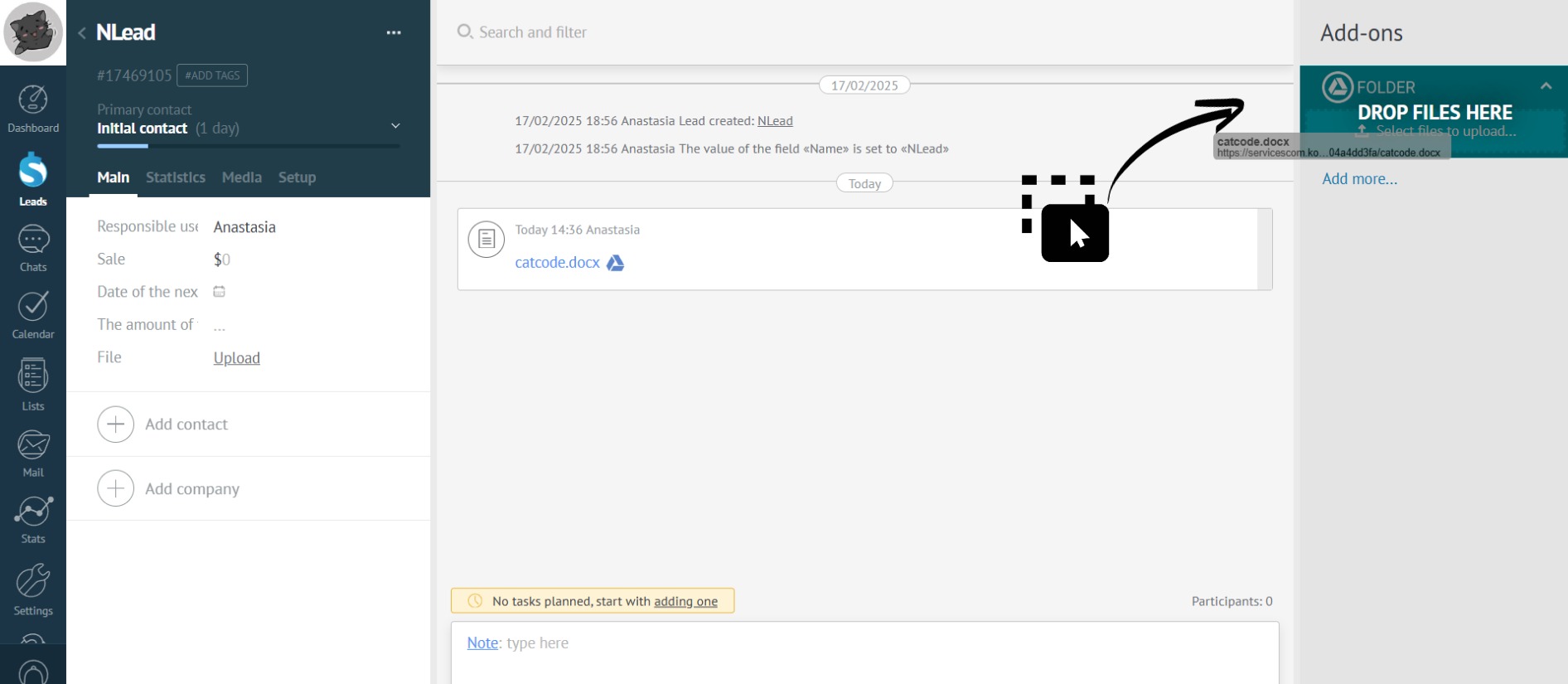
You can attach files to a lead, contact, or company card in three ways:
- From chats, emails, and notes.
- By drag-and-drop from your computer.
- By selecting files on your computer.
All files uploaded to the app are stored in Google Drive.
You can view the linked Google account in the app settings.