How to Reinstall an App
Reconfiguration after reinstallation will not be required. All previously entered data will be saved.
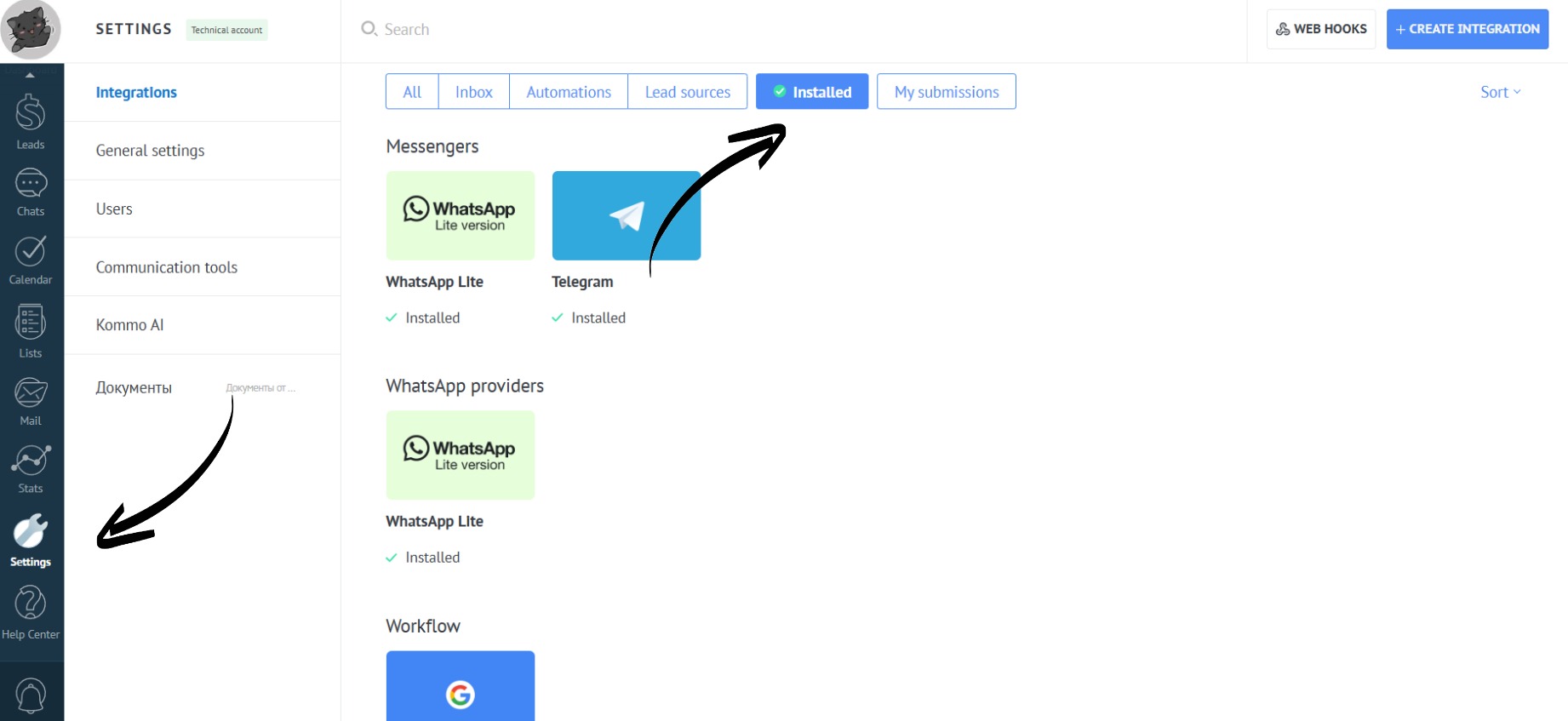
- Open the “Installed” section in the “Settings”. Go to the card of the desired app:
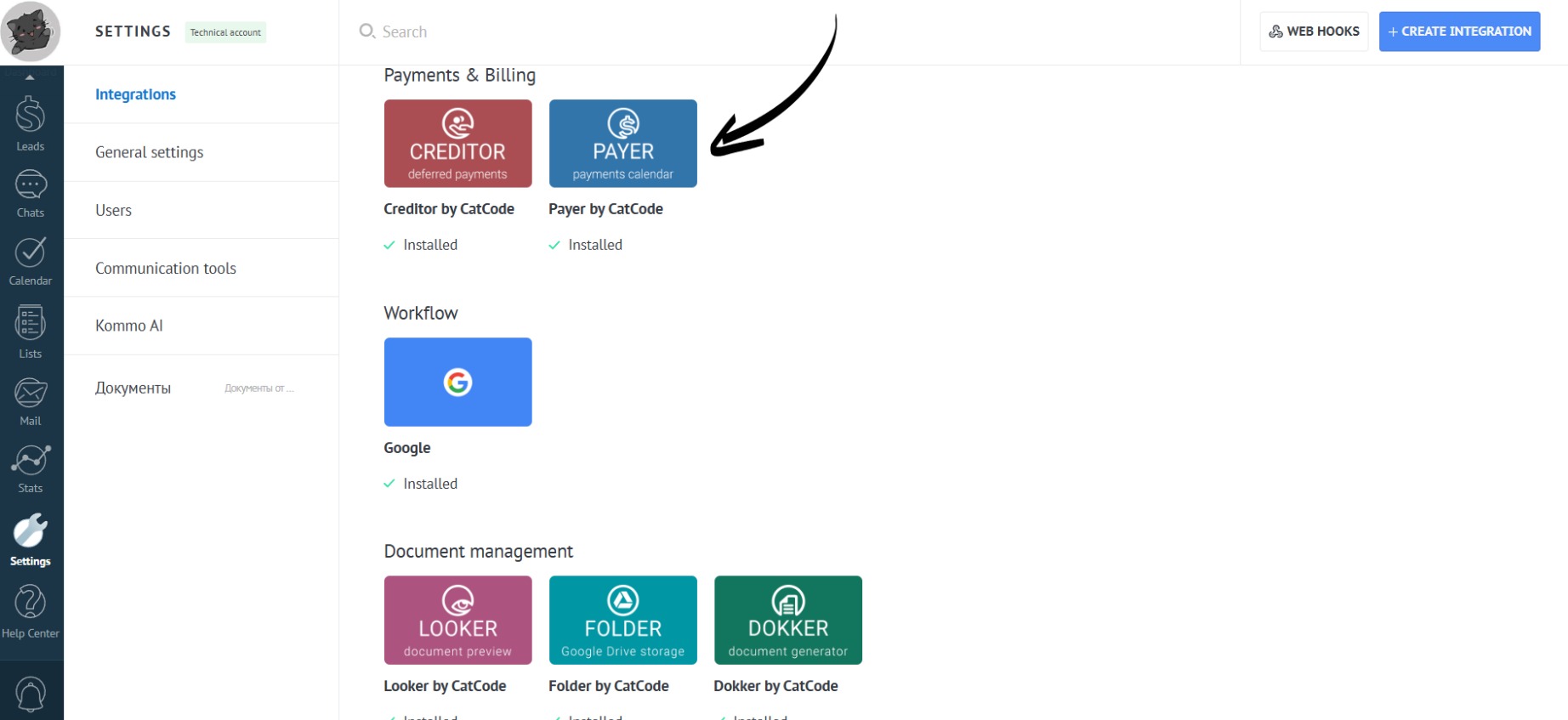
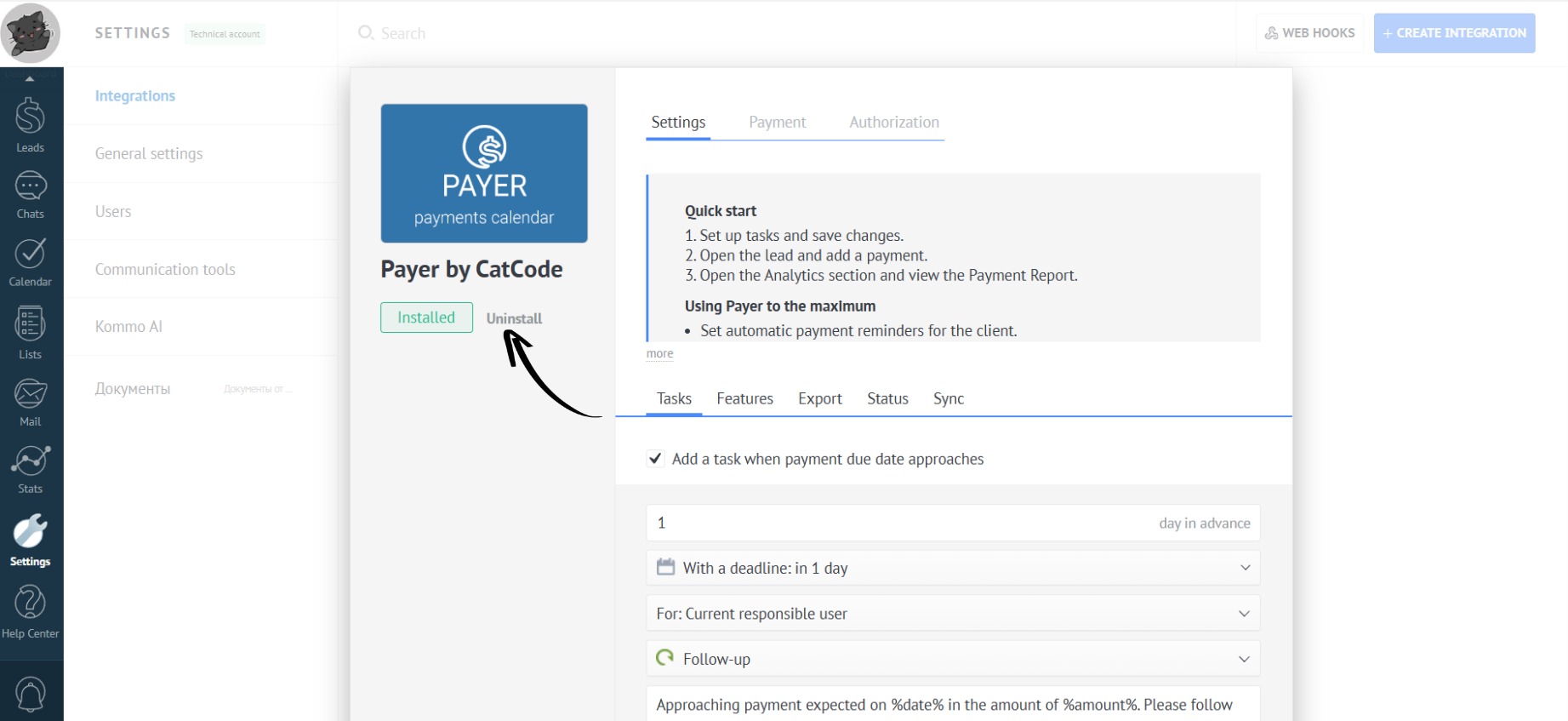
- Click the “Uninstall” button:
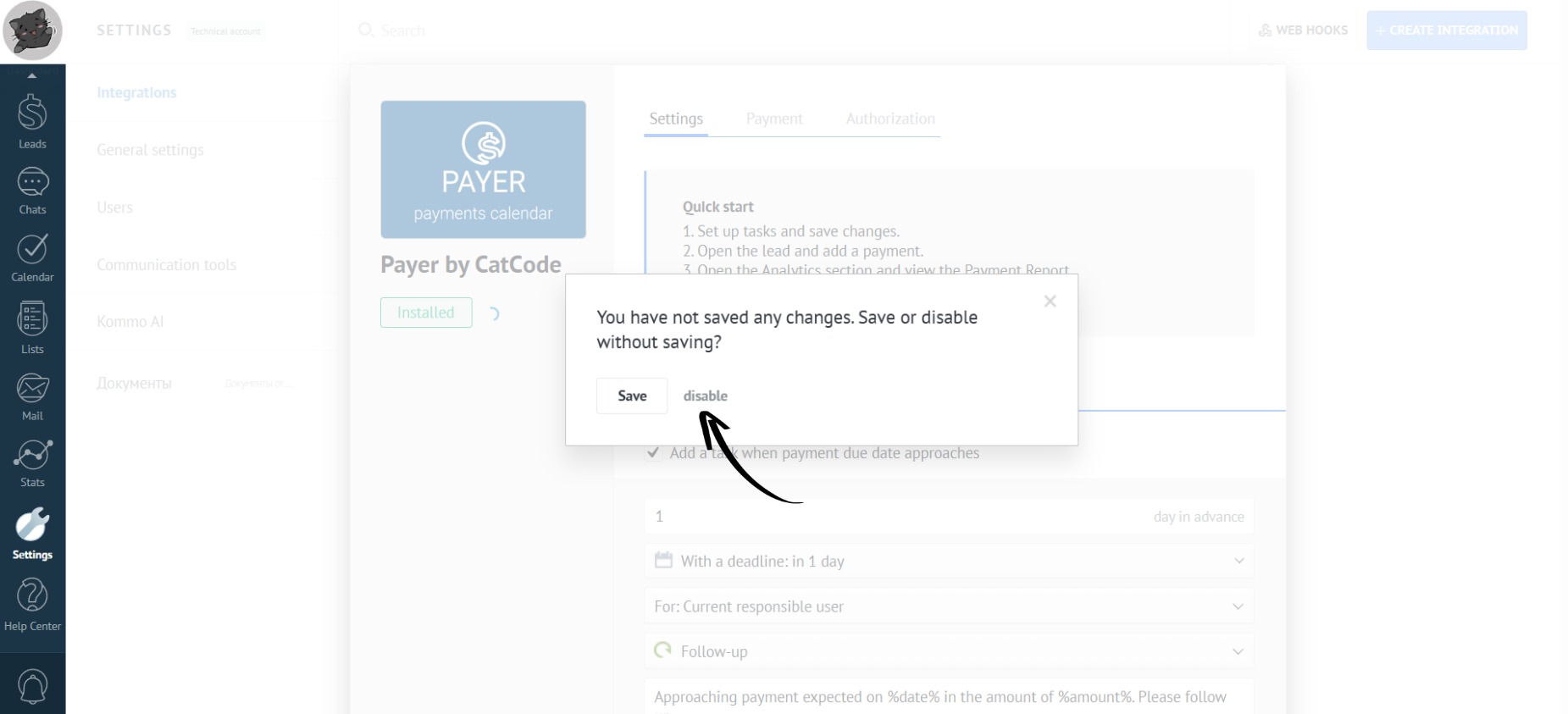
- Confirm the disabling:
Refresh the page.
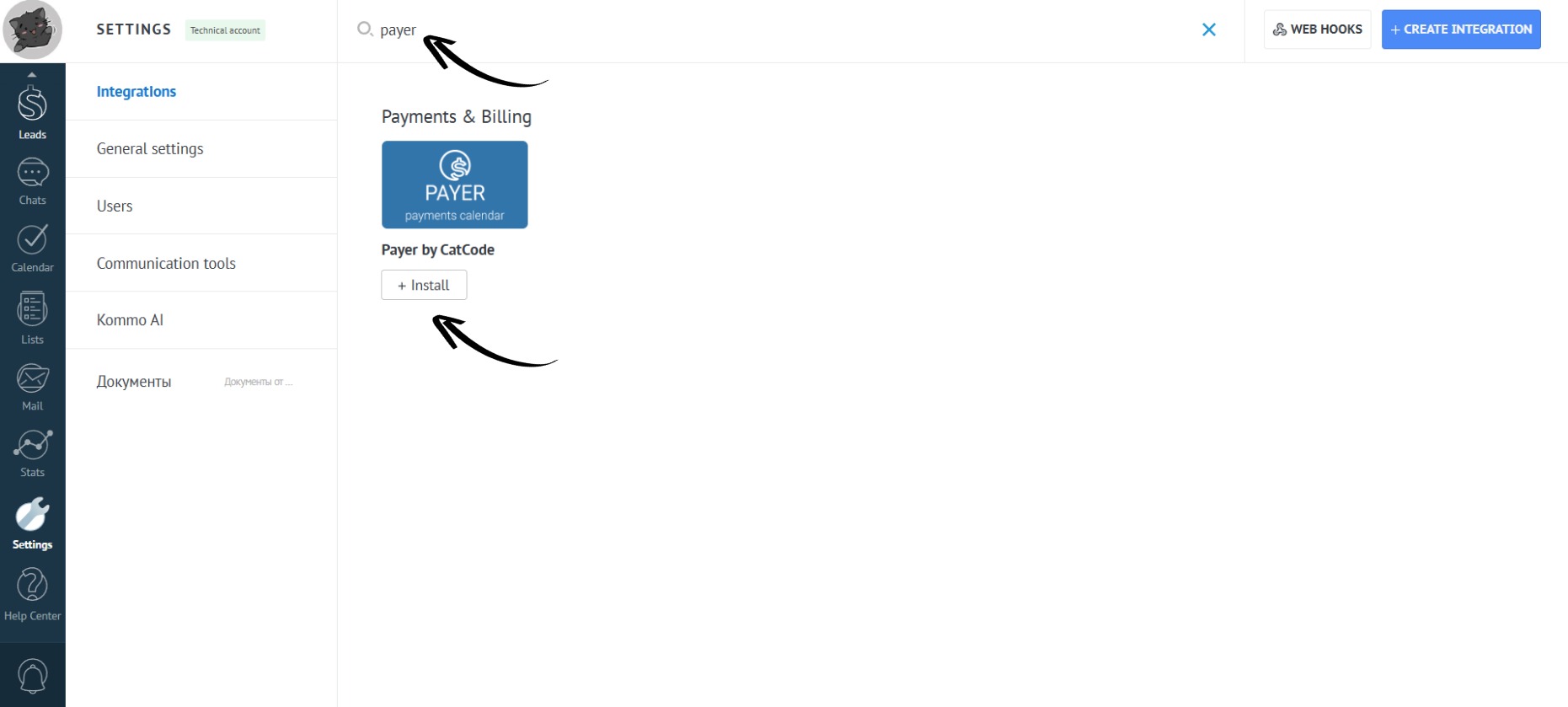
Enter the app name in the search bar and click the “Install” button:
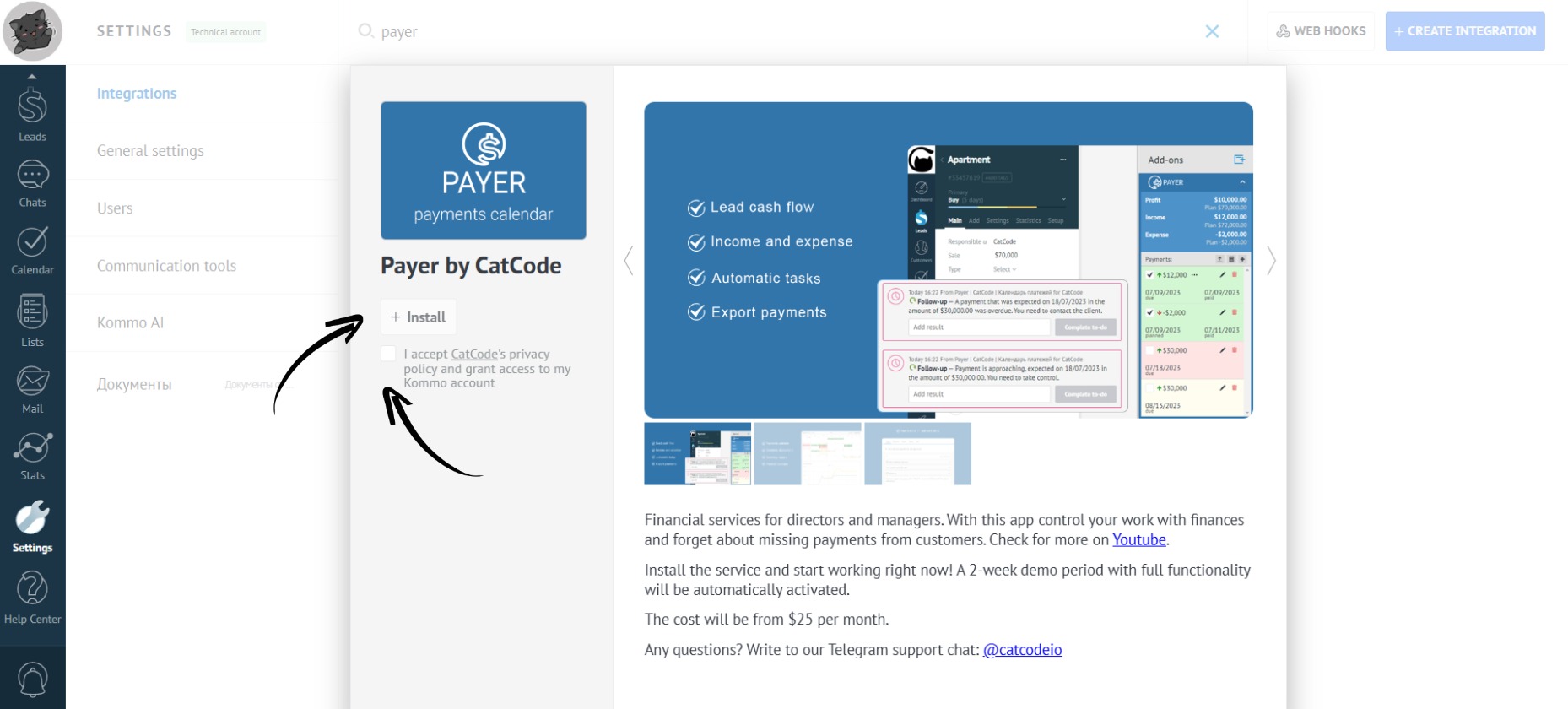
- Check the box to agree to the transfer of personal data and click the “Install” button:
- The app has been successfully reinstalled.