How to Install an App
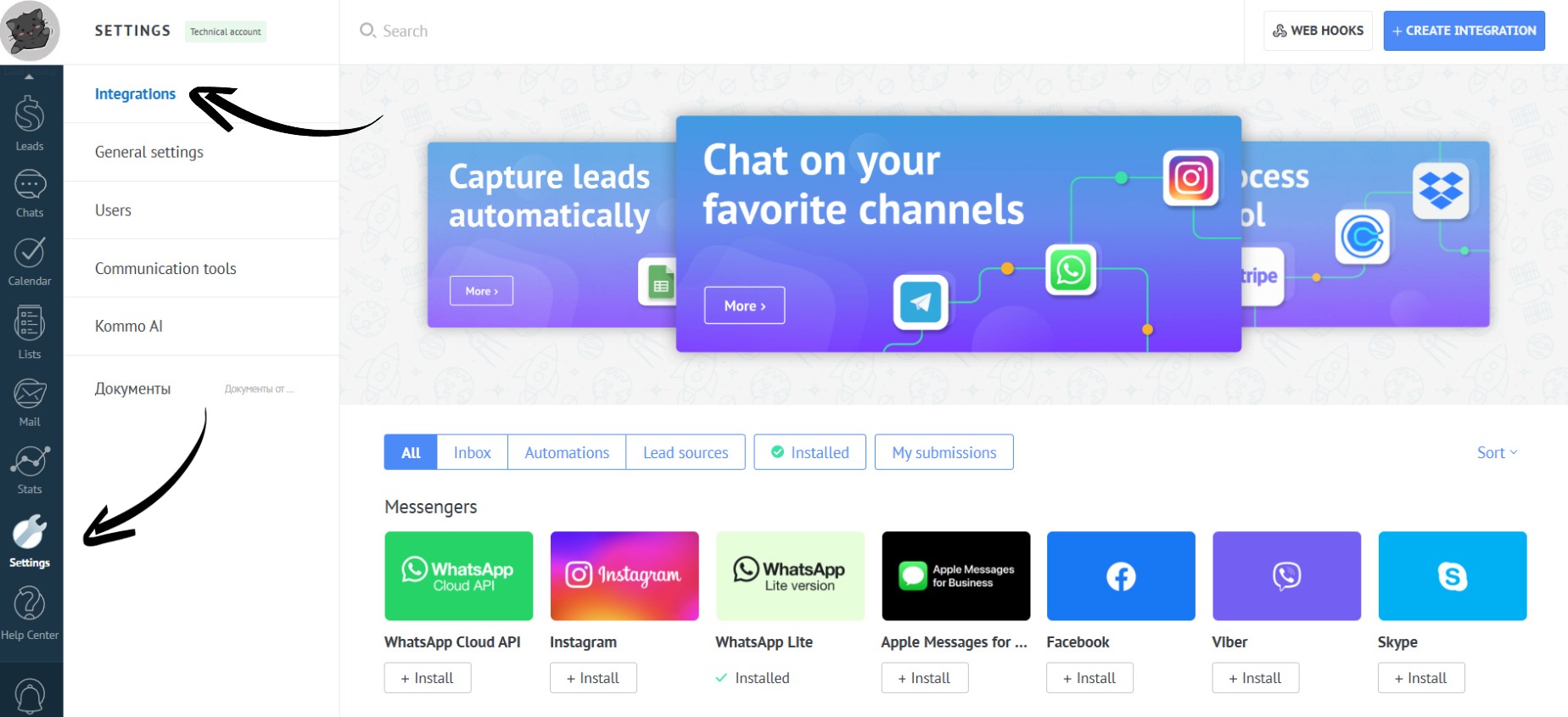
- Go to “Settings”. Open the “Integrations” tab:
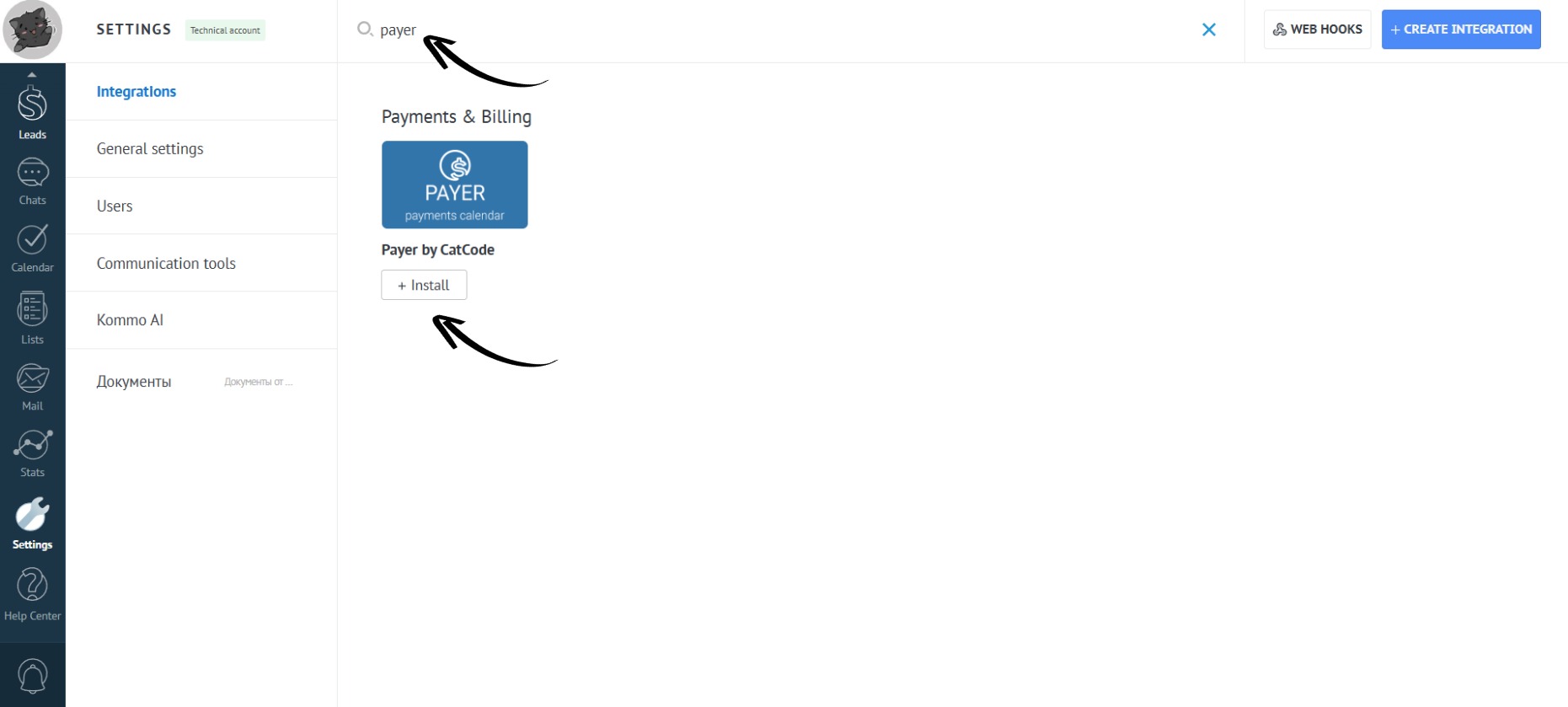
- Enter the app name in the search bar and click the “Install” button:
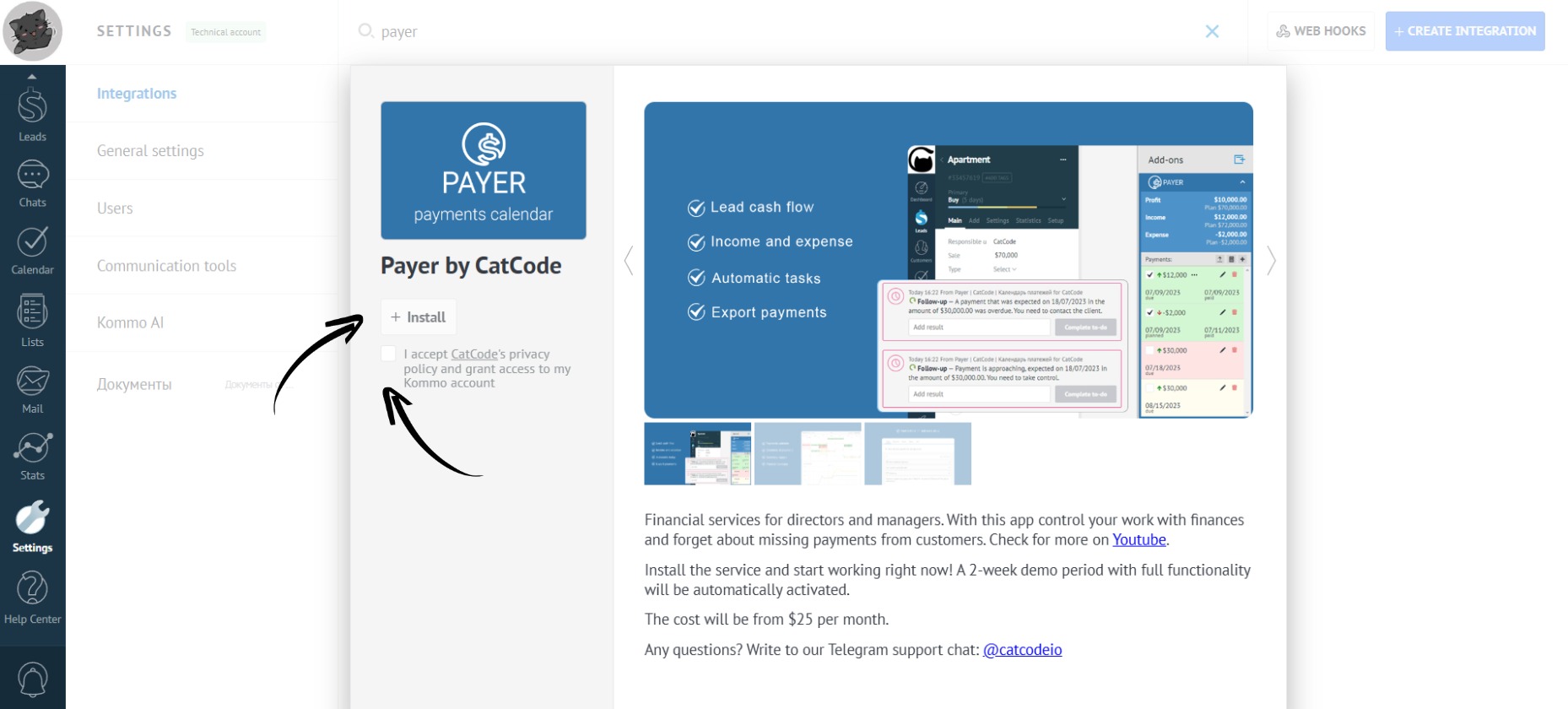
- Check the box to agree to the transfer of personal data and click the “Install” button:
- The app is ready to use!
