Picture Insertion
The app supports inserting images from custom fields of all entities (Contact/Company/Lead).
Supported image field types include:
- File
- Link
- Text
- Text Area
- In template editing mode, create a new placeholder:
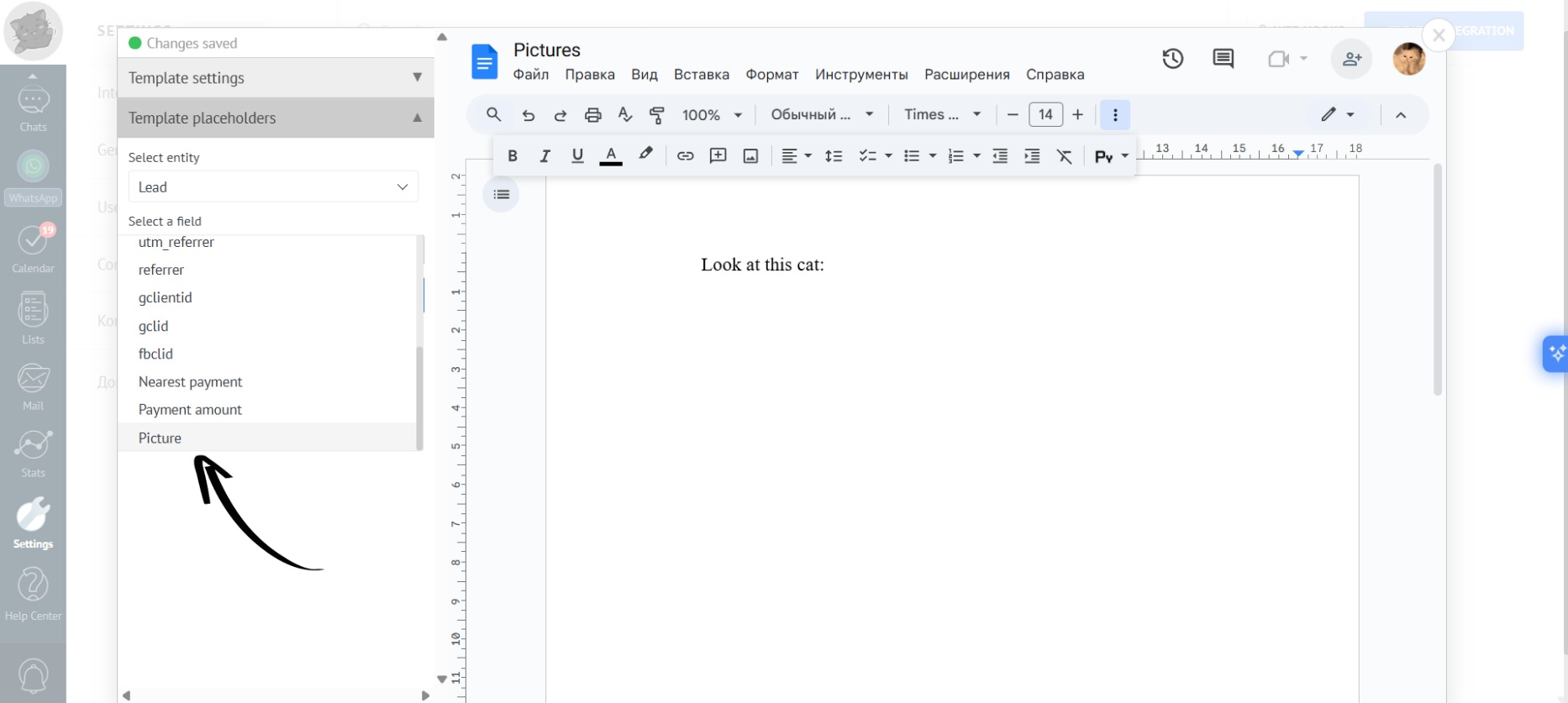
- When creating the placeholder, select the “Insert Picture” modifier:
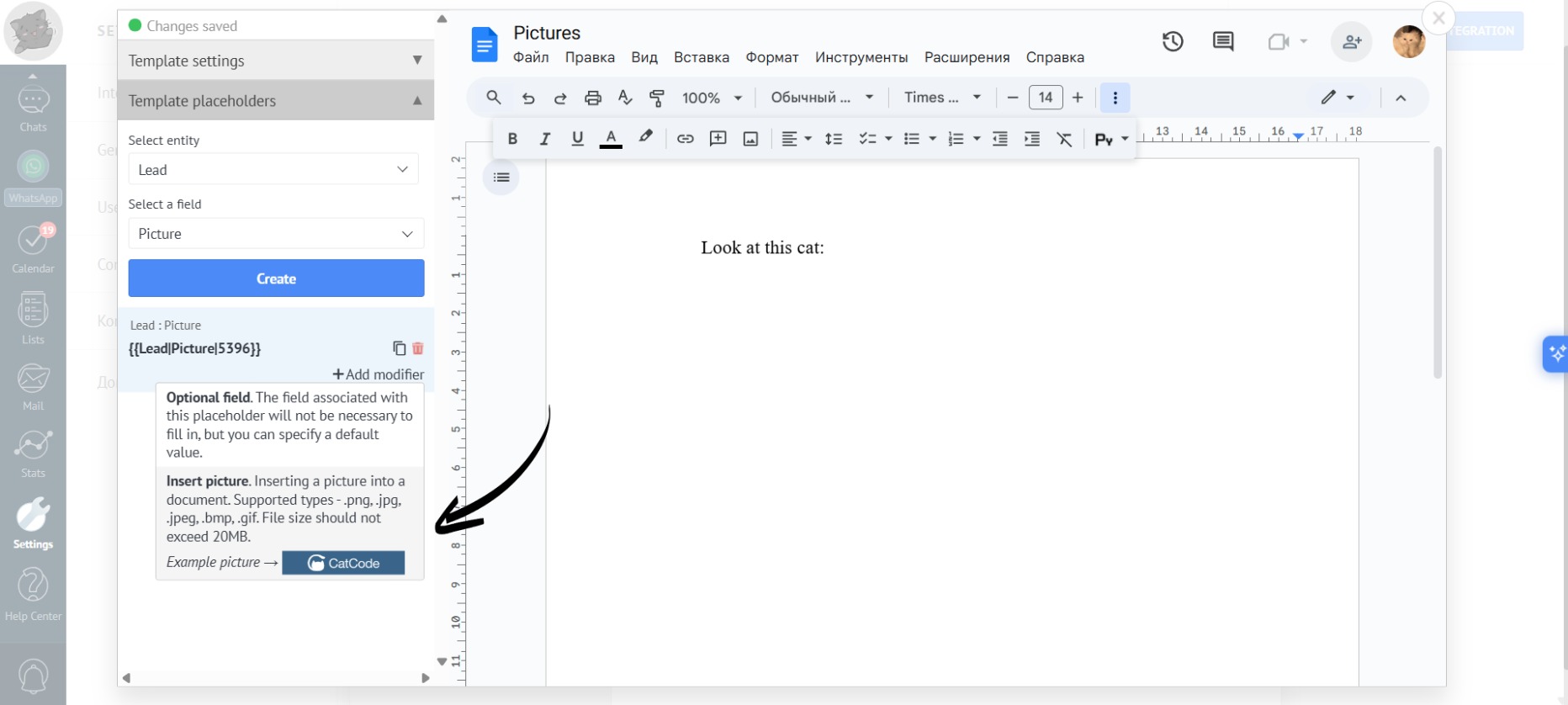
This modifier converts the field content into a fully rendered image when the document is generated.
- In the modifier settings, you can specify the width and height of the image in various units of measurement (e.g., inches, and pixels):
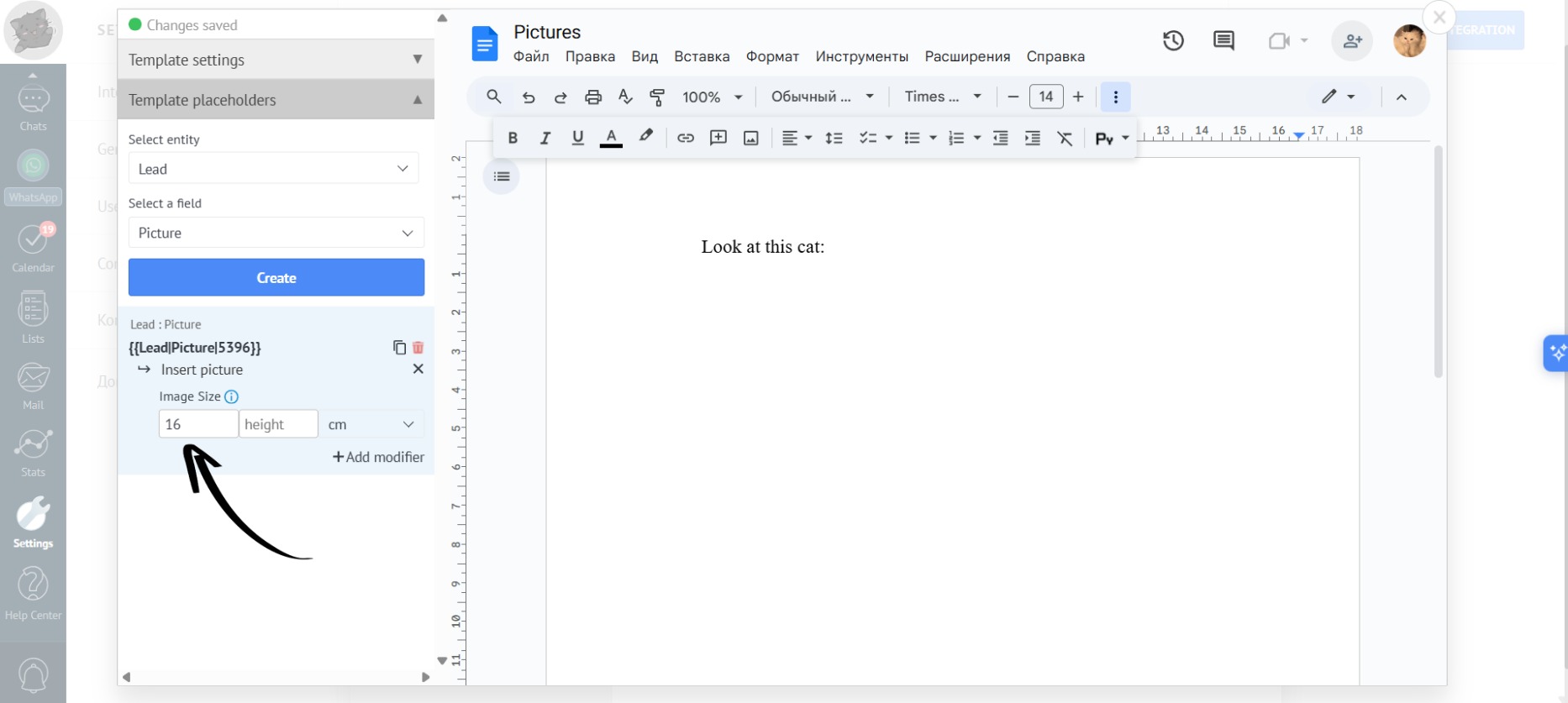
If you specify only one dimension (e.g., a width of 16 cm), the other dimension will automatically adjust proportionally to maintain the aspect ratio.
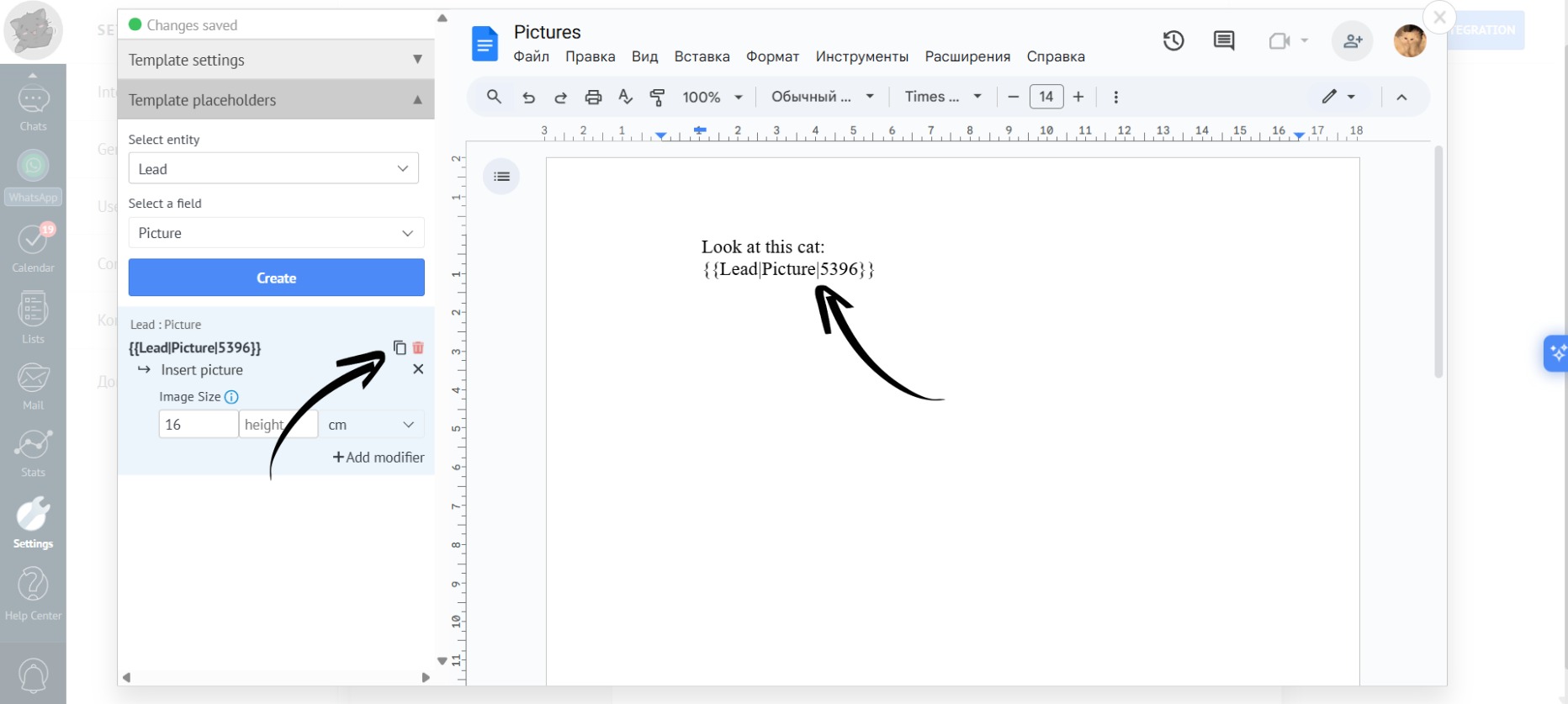
- Copy the created placeholder and paste it into the desired location within your document template:
- Now, go to the lead card and select the template you want to use:
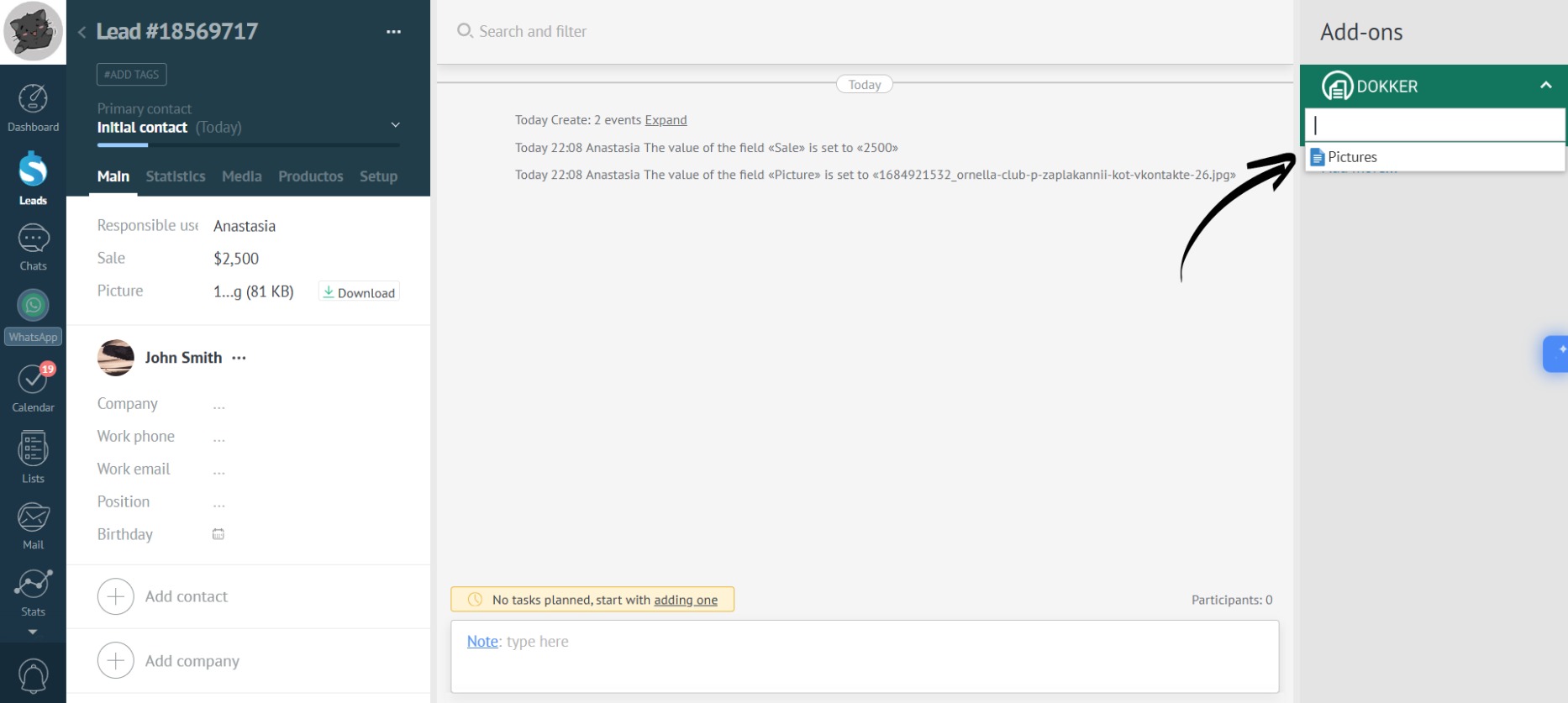
- Generate the document:
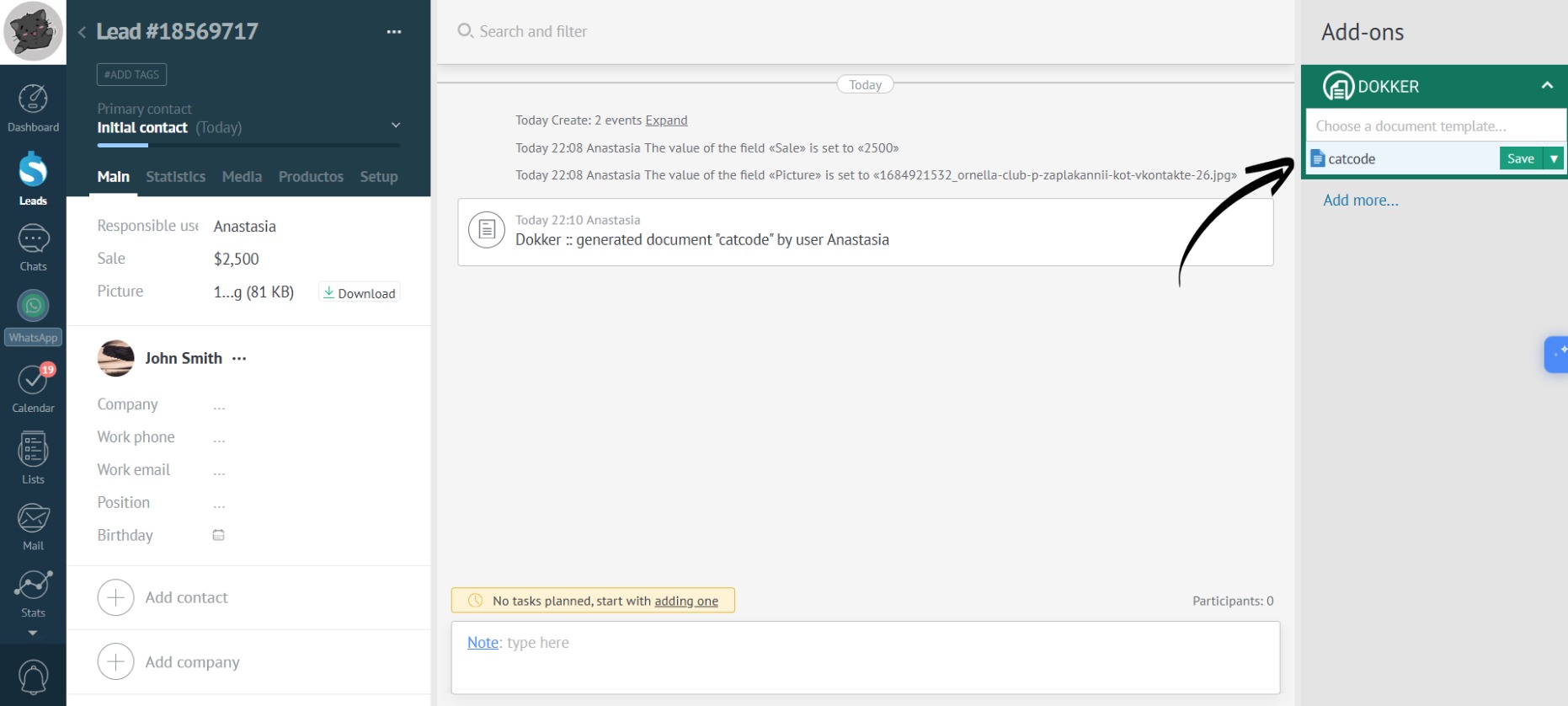
- During document generation, the picture uploaded to the card will appear in place of the placeholder with the modifier:
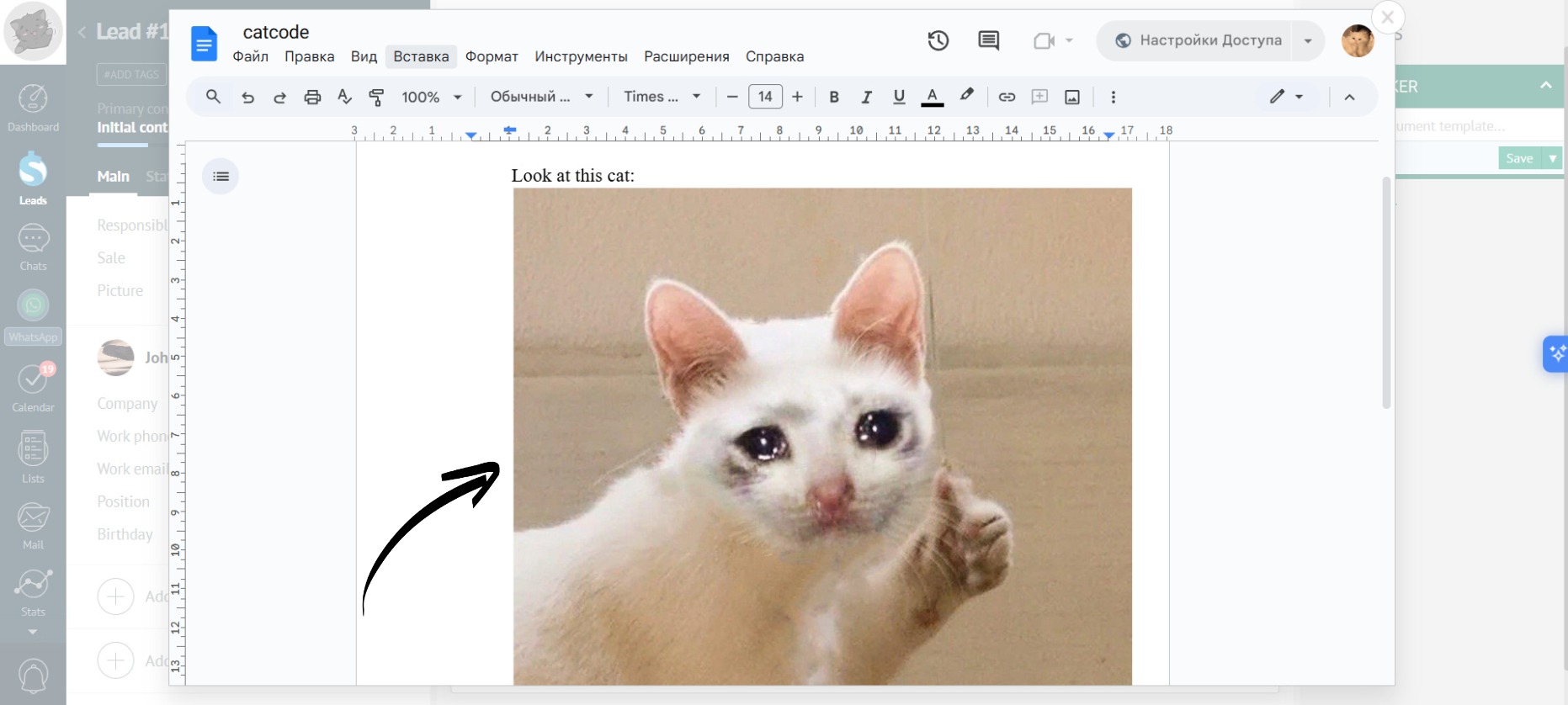
Now you can easily insert pictures from any custom field of all entities (Contact/Company/Lead) into documents using Dokker.