App Installation
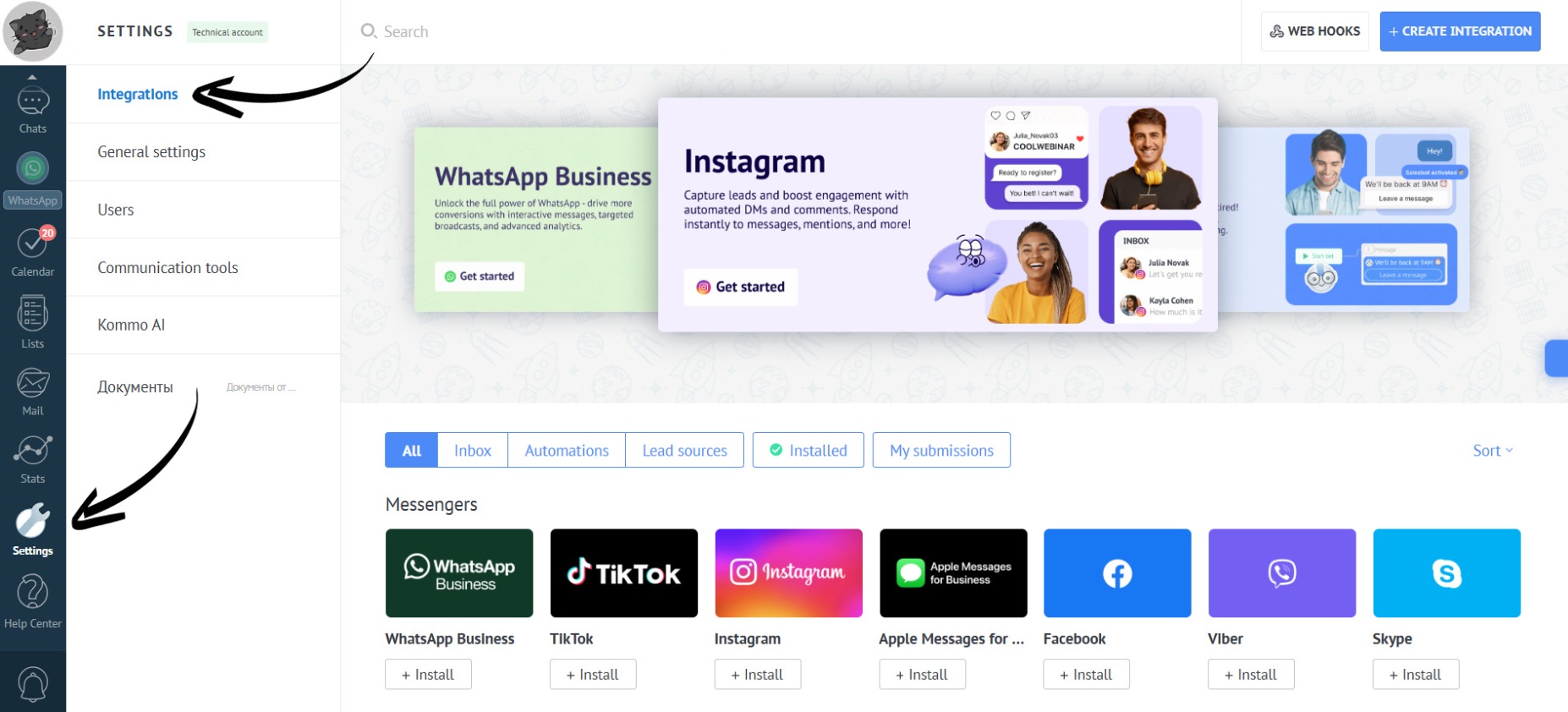
- Go to the “Settings” section. Open the “Integrations” tab:
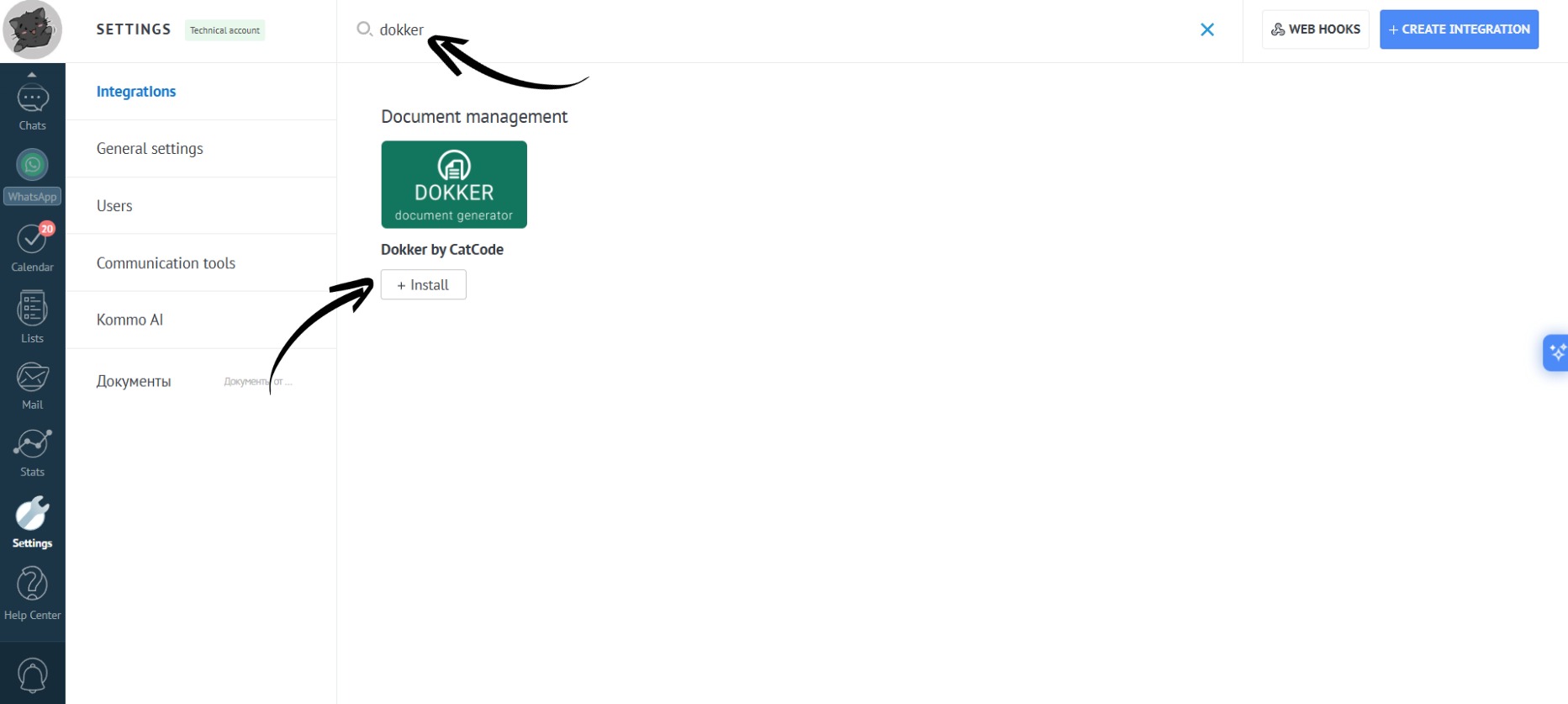
- In the search bar, type “Dokker”, select “Dokker by CatCode” and click on the “Install” button:
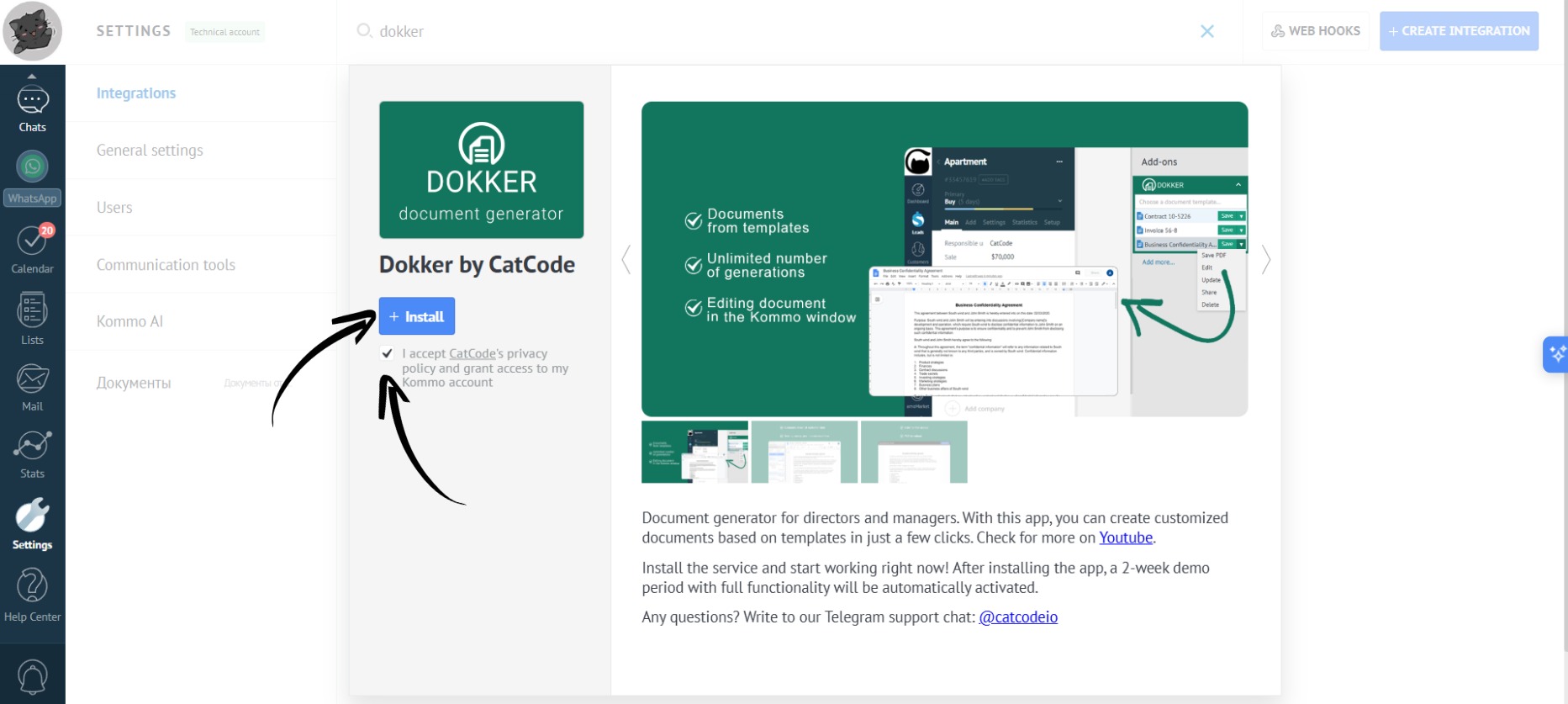
- Check the box to agree to the transfer of personal data and click the “Install” button:
- The app is installed!
A two-week trial period will be automatically activated.