Document Generation
You can generate documents in any quantity. Payment is based on the number of days the Dokker app is used, not on the number of generations.
- Let’s go to a lead to generate the document:
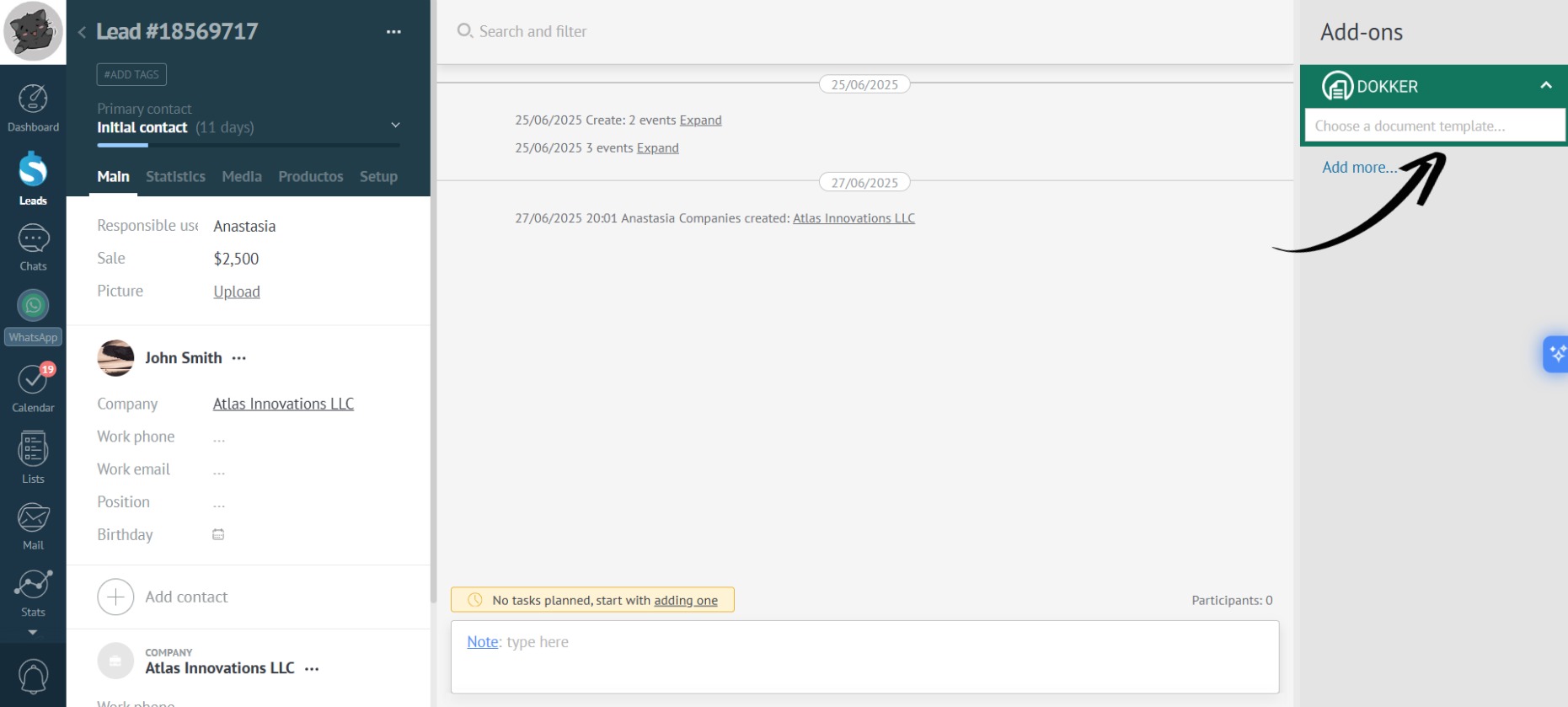
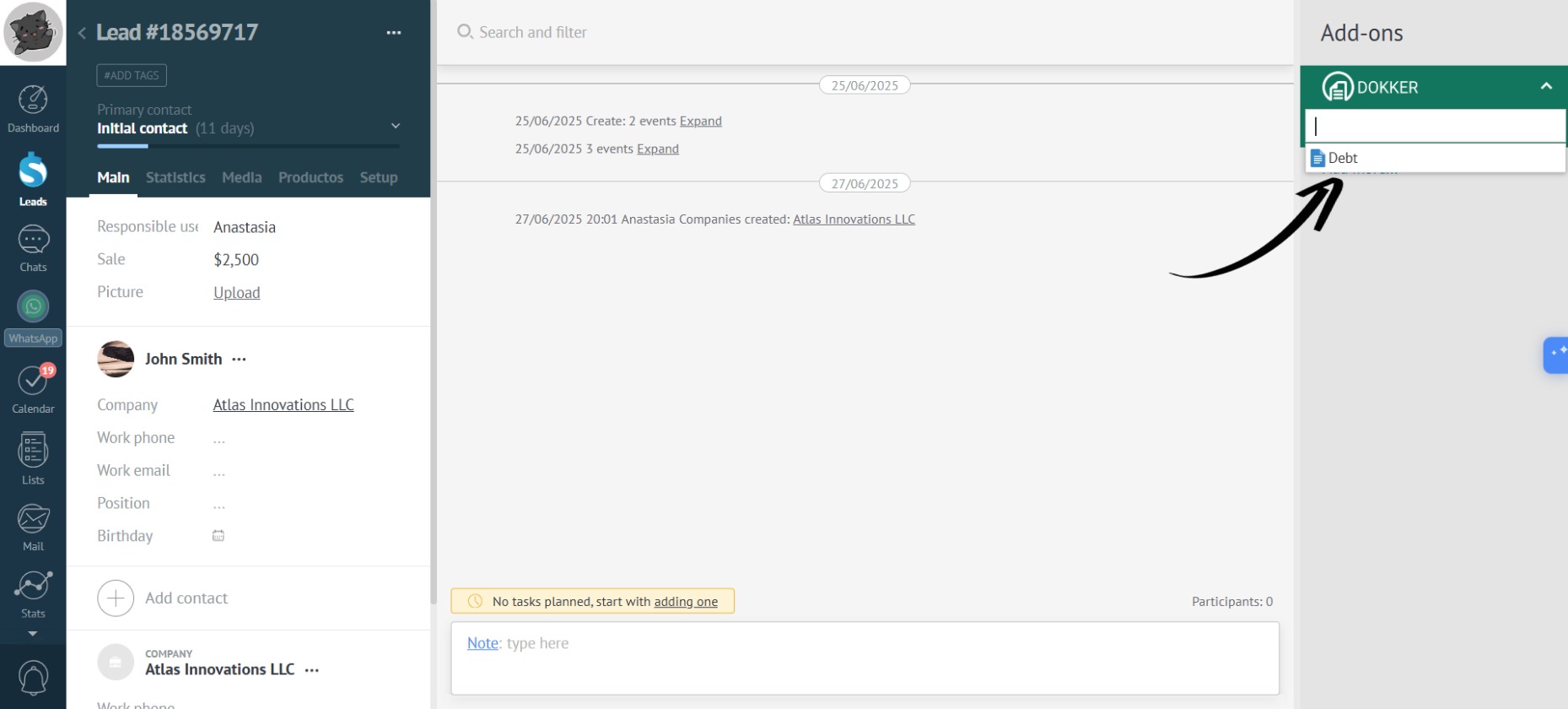
- In the right panel of the app, click “Choose a document template” and click on the desired one:
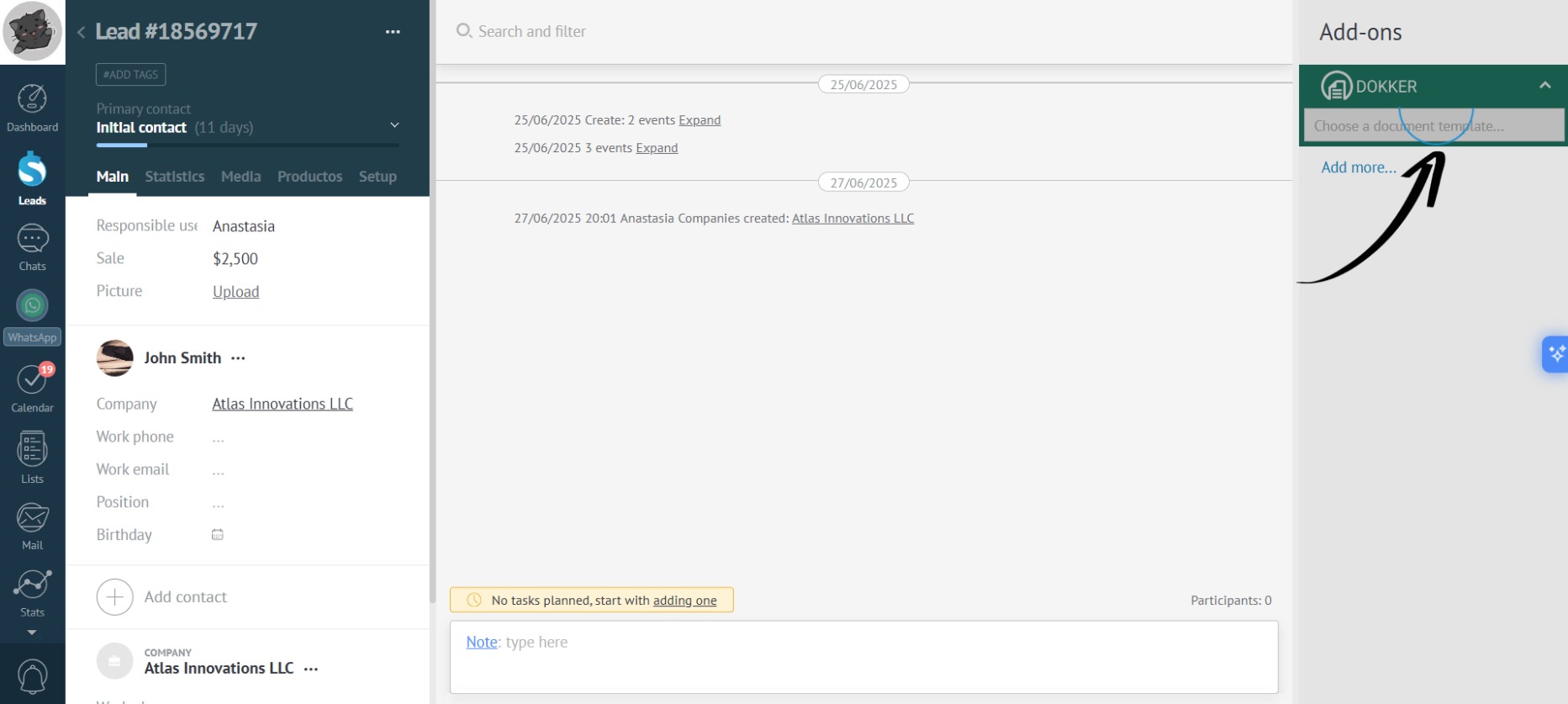
- Wait for the app to generate the document:
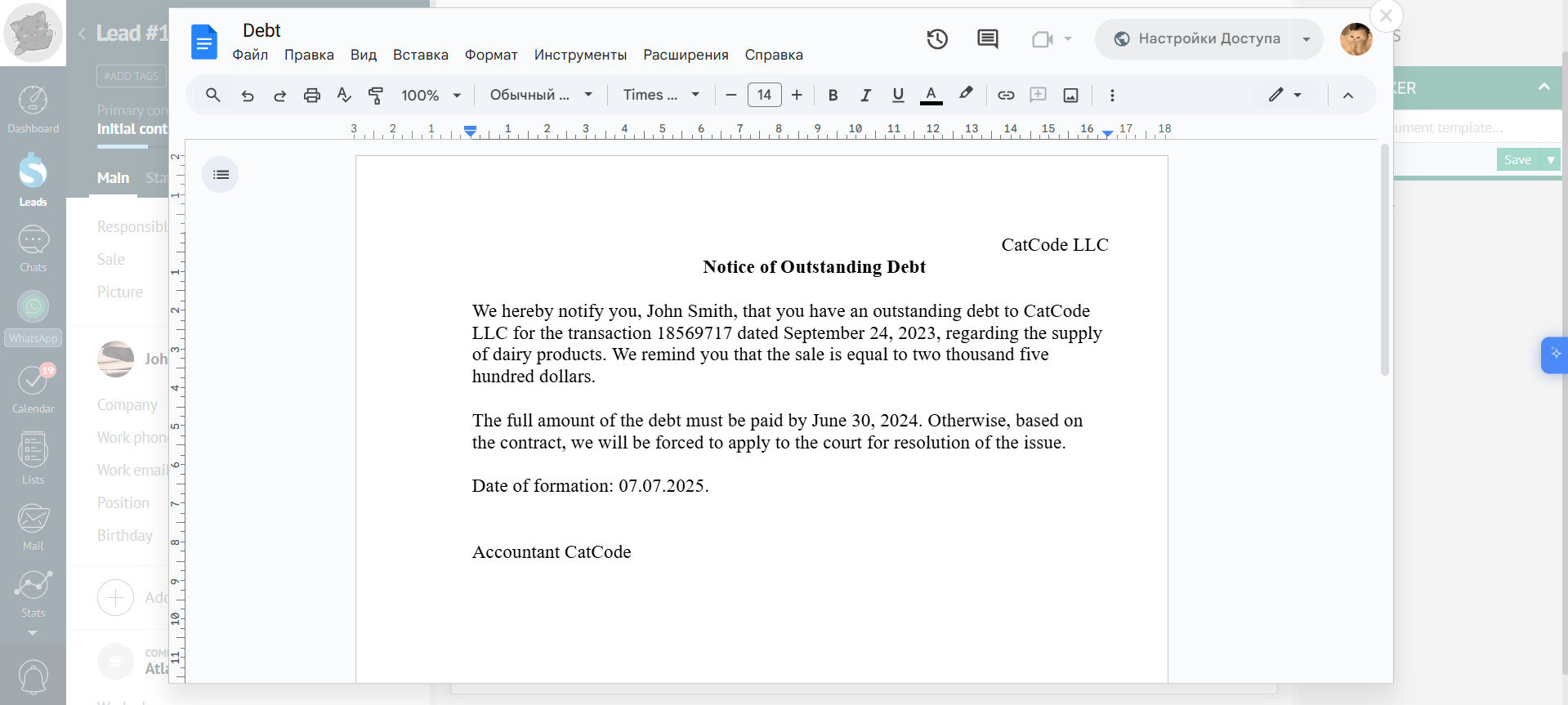
- Done! The app has generated the document:
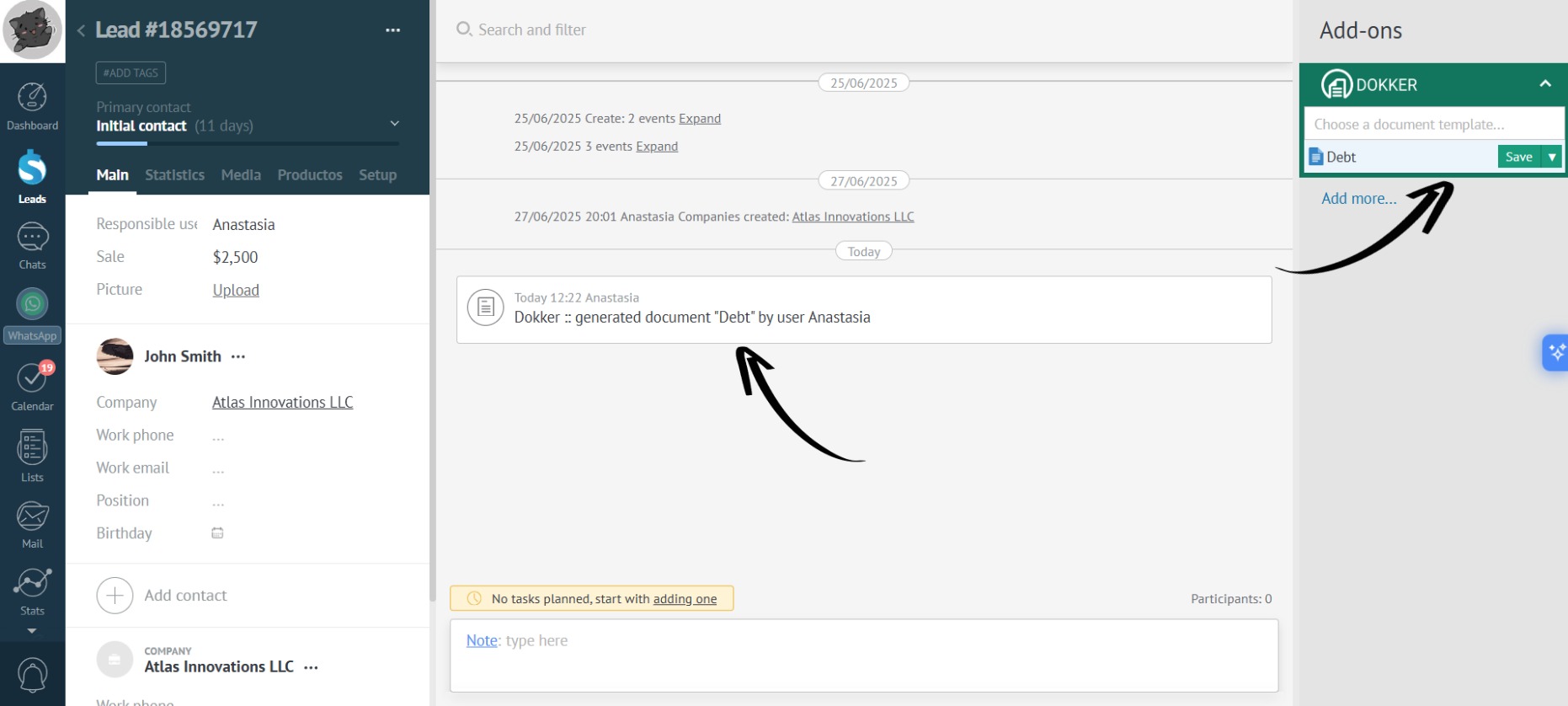
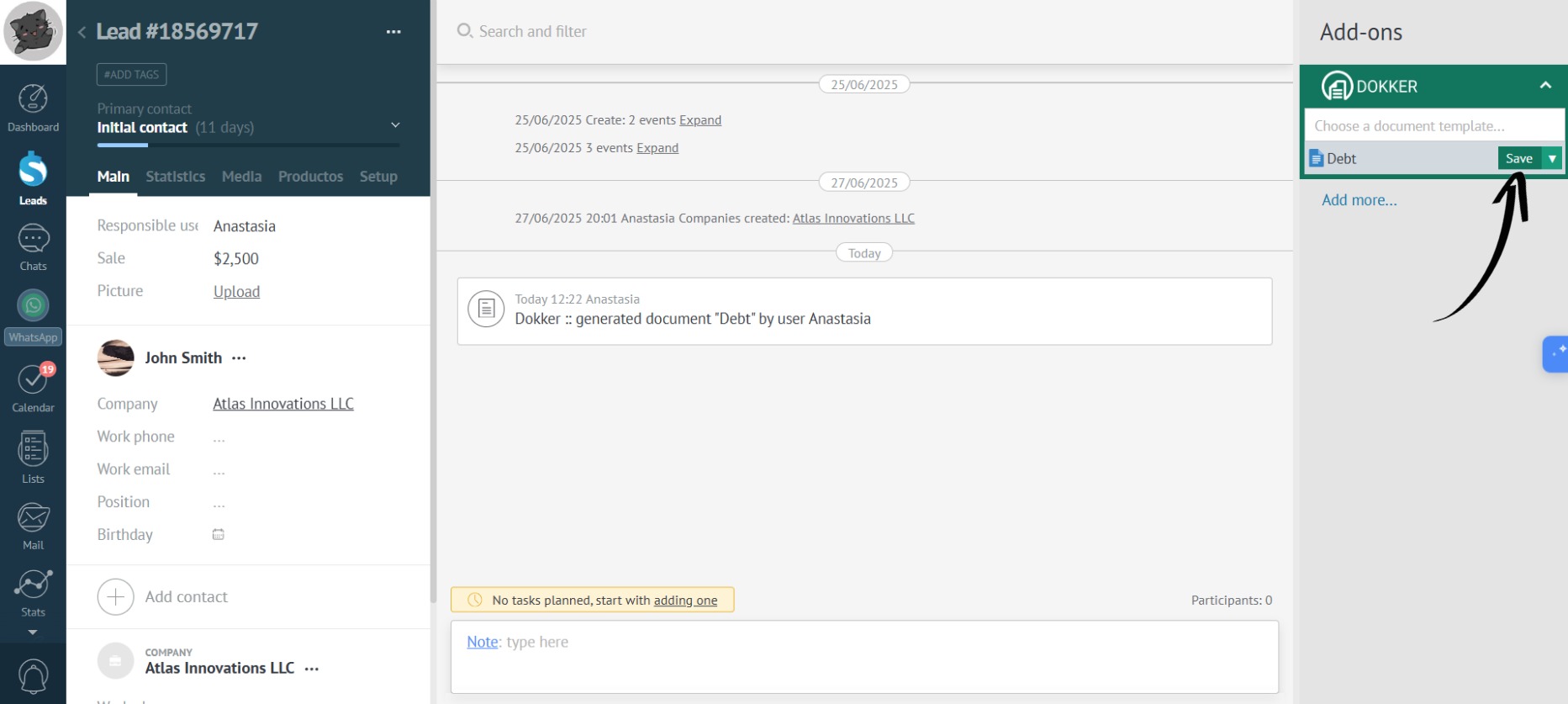
- Click the “Save” button:
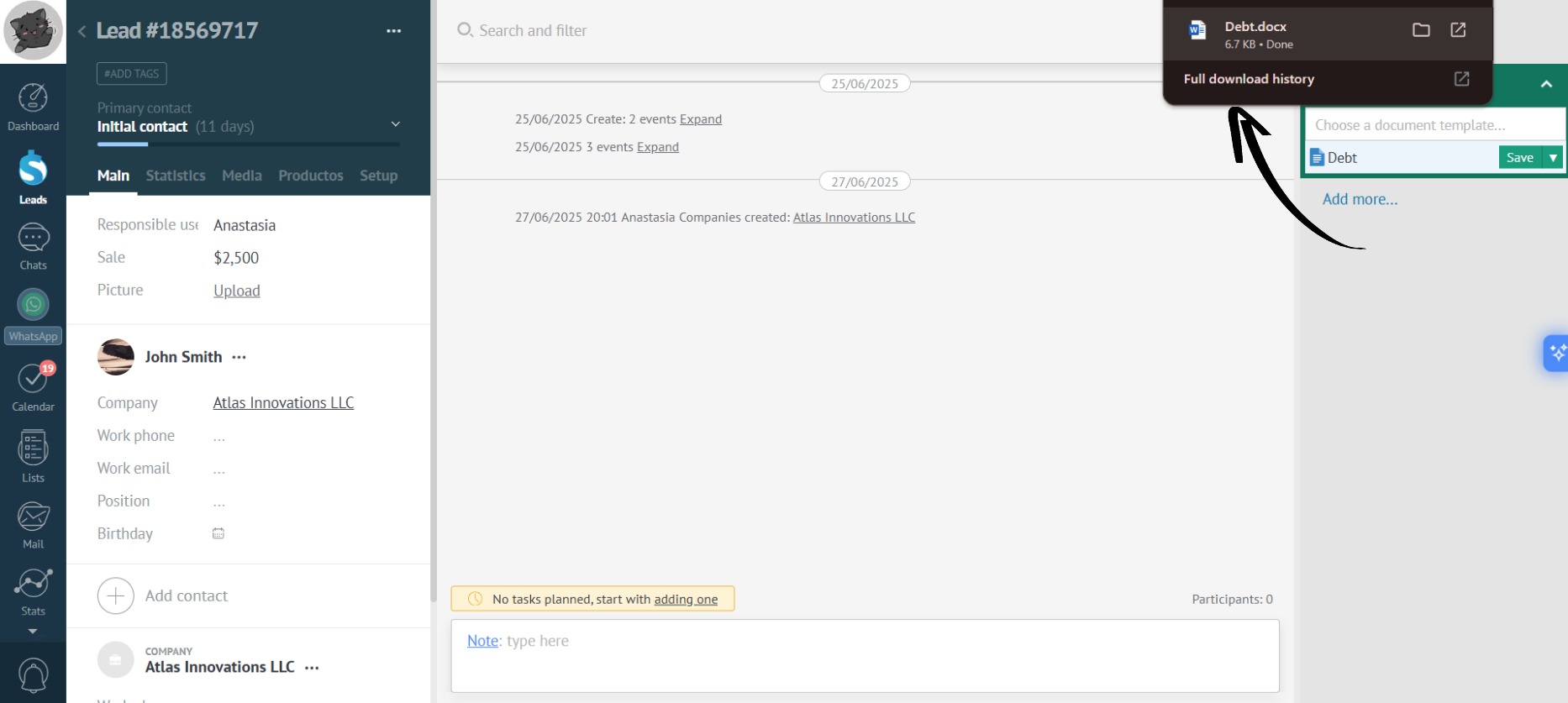
- The downloaded document will appear in your computer’s “Downloads” folder:
- The data in the document has been filled in based on the template provided in the example: