Export Fields Configuration
Customize the export fields to meet your requirements and export only the necessary payment data from lead cards or stats.
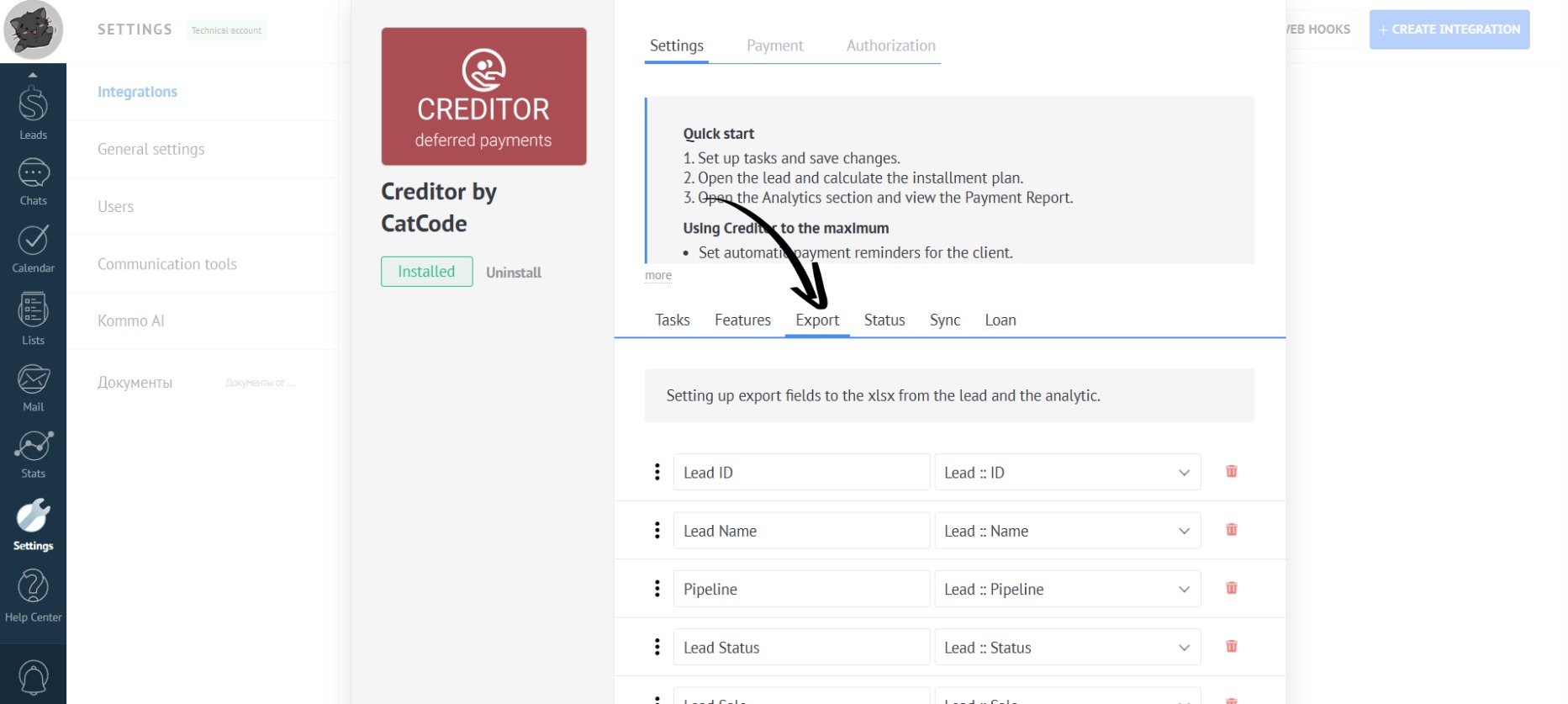
- Open the “Export” tab in the app settings:
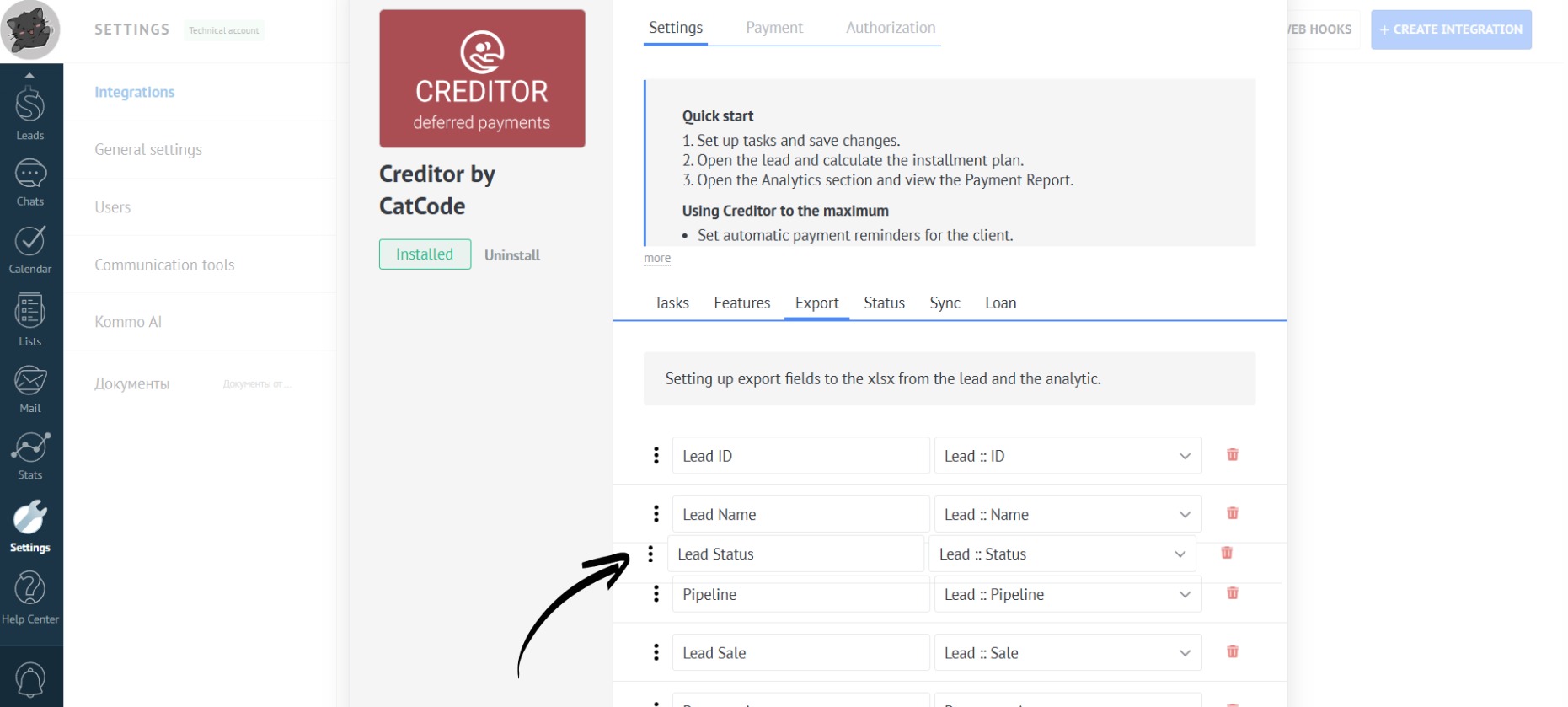
- Columns can be moved by pressing the three dots and dragging the field to the desired location:
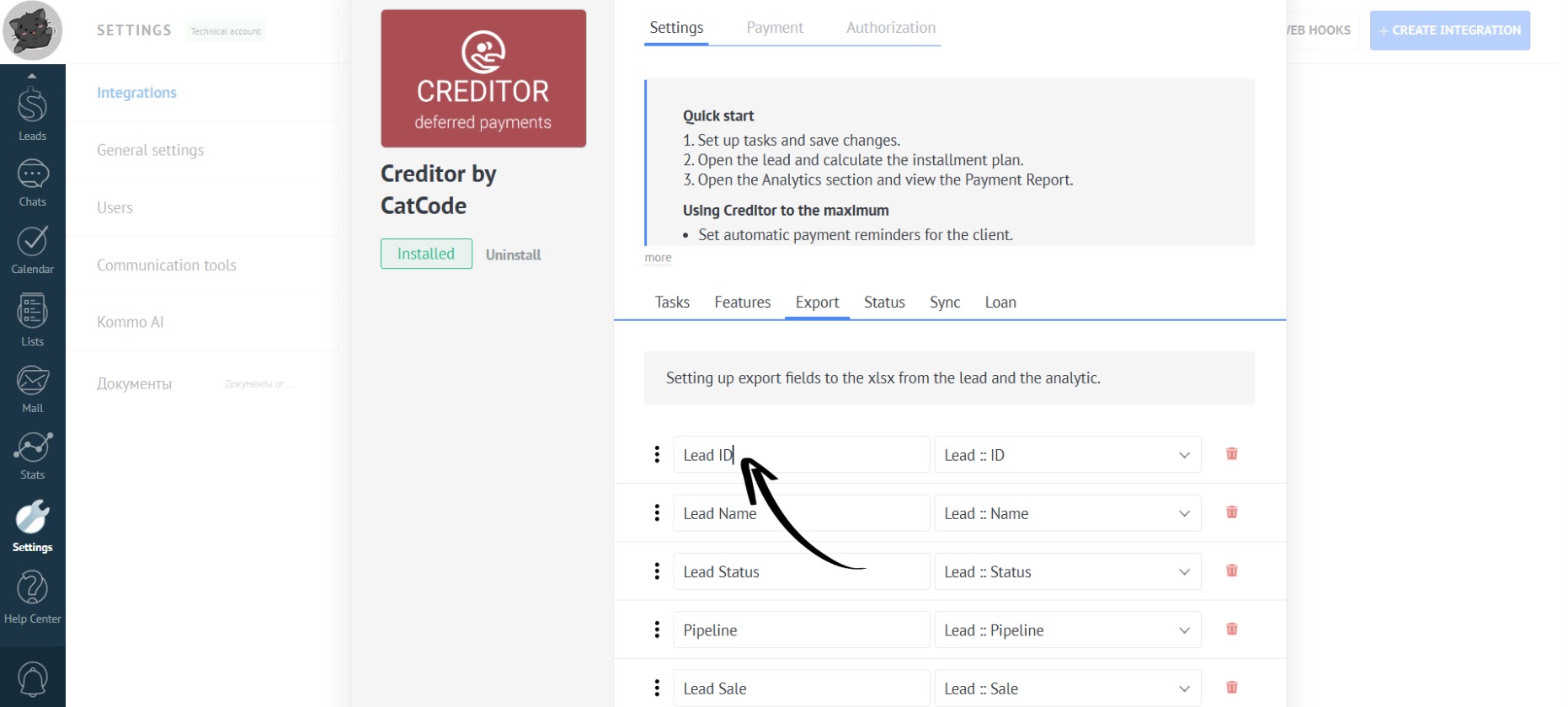
- You can rename the columns by clicking on the desired field with the mouse and entering a new name:
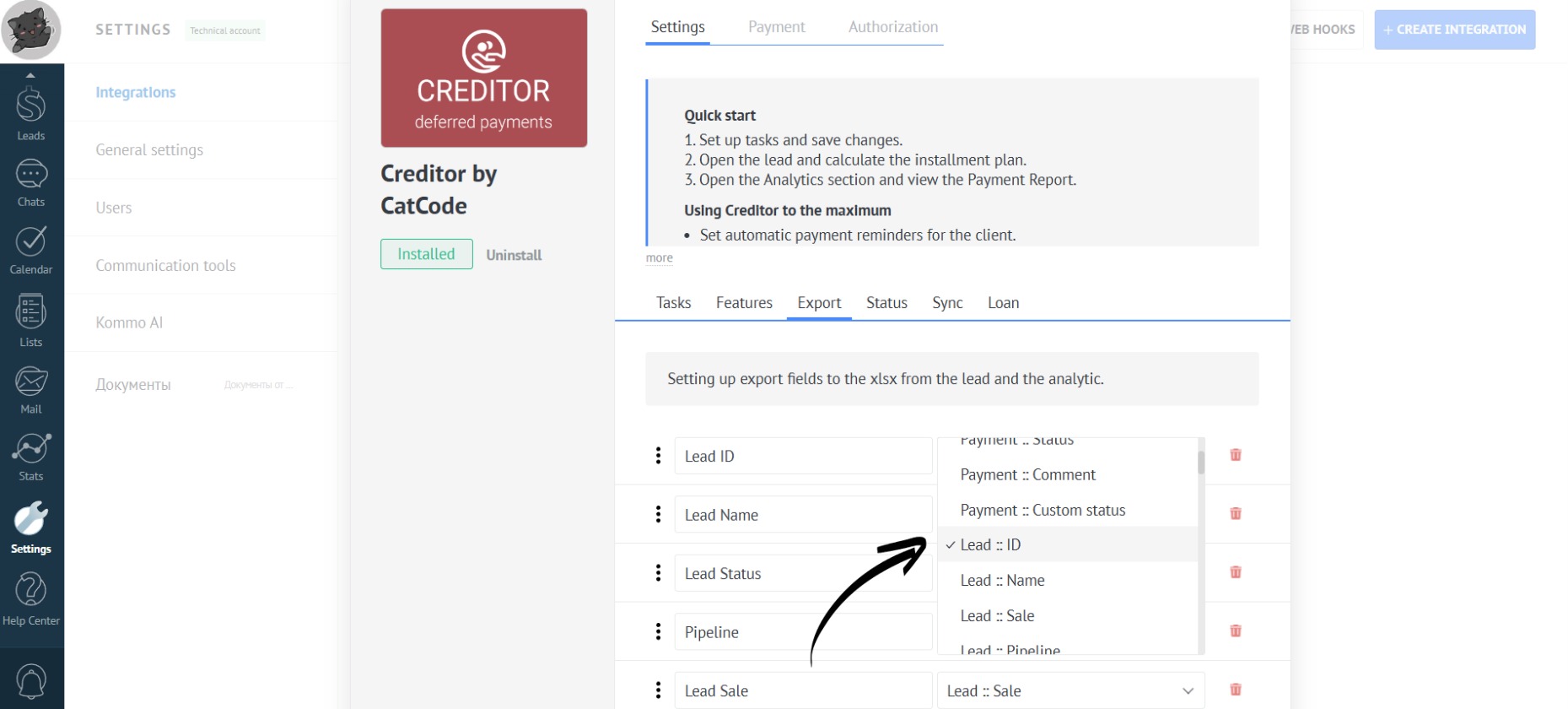
- In the pop-up menu for each column, you can select which fields from the lead should be displayed:
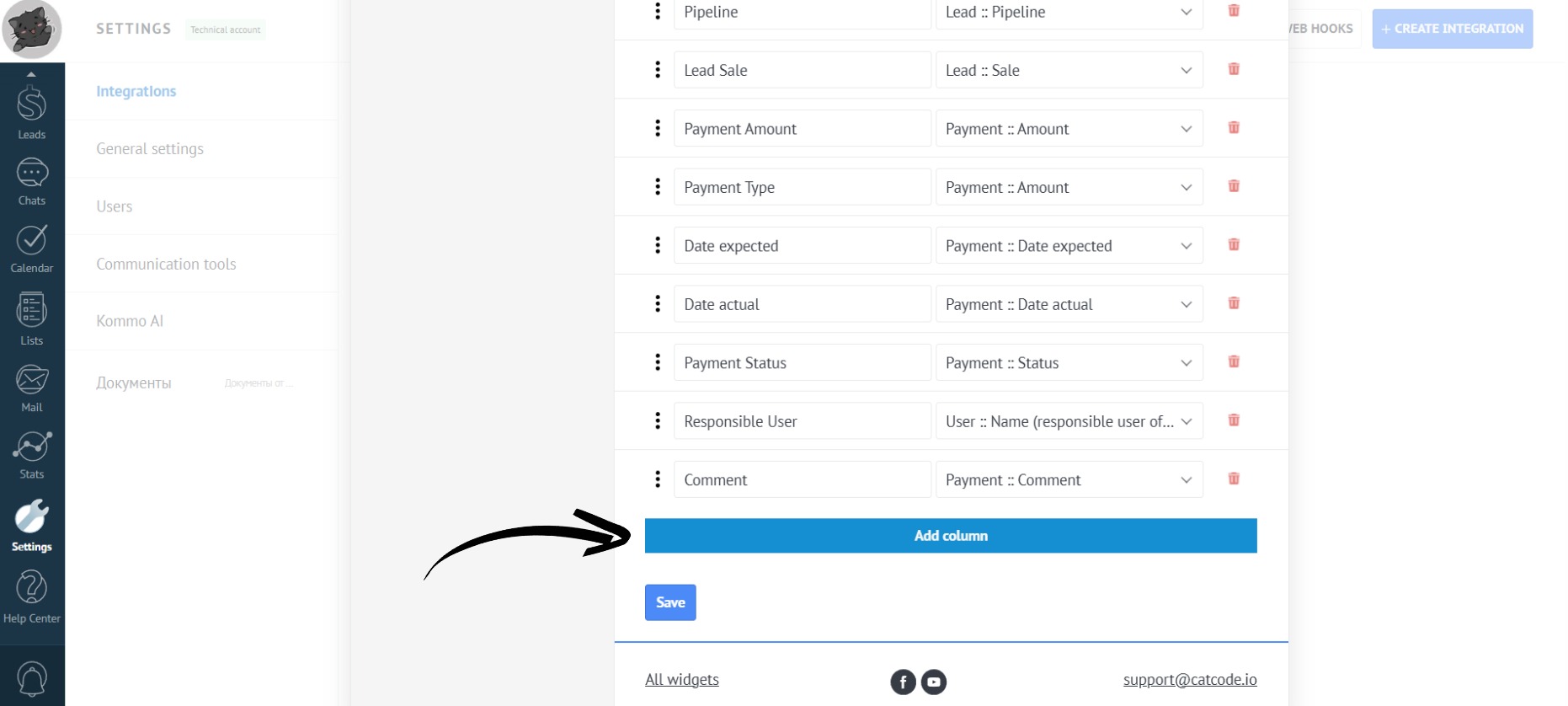
- To add another column, click on the “Add Column” button:
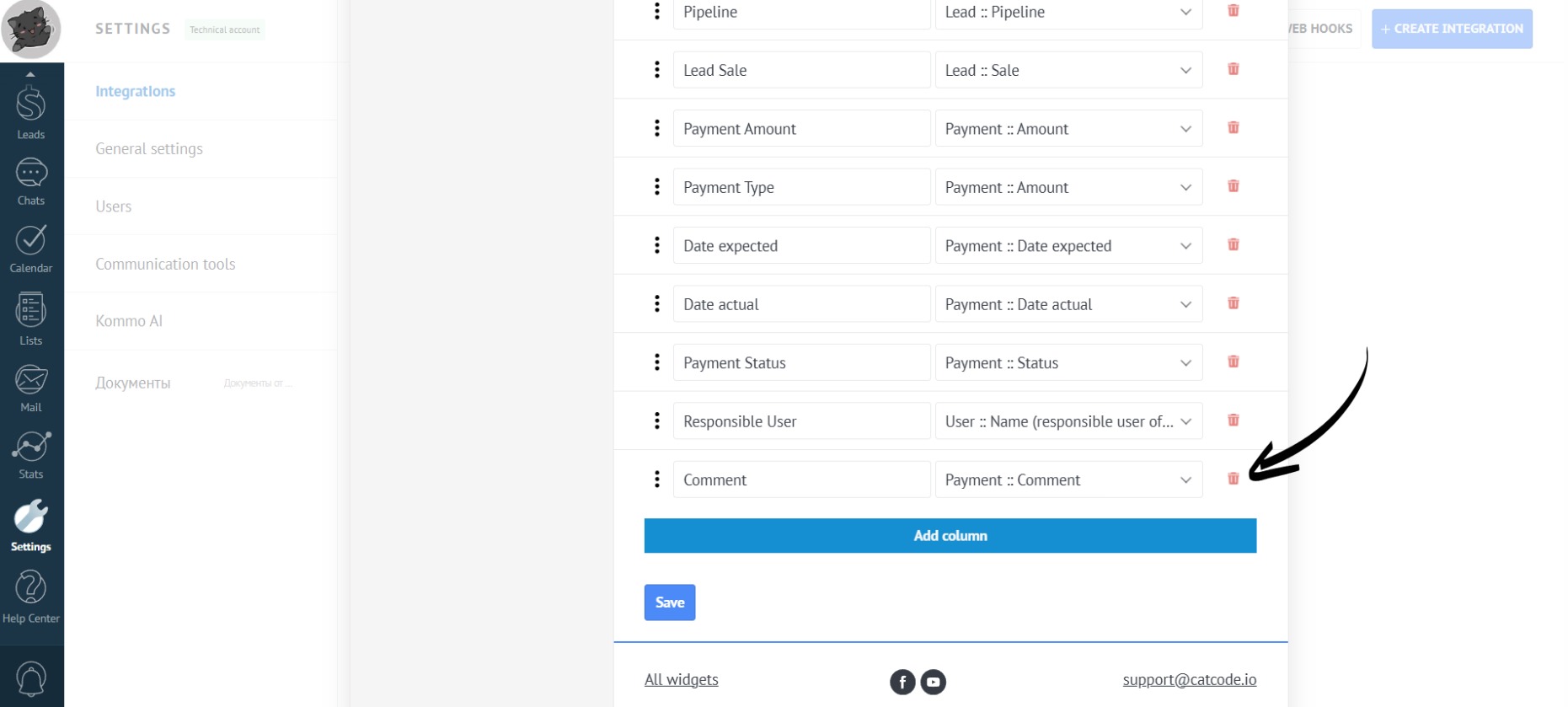
- To delete a column, simply click on the trash can icon:
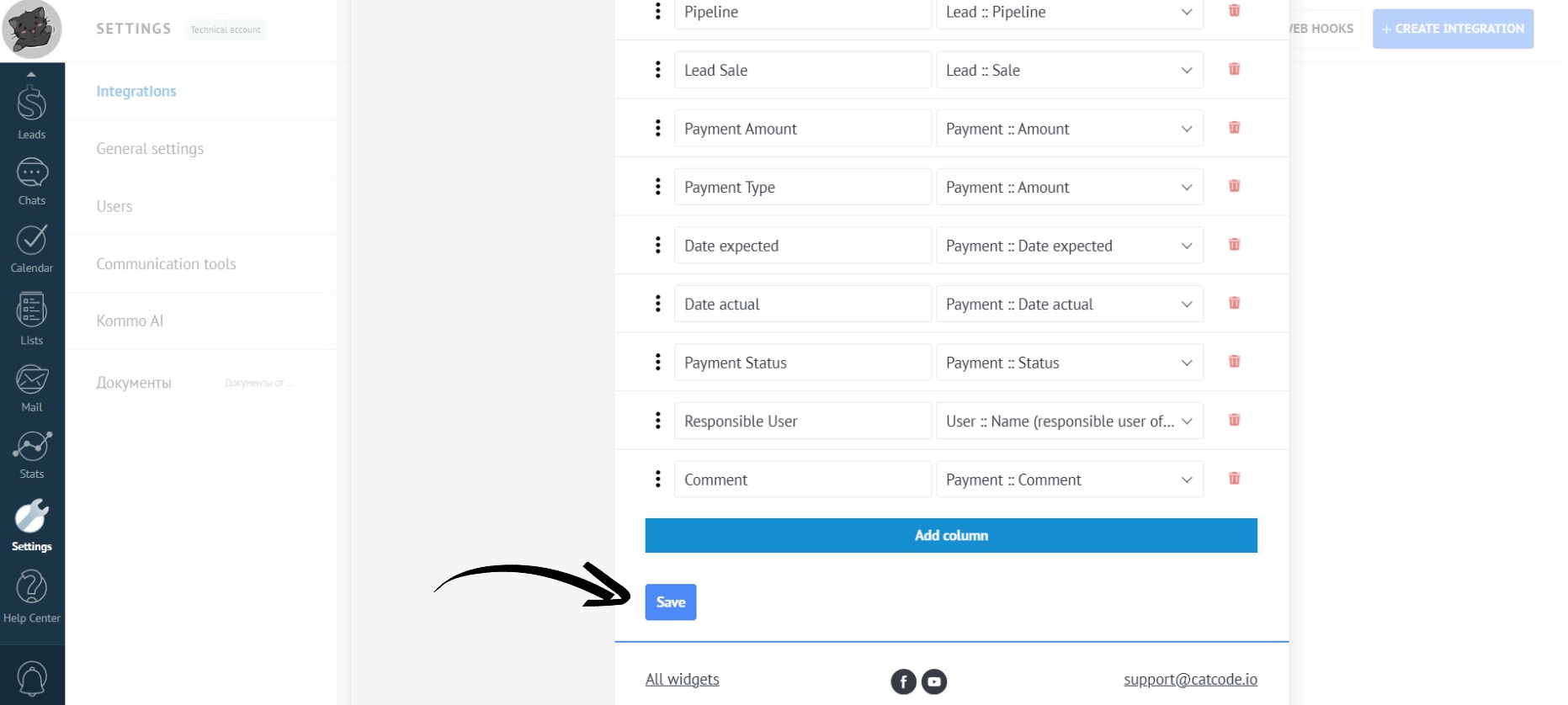
- After making all the necessary changes, click the “Save” button:
You have configured the fields for exporting to an XLSX table from the lead card and the analytics section.