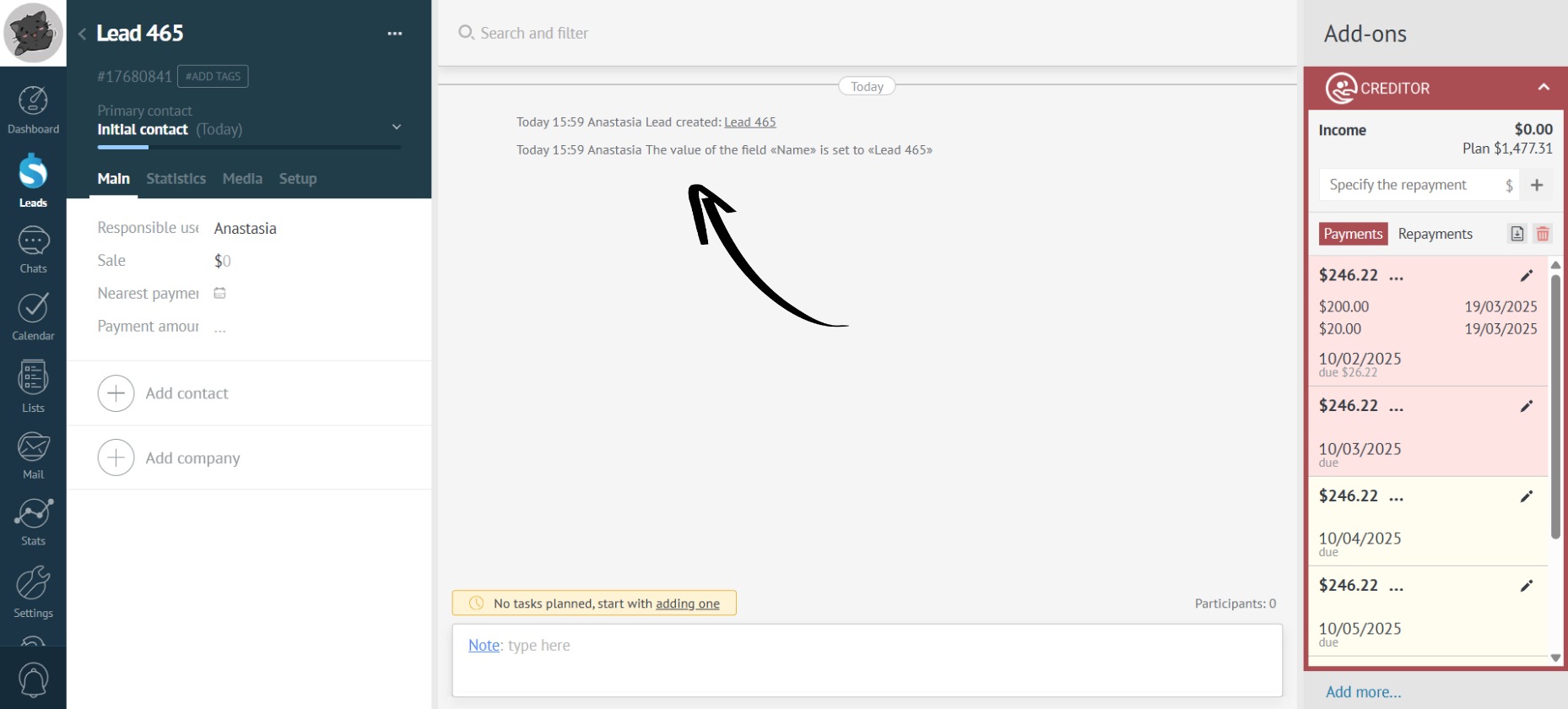
Payment Change History
Missing the big picture on lead changes? Track all payment changes, from adding to deleting.
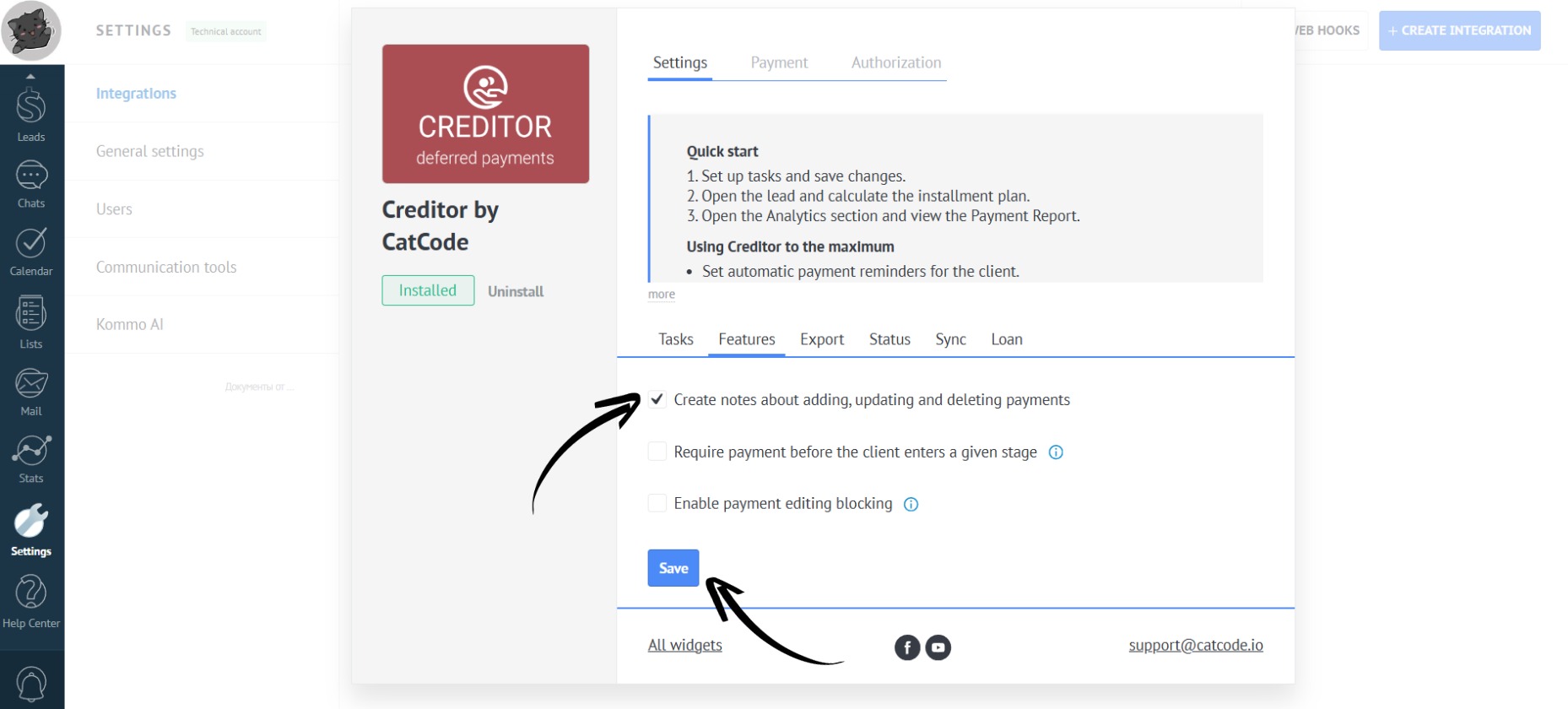
- In the settings , go to the “Features” section. Check the box next to “Create notes about adding, updating and deleting payments” and click the “Save” button:
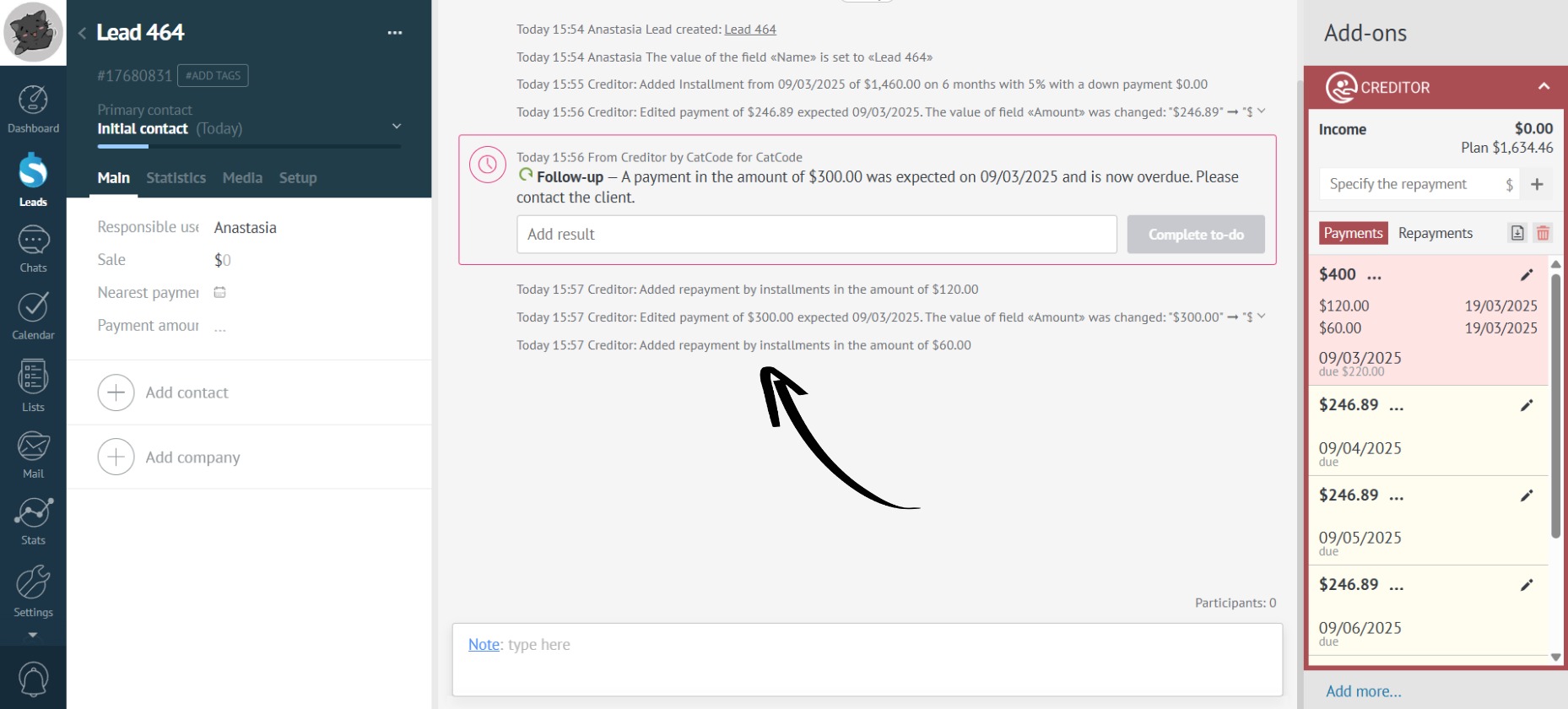
- Now, all changes to payments will be displayed in the lead:
- If you uncheck this box, the changes made to payments will not be displayed in the lead: