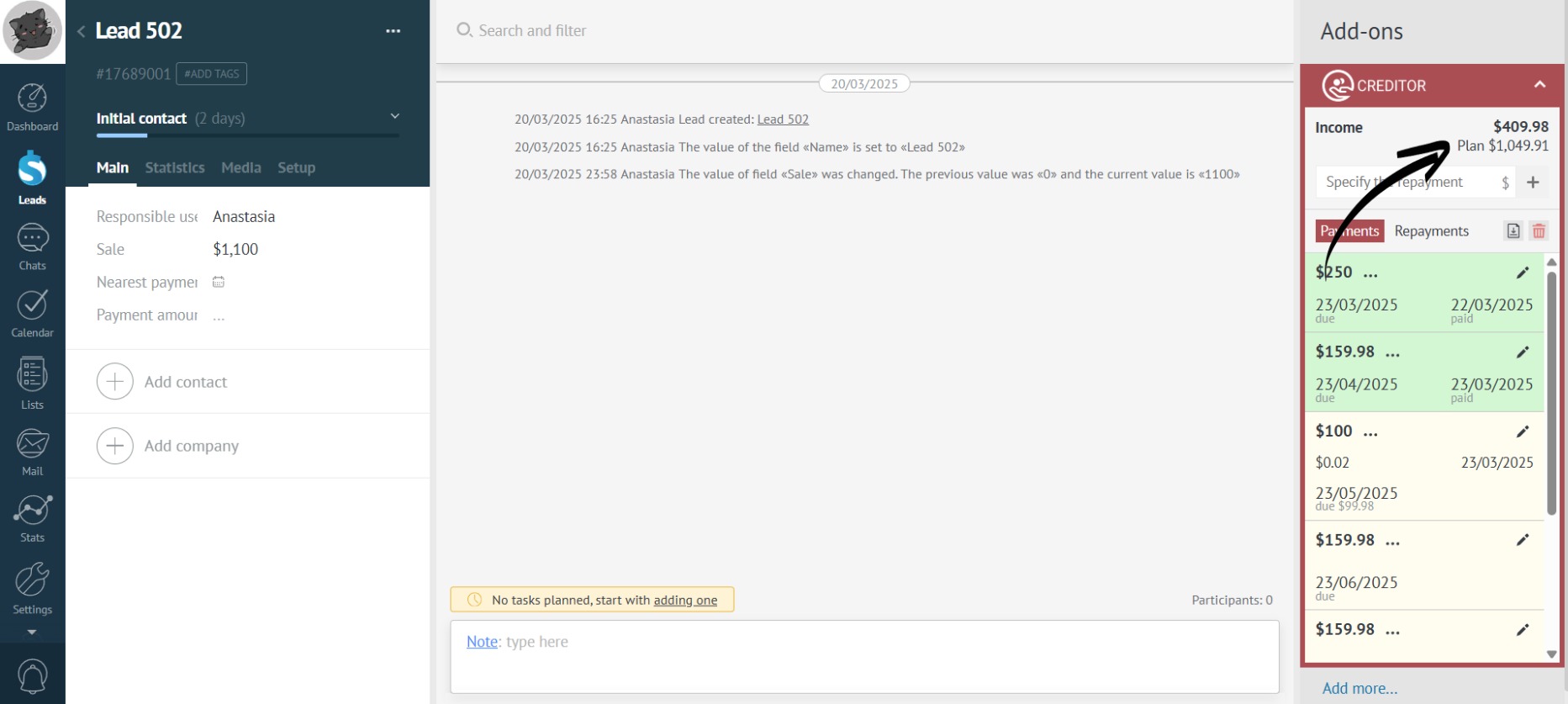
Edit Repayment
Changing a single payment in the payment schedule will not affect the remaining payments. If necessary, you can recalculate and change them manually.
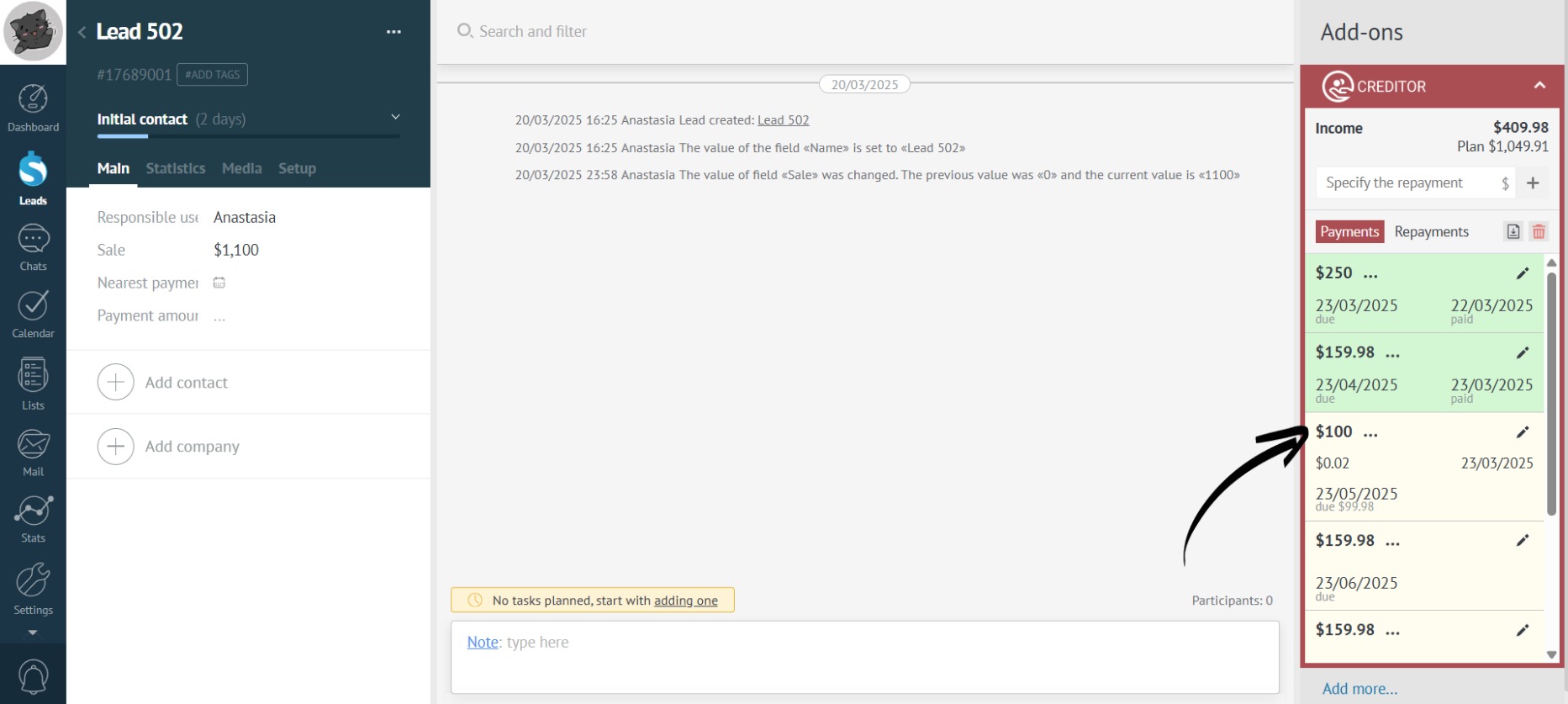
- In the repayment list, a pencil icon is displayed next to each repayment.Click it to open the repayment edit form:
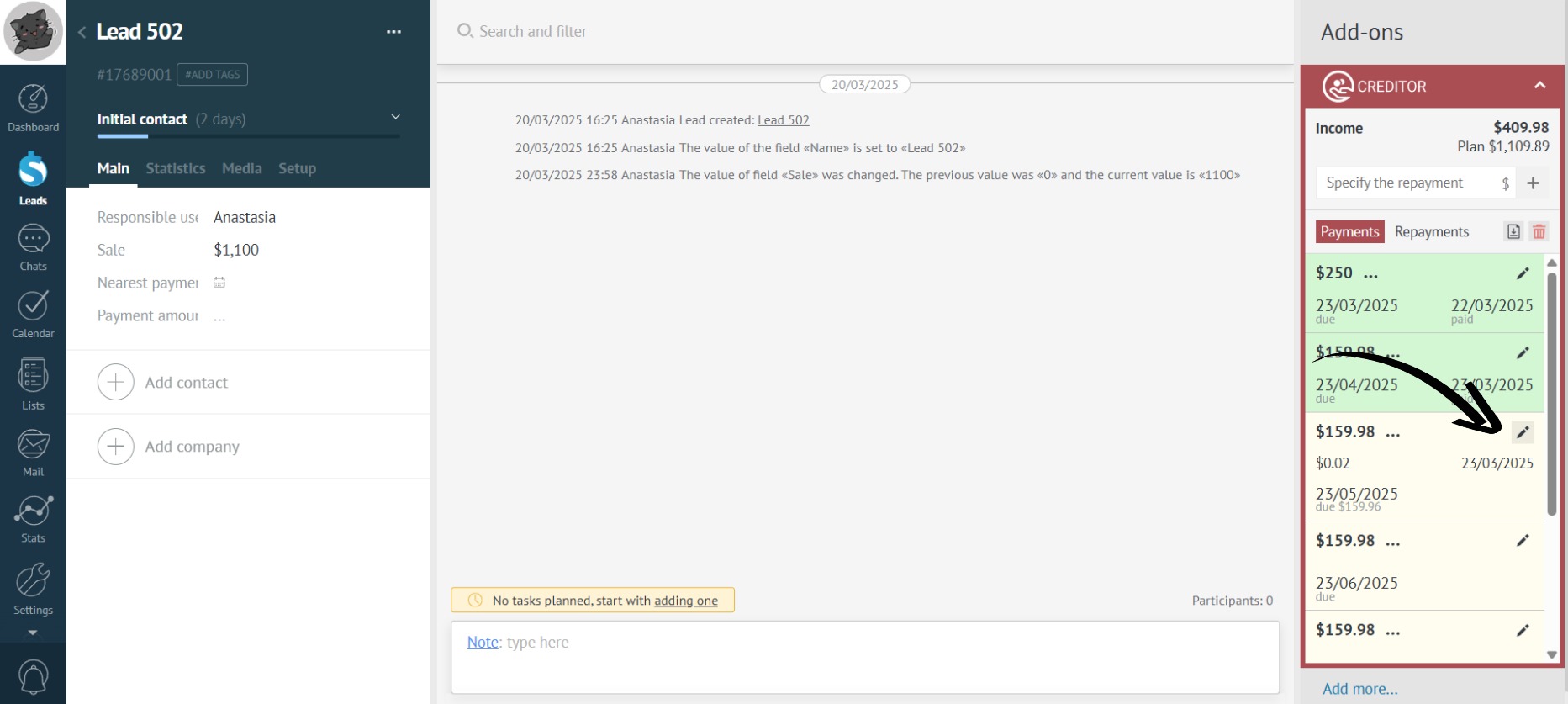
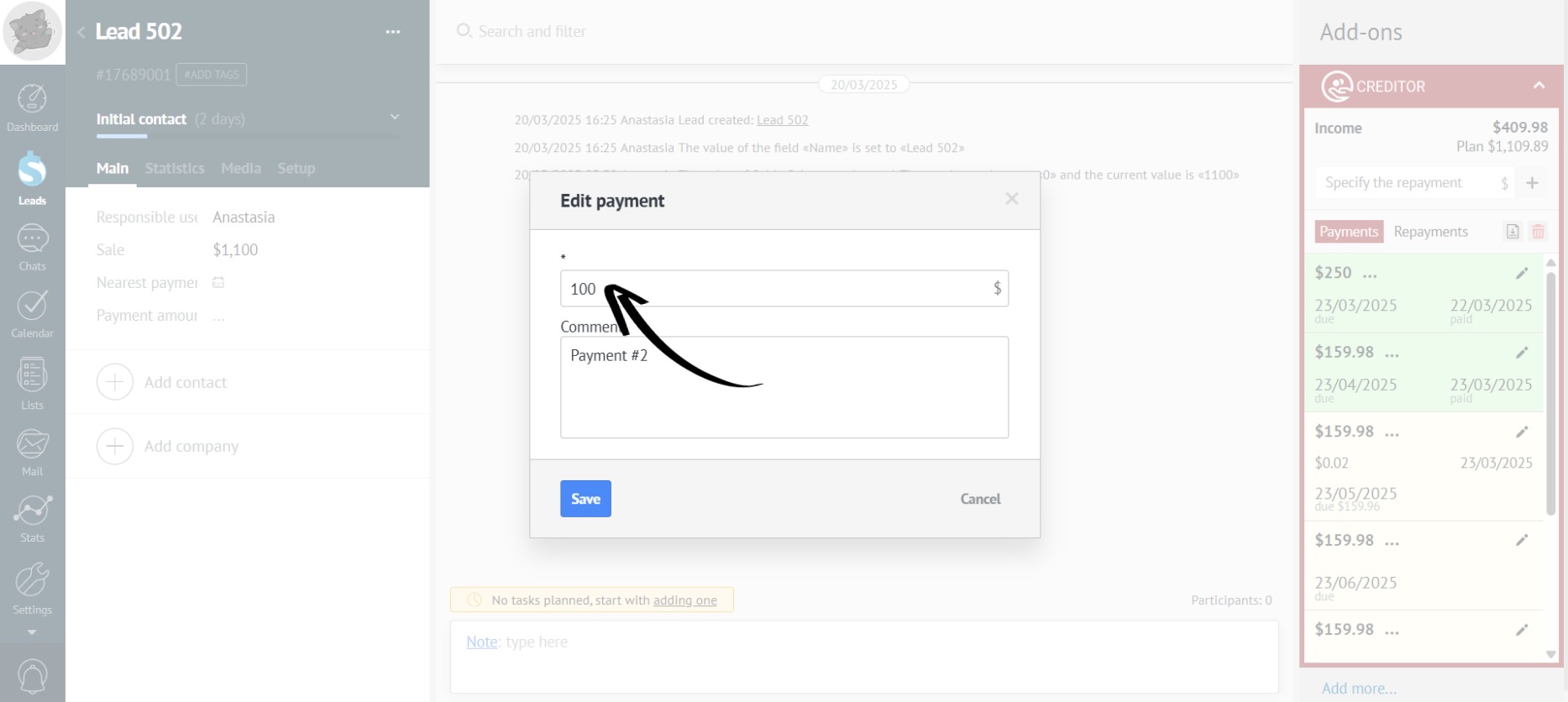
- Here, you can change the repayment amount:
- Edit the repayment date:
- And select the repayment type:
Repayment Type — is a field that allows you to further categorize repayments (e.g., cash, non-cash, terminal, etc.). Read more about setting it up here.
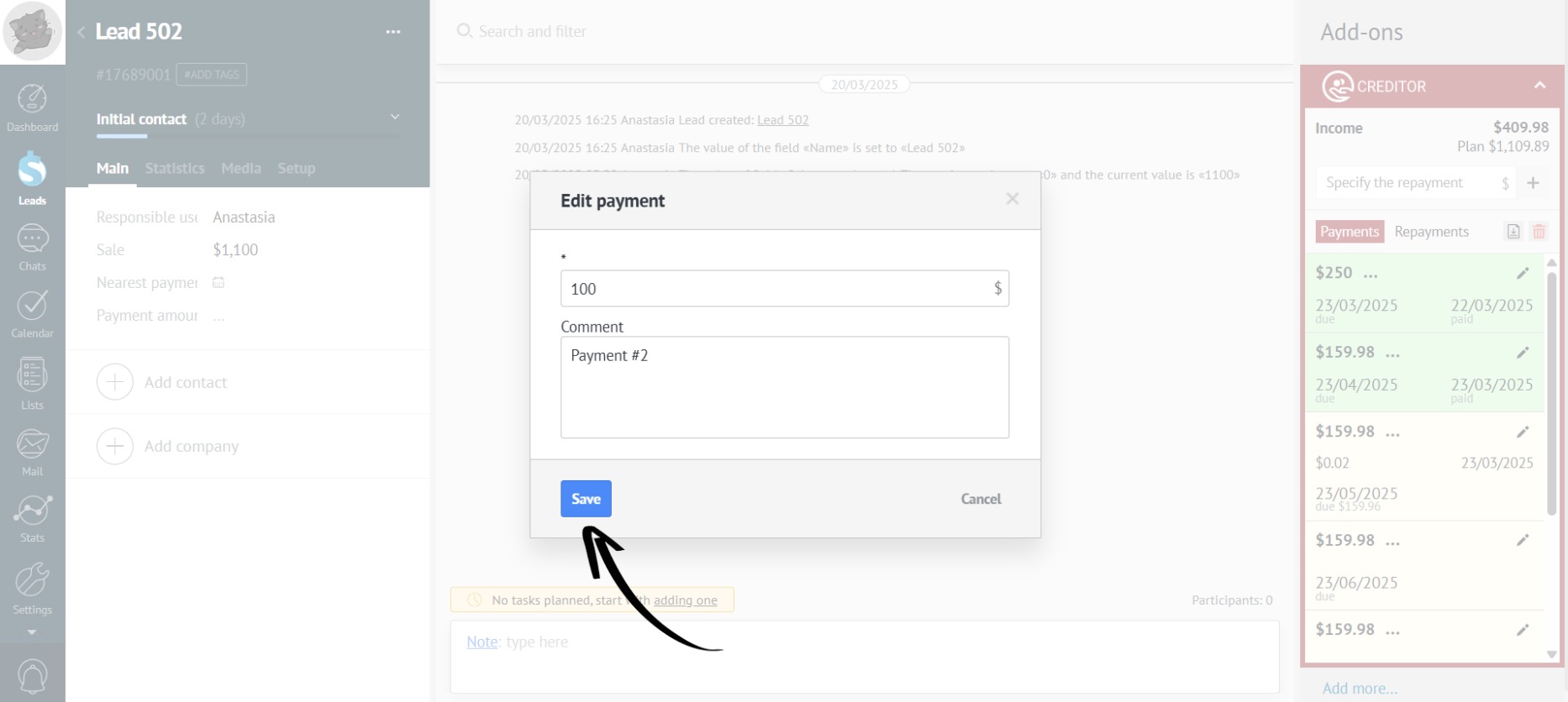
- After making all changes, click “Save”: