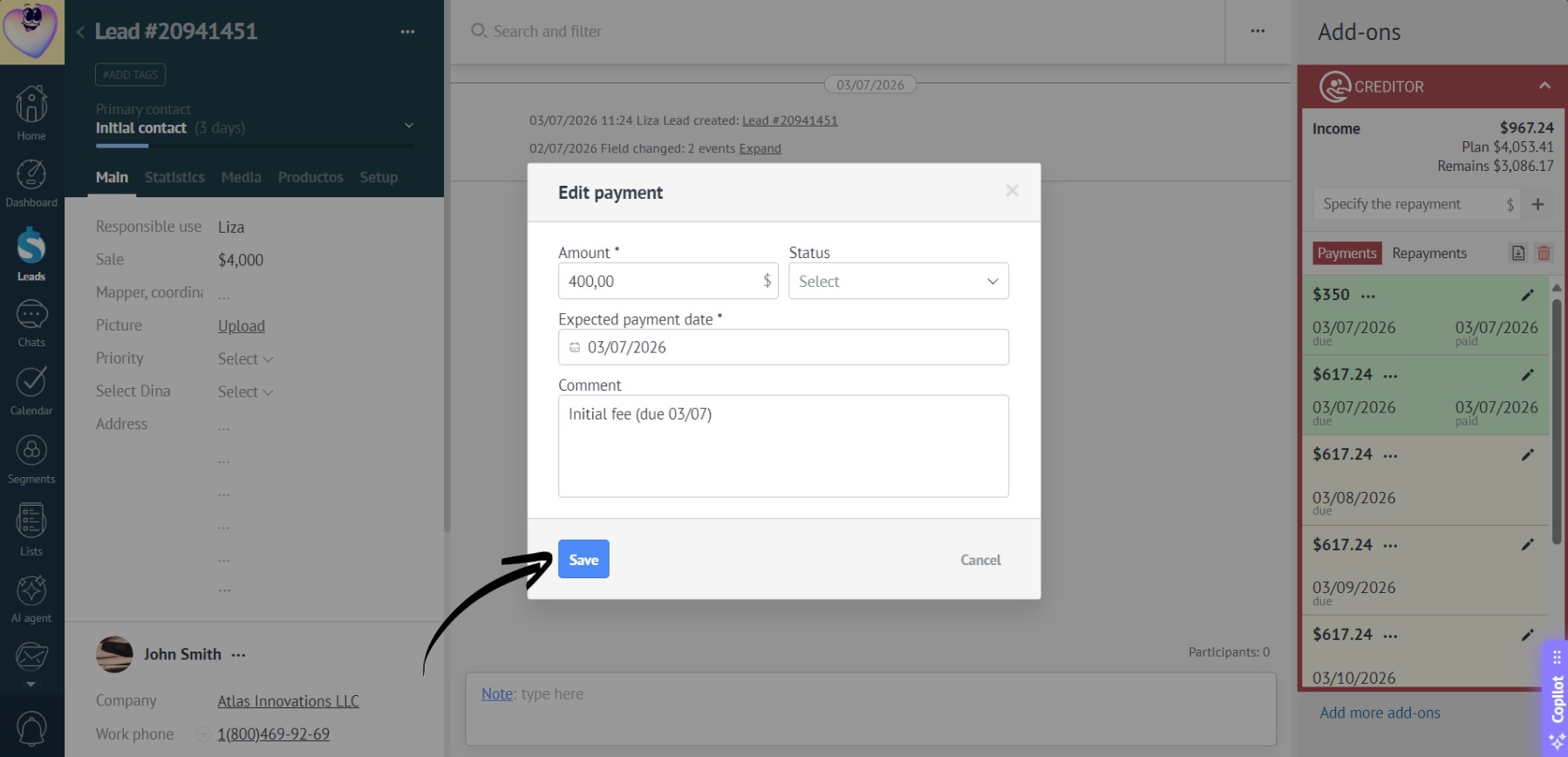
Edit Payment
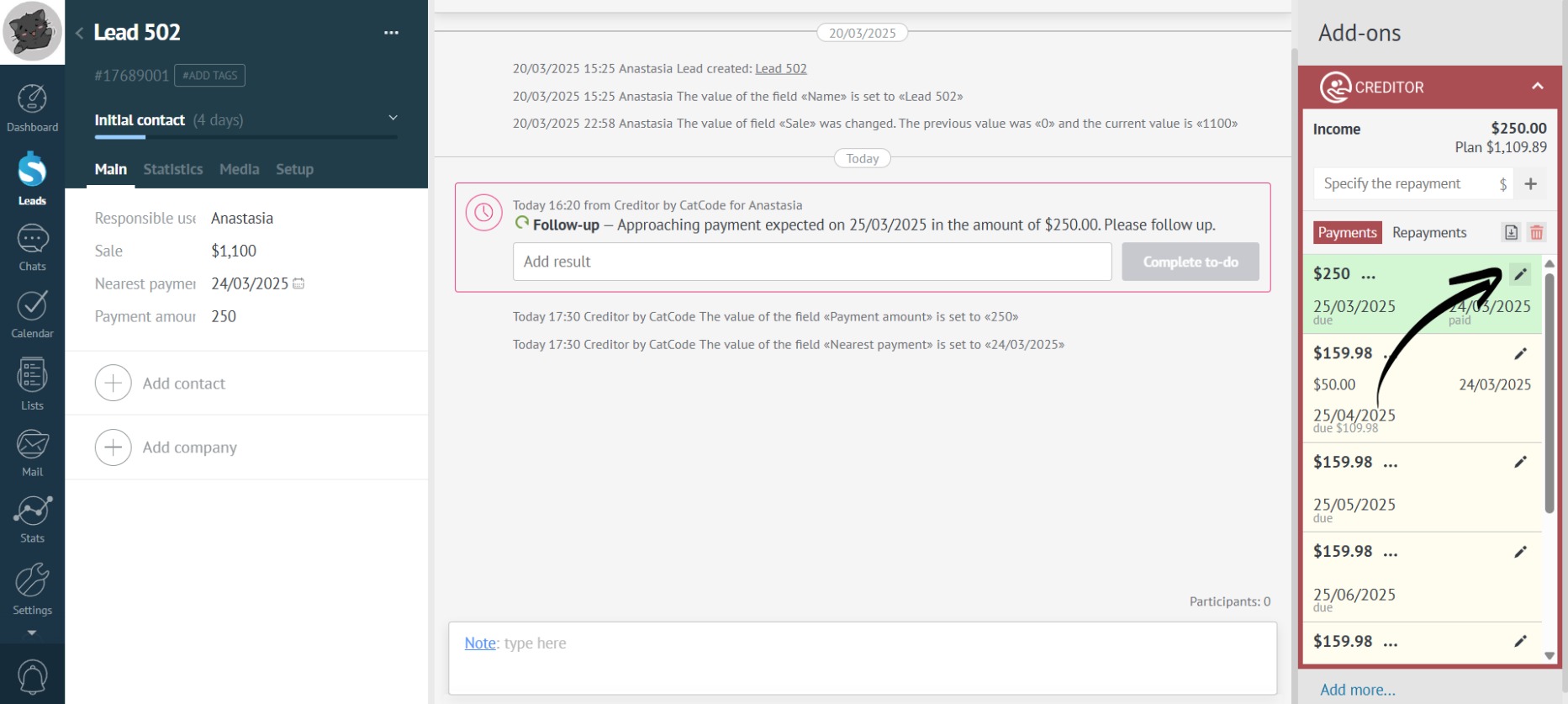
- Installment payments can be edited by clicking the pencil icon next to the specific payment:
- You can change the payment status by selecting the desired one from the drop-down list:
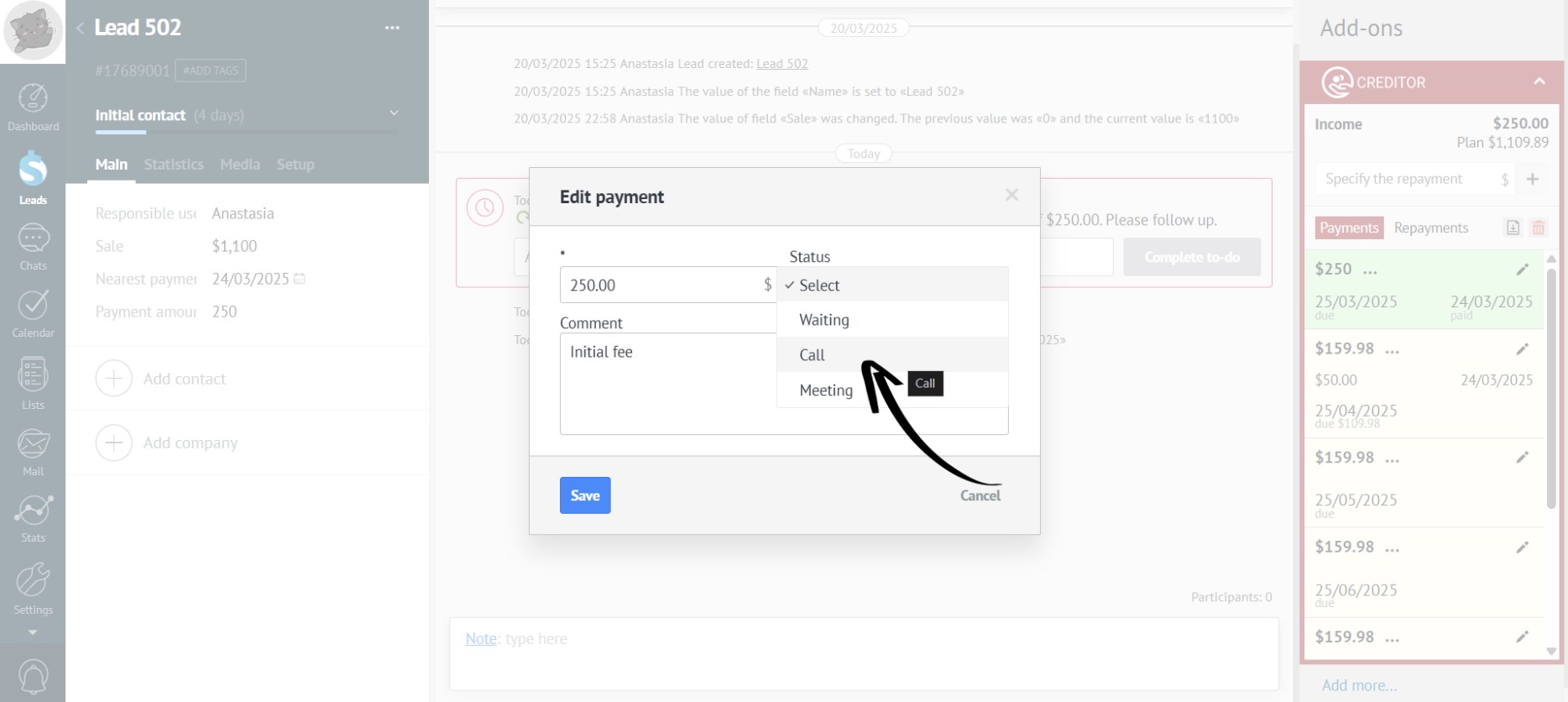
Read here how to enable custom payment statuses.
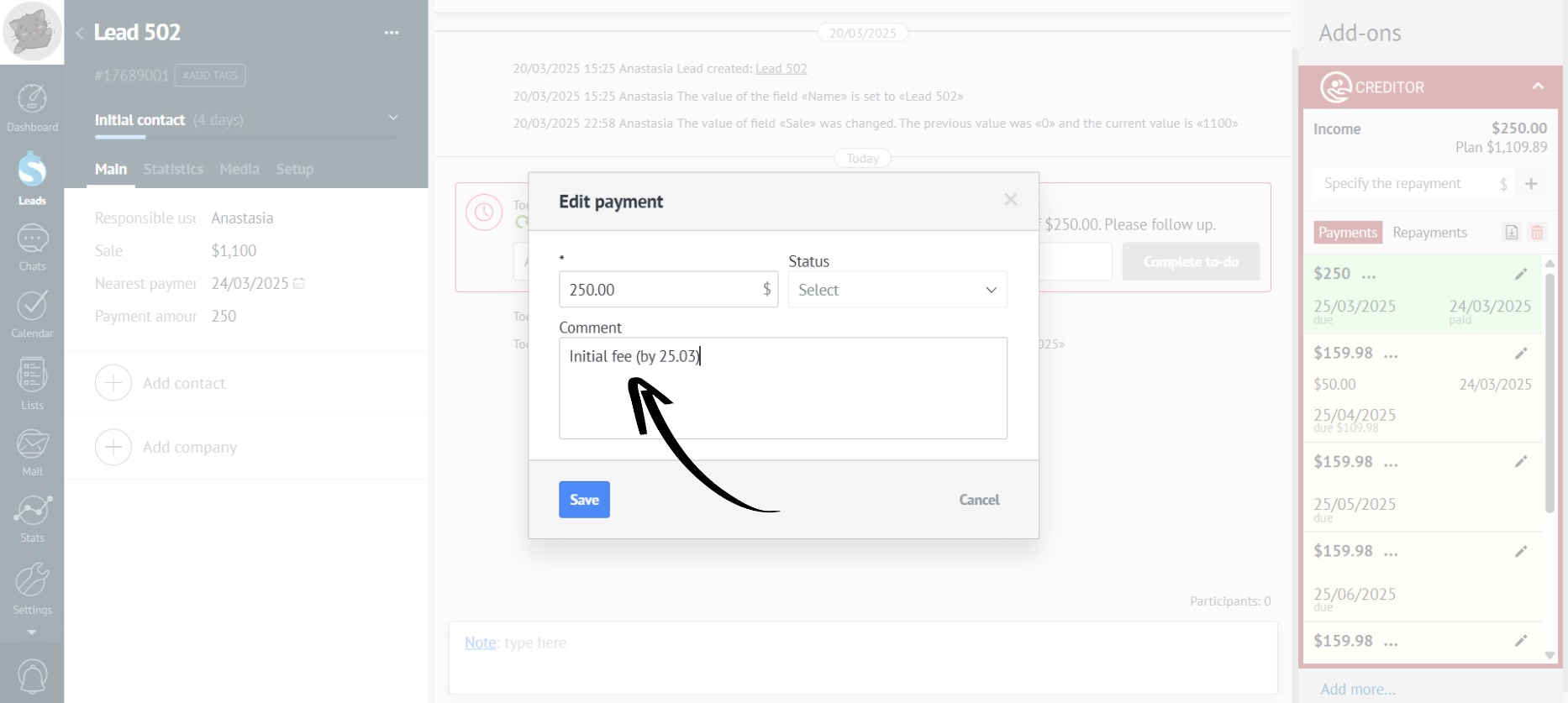
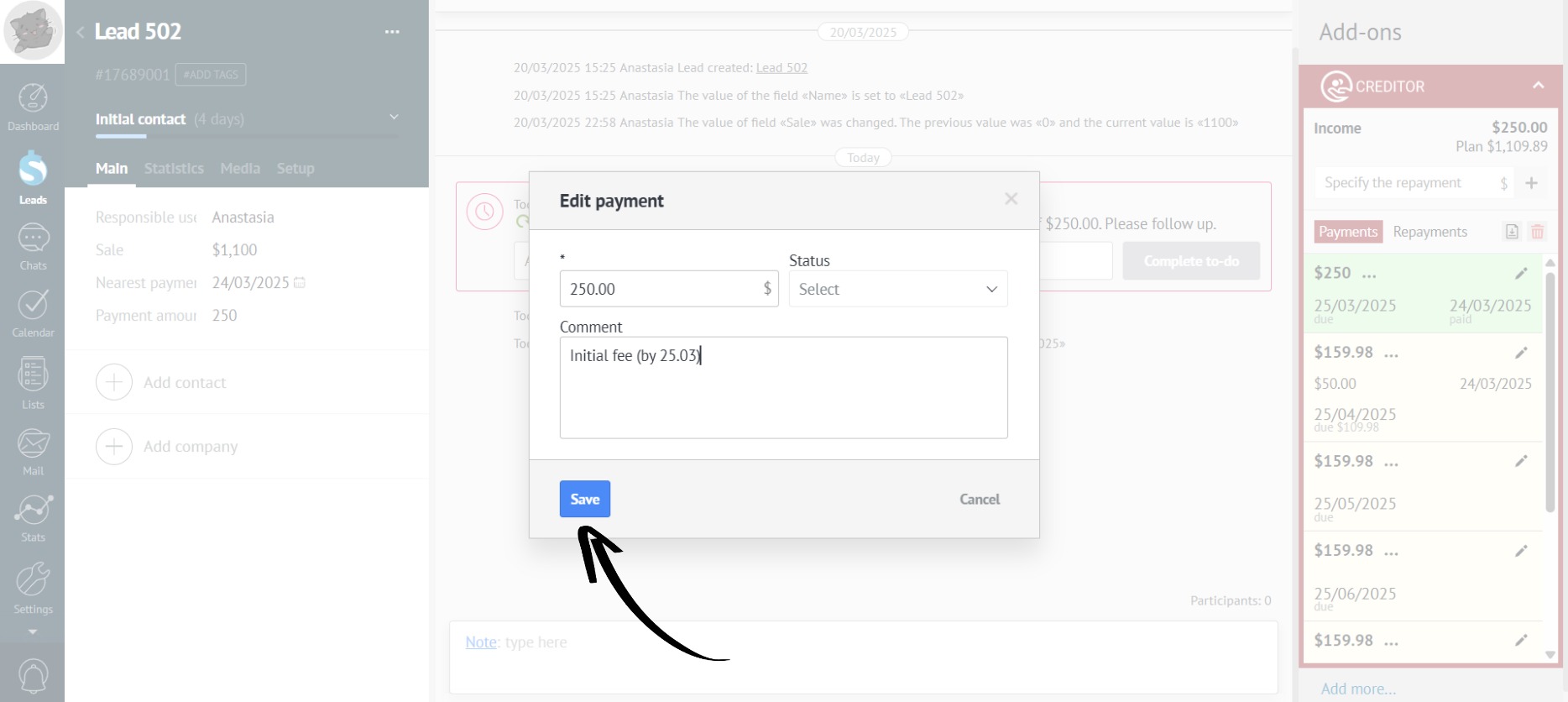
- Or add a comment:
- Edit the payment amount:
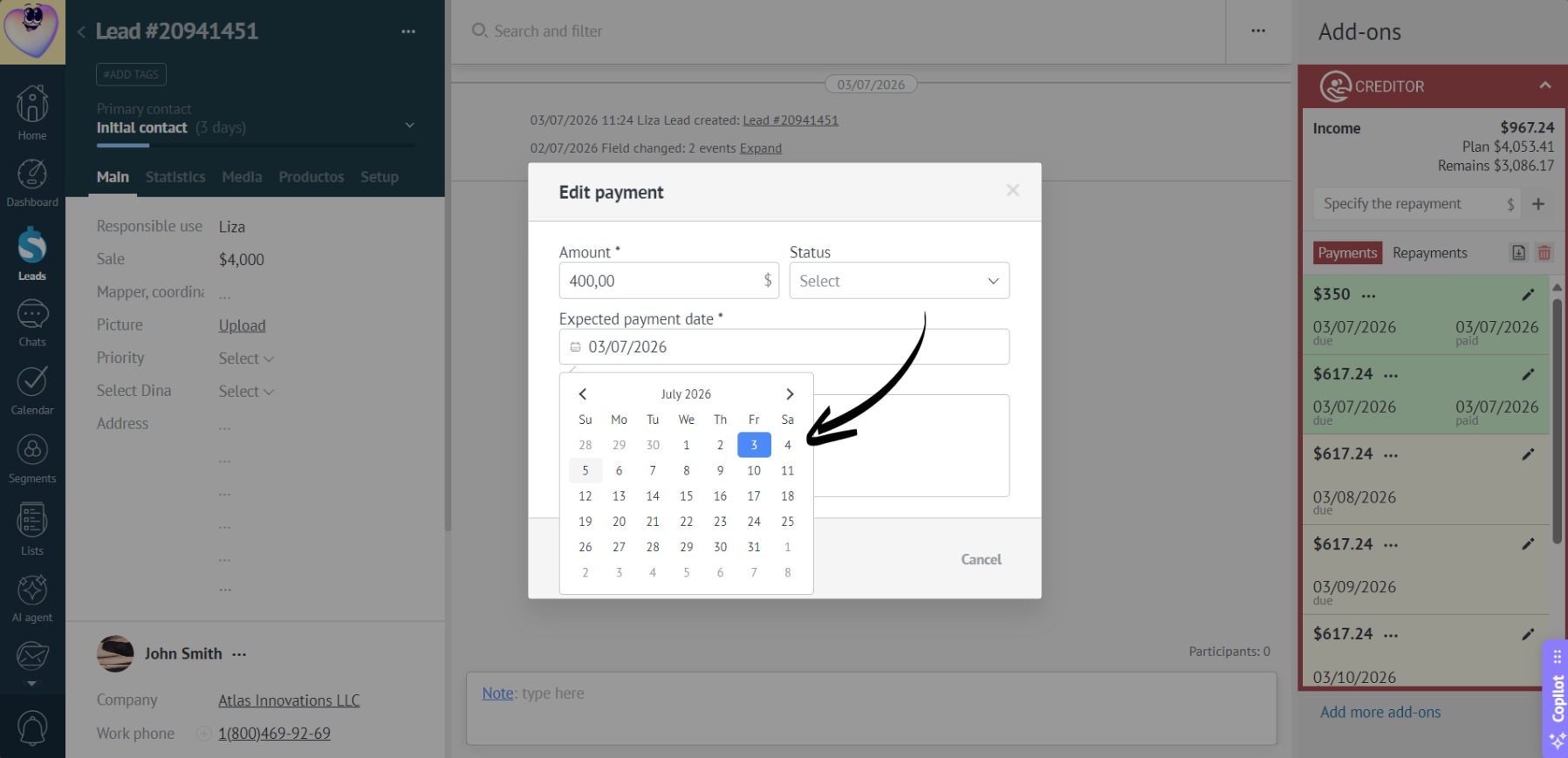
- Change the expected payment date:
- After making all changes, click “Save”: