Change Payment Schedule
After changing one payment in the payment schedule, the remaining payments will not change. If necessary, they can be recalculated and changed manually.
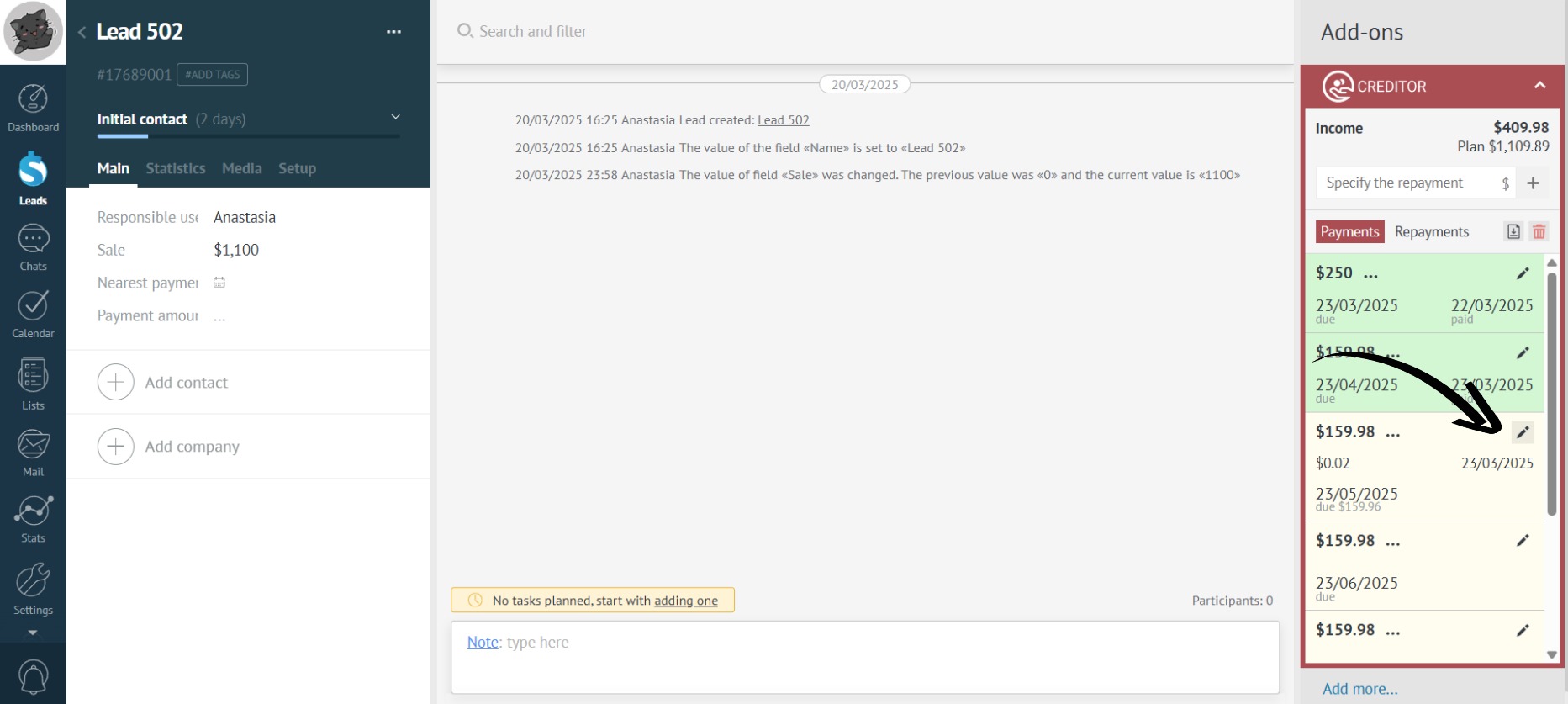
- Click on the payment editing icon:
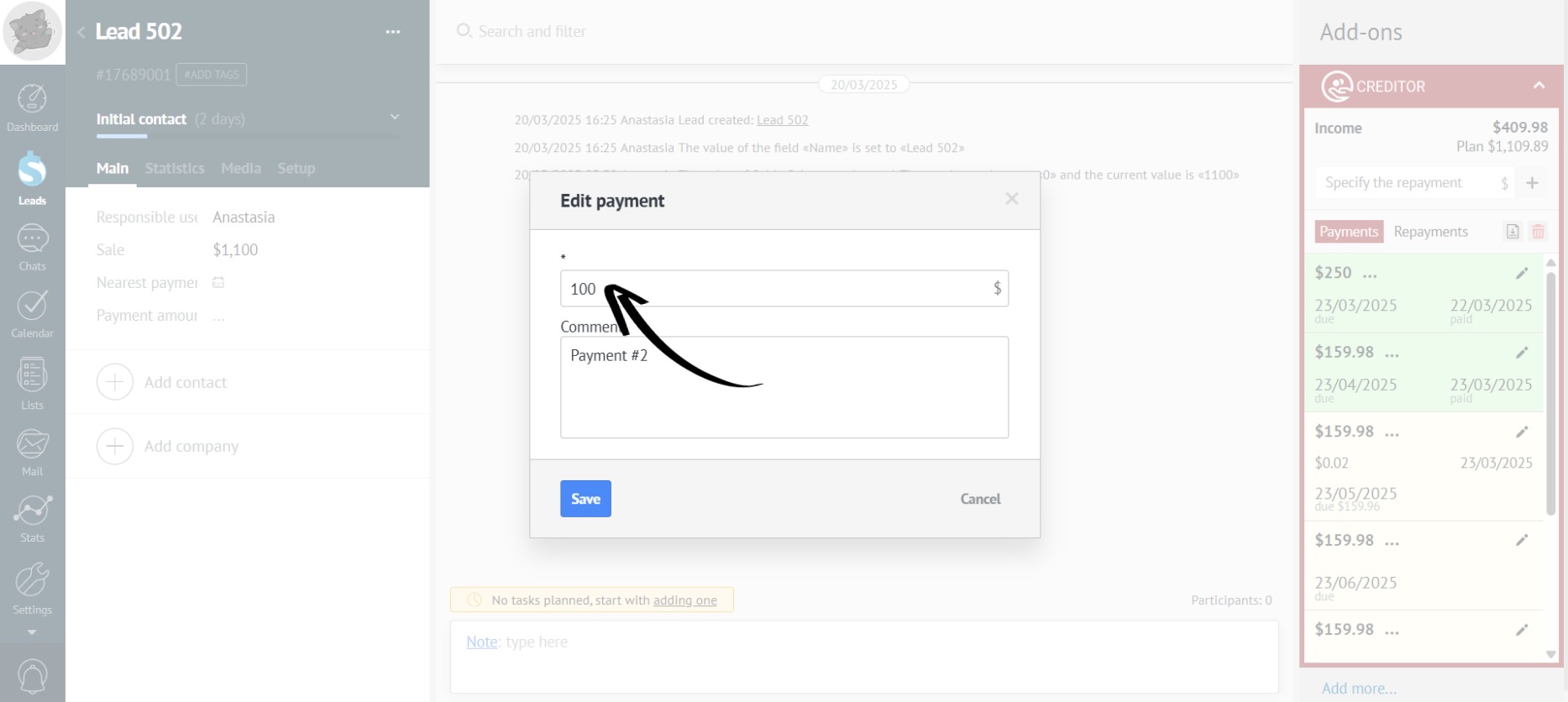
- Change the payment amount:
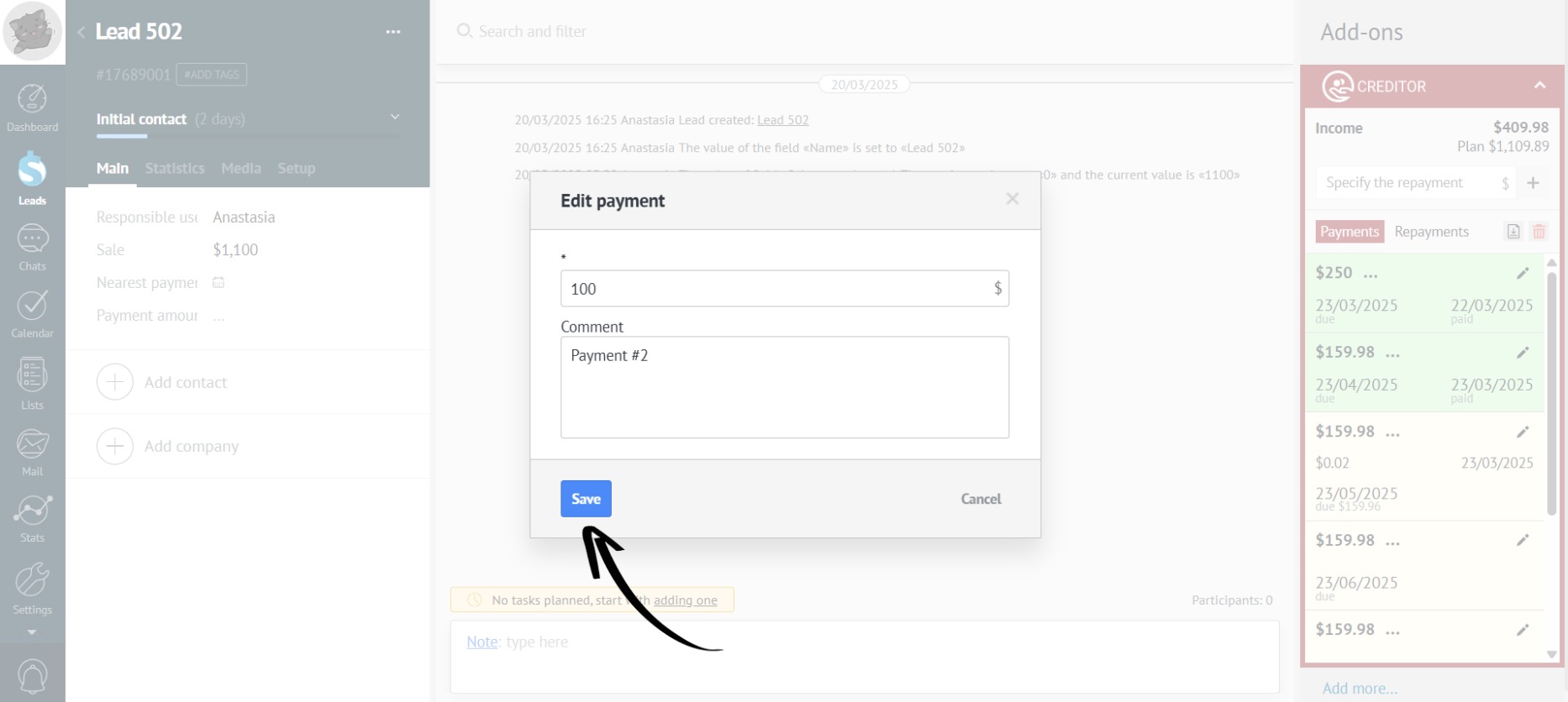
- Click the “Save” button:
- Done! The payment amount has been changed:
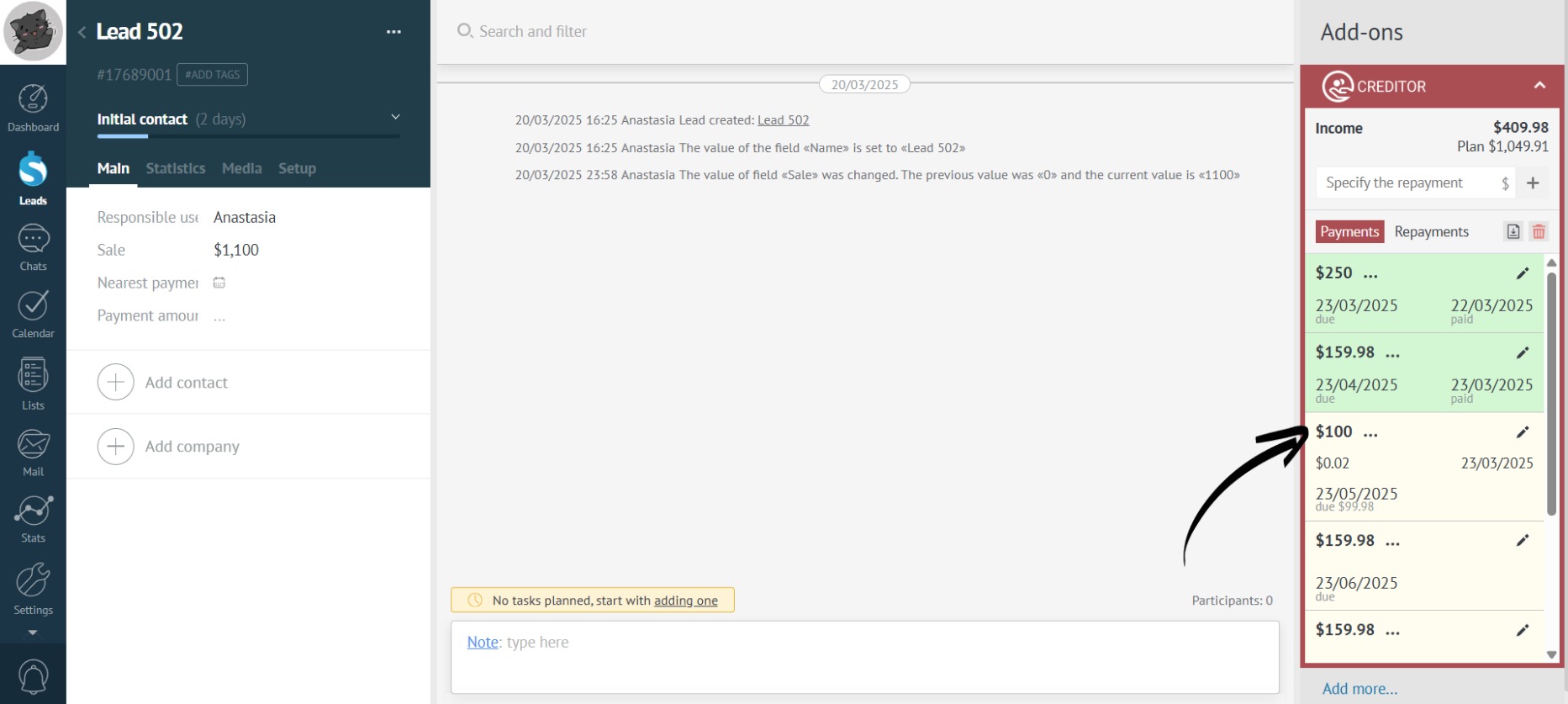
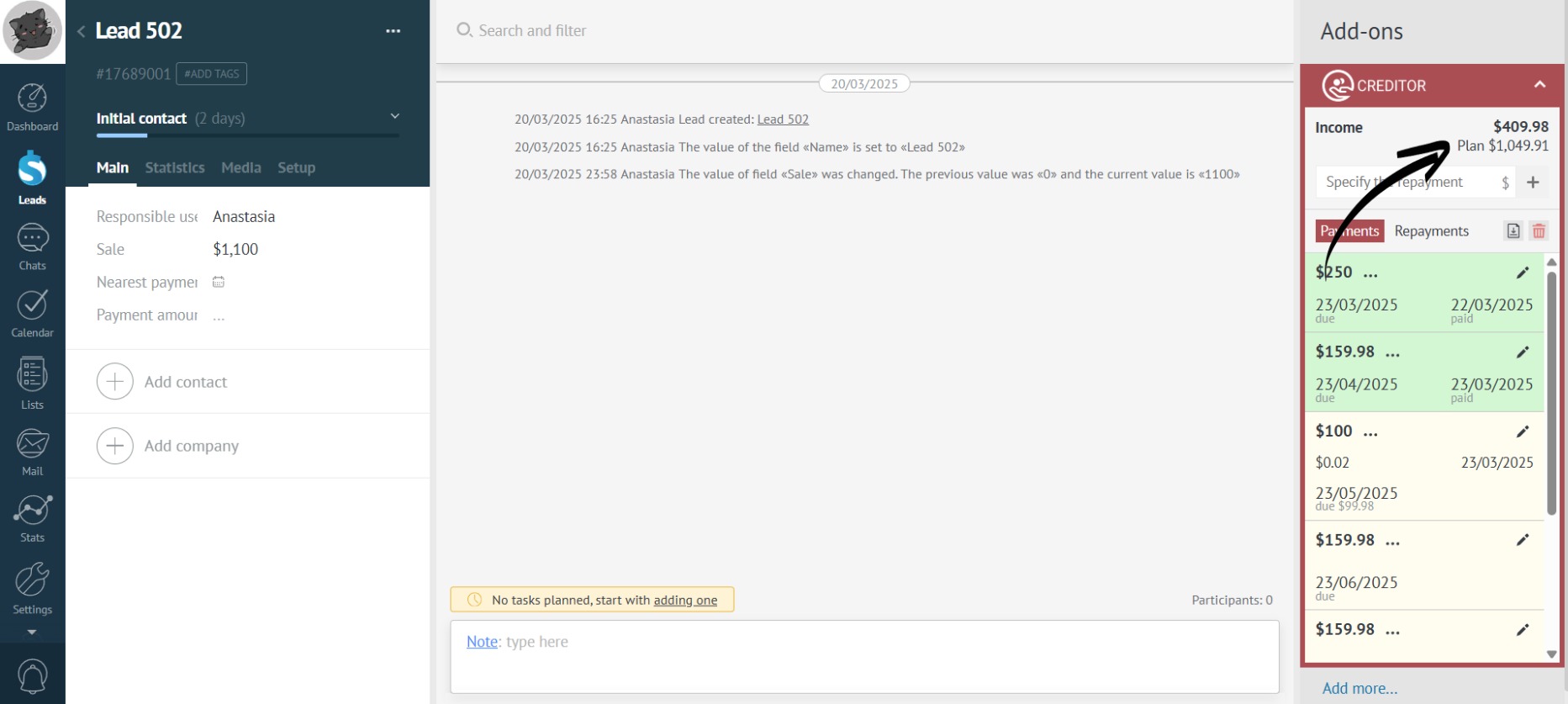
- When editing a payment, the planned revenue also changes: