Documentation
1.
Payer
Installation
App Configuration
Basic Configuration
Client Reminders
Reminder for the Manager
Export Fields Configuration
Custom Statuses
Change History
Required Payment at Stage
Budget Sync
Budget Check
Restrict Payment Modification
Payment Management
Add Income
Add Expense
Edit Payment
Delete Payment
Deleting Multiple Payments
Mark as Paid
View Comment
Add Installment
Export Lead Payments
Analytics
Payment Calendar
Payment Information
Consolidated Report
Monthly Export
Export by Period
Downloading a Payment Schedule
2.
Dokker
Installation
App Configuration
Google Auth
Add Template
Download Template
Delete Template
Editing the Template
Settings
Placeholders
Modifiers
Picture Insertion
App Usage
Template Configuration
Document Generation
Document Actions
Download Document
Download as PDF
Update Document
Edit Document
Share Document
Delete Document
Payer
3.
Creditor
Installation
App Configuration
Basic Configuration
Client Reminders
Reminder for the Manager
Export Fields Configuration
Custom Statuses
Payment Change History
Required Payment at Stage
Automatic Installment Creation
Payment Processing
Add Installment
Delete Installment
Edit Payment
Add Repayment
Delete Repayment
View Comment
Export Installment
Change Payment Schedule
Analytics
Payment Calendar
Payment Information
Consolidated Report
Monthly Export
Export by Period
Import Payments
4.
Folder
Installation
Configuration
Uploading Files
From Chats, Emails, and Notes
By Drag-and-Drop
Via File Explorer
File Actions
Download File
Download as PDF
Delete File
Share File
Edit Document
5.
Looker
Installation
Working with the App
In Chats
In Email
In Notes
In Custom Fields
In Media Lists
In the Lead Tab
6.
Linker
Installation
App Configuration
Adding Links
Sorting the List
Working with the App
Following a Link
Link Description
0.
FAQ
How to Install an App?
How to Reinstall an App?
What to Do in Case of Error?
Where to Find the Account ID?
How to Clear the Cache?
More
Site
Contact Us
YouTube
Documentation
>
Creditor
>
Payment Processing
> Delete Repayment
Delete Repayment
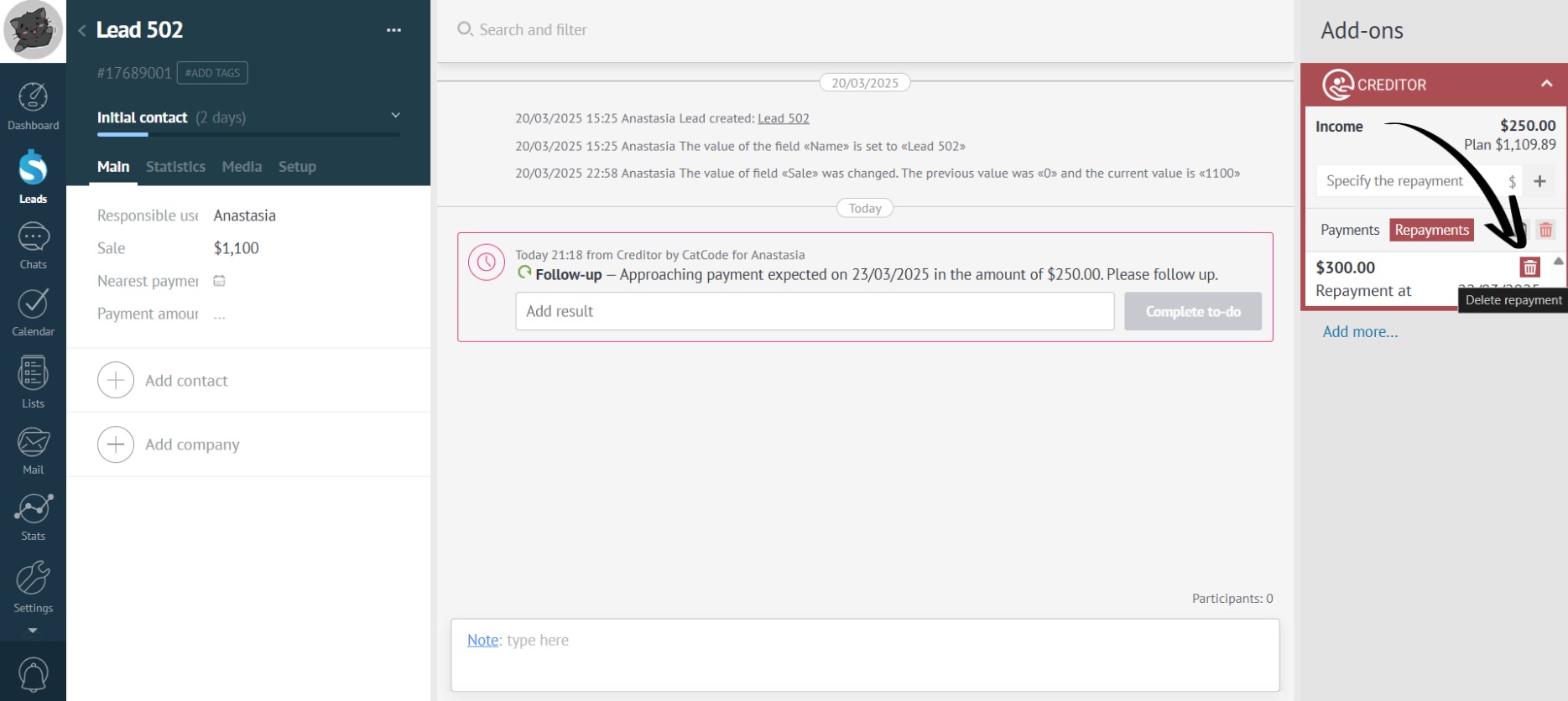
Go to the “Repayments” tab in the app and click on the trash can icon next to the repayment you want to delete:
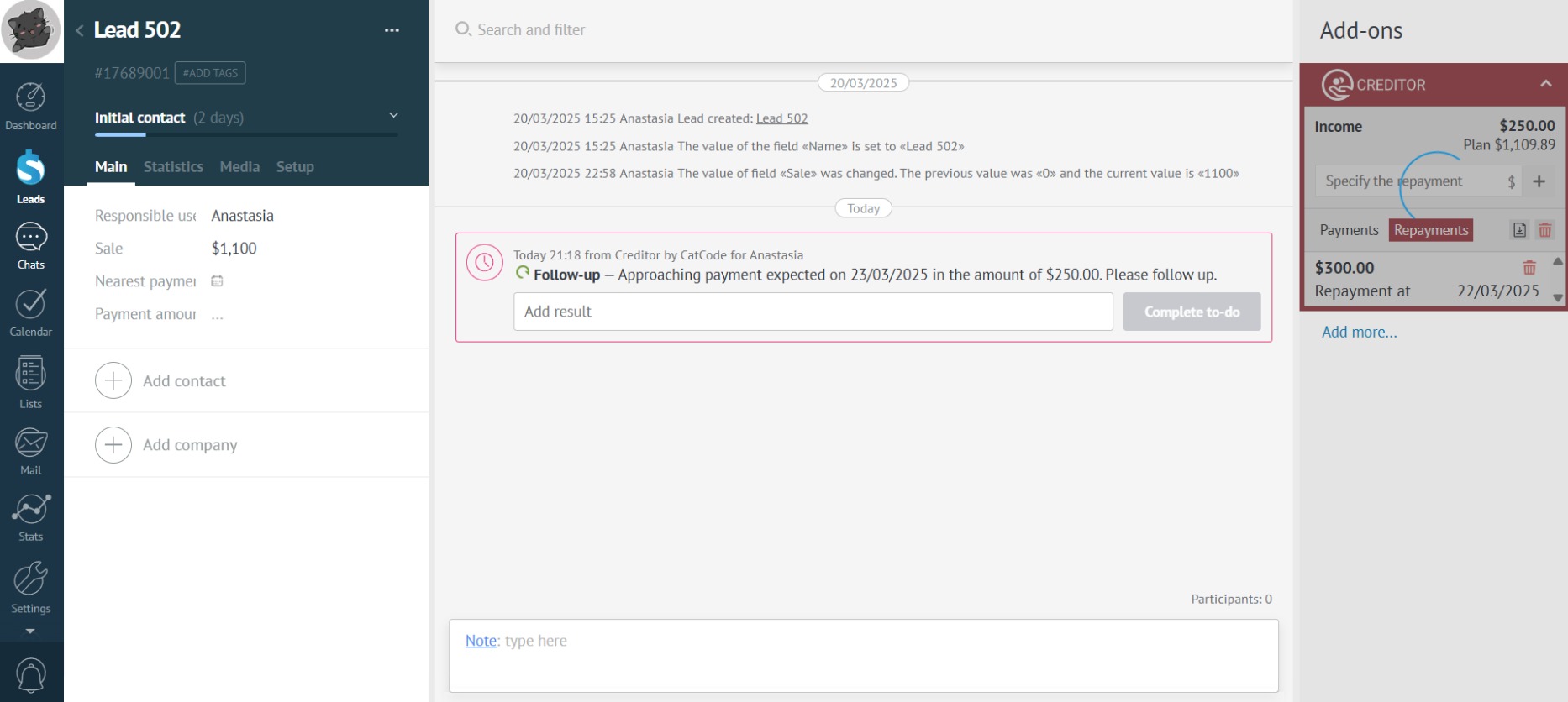
Wait while the app deletes the repayment:
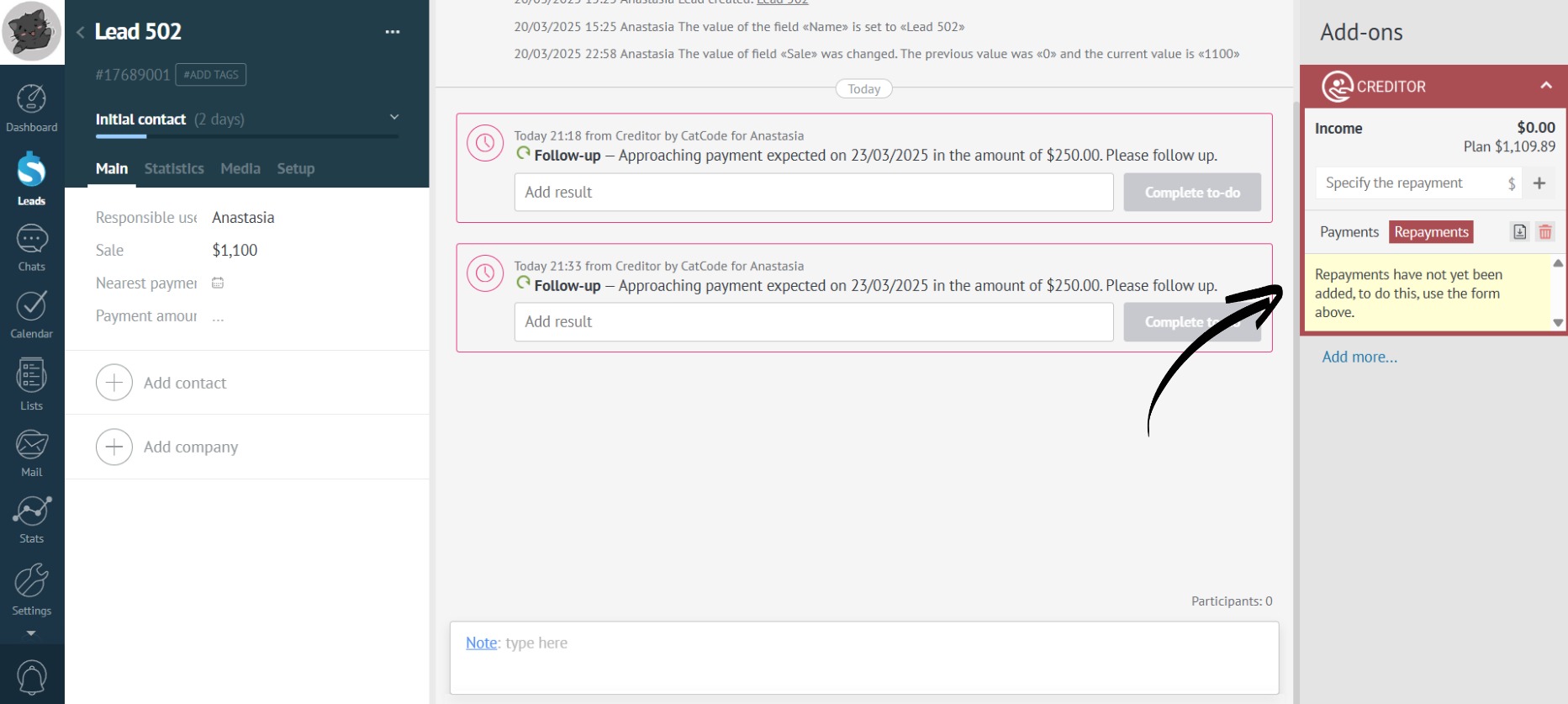
Done! The repayment has been removed from the app: