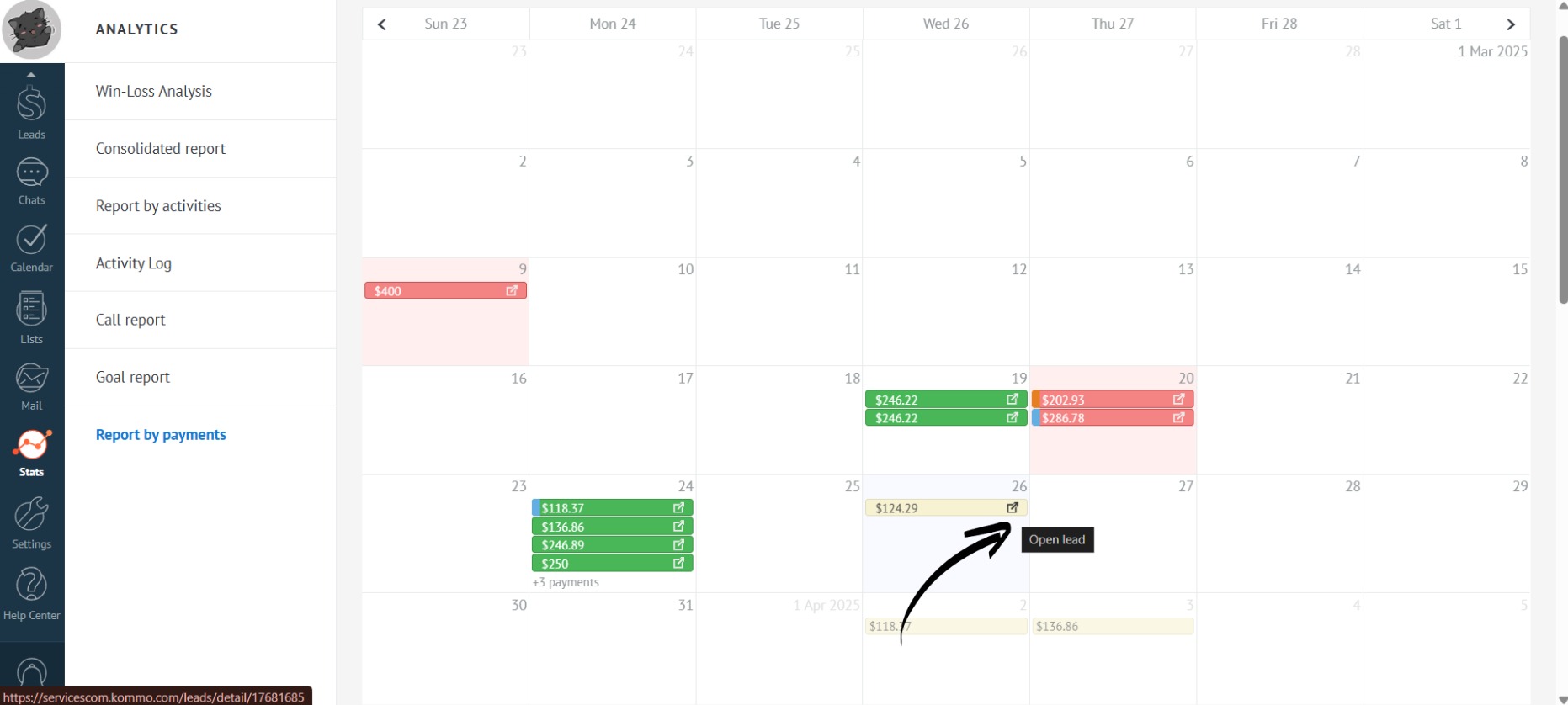
Payment Information in the Calendar
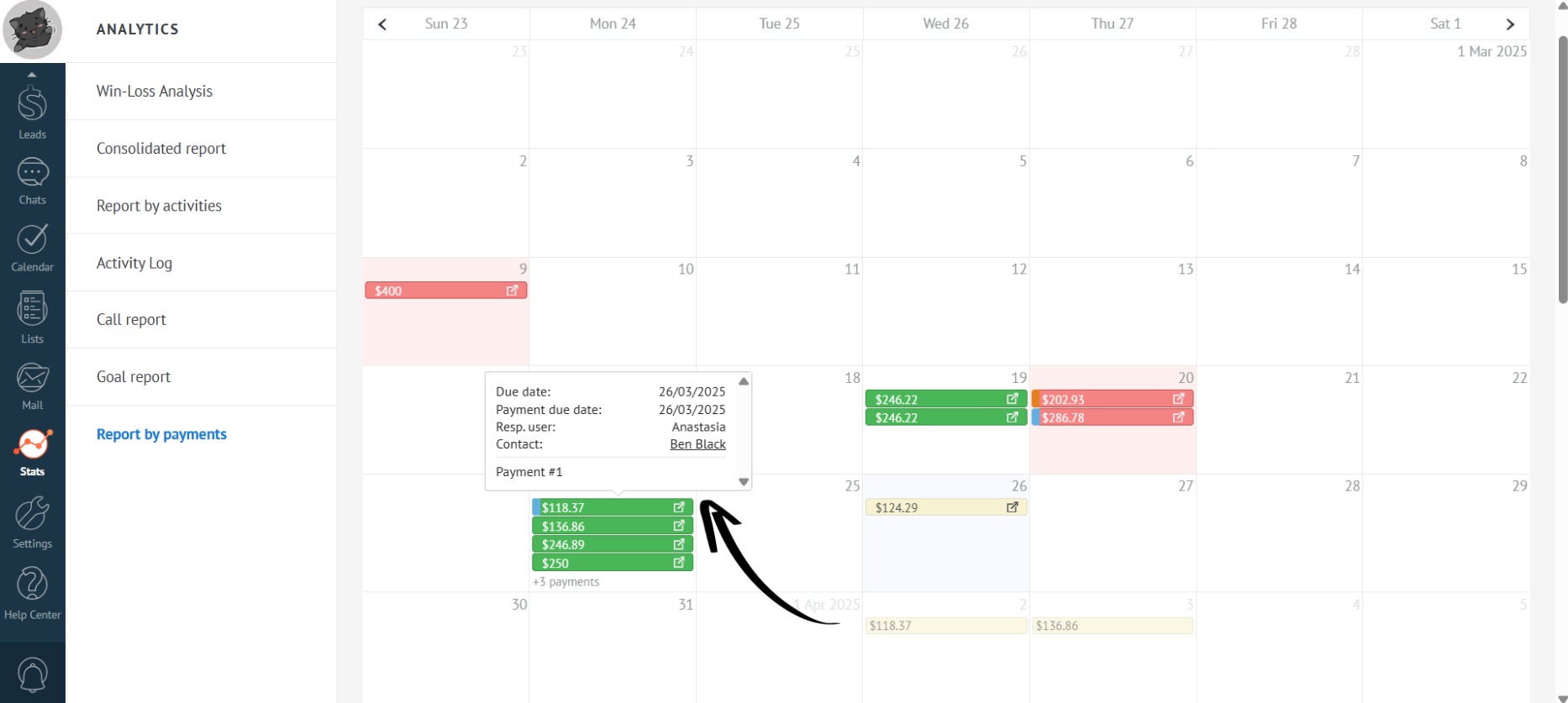
- Click on a payment to view additional information about it:
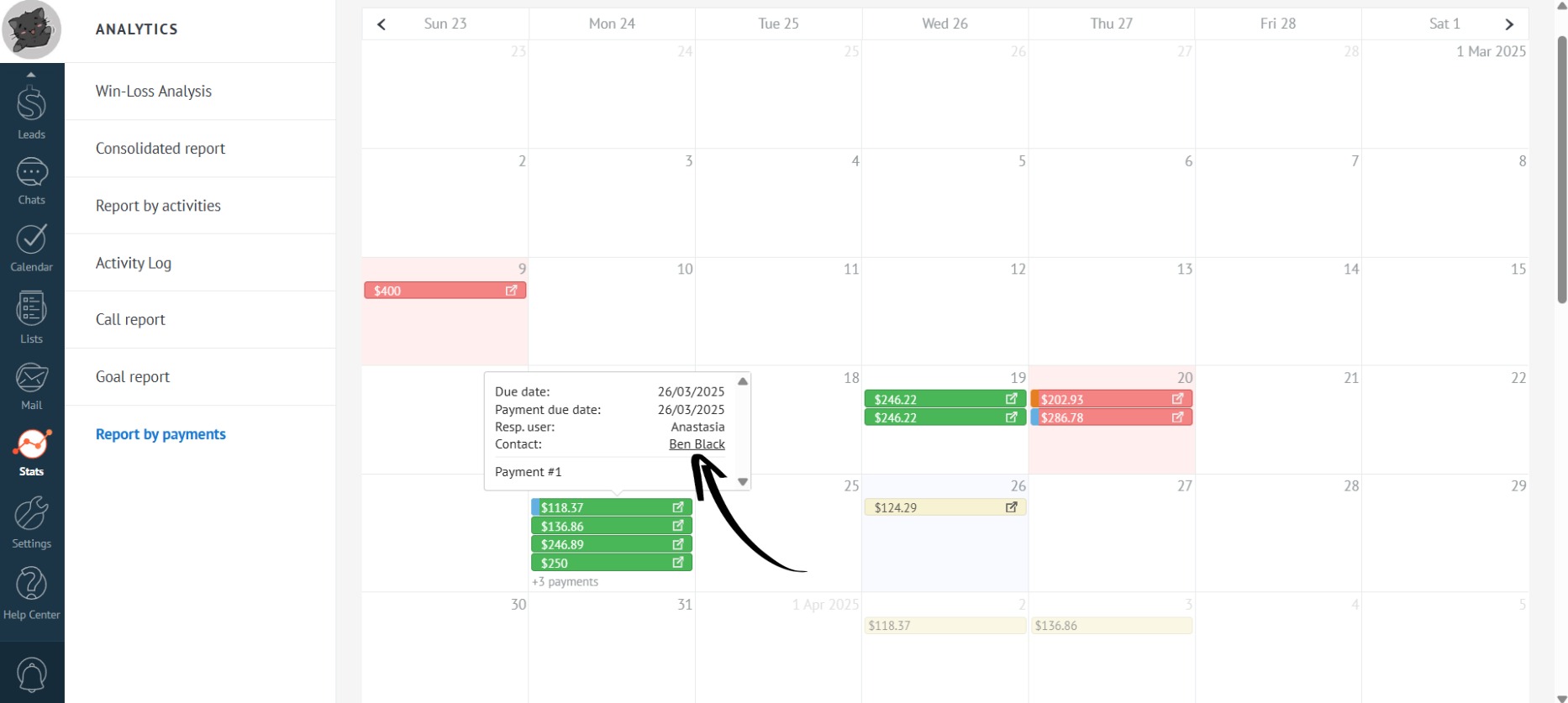
- To open the contact’s card, click on the contact’s name in the pop-up block with additional information:
- To navigate to the lead, click on the arrow to the right of the amount: