Filtering Stats
In the “Analytics” section, you can filter and export payments by custom statuses (if they are enabled in the app settings). This allows you to generate reports only for specific payments — such as delayed payments or those requiring a call to the client.
- Enable “Custom payment statuses” in the app settings:
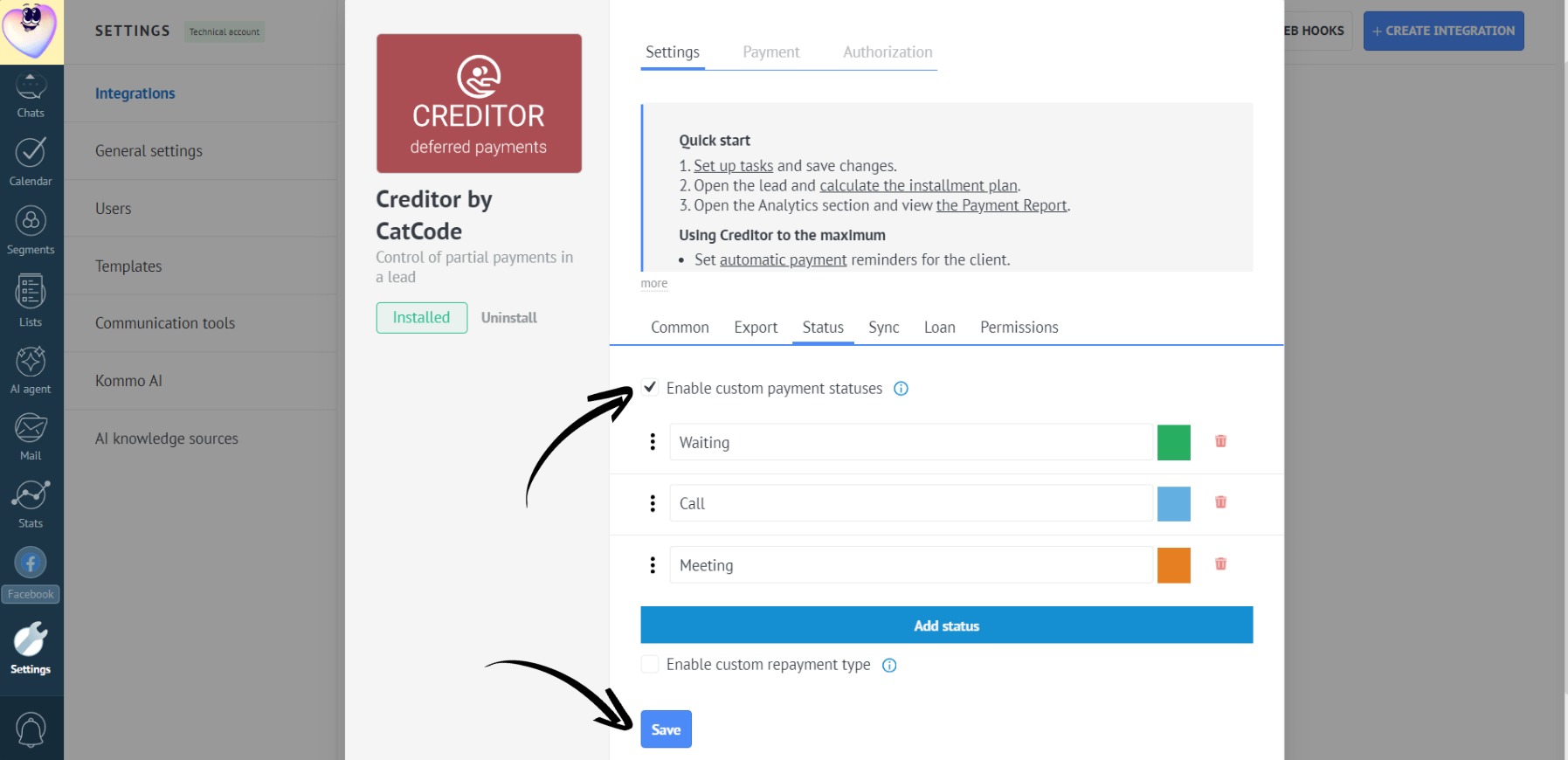
Learn more about setting up custom statuses here.
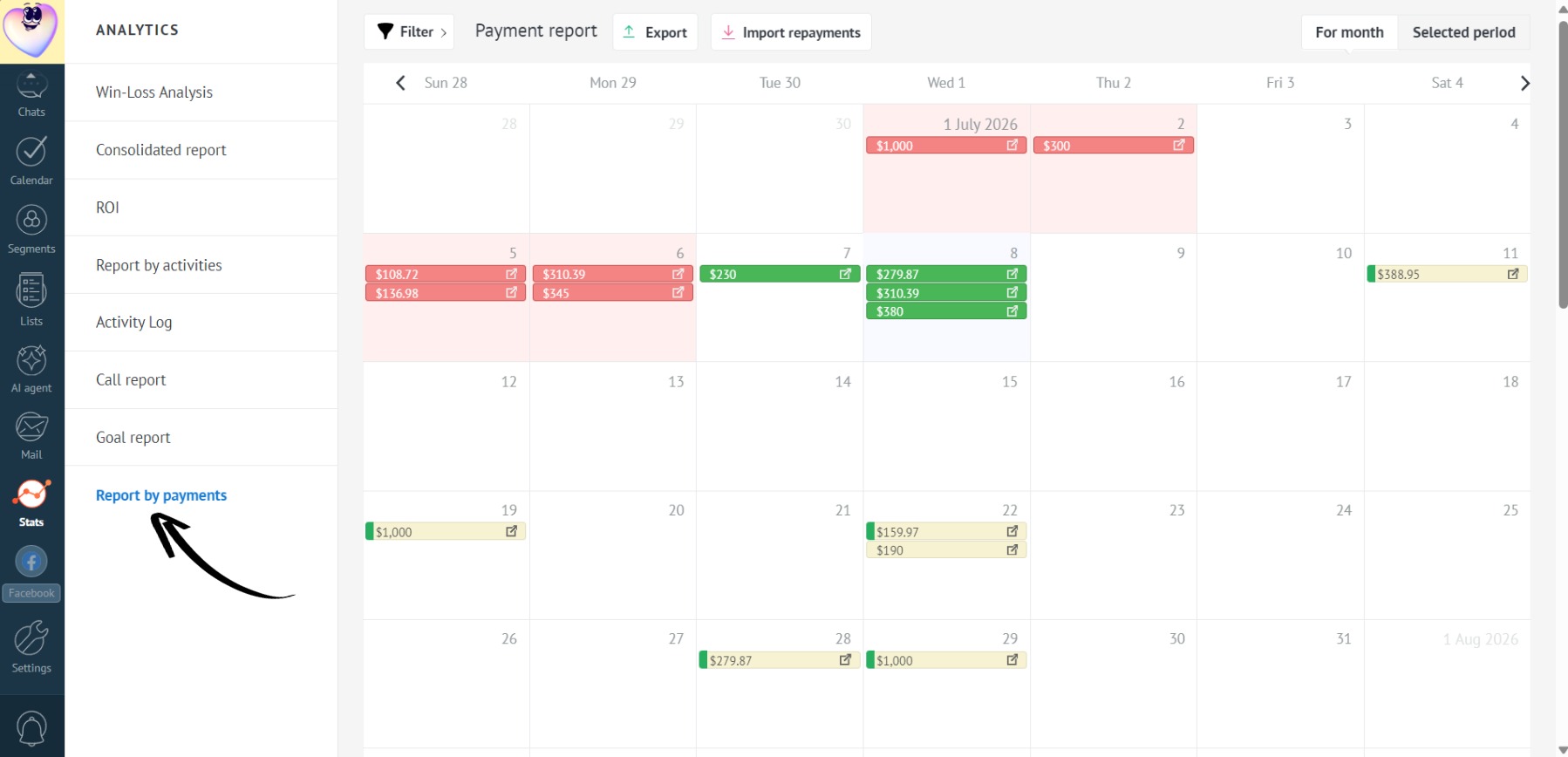
- In the “Analytics” section, select “Report by payments”:
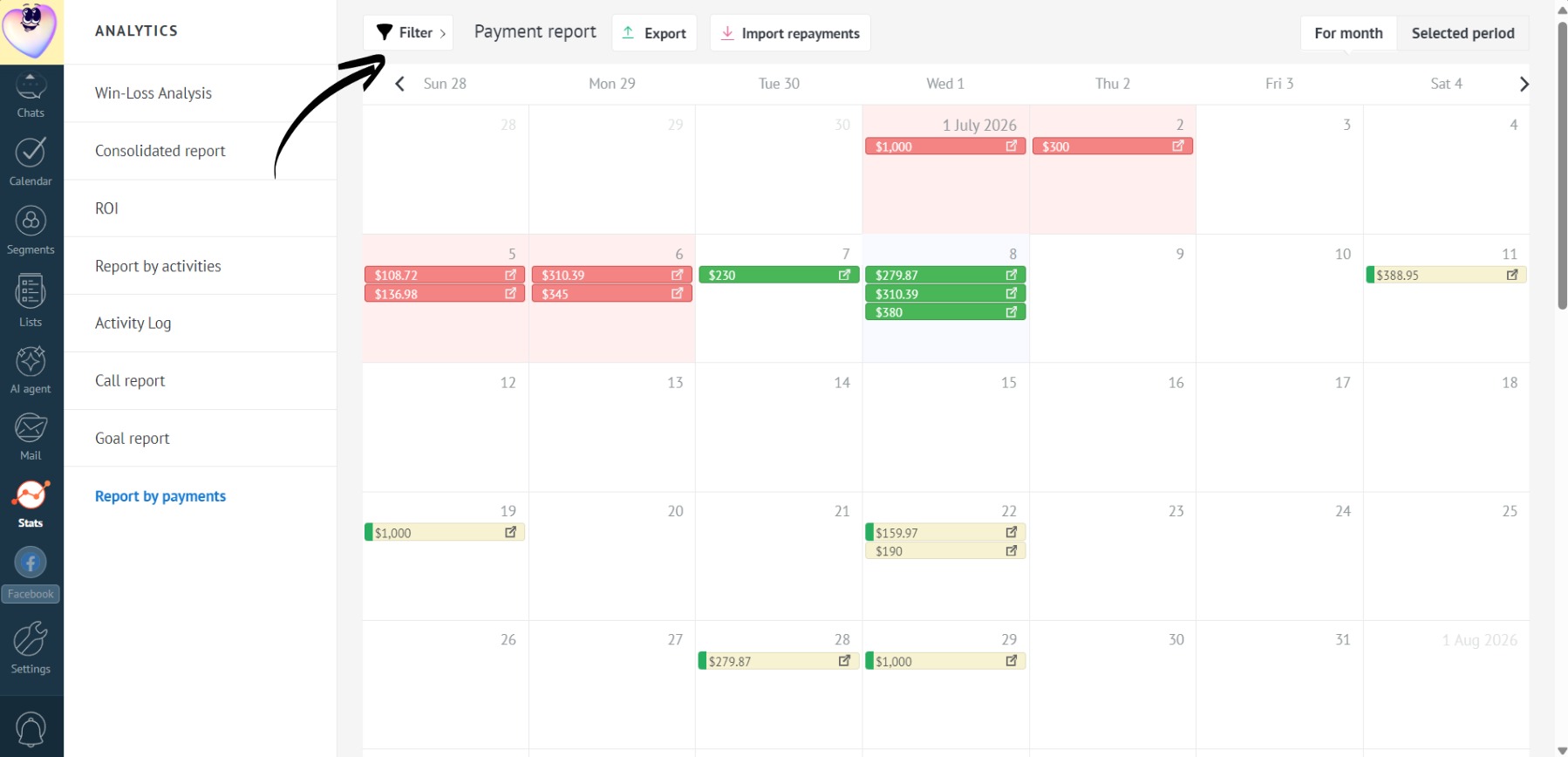
- Click “Filter”:
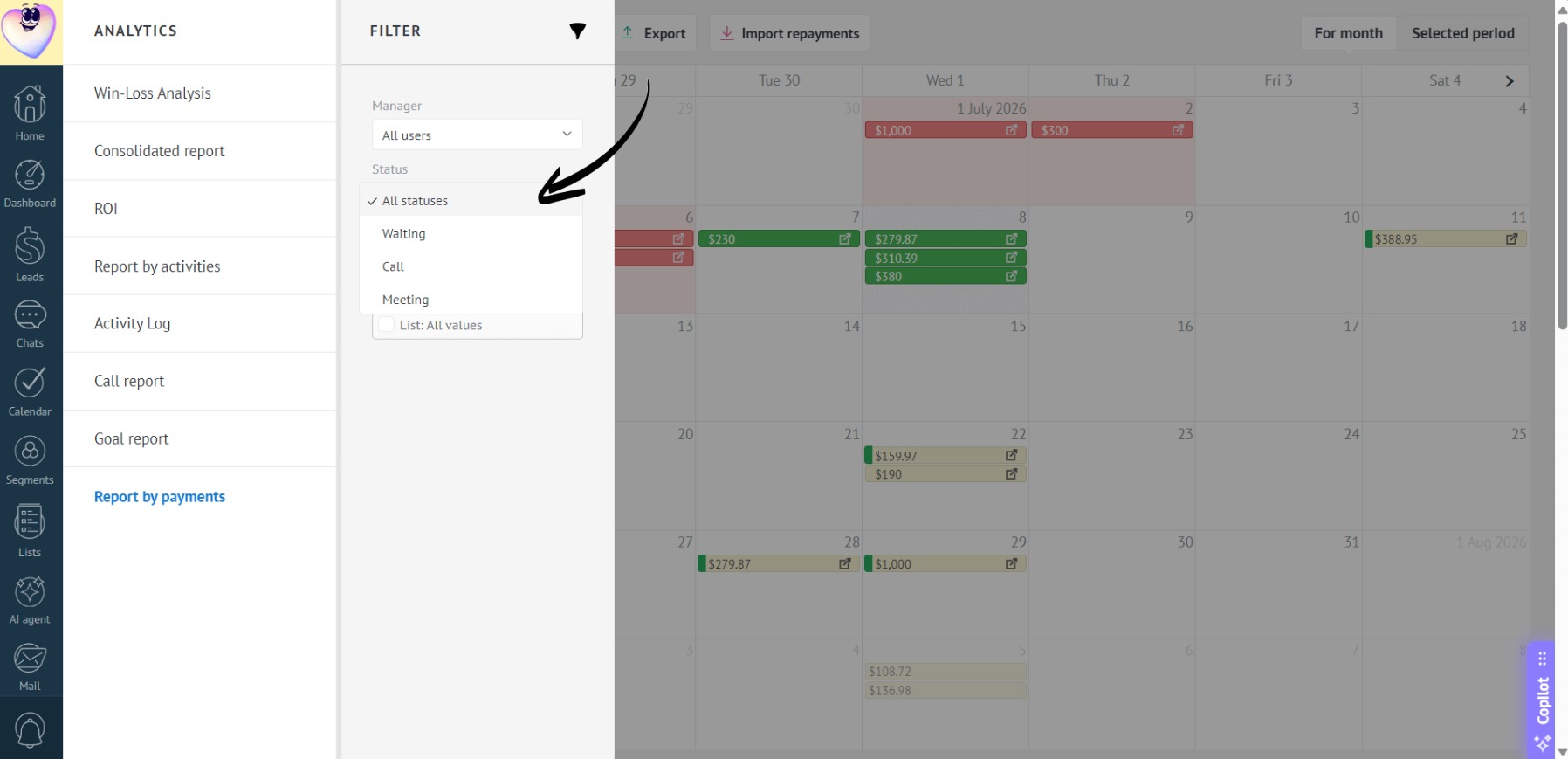
- Choose the payment status you want to generate a report for:
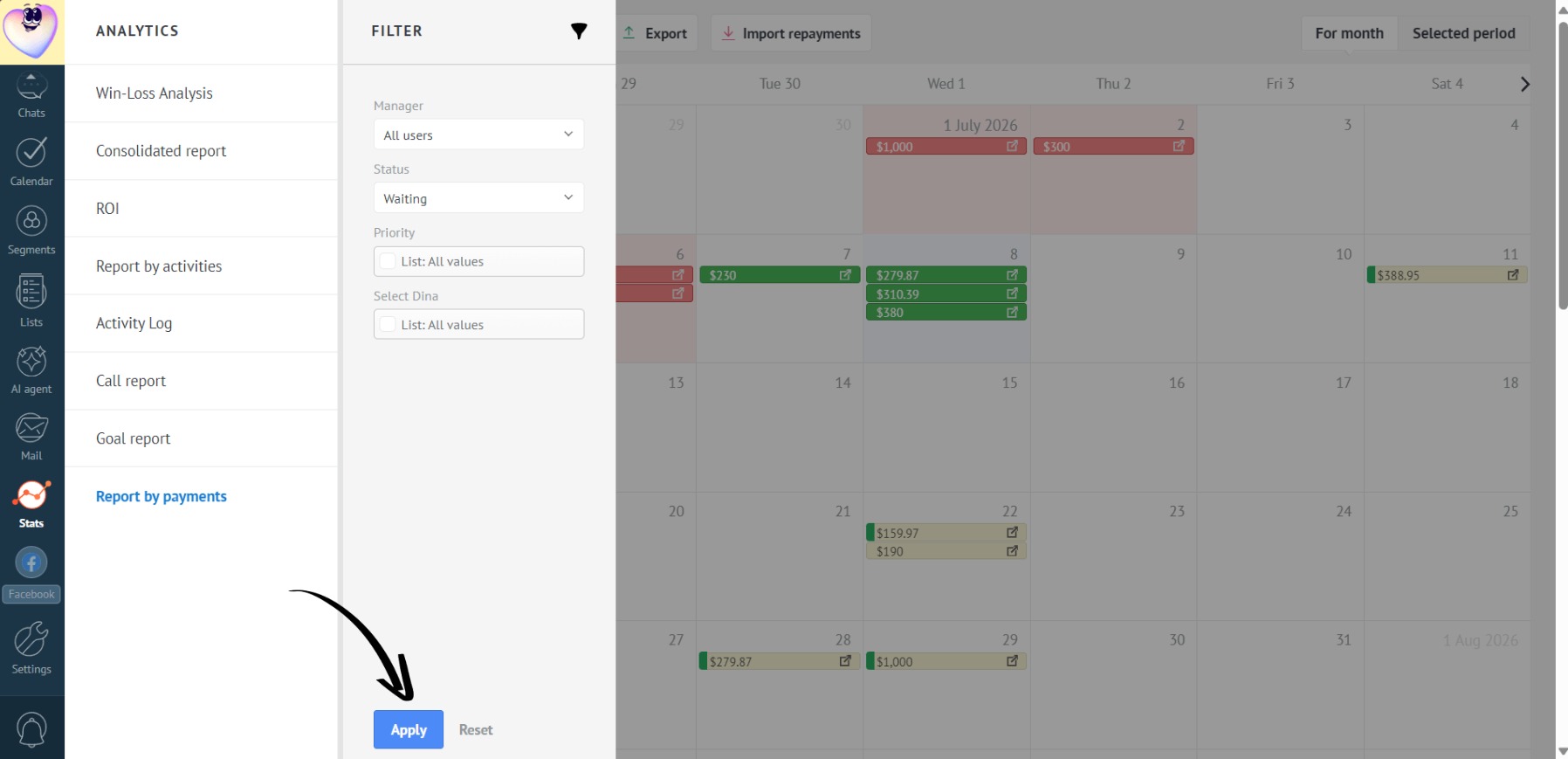
- Click the “Apply” button:
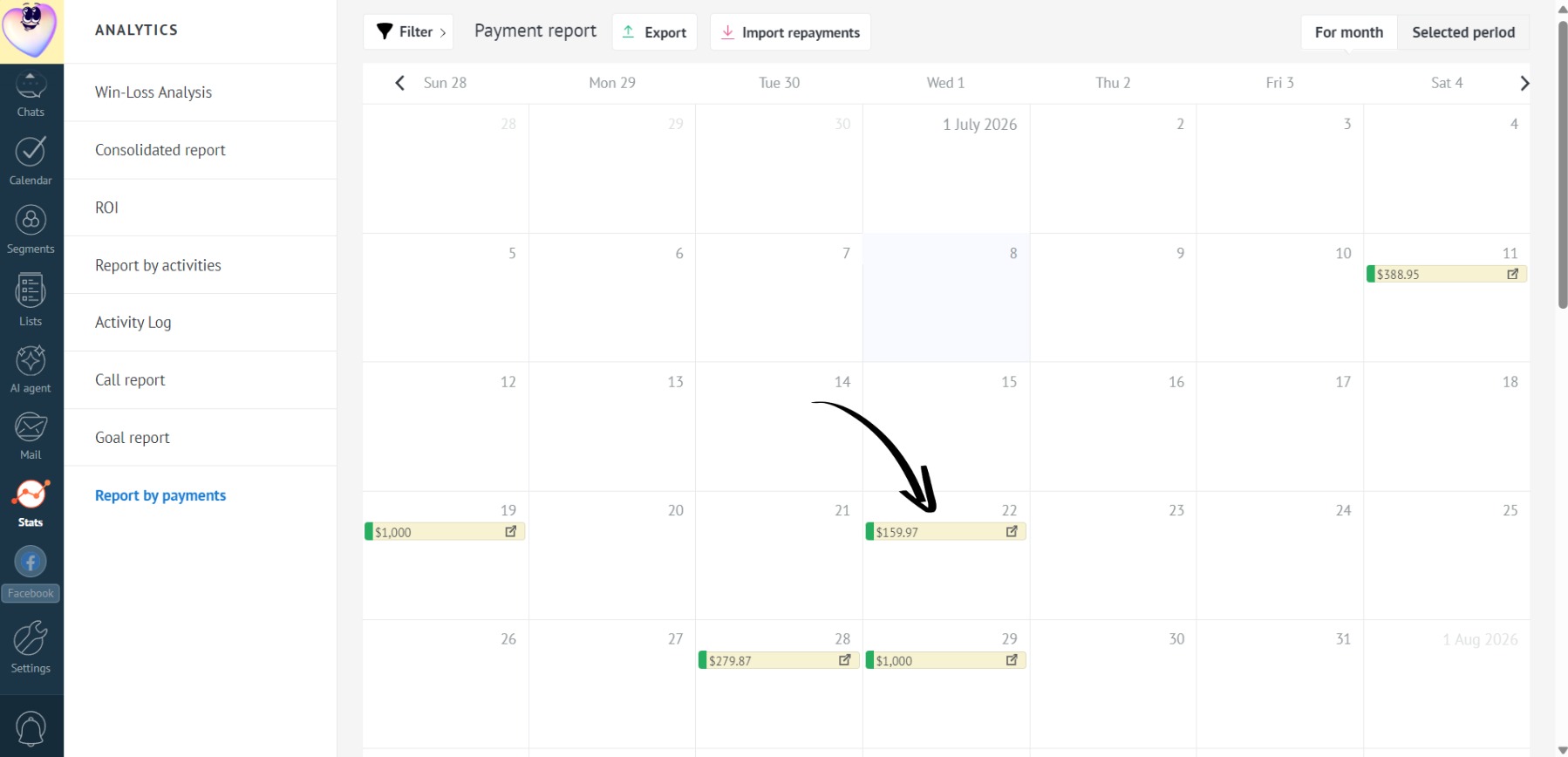
- Done! The payment report will display only the payments that match the selected custom status:
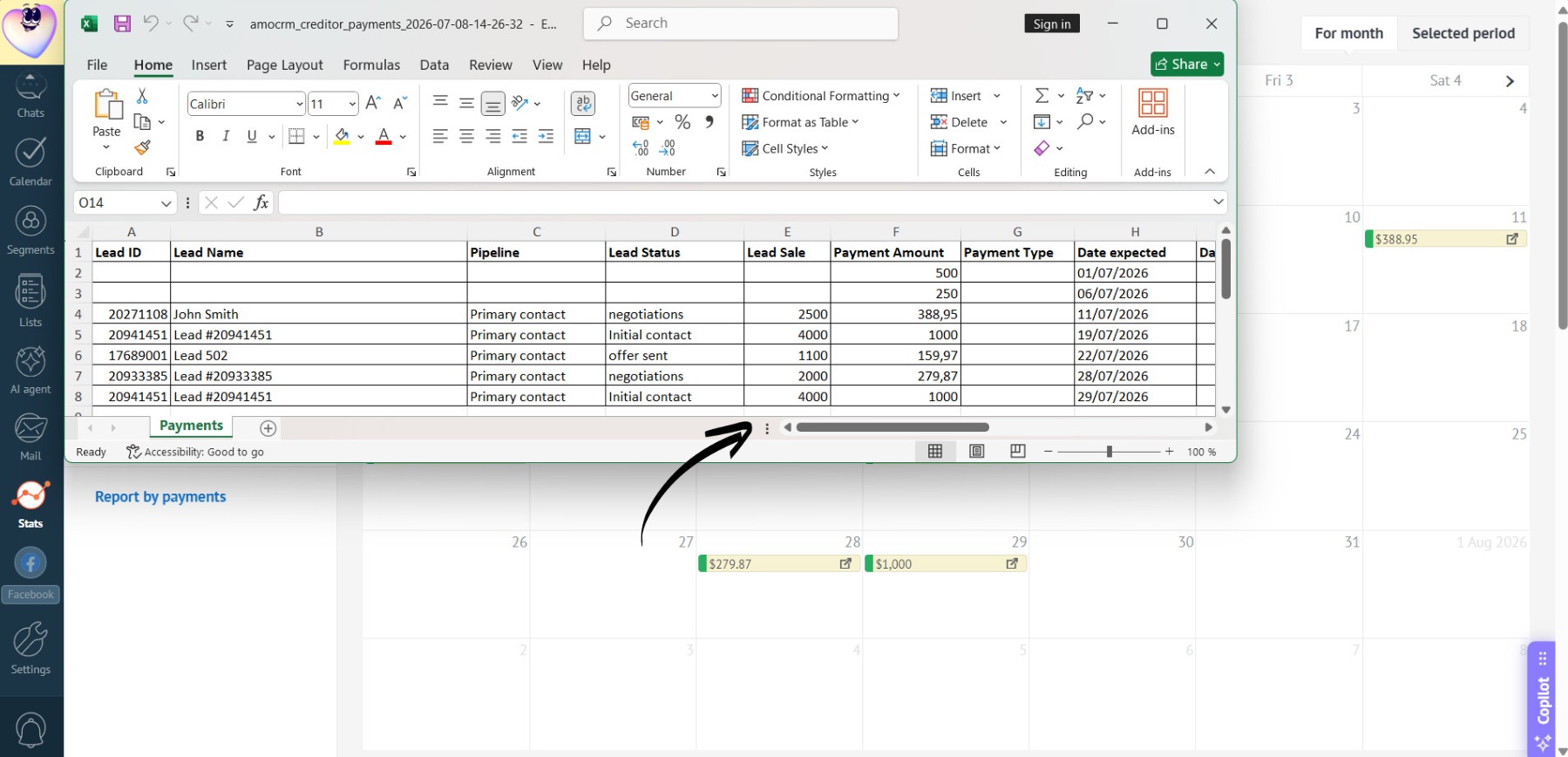
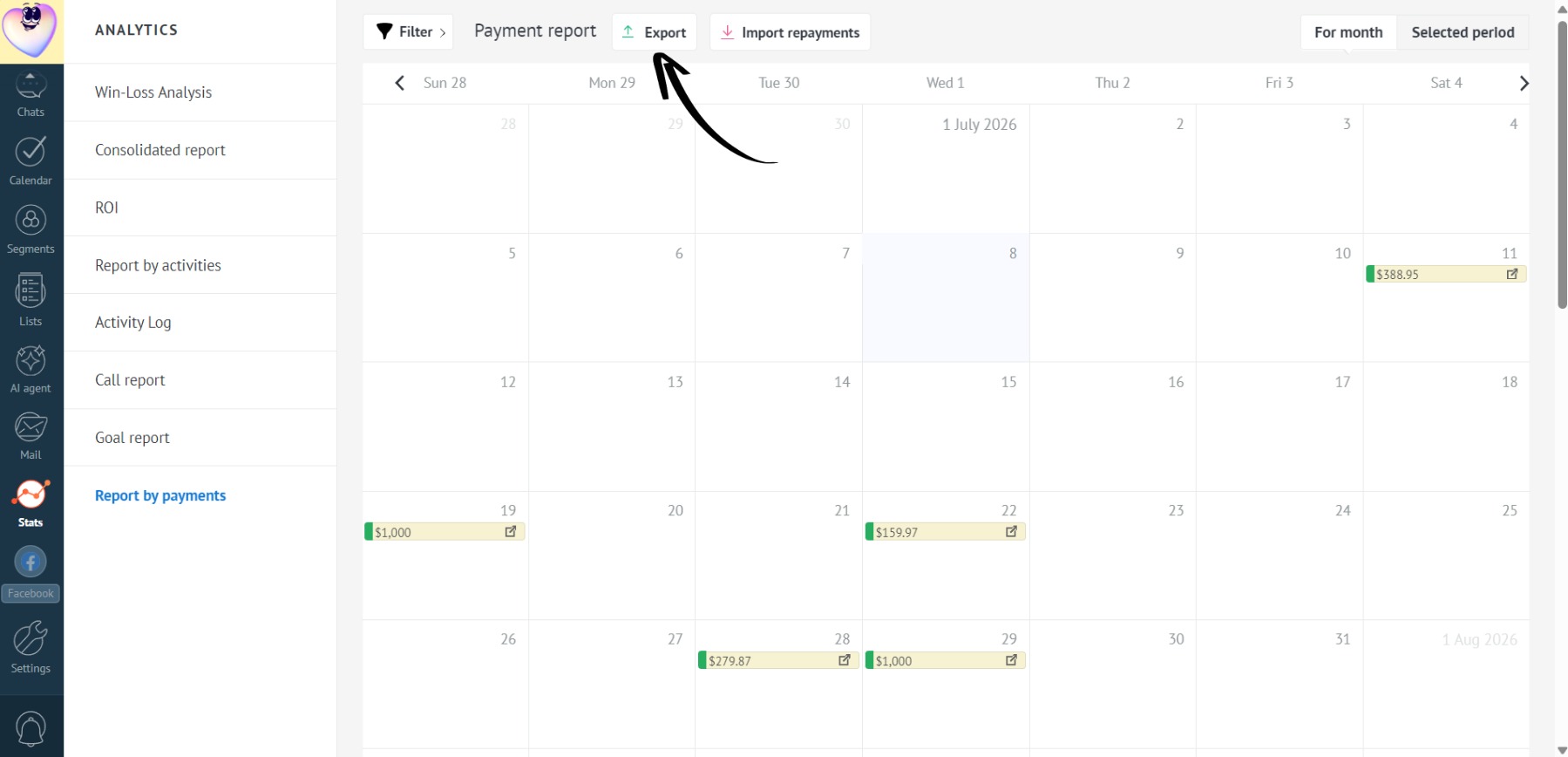
- To export payments with the desired custom status, click the “Export” button:
- Select “Current payments: for month”:
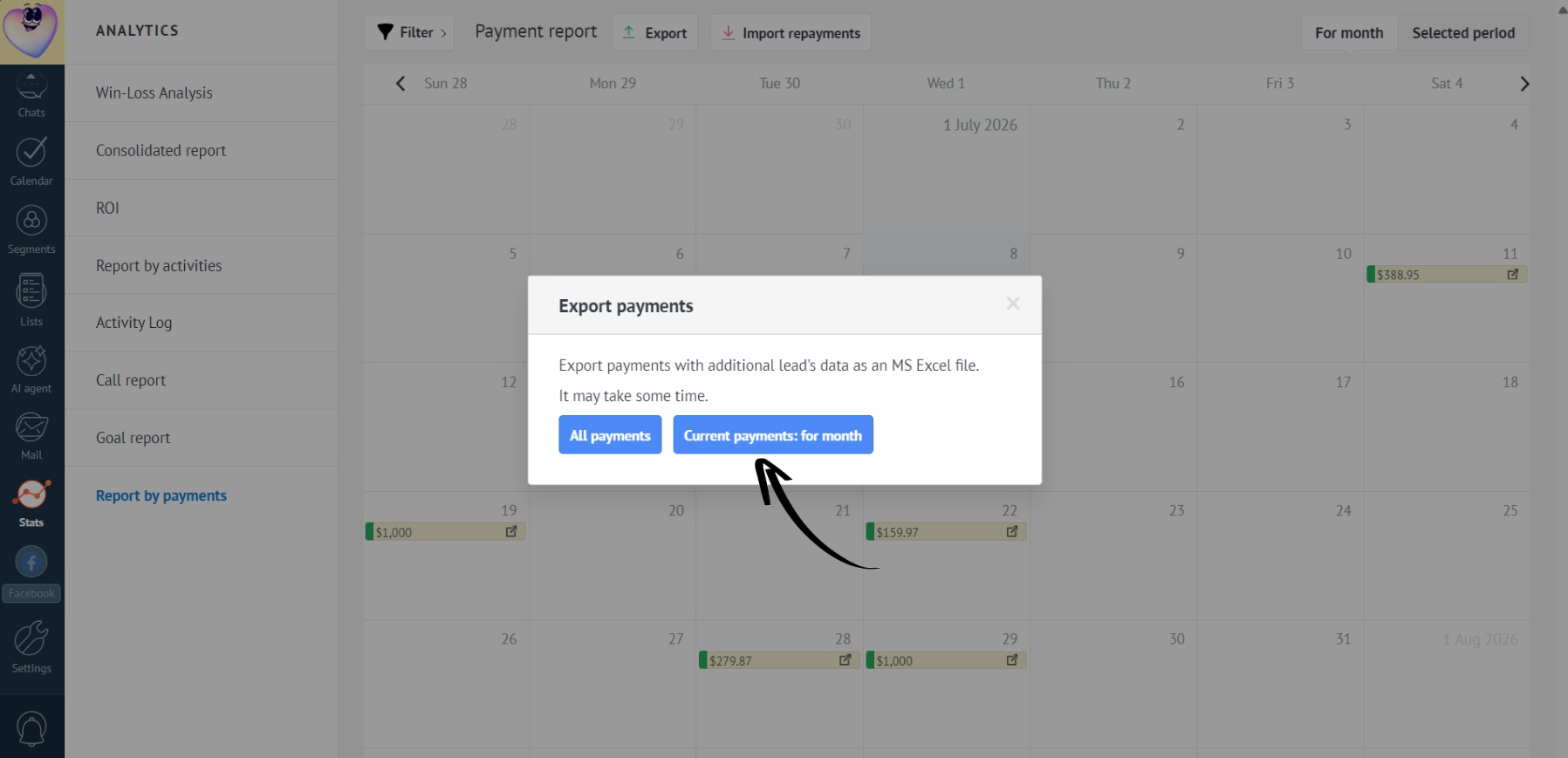
- Done! The generated report will only display payments with the selected custom status: