Payment Calendar
See all payment types for your company’s leads in one place. Analyze the performance of the entire department or a specific manager.
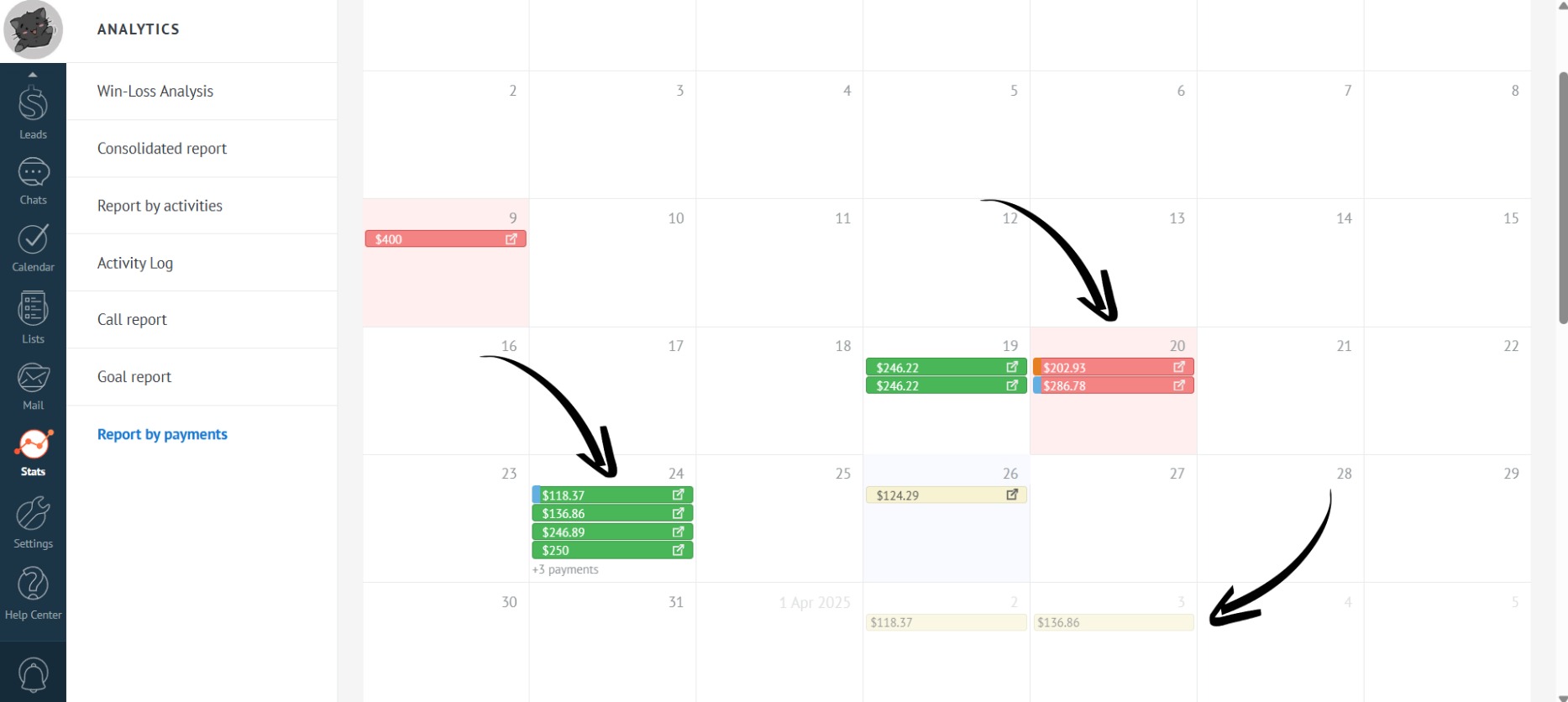
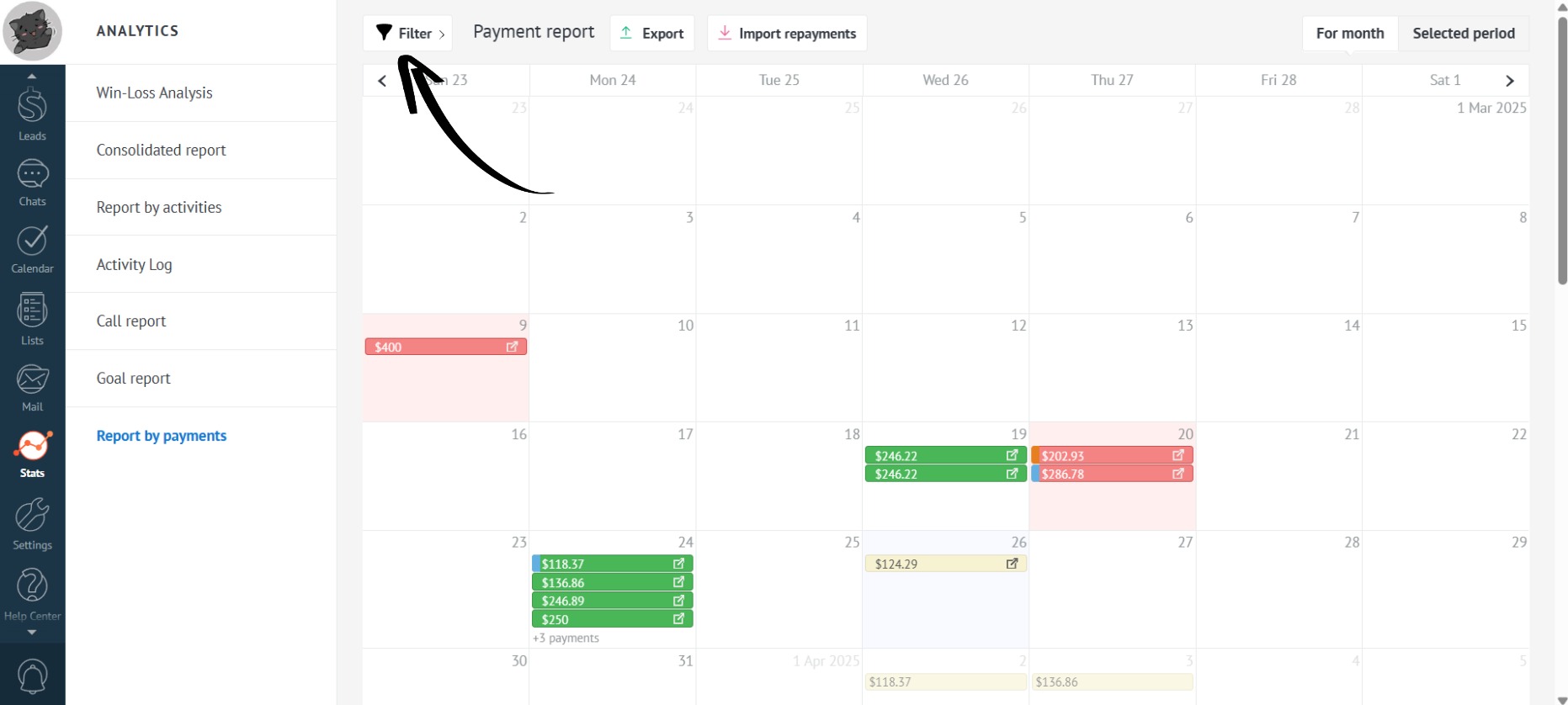
- In the payment report, the first thing displayed is the payment calendar for installments. Green indicates paid payments, yellow indicates pending payments, and red signifies overdue payments:
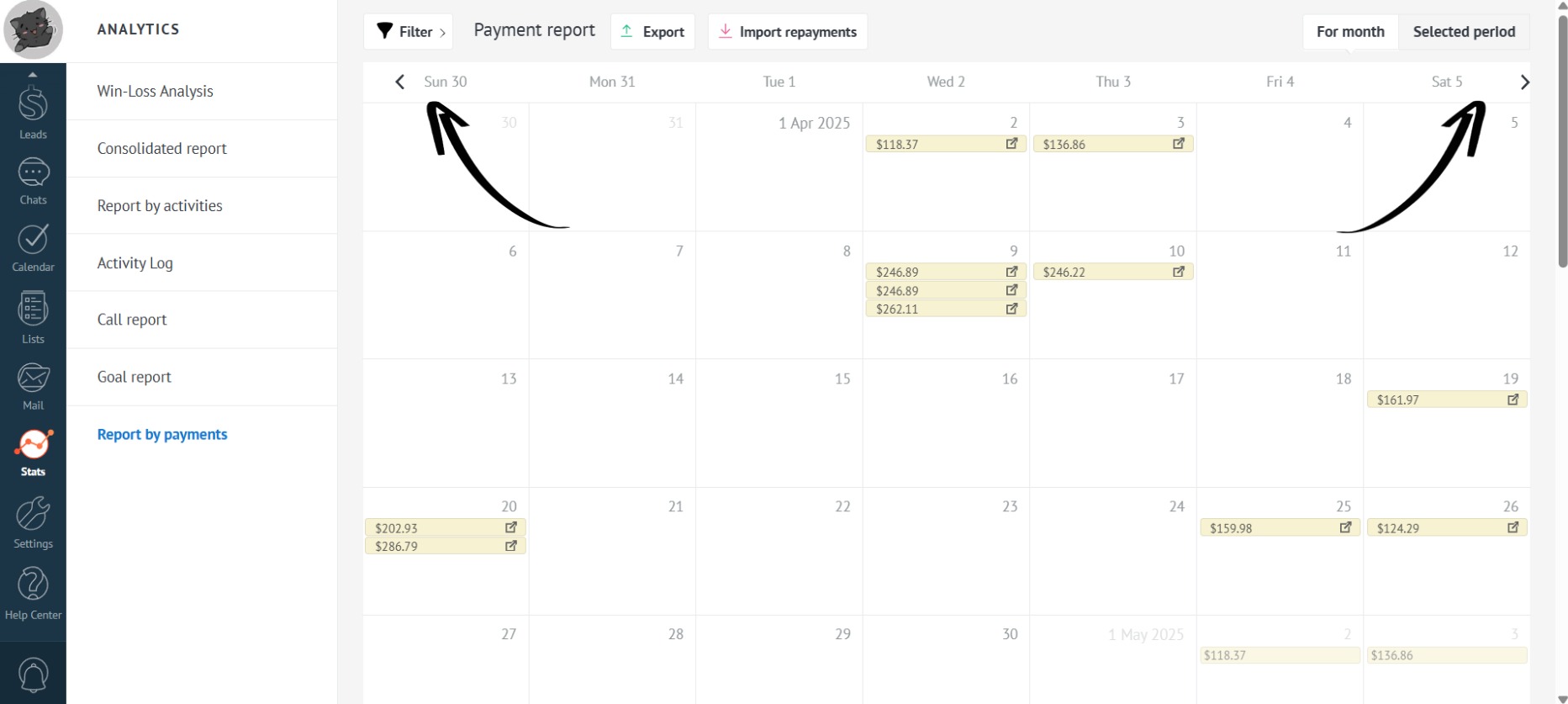
- To view payments for the next or previous months, simply click on the arrow buttons to the left and right of the days of the week:
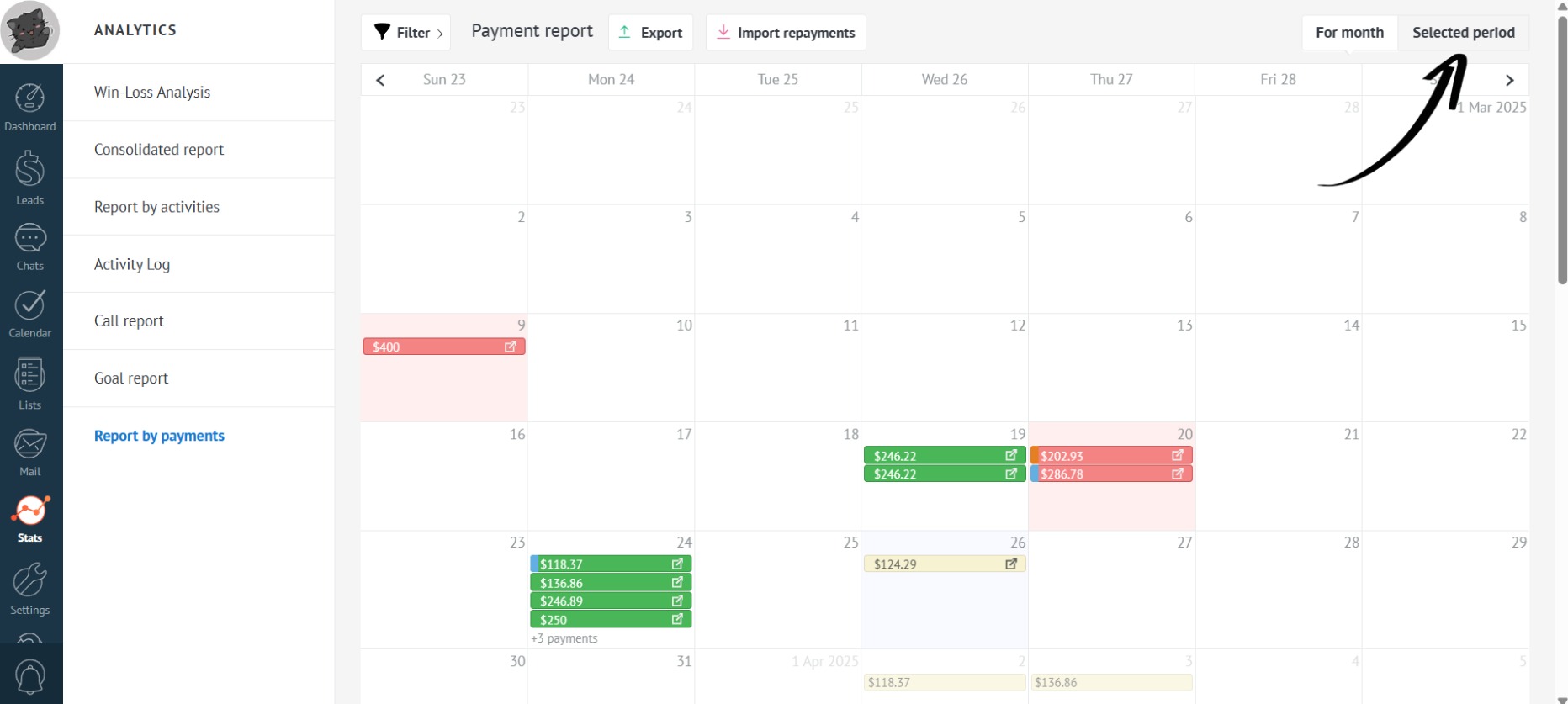
- You can also view payments for a specific period by clicking on the “Selected period” button:
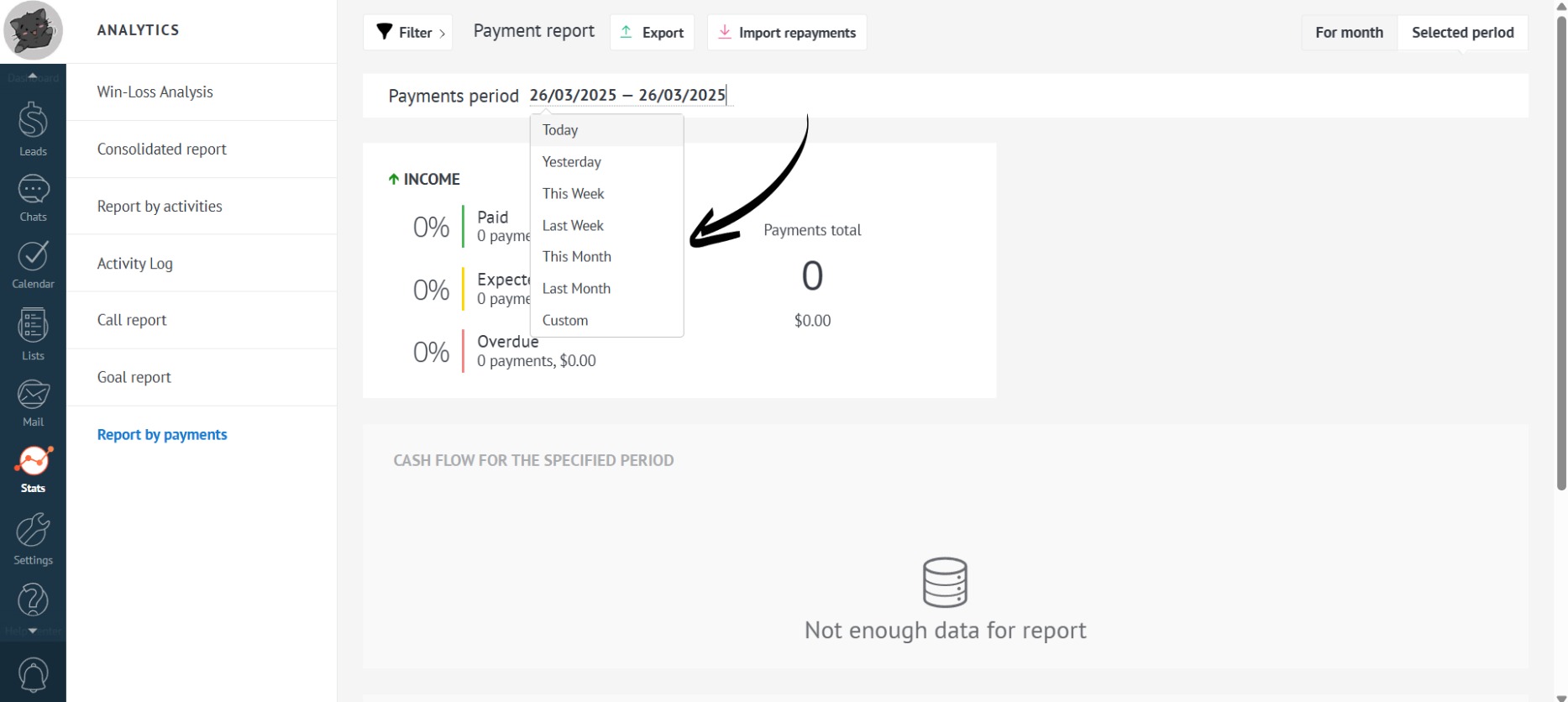
- Here, you can select the desired period for which you want to view installment payments:
- You can also filter payments by users (employees) by clicking on the “Filter” button:
- Now, select the desired employee from the dropdown list:
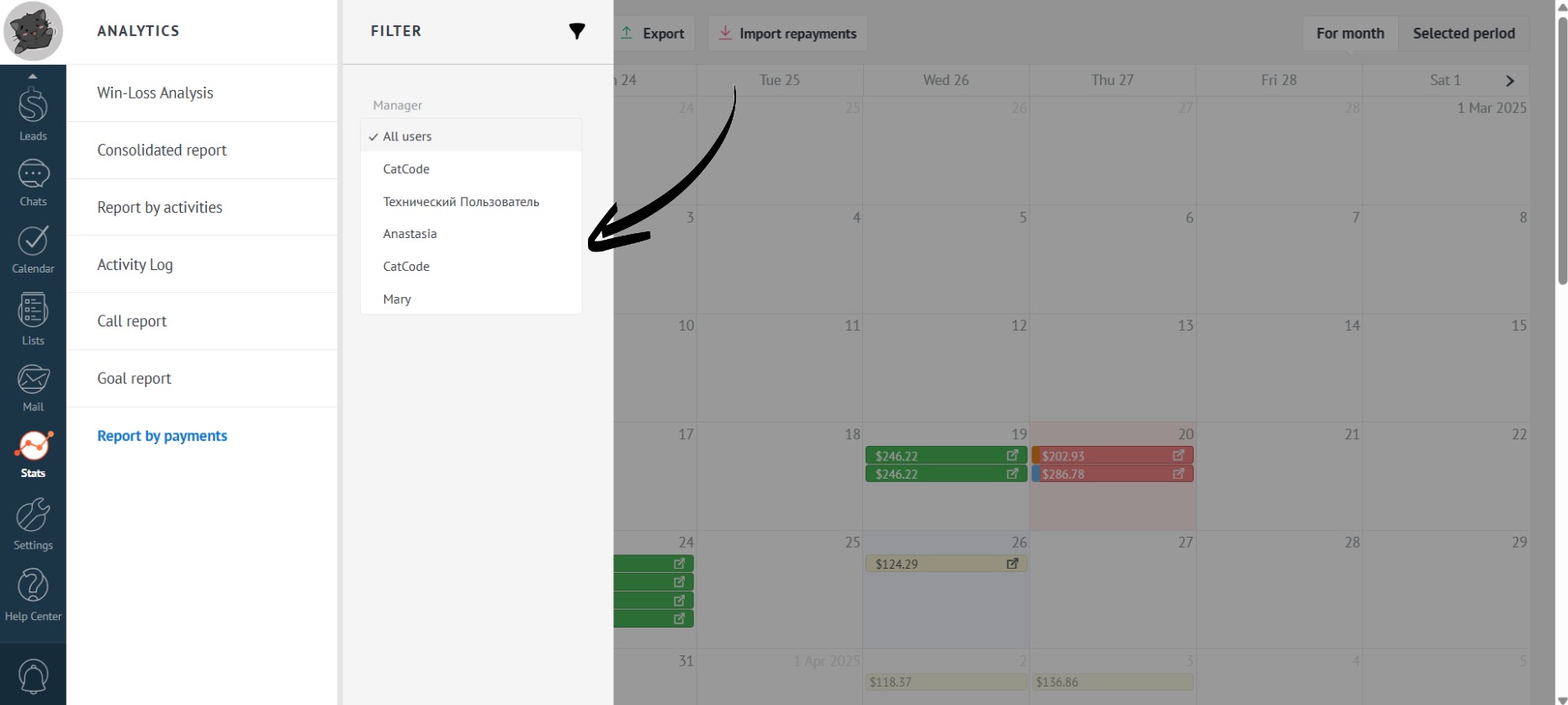
Administrators can filter by all users, while users without administrator privileges can only view their own payments.